

Loyalty appOpen a real oneSee it as a new customer →
The loyalty app for small business.
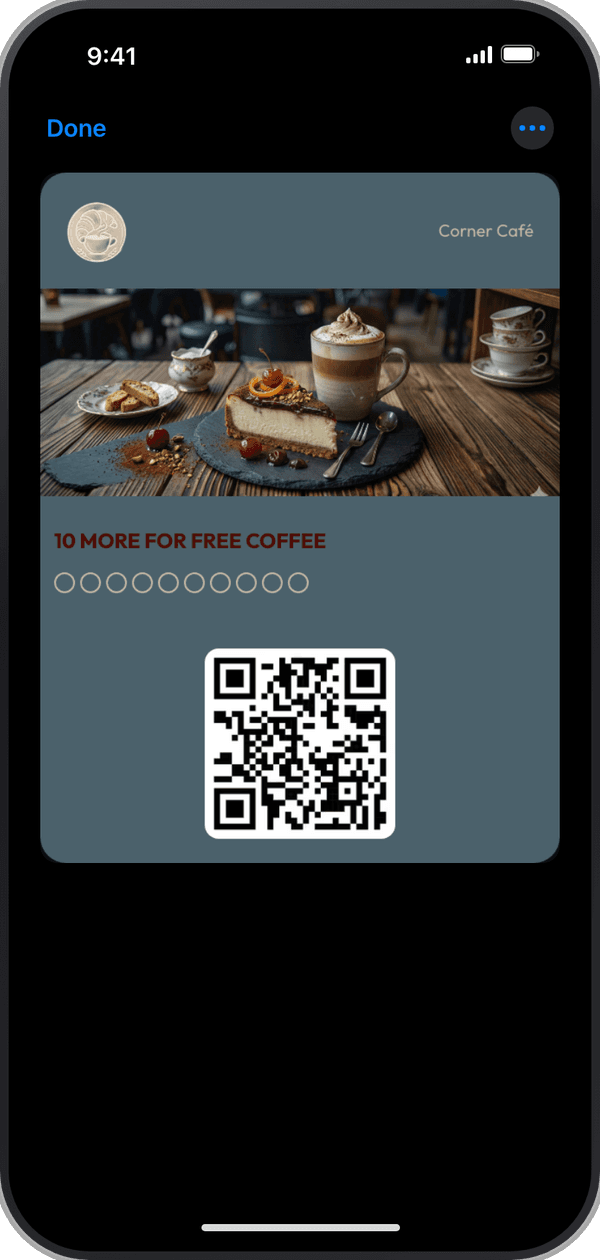
Make your stamp or points card, scan it at the counter with the Passtastic scanner app, and give every customer your own app with their rewards, your offers and your messages. Customers download nothing: their app opens from the My rewards link on the card in their wallet.
Free to start · 14 days · no card needed
Open a real oneScan with your phone to open Corner Café's app

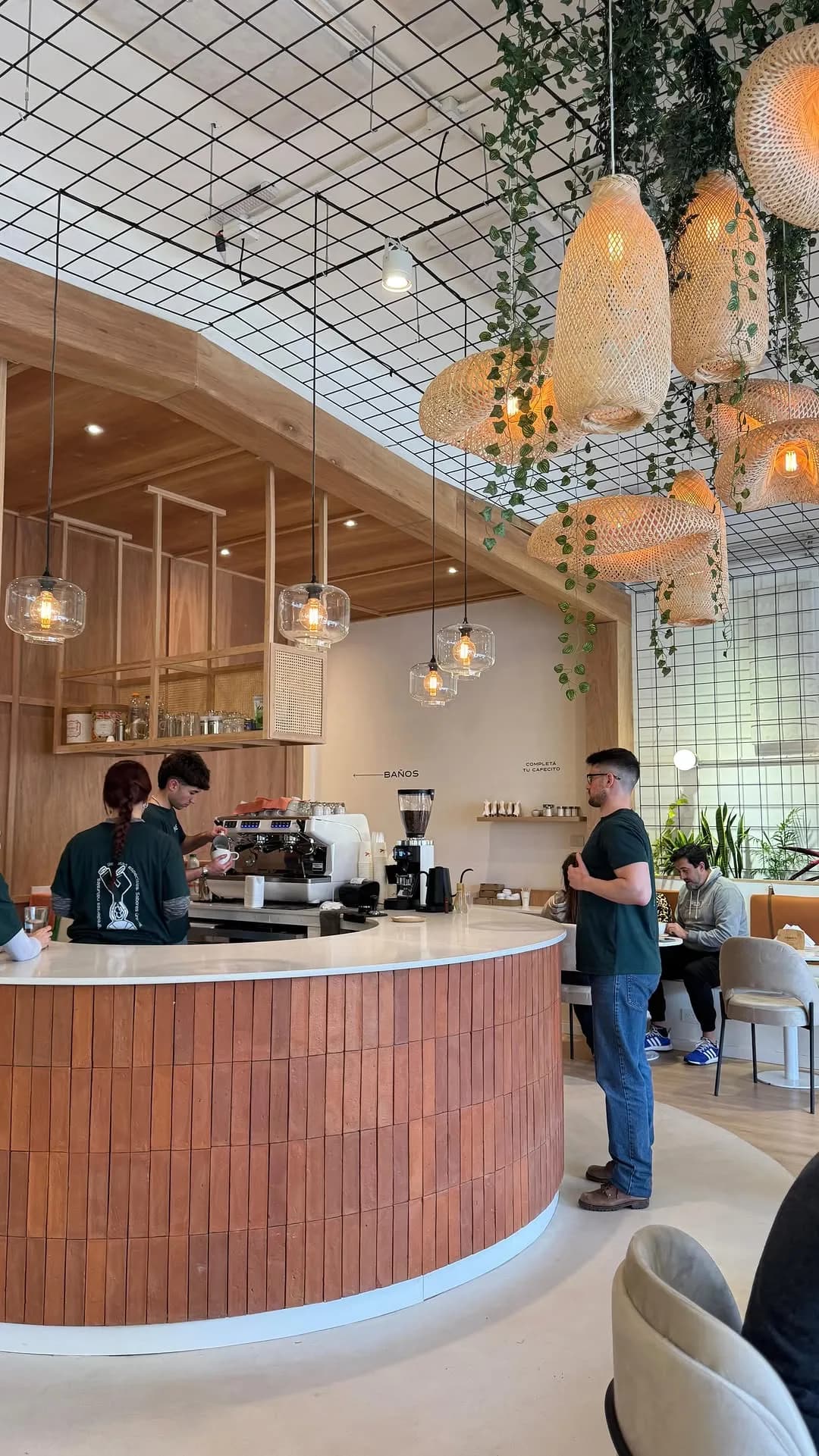

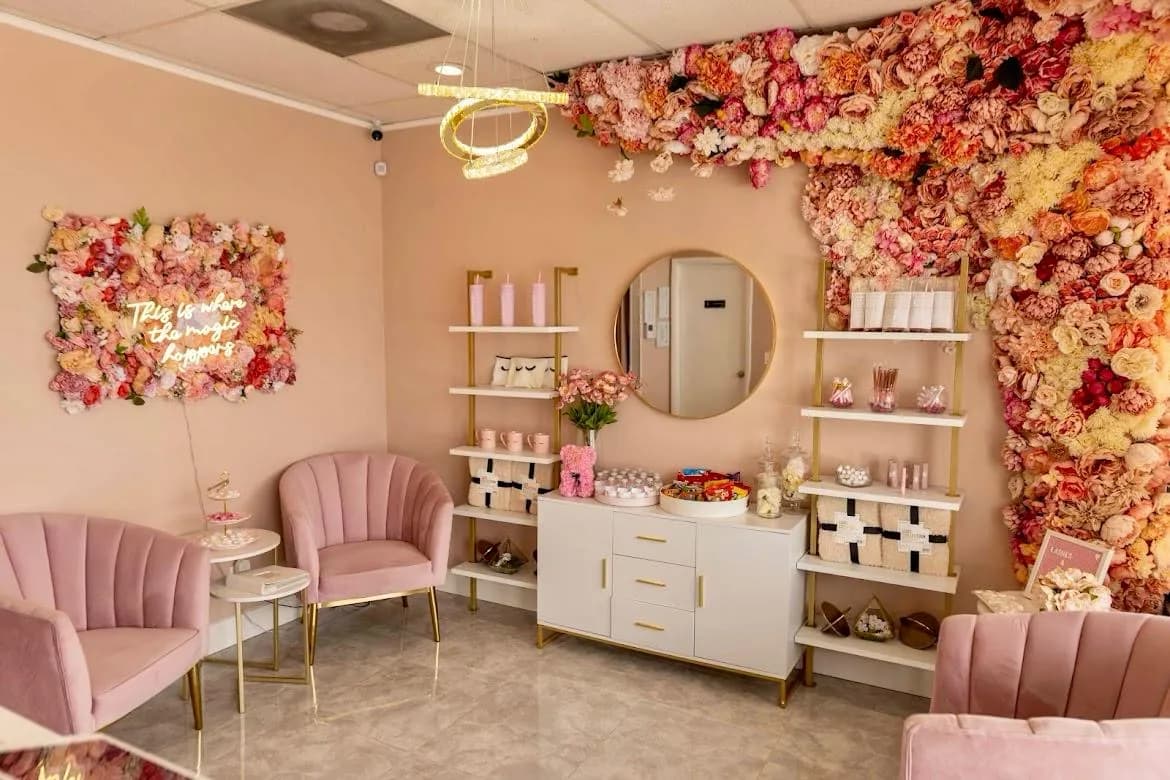
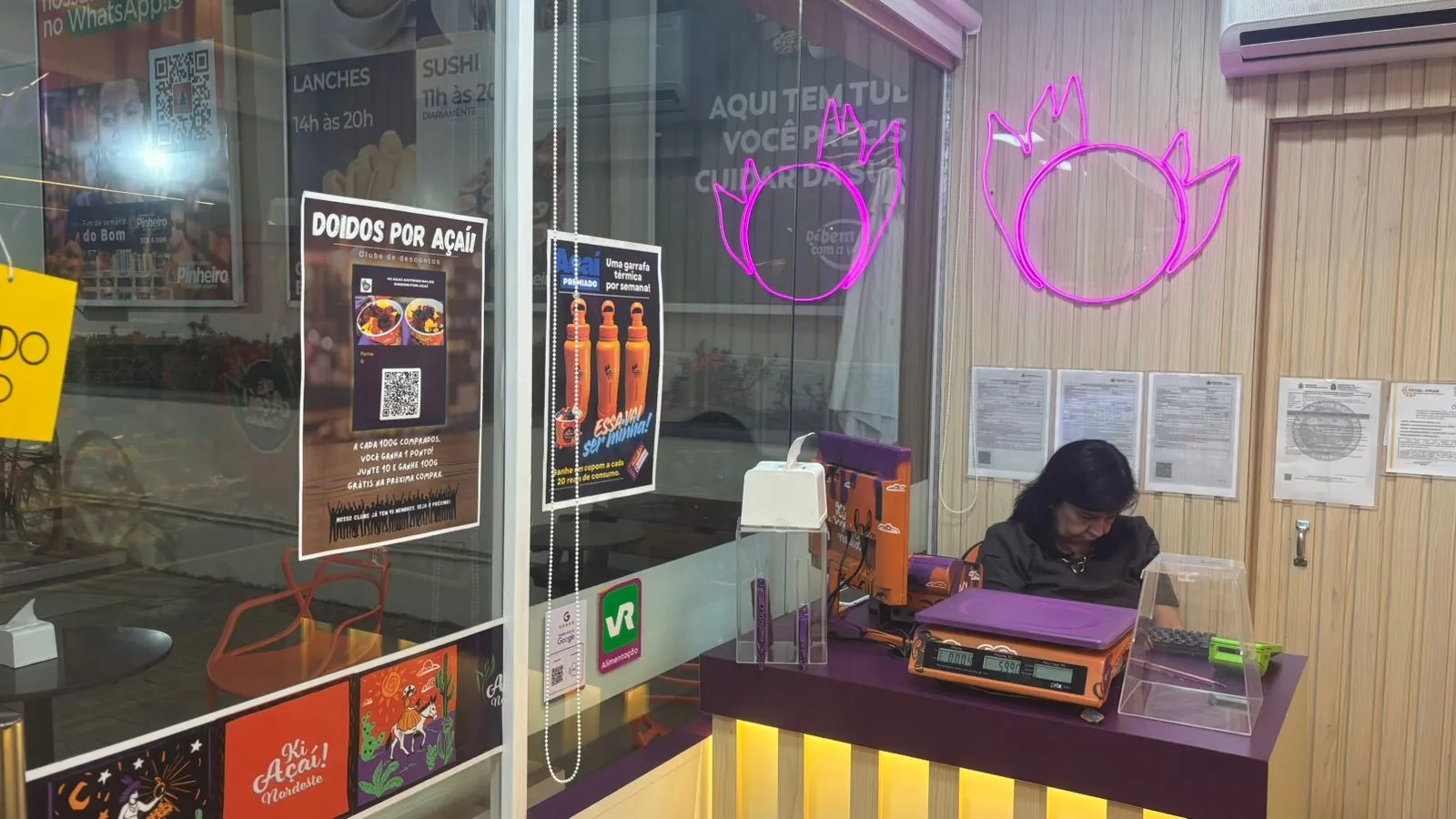





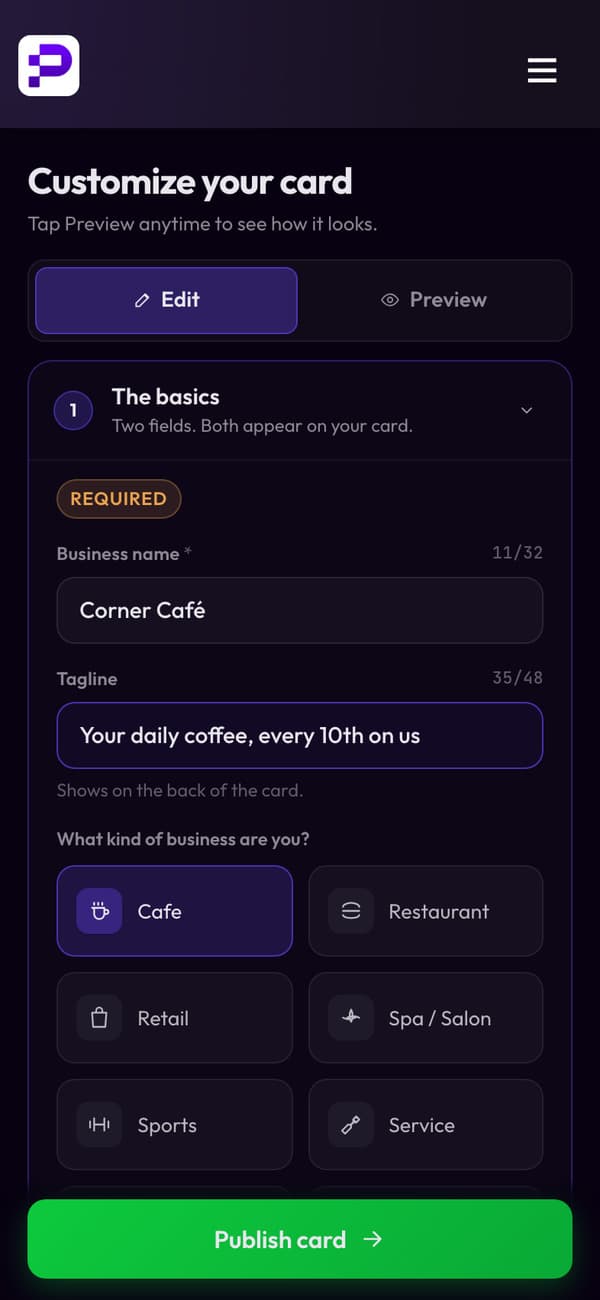
01 · Your card
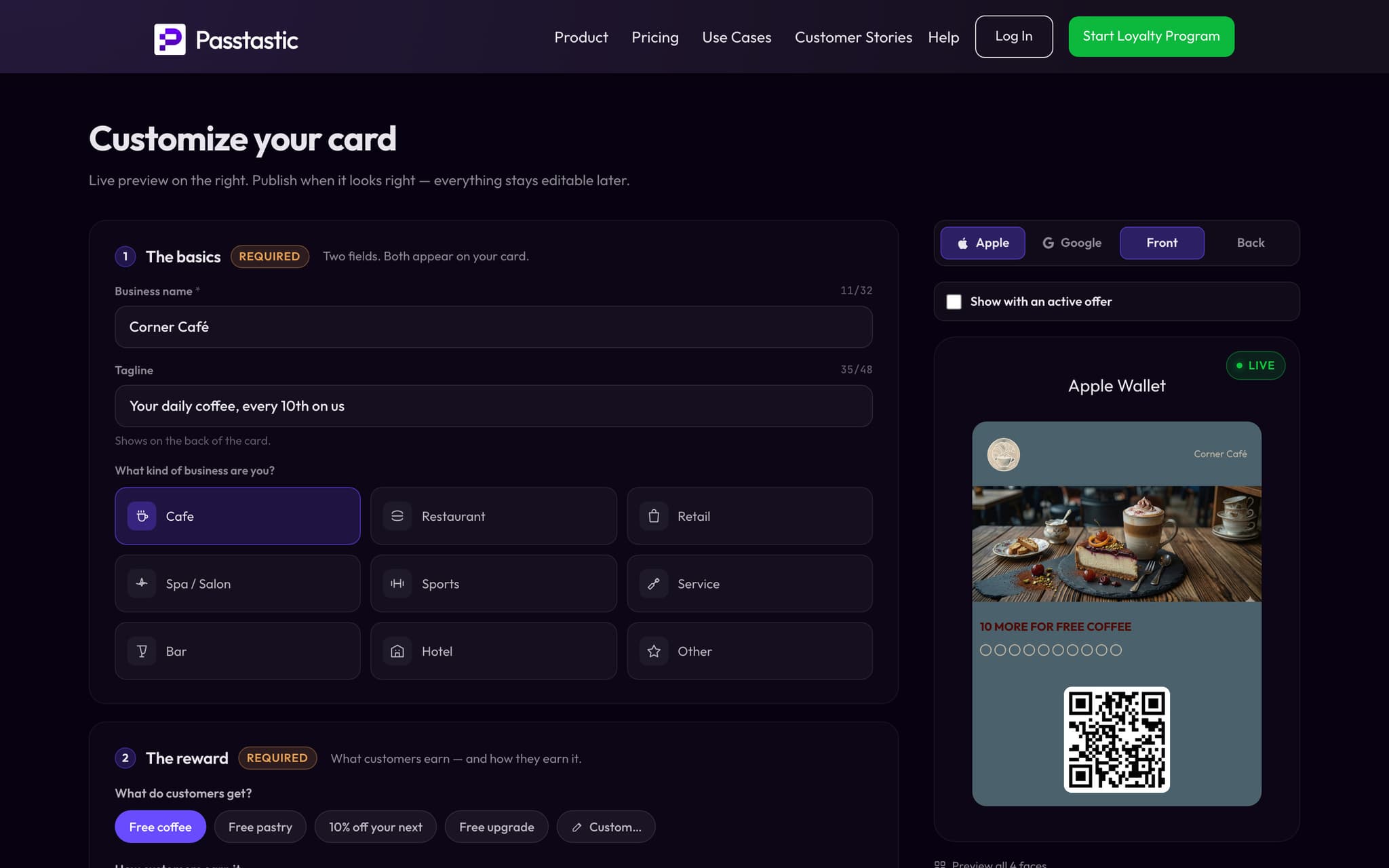
Your loyalty card, ready today.
- Stamps, points, levels, coupons or a membership.
- Your logo, your colours, your reward.
- Customers add it to Apple Wallet or Google Wallet from a QR code.
02 · At the counter
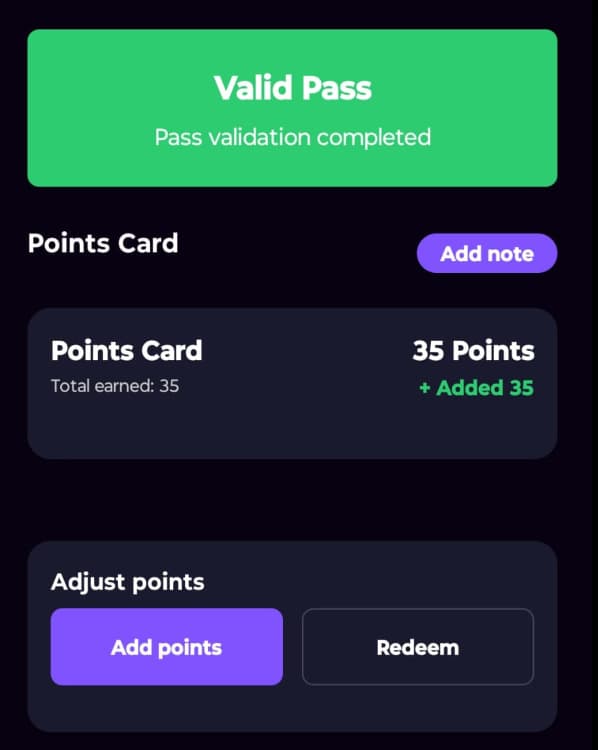
Your staff scan it with our app.
- The Passtastic scanner app runs on any iPhone or Android phone.
- One scan adds the stamp or the points.
- The card in your customer's wallet updates straight away.
Scan
03 · Their app
Every customer gets your app.
- Their stamps, points or balance.
- Today's offers, each with its own code your staff scan.
- An icon on their home screen, with no App Store.
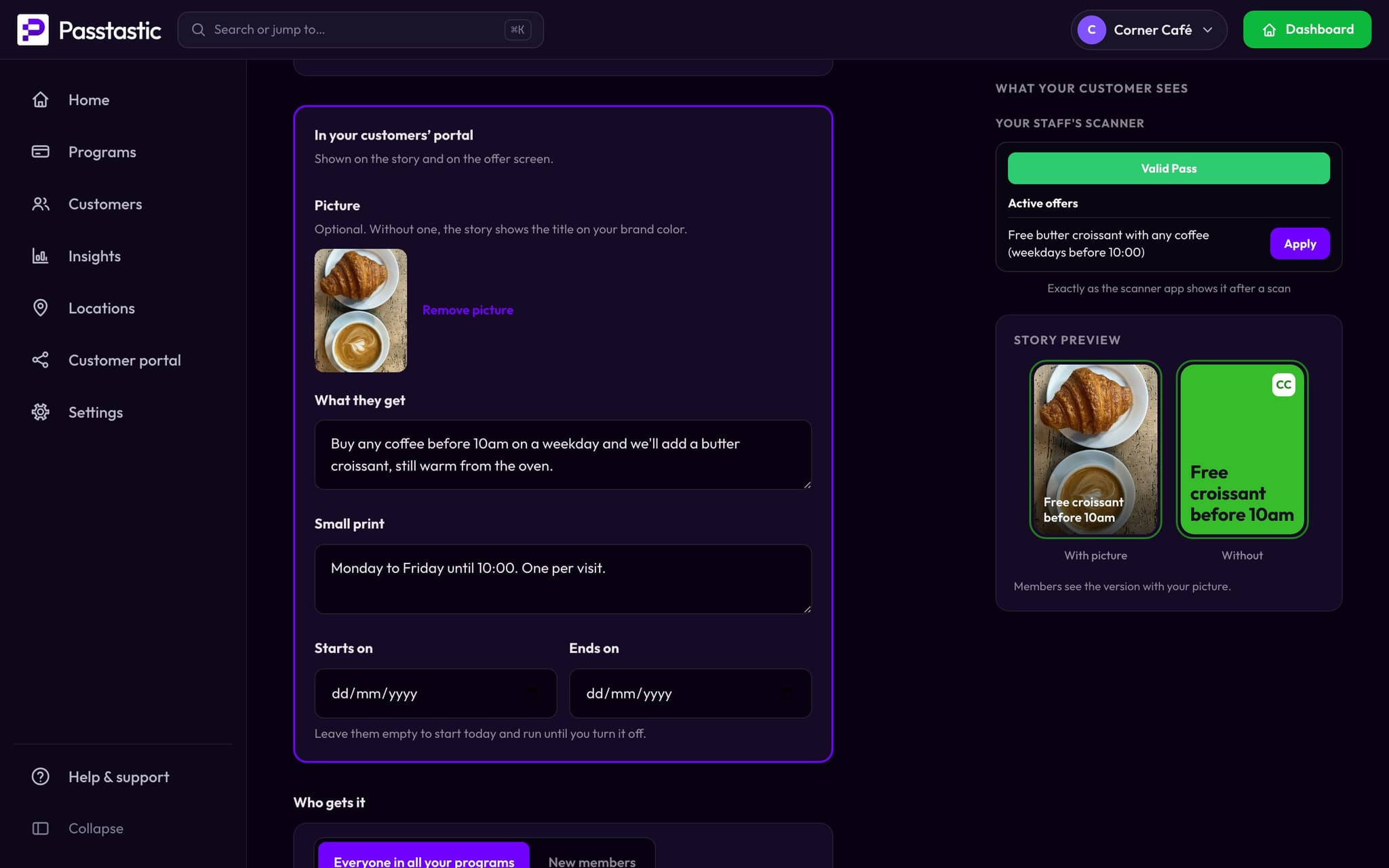
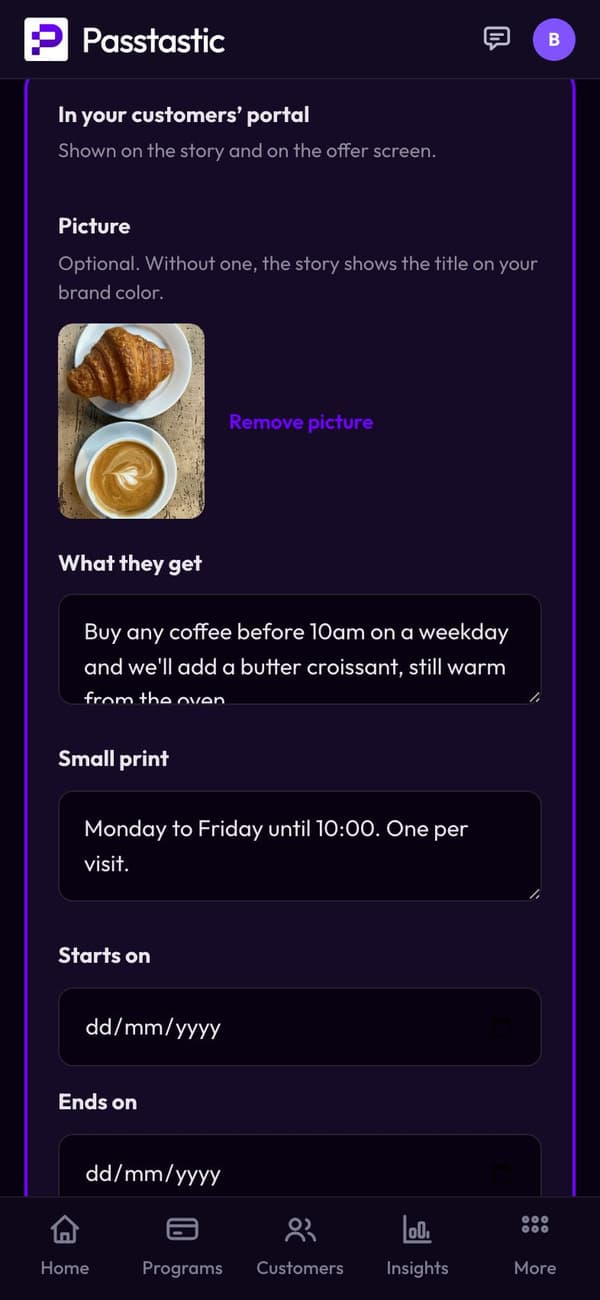
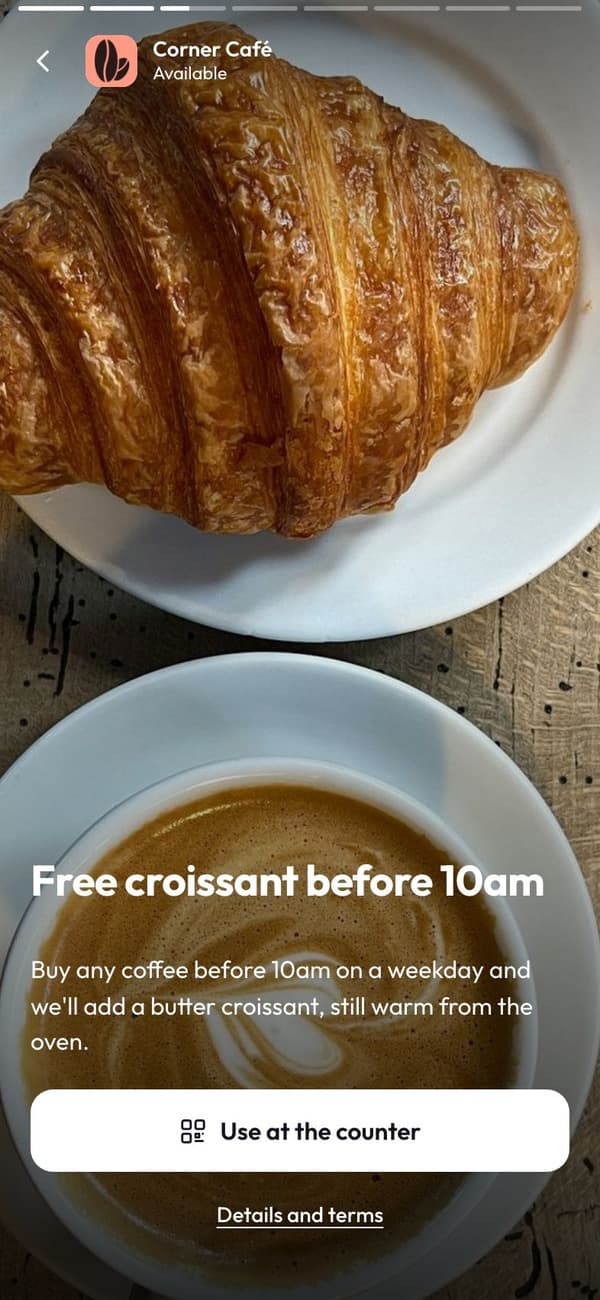 What they see
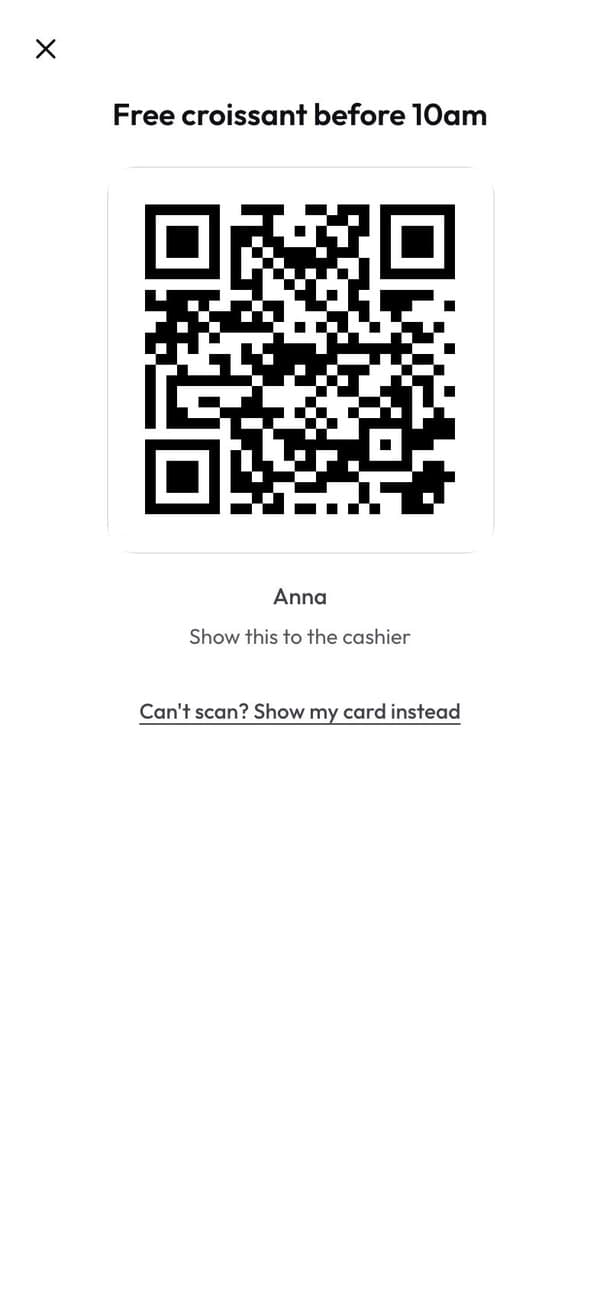 At the counter
04 · Messages
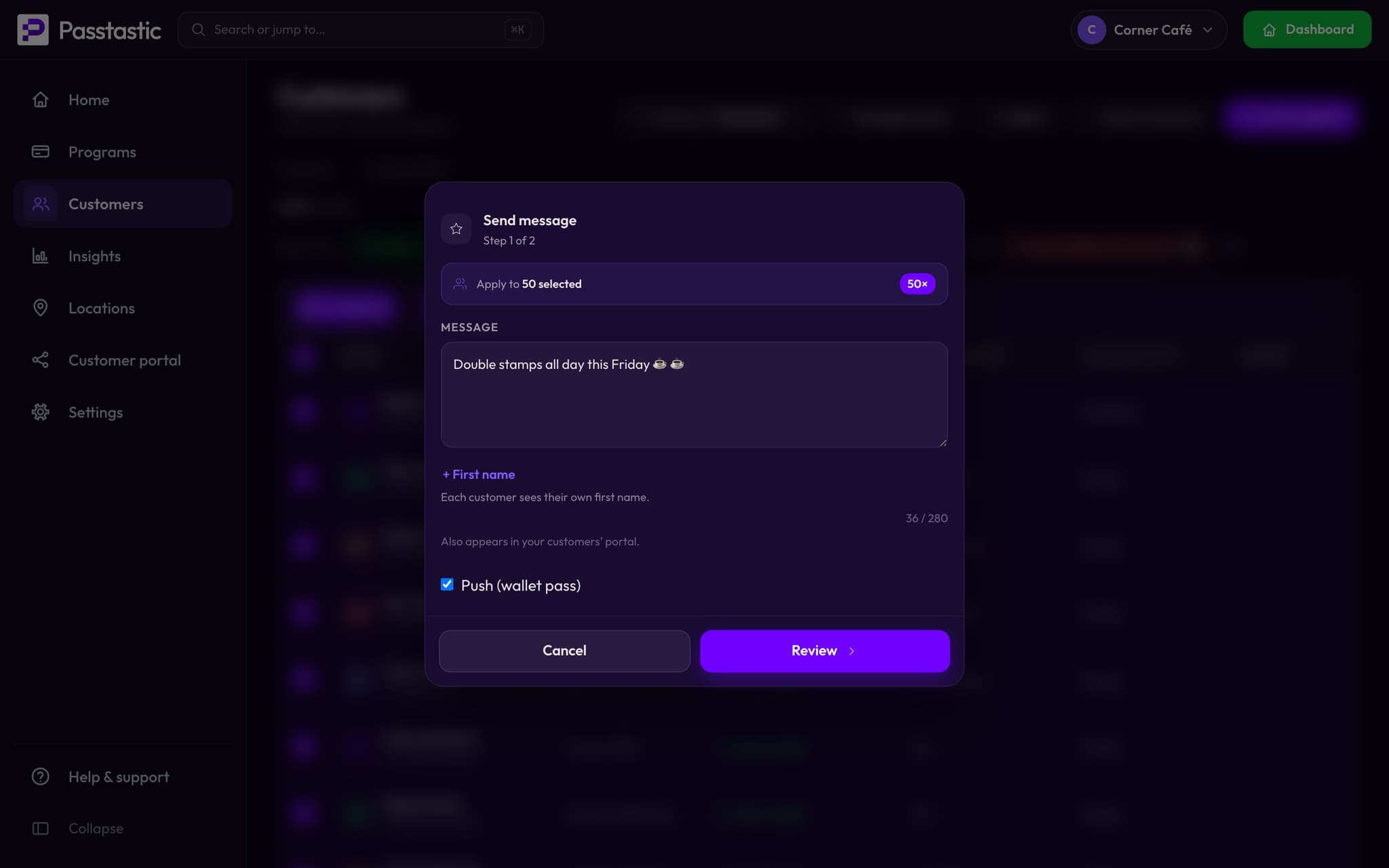
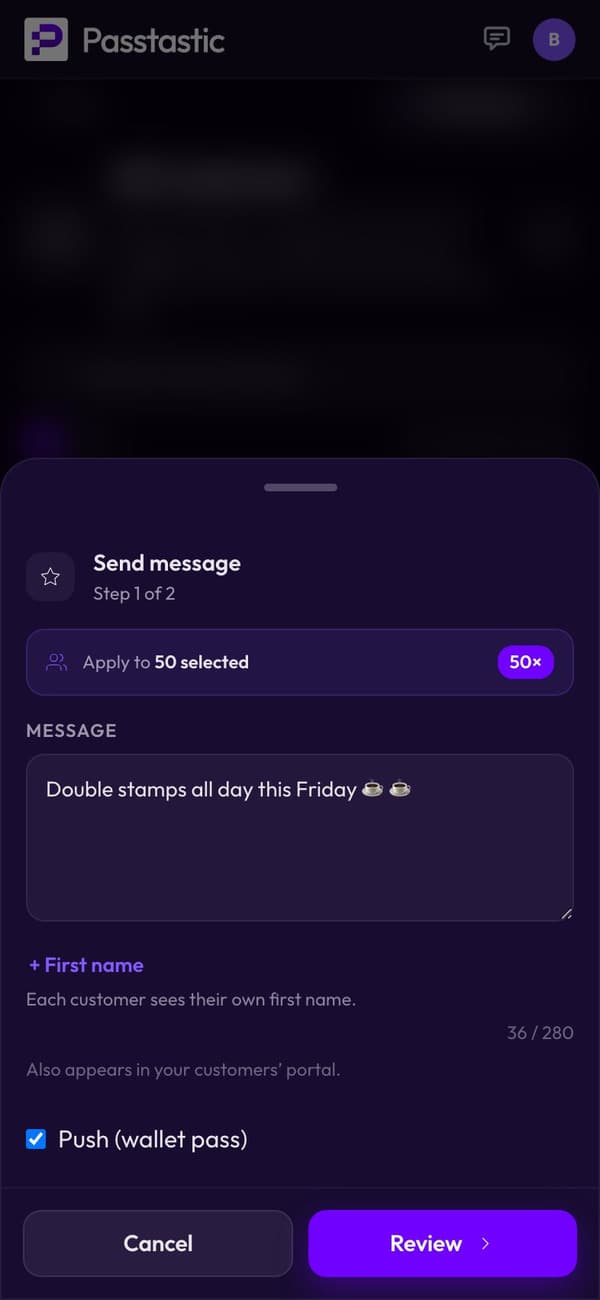
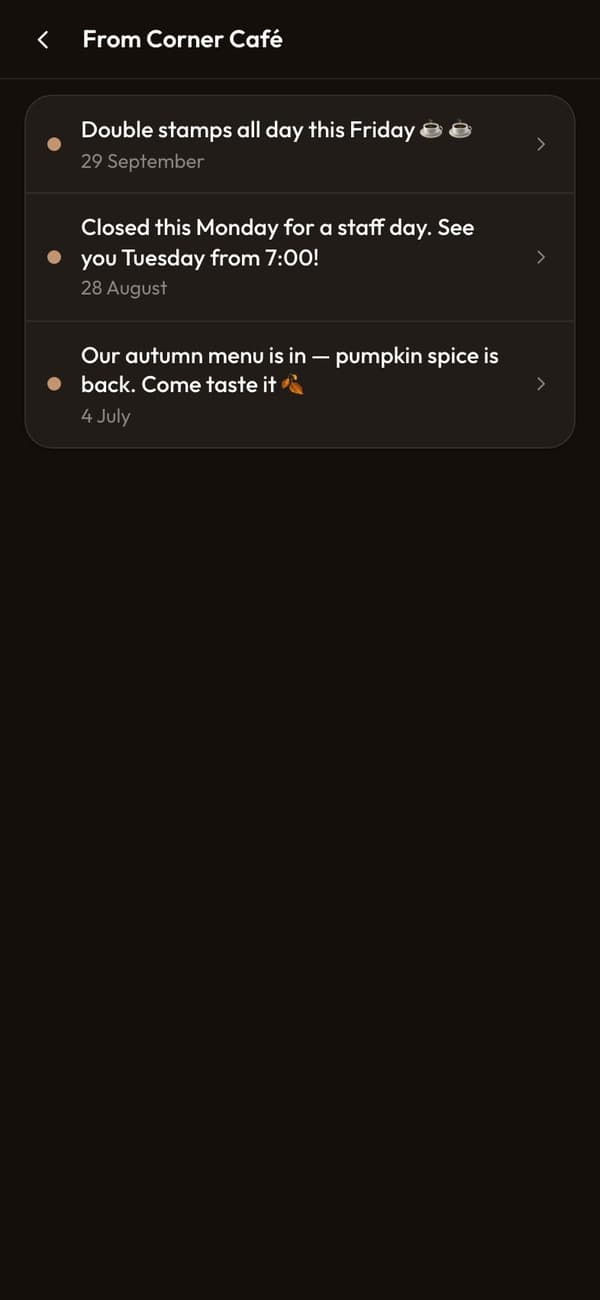
Message everyone who joined.
- Send a message to everyone, or to a group of customers.
- It lands on their lock screen and stays in their app.
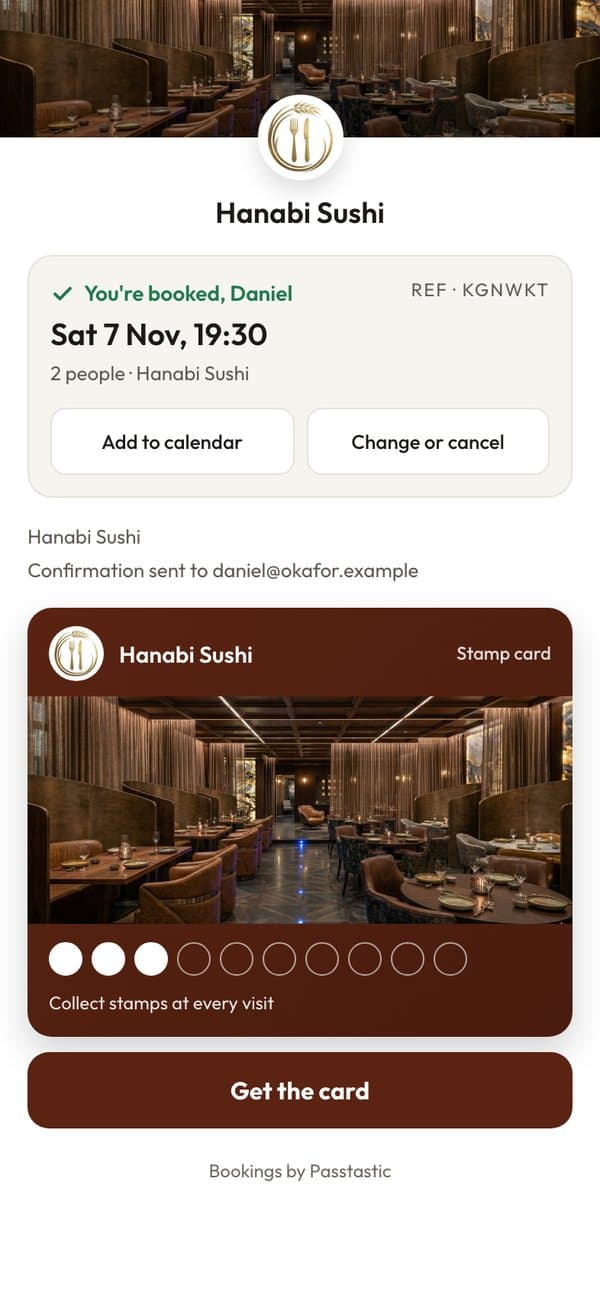
05 · Bookings
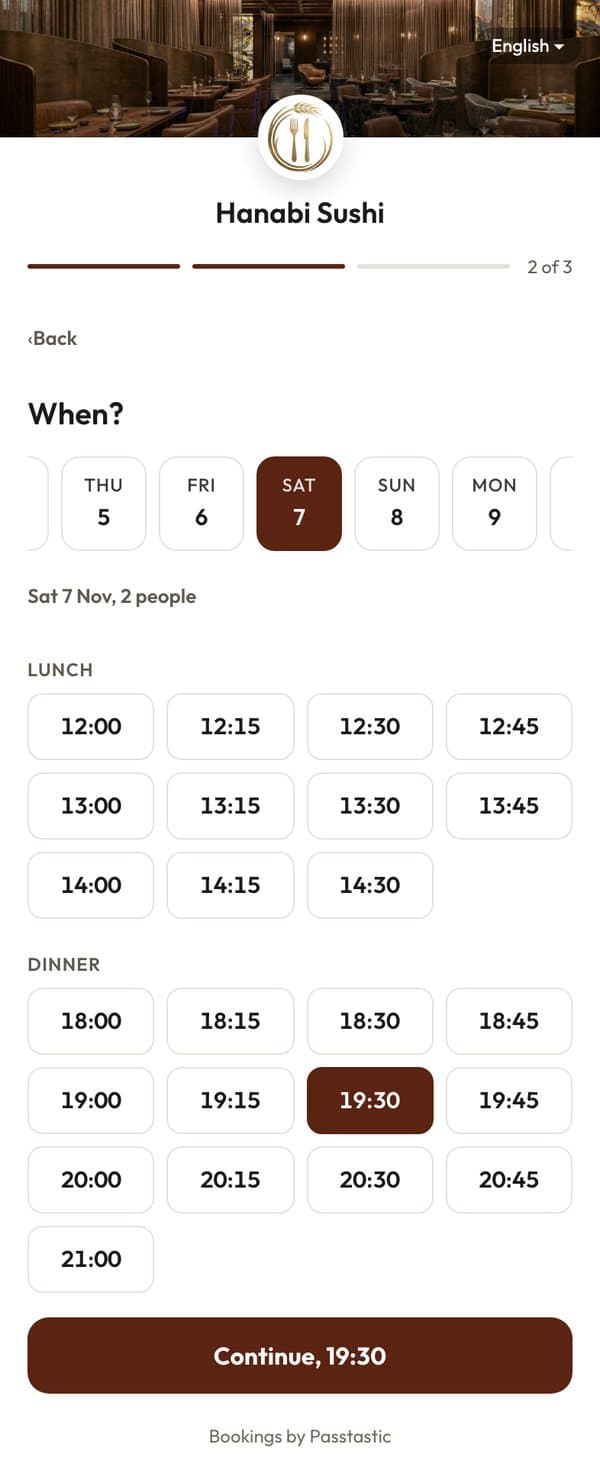
Tables and appointments, booked in your app.
- Guests book a table, or clients pick a time, from your app or your own booking link.
- No fee per booking, no commission.
- Their booking shows up in their app.
06 · Sell online
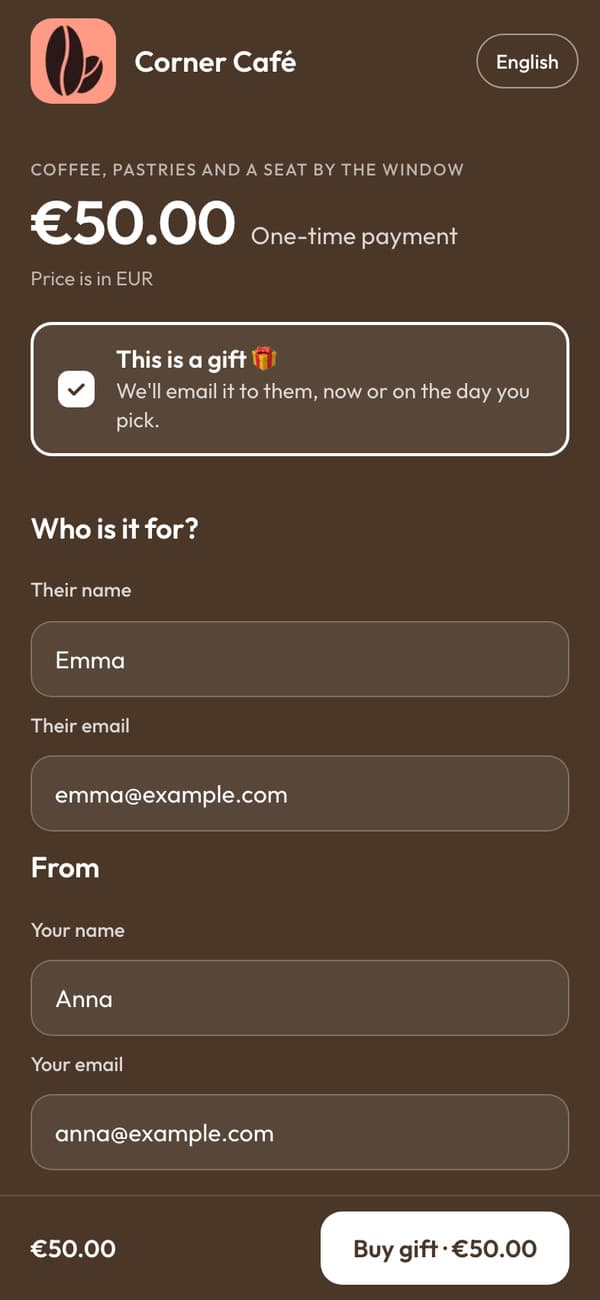
Sell memberships, gift cards and bundles.
- Customers buy them from your page and pay by card, upfront.
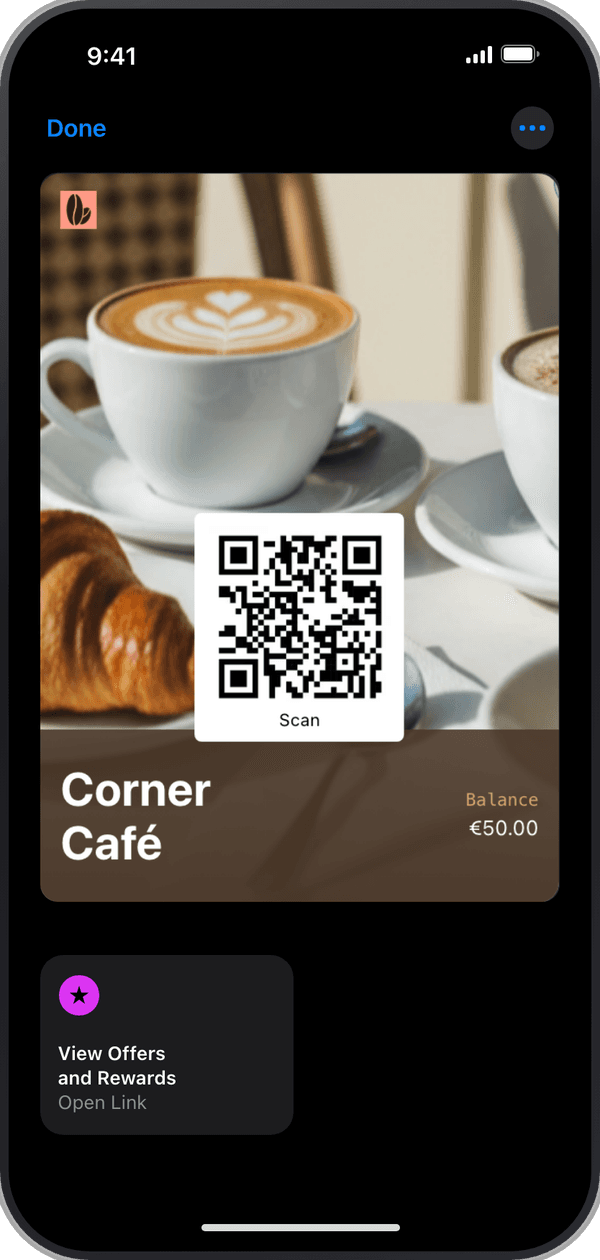
- The card lands in their wallet, ready to use at your counter.
- In Europe: we take 0.99% plus Stripe's fee per sale.
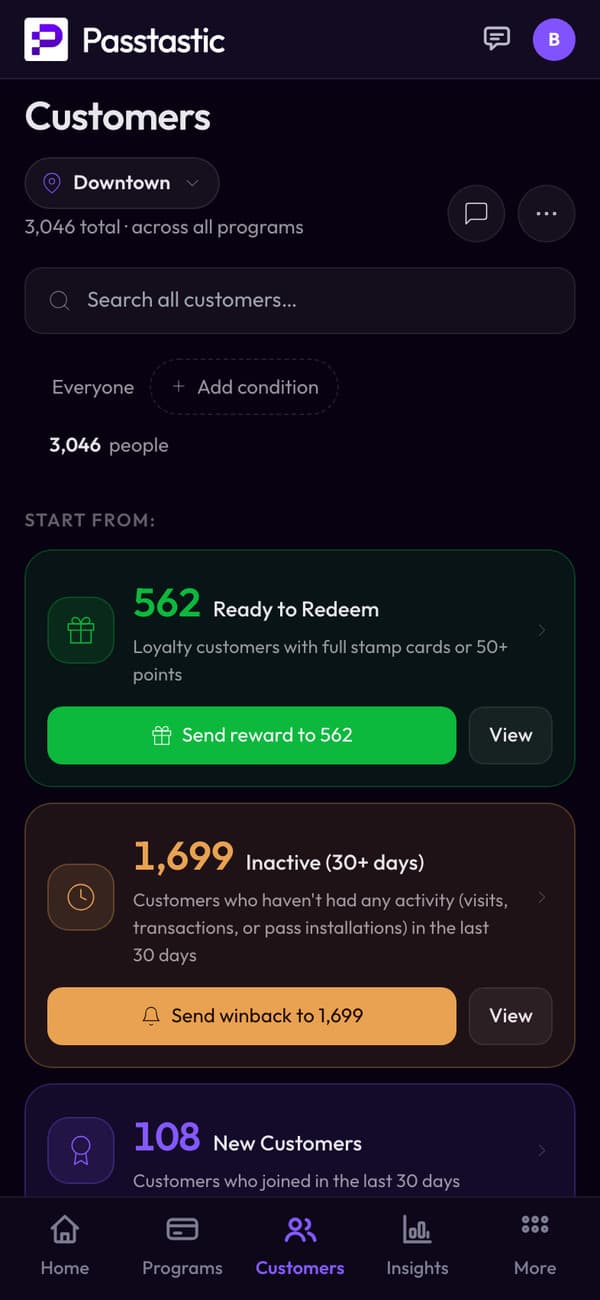
07 · Your customers
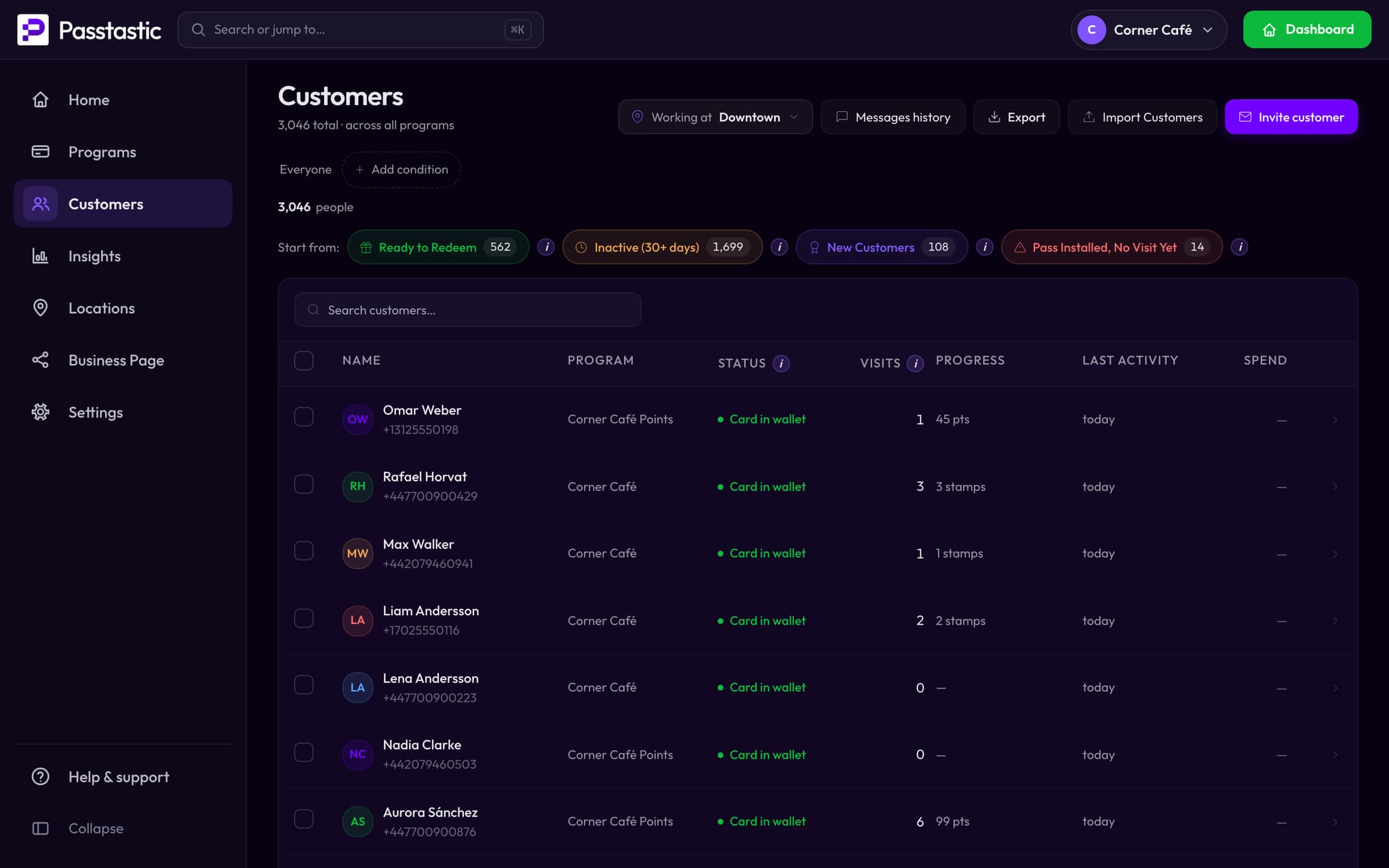
See who comes back.
- Every member, their visits and what they've earned.
- Find a customer by name, email or phone.
Add more when you need it
Packs add these on top of your plan, for each location. In your free trial, every pack is on.
- PACK · Bring customers back
Automatic messages
Birthday treats, “we miss you” and “almost there” messages go out on their own. - PACK · Bring customers back
WhatsApp inbox
Chat with customers on WhatsApp from your Inbox. - PACK · Bring customers back
Email newsletters
Design an email and send it to your customers. - PACK · Win new customers
Google reviews
Ask your regulars for a review once, after their second visit. - PACK · Win new customers
Refer a friend
A customer who brings a friend gets a reward, and the friend can too. - PACK · Connect your POS
Your POS
Stamps and points land on the card from the sale: Square, Lightspeed, Odoo and more.
Your loyalty app is in every plan.
New businesses start on the base plan, Loyalty, bookings + app, with the app on from day one. Been with us a while? Switch it on under Your app.
See pricing →Common questions
Yes. You set up your card, take bookings and send messages from the Passtastic dashboard, on a computer or your phone. Your staff use the Passtastic scanner app at the counter. Each customer gets your own app, which opens from the My rewards link on their wallet card.
Related
Start your loyalty app today
Free to start — 14 days, no card needed.