
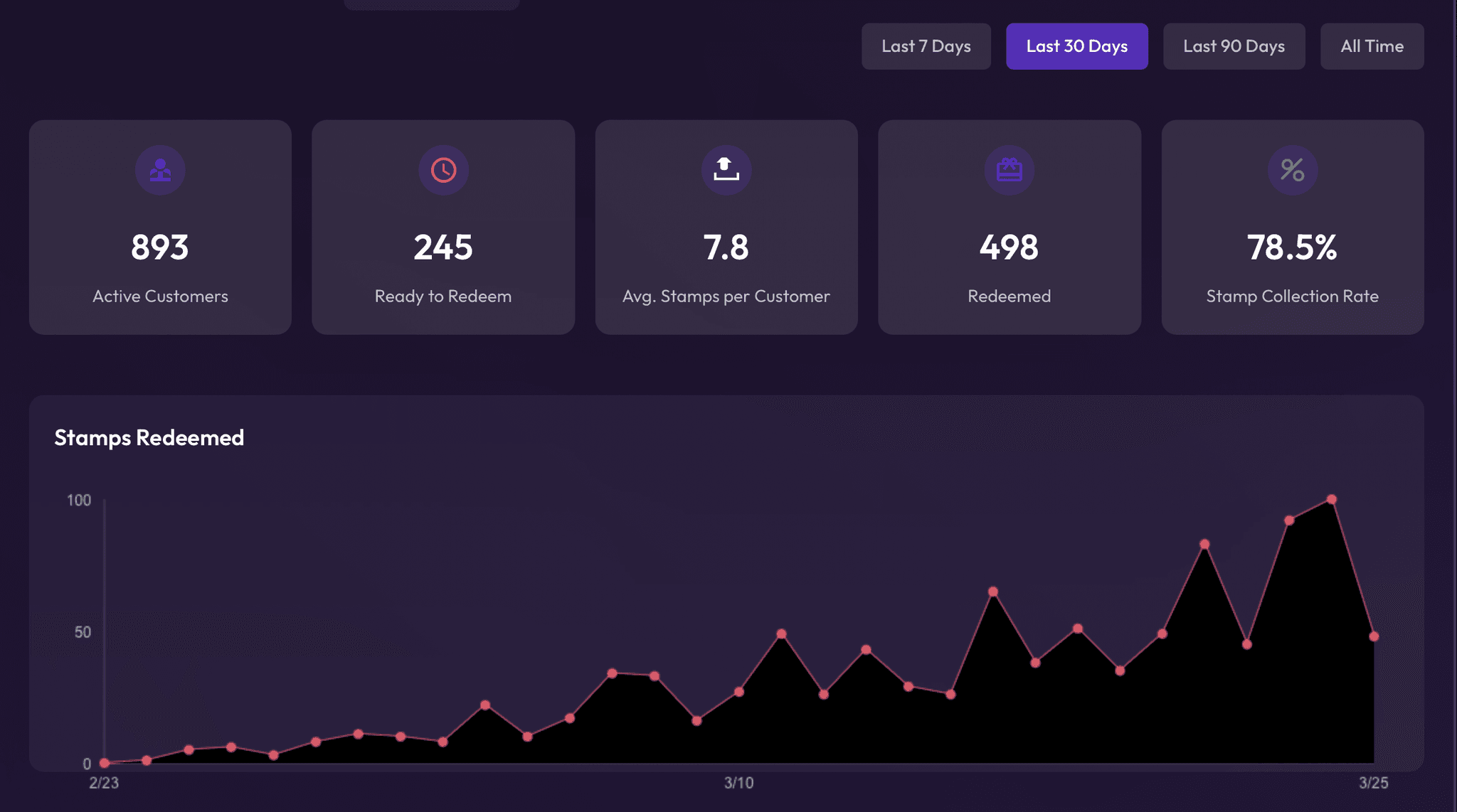
The customer dashboard is so helpful. We've been able to target customers specifically for our marketing purposes — it's exactly what we needed.

The PicturedromePub, kitchen & events, UK


You set up a card in 5 minutes, share a link, and start getting paid. Your customer pays online, gets a card in their Apple & Google Wallet, and redeems it the next time they walk in — no app to download, no hardware to buy.







Five steps from creating your card to scanning your first customer. No technical skills, no special hardware.
Choose bundles, store credit, or a membership. Set your price, add your logo, and customize the design — you'll be ready in a few minutes.
Already have Stripe? Connect it in one click. New to Stripe? Passtastic walks you through creating an account — you'll be accepting payments in minutes.
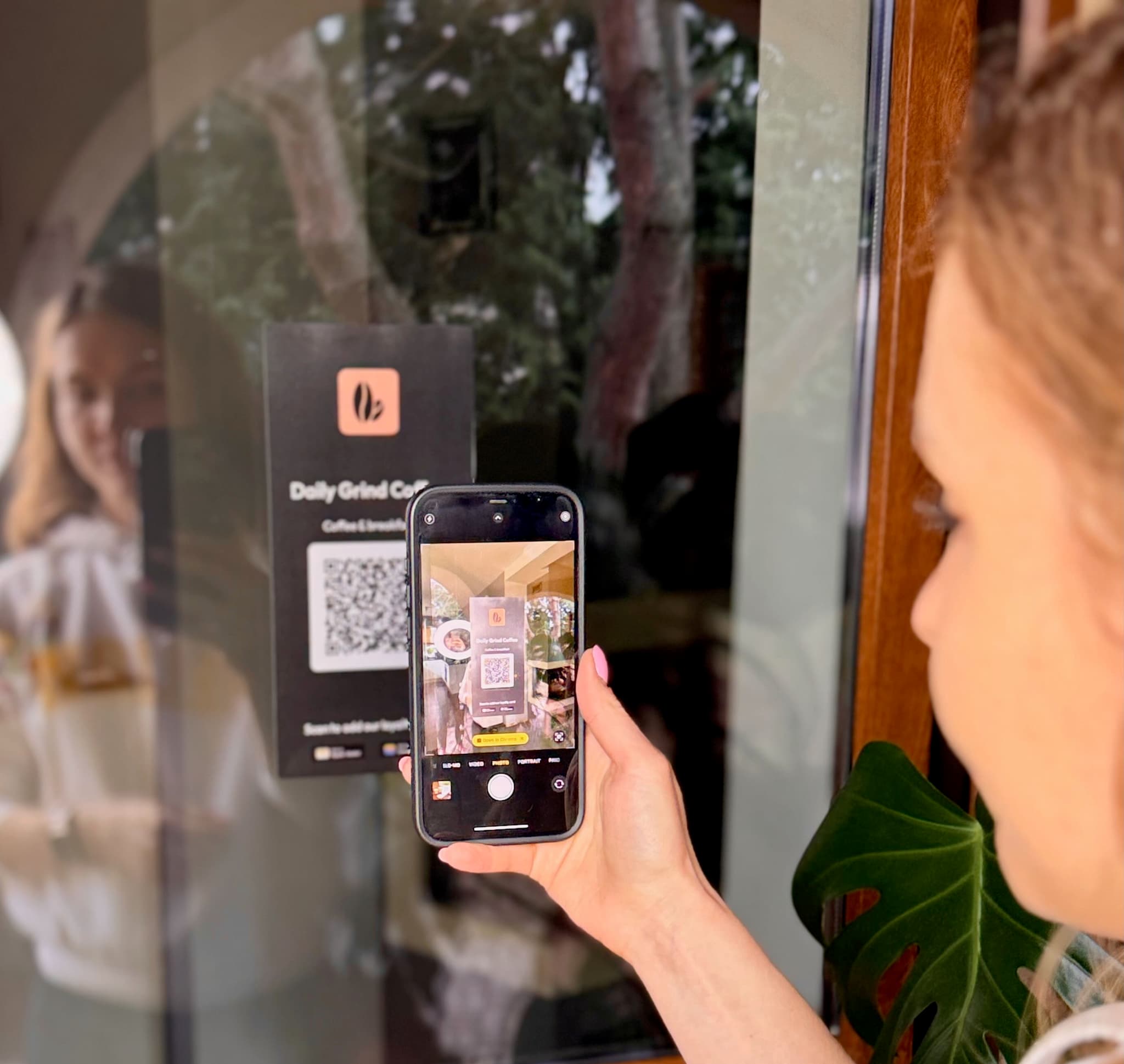
You get a payment link and QR code for each card. Print it for your counter, post it on Instagram, or text it to regulars — no website needed.
They tap your link, pay, and add the card to their Apple or Google Wallet in one tap. No signup, no app — the whole purchase takes 30 seconds.
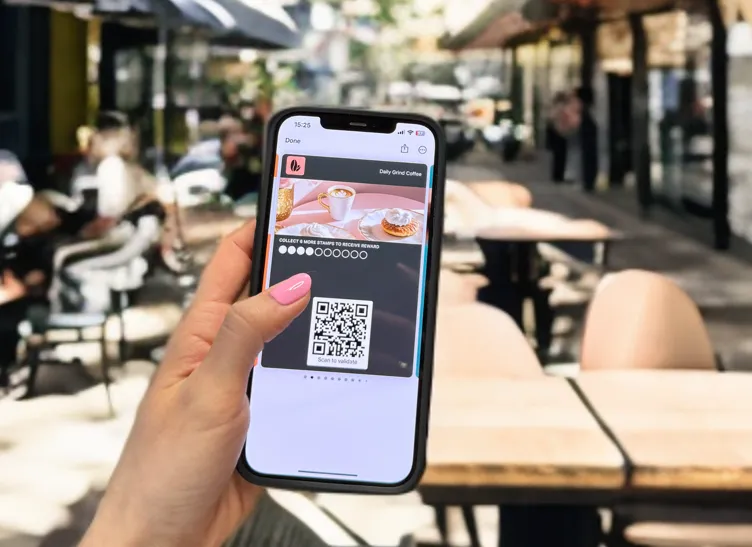
They show the card on their phone, you scan the QR code with the Passtastic Scanner app, and the balance updates on their phone instantly. Three seconds.
Each type works differently. Choose what matches your business — or offer all three.
Sell a pack of visits or items at a discount — like 10 coffees for the price of 8. Your customer prepays and redeems one at a time.
Learn more about bundles →Sell credit your customers spend at their own pace — like "pay €90, get €100." Great for salons, shops, and restaurants.
Learn more about store credit →Monthly or yearly billing — like a gym pass or dining club. Your customers subscribe and show their card each visit.
Learn more about memberships →The customer dashboard is so helpful. We've been able to target customers specifically for our marketing purposes — it's exactly what we needed.
The number of members grew much faster than expected. We have customers who come in for a coffee every day, and they feel valued by having rewards.

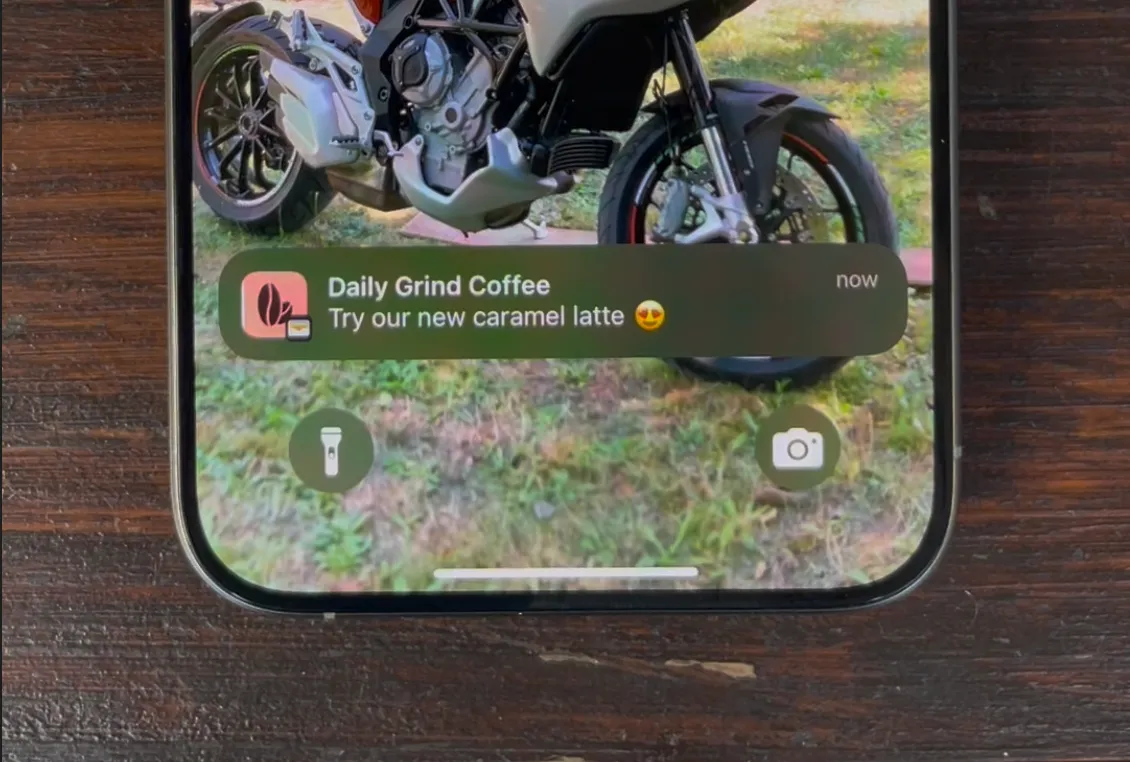
Push messages with our logo — that elevates the perceived value for the customer. Customers love that it's digital and not a physical card.

We can track recurring visitors now — which is really cool to see that it's actually working. Customers are coming back more often than they used to before.
14-day free trial, no credit card required. No app for your customers, no hardware for you. Set up in 5 minutes.