

Campaigns
Set it once. It brings them back.
Birthday treats, win-backs, a thank-you on their 25th visit. Pick one, write the message, turn it on — it goes to the wallet card your customers already carry, and runs on its own from then on.
Free to start · 14 days · no card needed
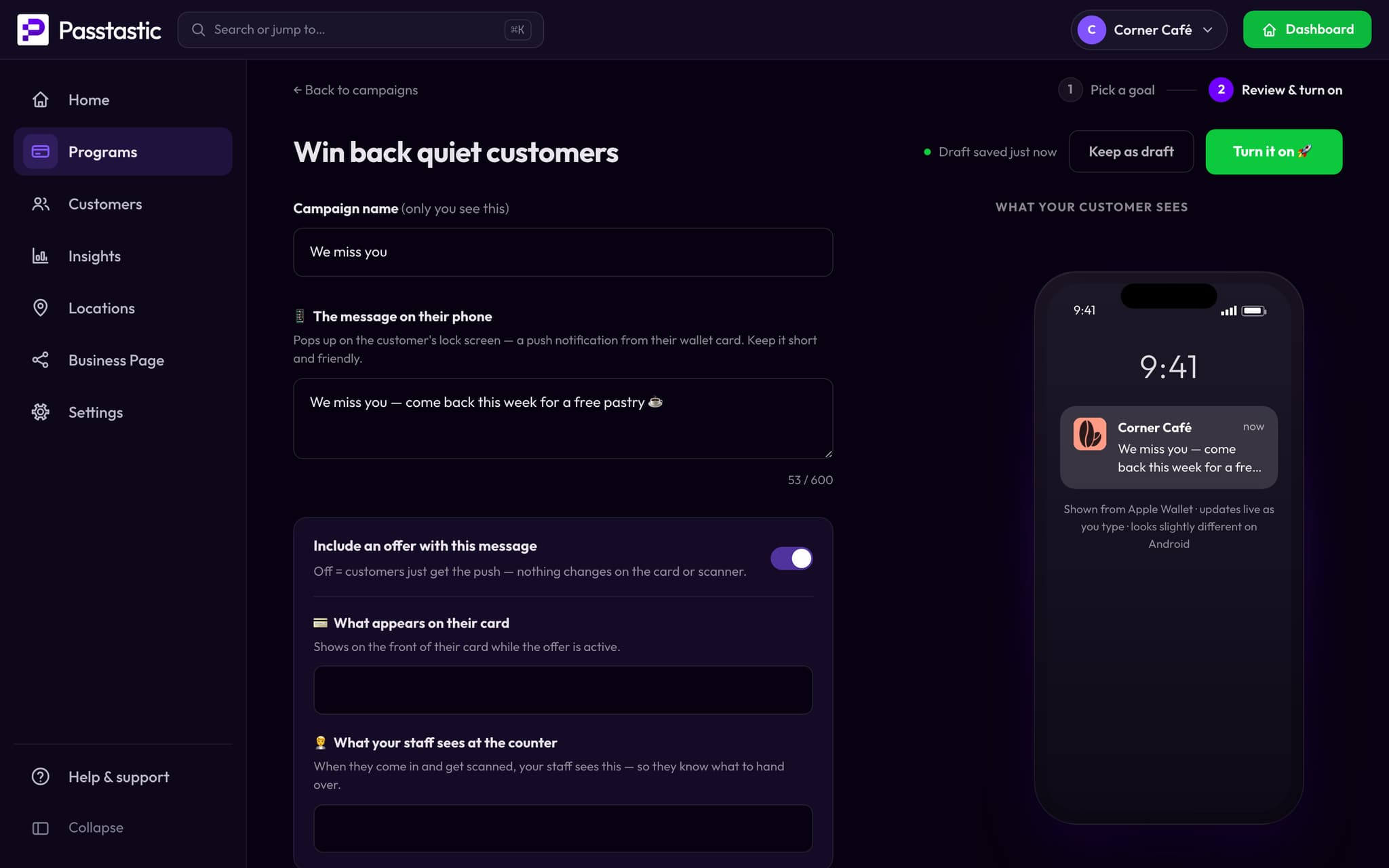
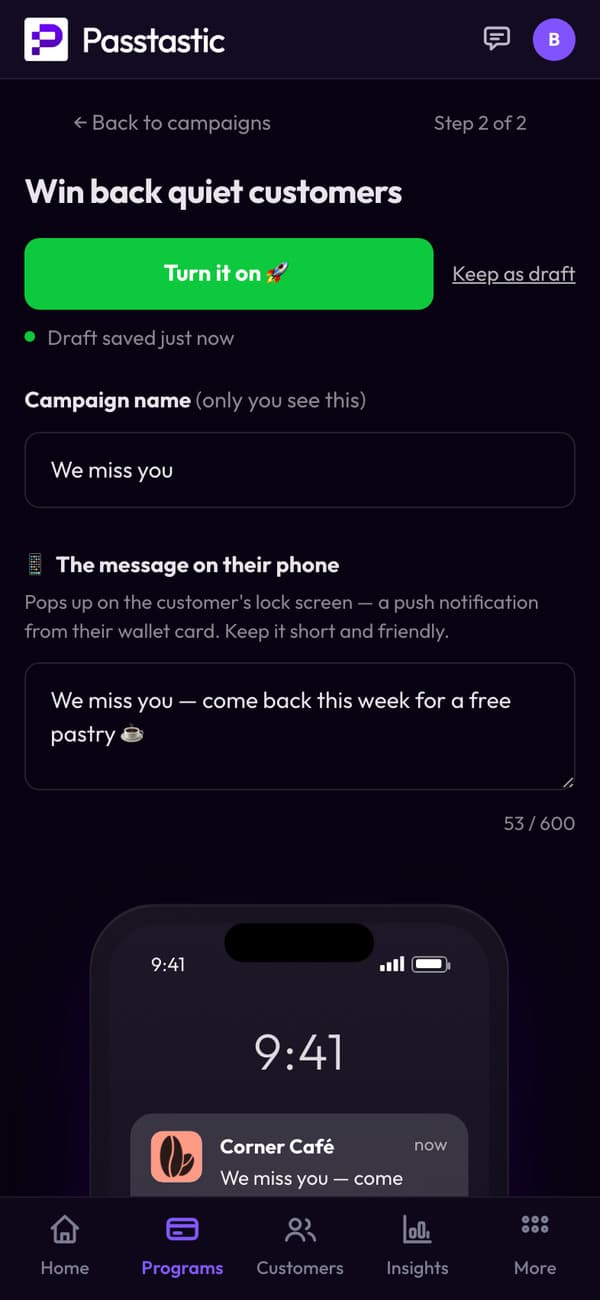







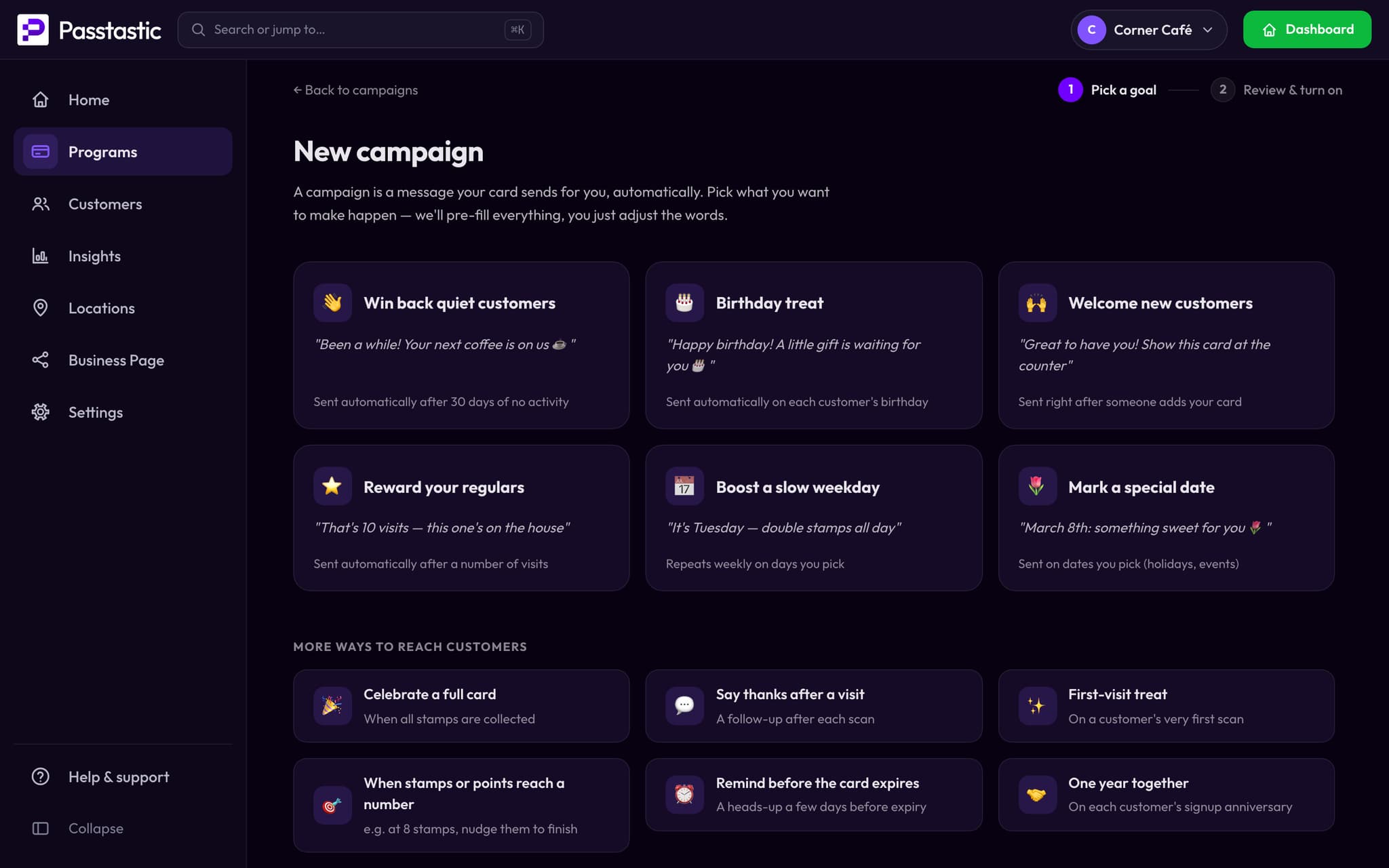
01 · Pick what it's for
Start from what you want to happen.
- Bring back someone who stopped coming.
- Celebrate a birthday.
- Thank a regular after a number of visits.
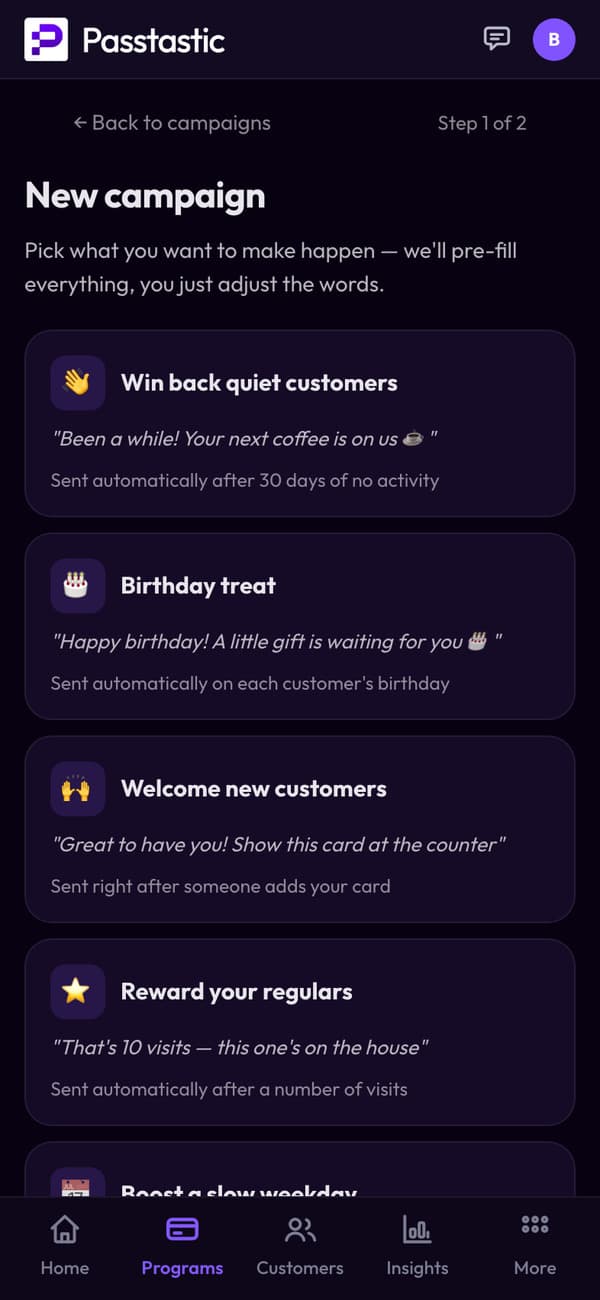
02 · Write it once
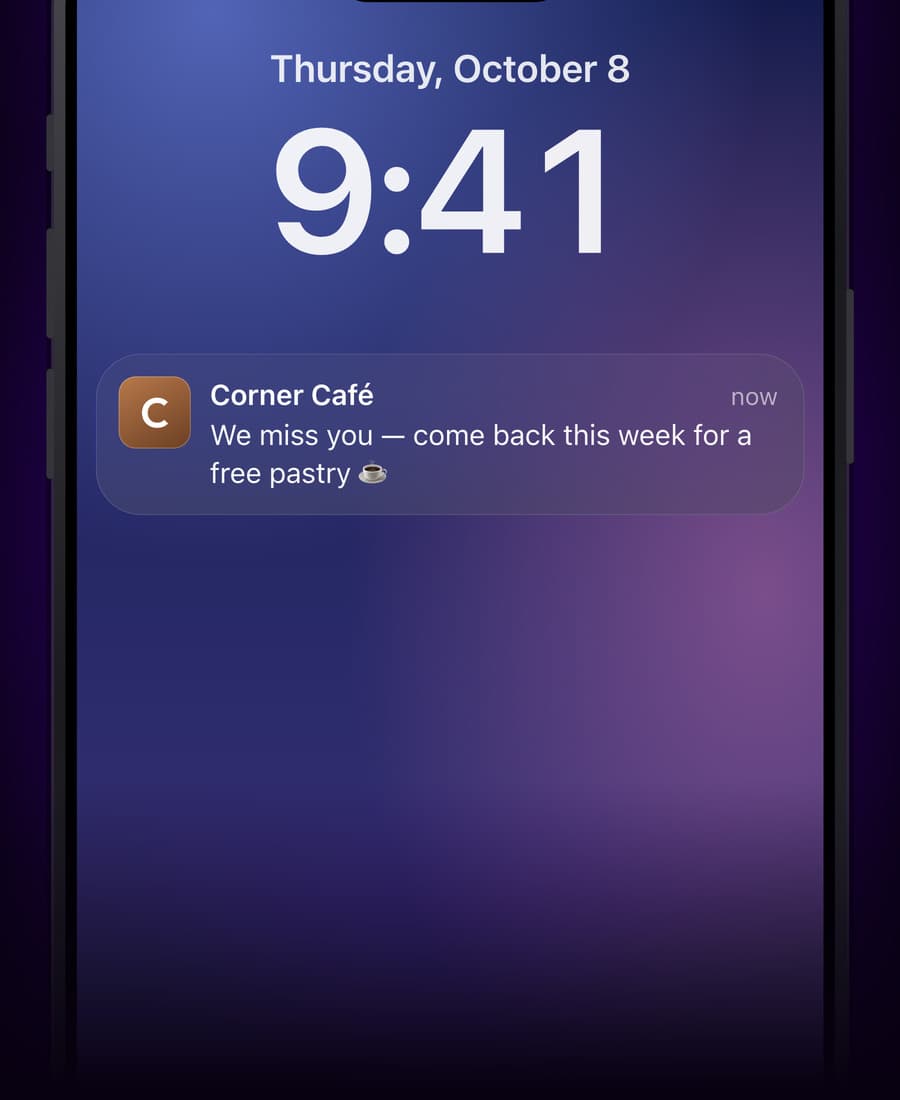
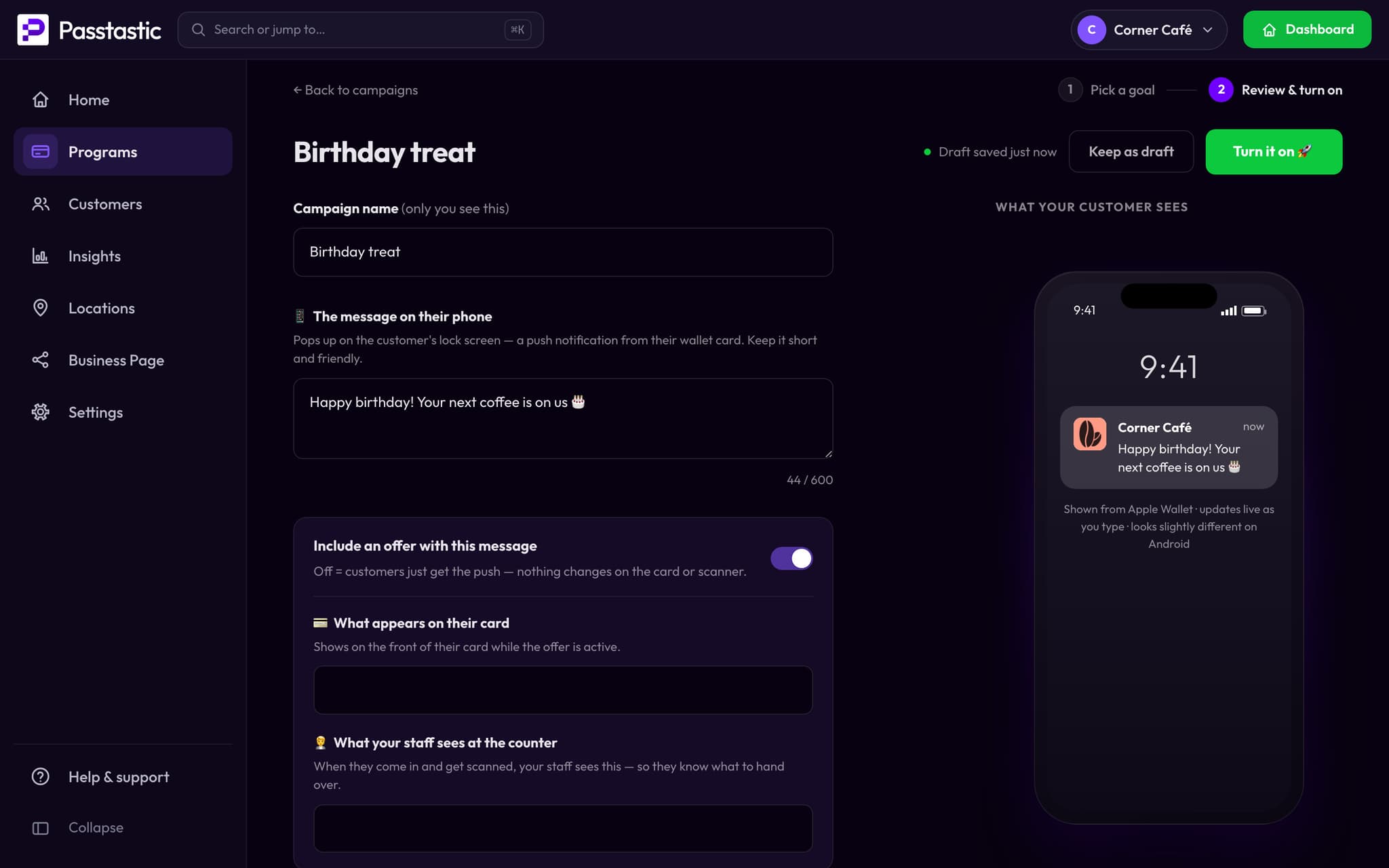
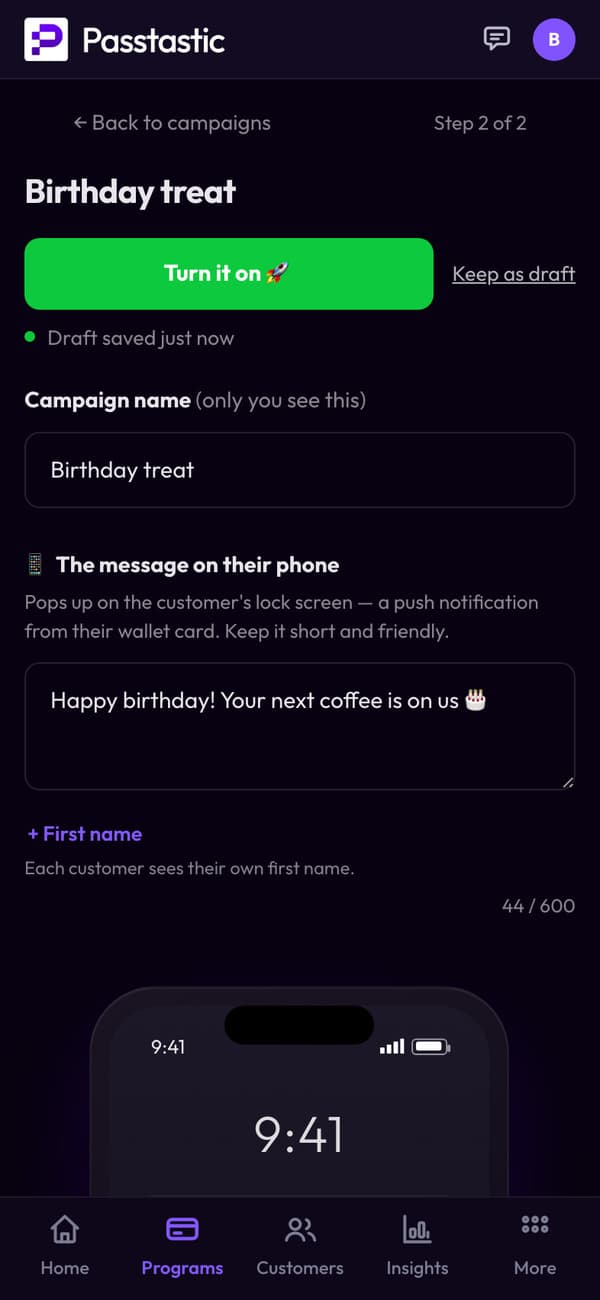
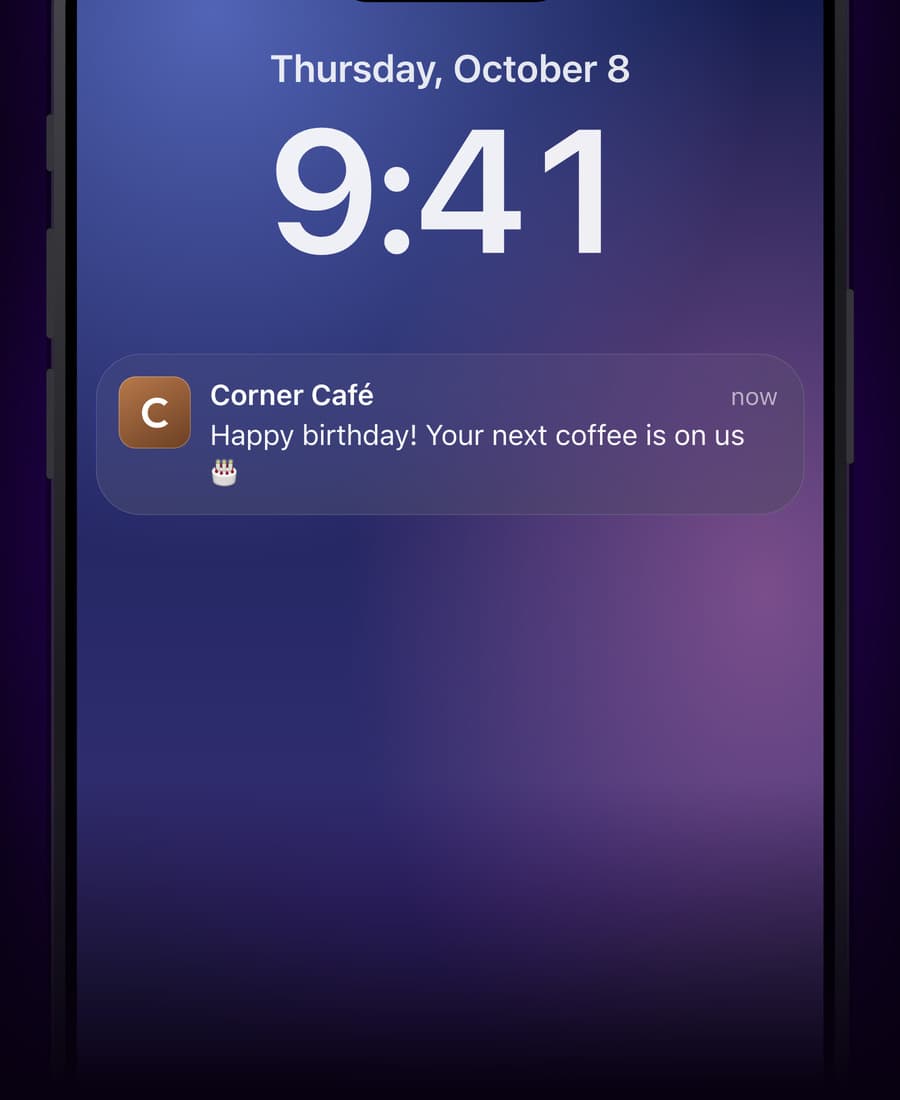
Your words, on their lock screen.
Write the message the way you'd say it at the counter. Everyone the campaign reaches gets the same text.
- Write the message.
03 · It runs on its own
Birthdays, without a calendar.
Turn it on once. On each customer's birthday the card sends your message — every year, for every customer who shared the date.
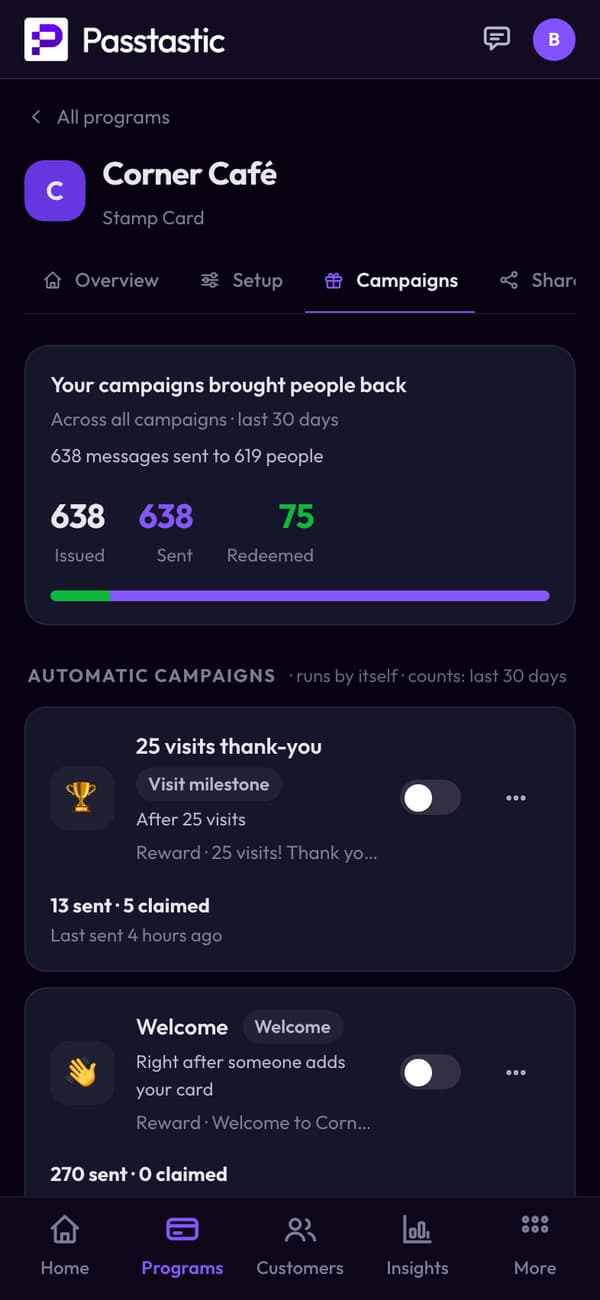
04 · See what it did
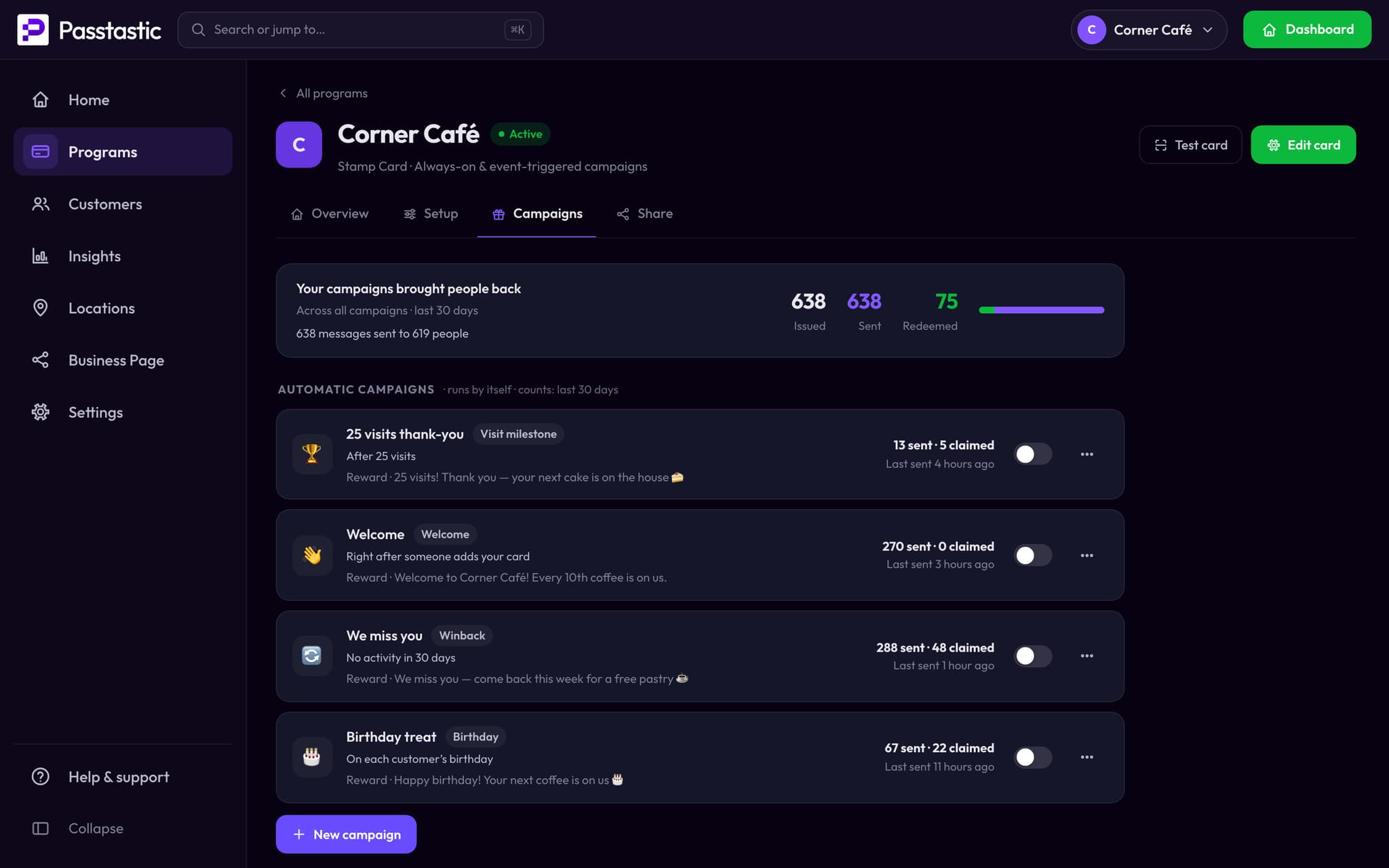
How many got it, how many came back.
Each campaign shows how many customers it reached and how many came in for the reward.
05 · In their app
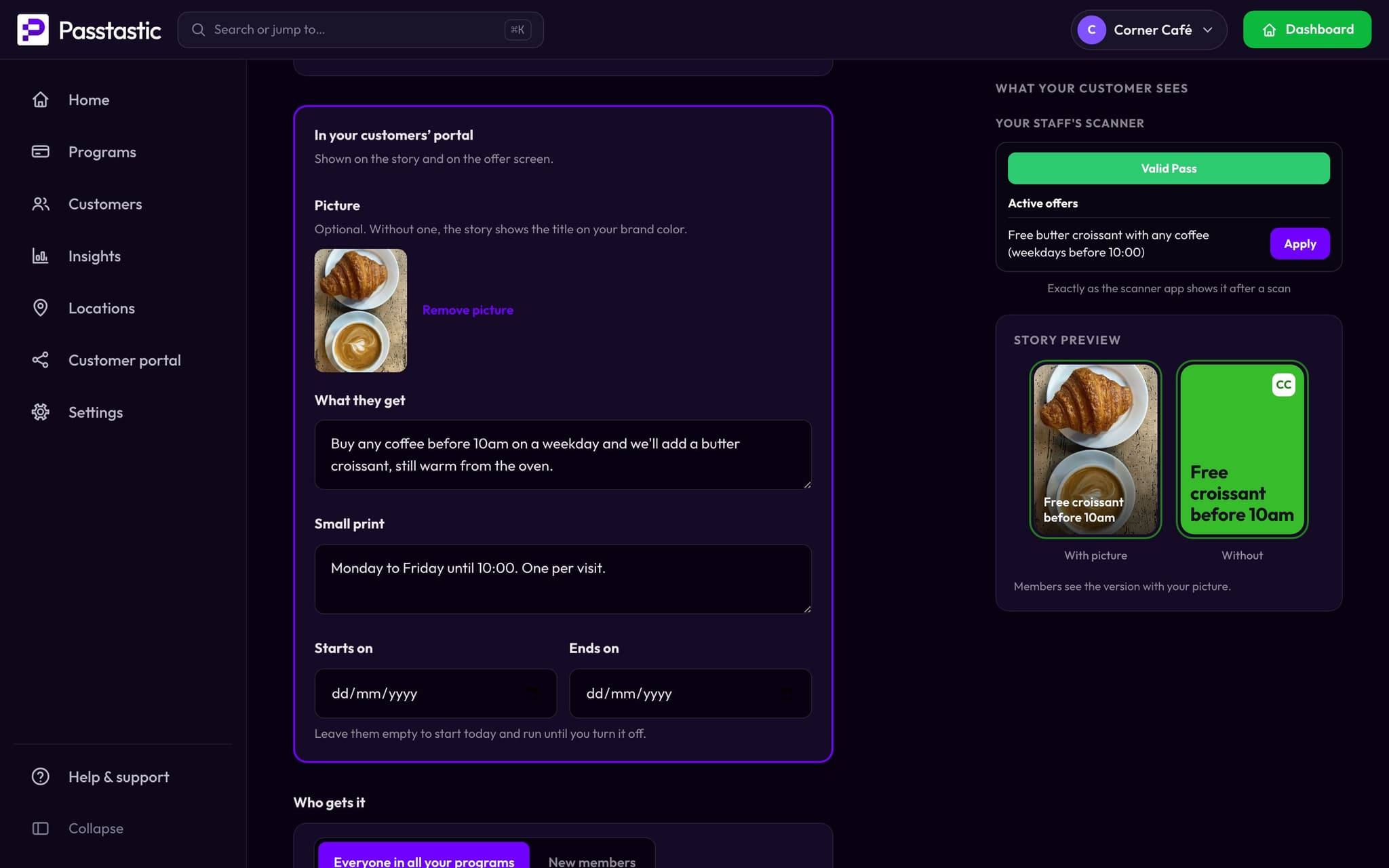
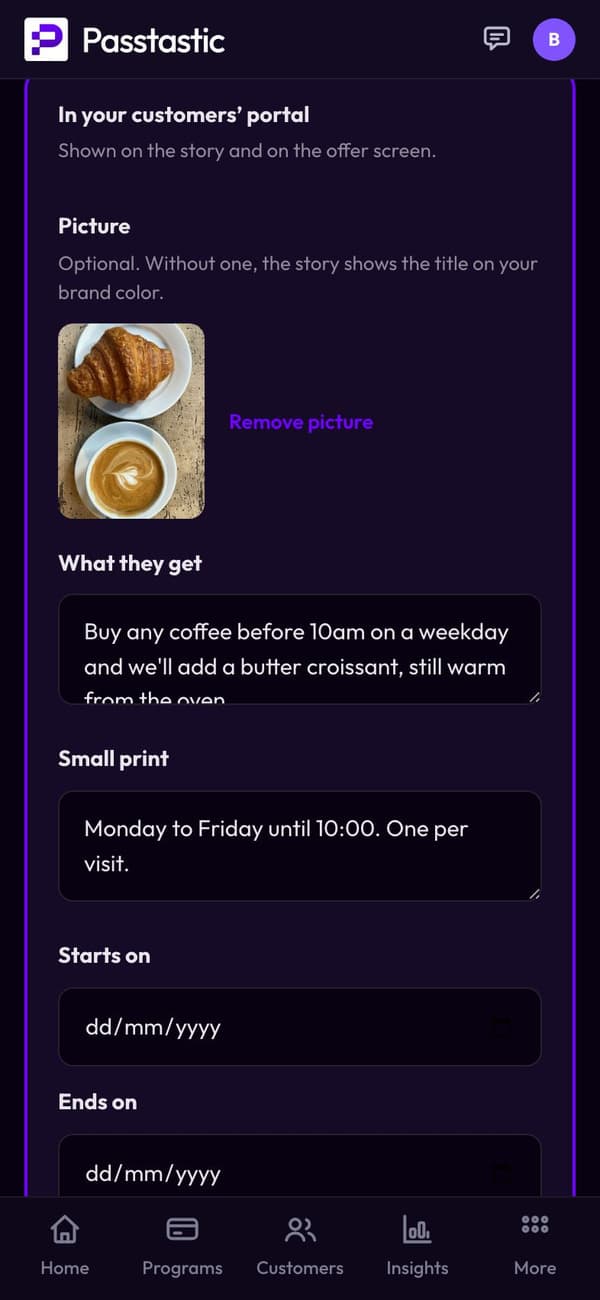
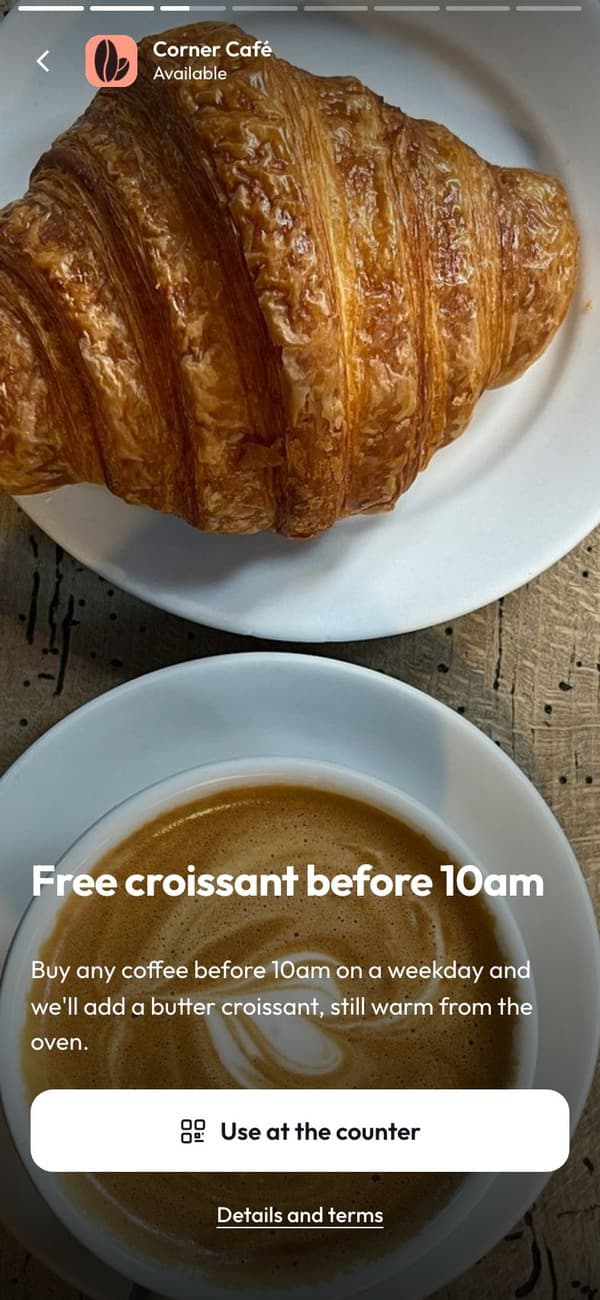
Offers show up in their app.
Choose "In your customers’ portal" and the offer sits in your members' apps with its own code.
From a restaurant using campaigns
“We chose Passtastic because it allows us to send push messages with our logo — that elevates the perceived value for the customer.”
Common questions
A message that goes to the loyalty card in your customer's Apple Wallet or Google Wallet. It shows up on their lock screen like any notification — no app, no email address needed.
Related
Your first campaign takes a few minutes.
Free to start — 14 days, no card needed.