

Notifications
Send deals straight to your customers' phones.
Your message lands on the lock screen, through the loyalty card already in their Apple Wallet or Google Wallet. No app to download, no email list to build.
Free to start · 14 days · no card needed









01 · Push messages
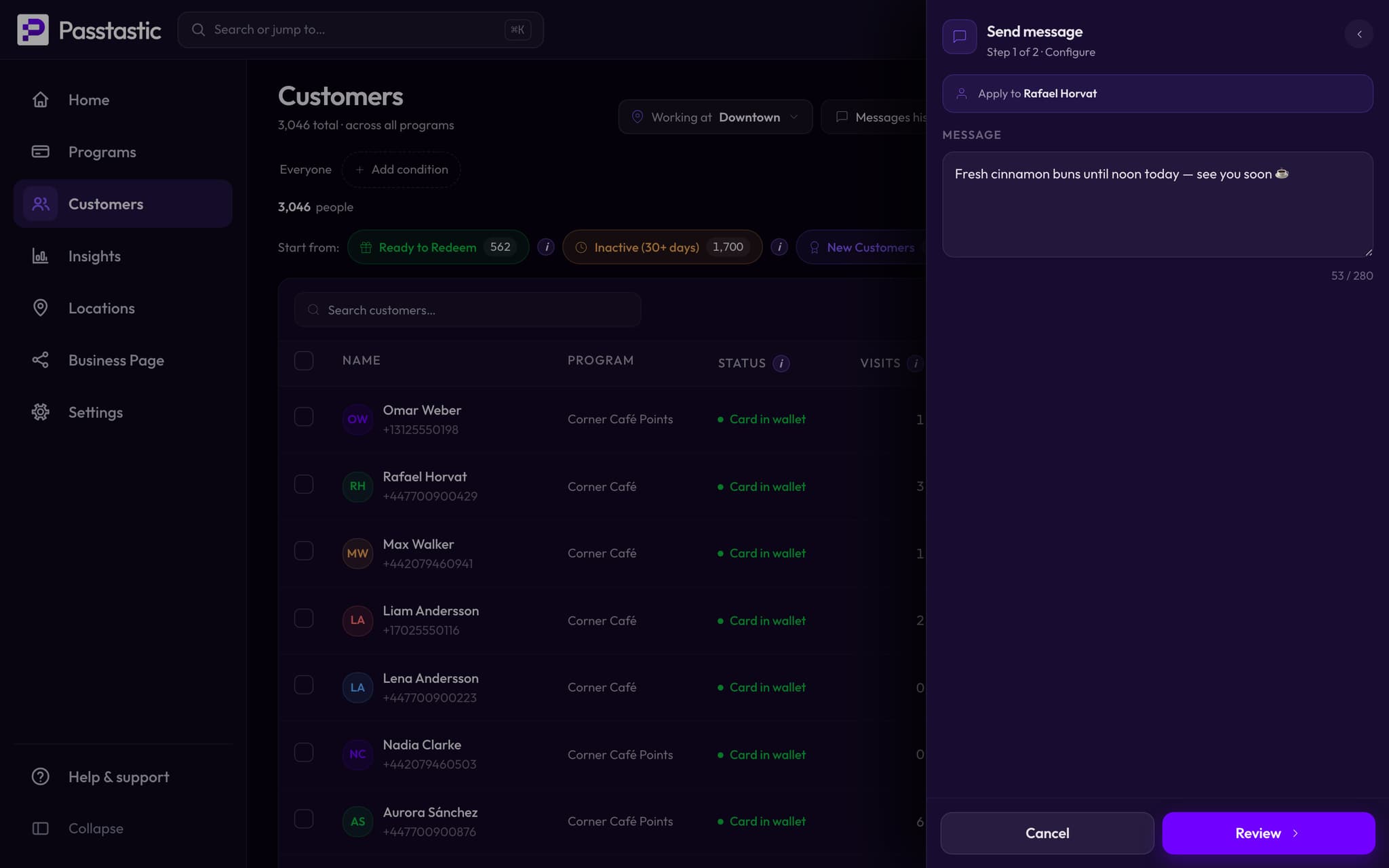
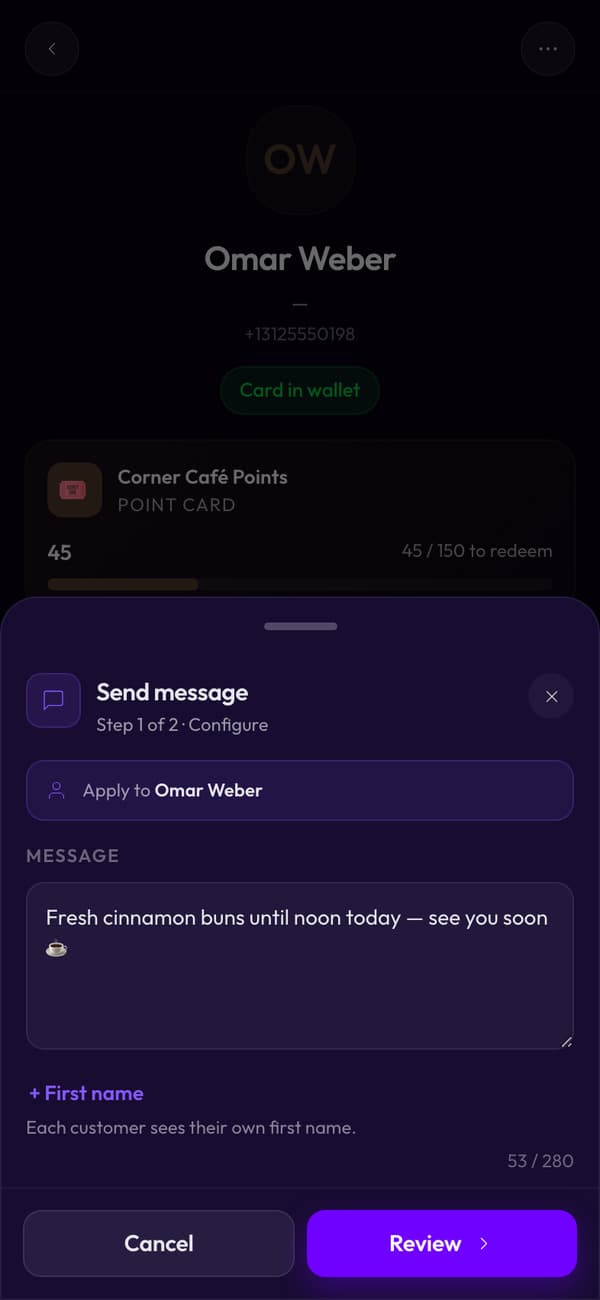
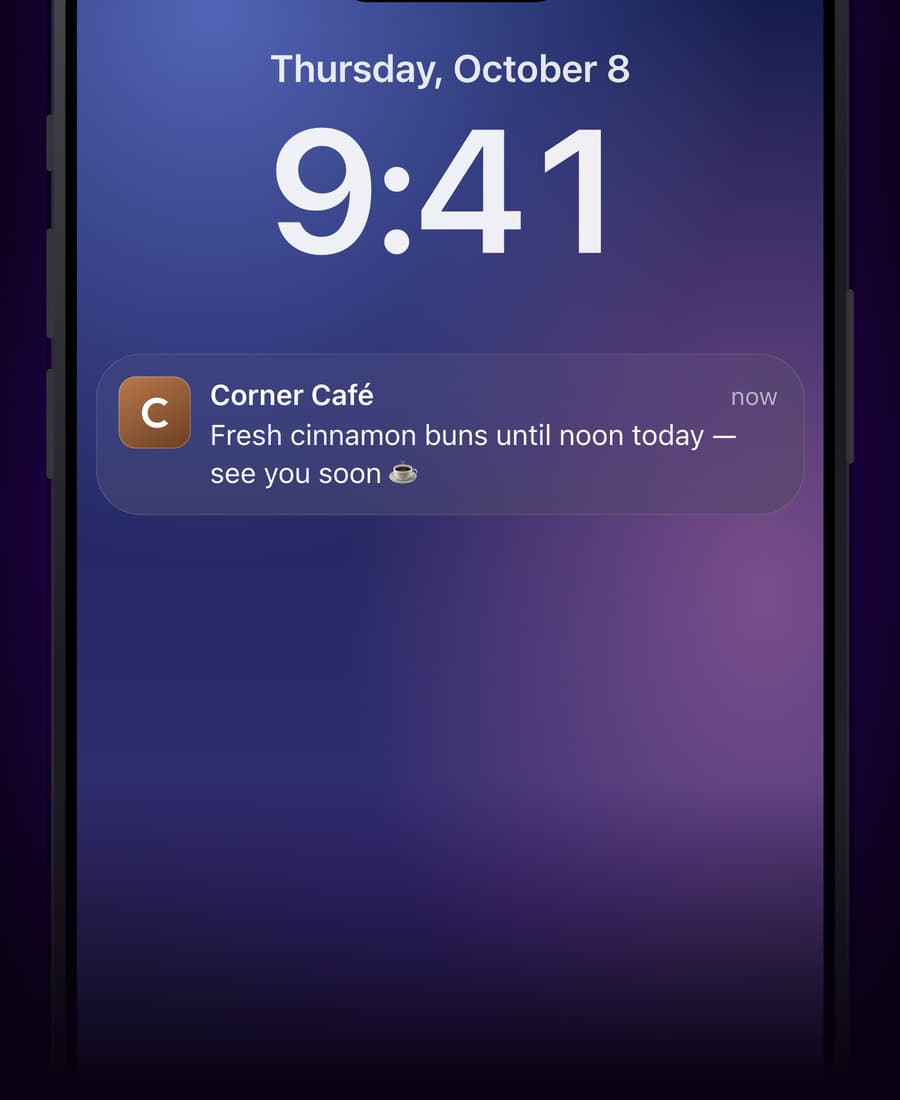
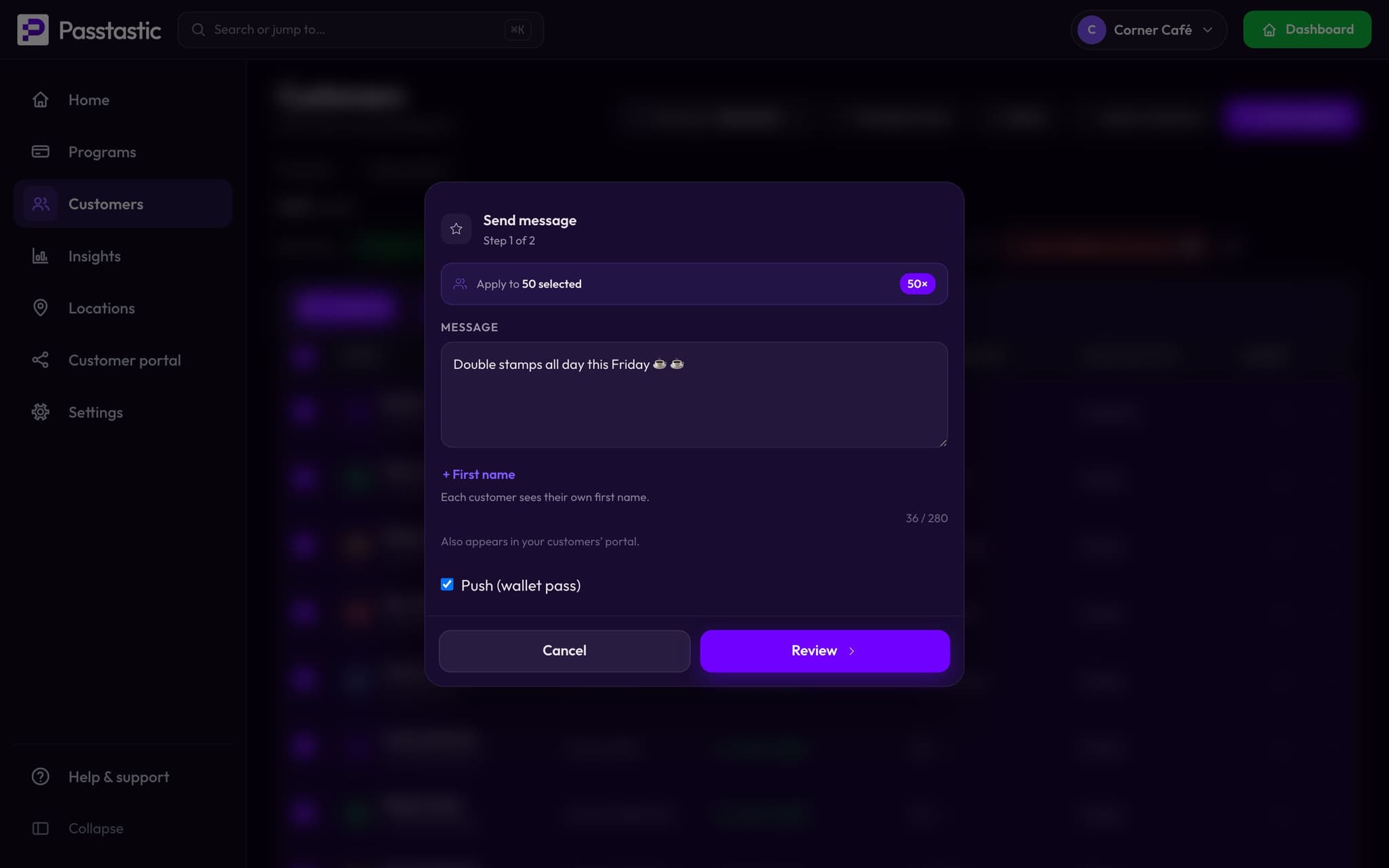
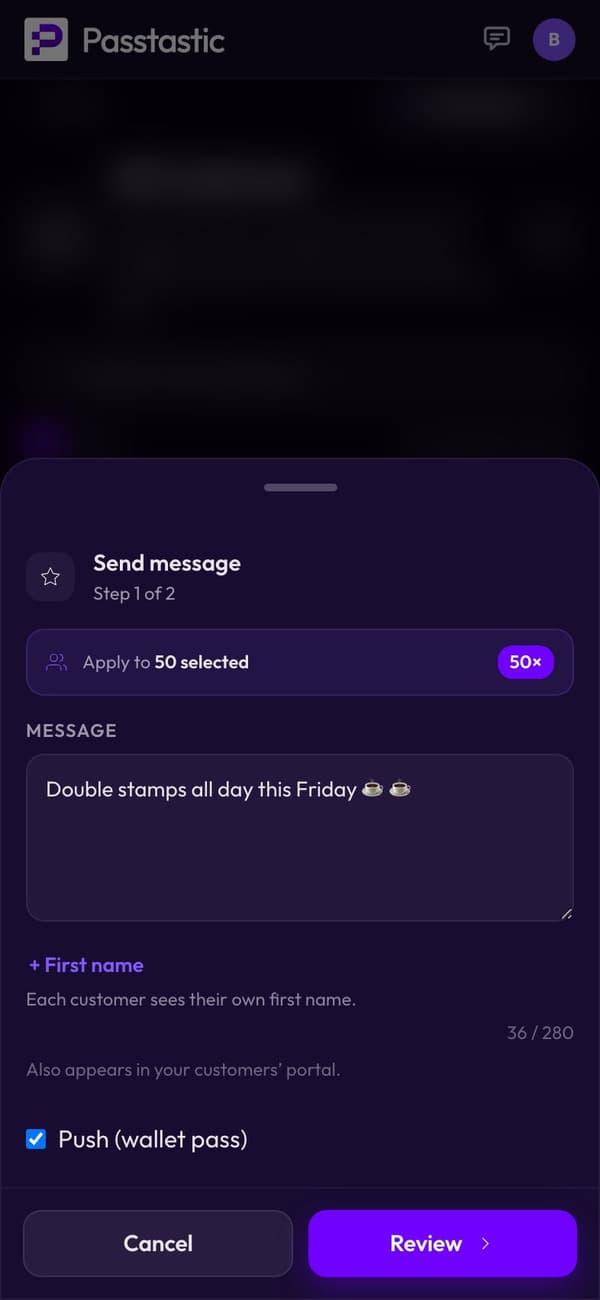
Pick who gets it, write it, send.
- Pick who gets it — one person or a whole group.
- Write the message.
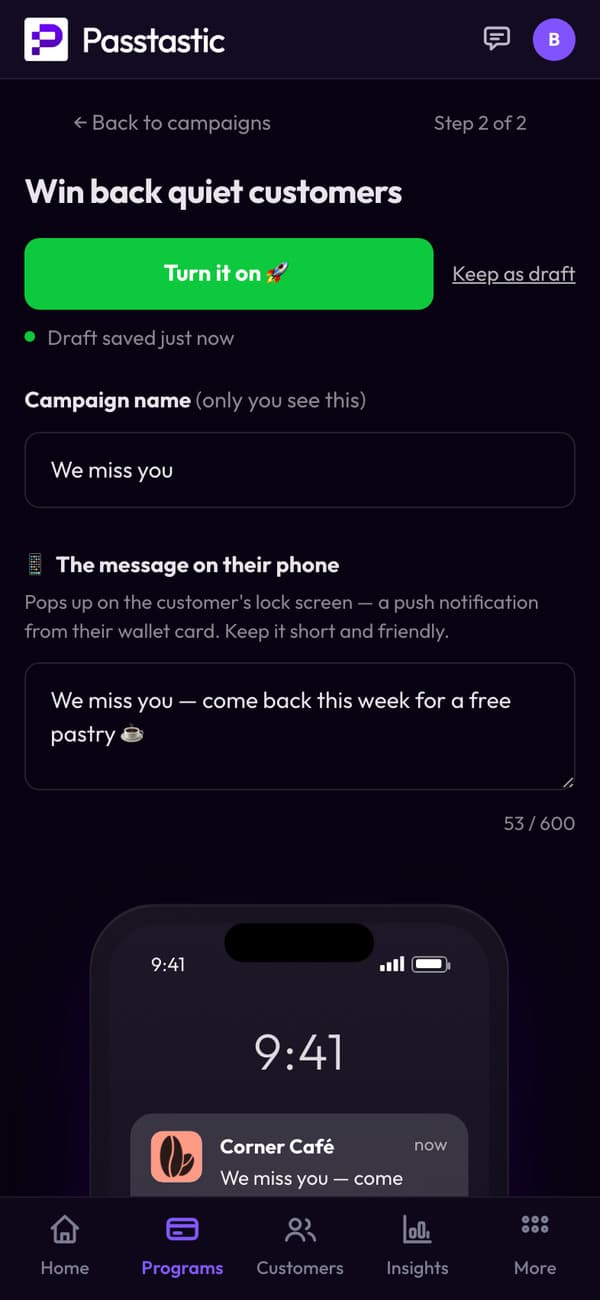
02 · Birthday messages
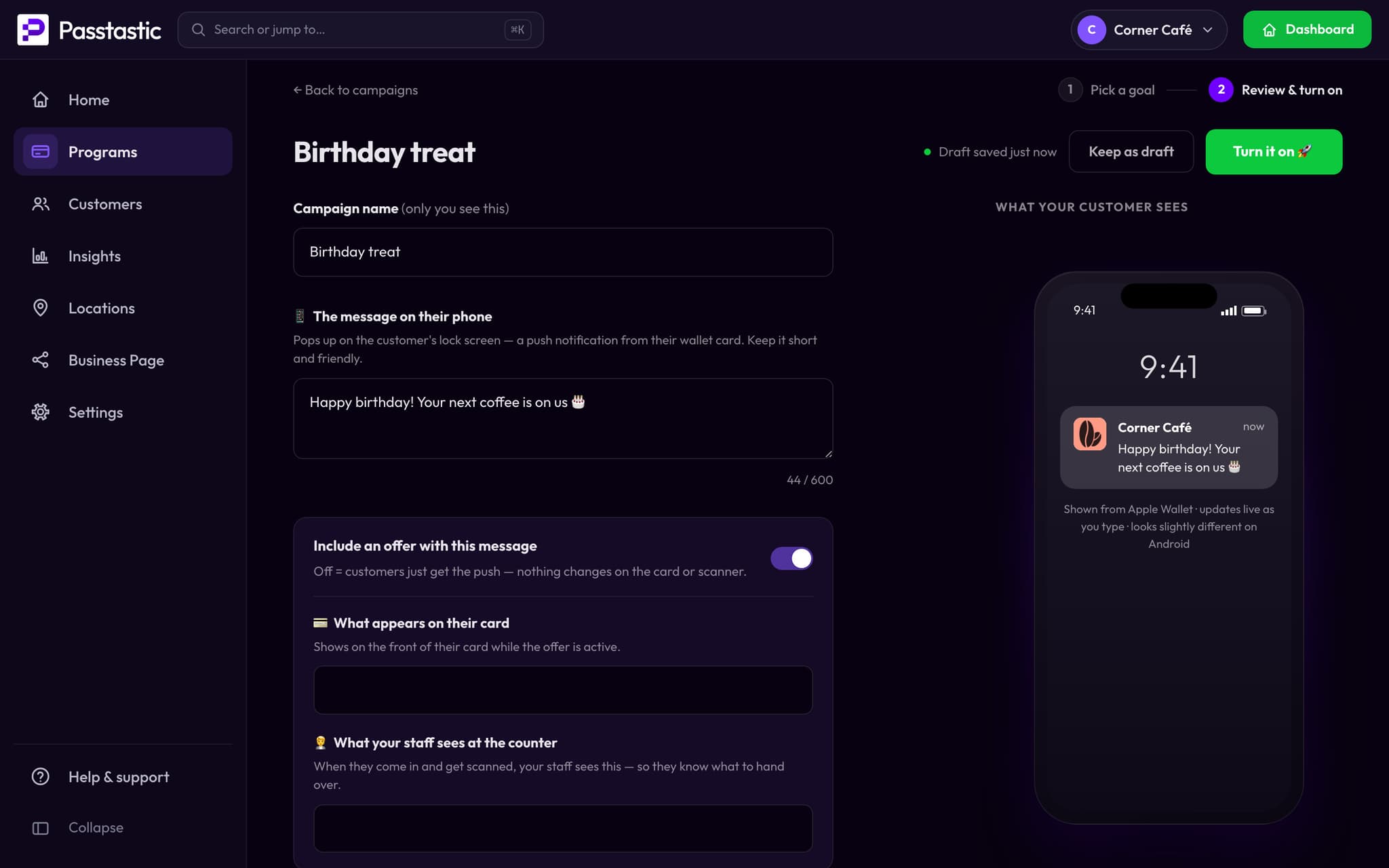
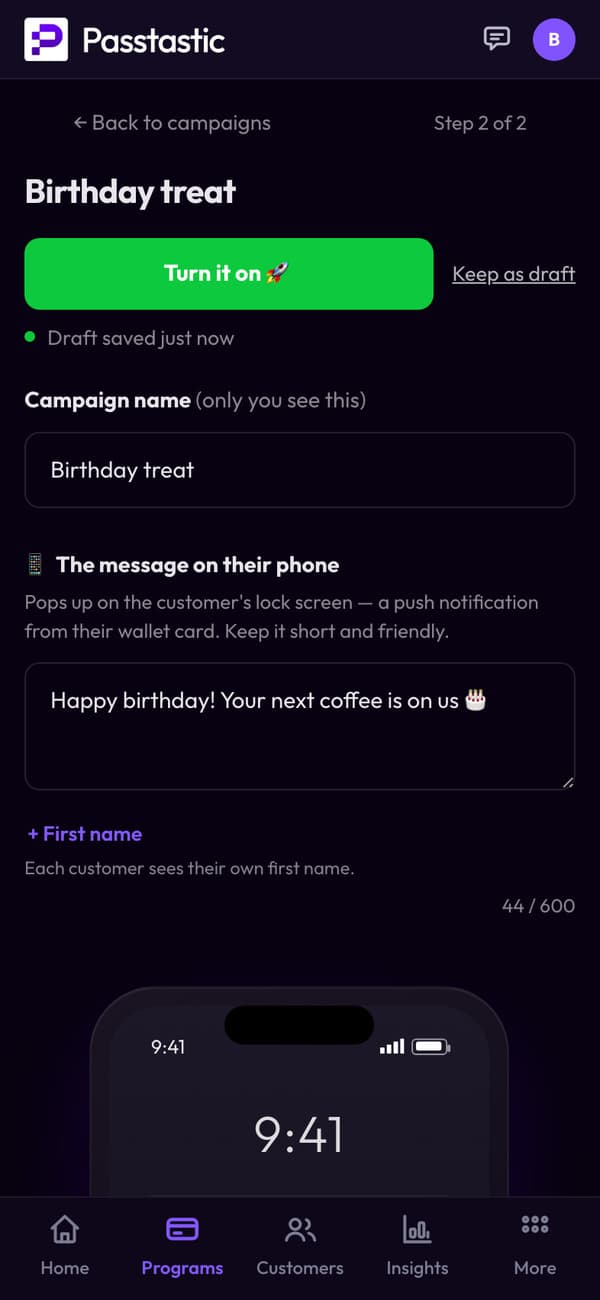
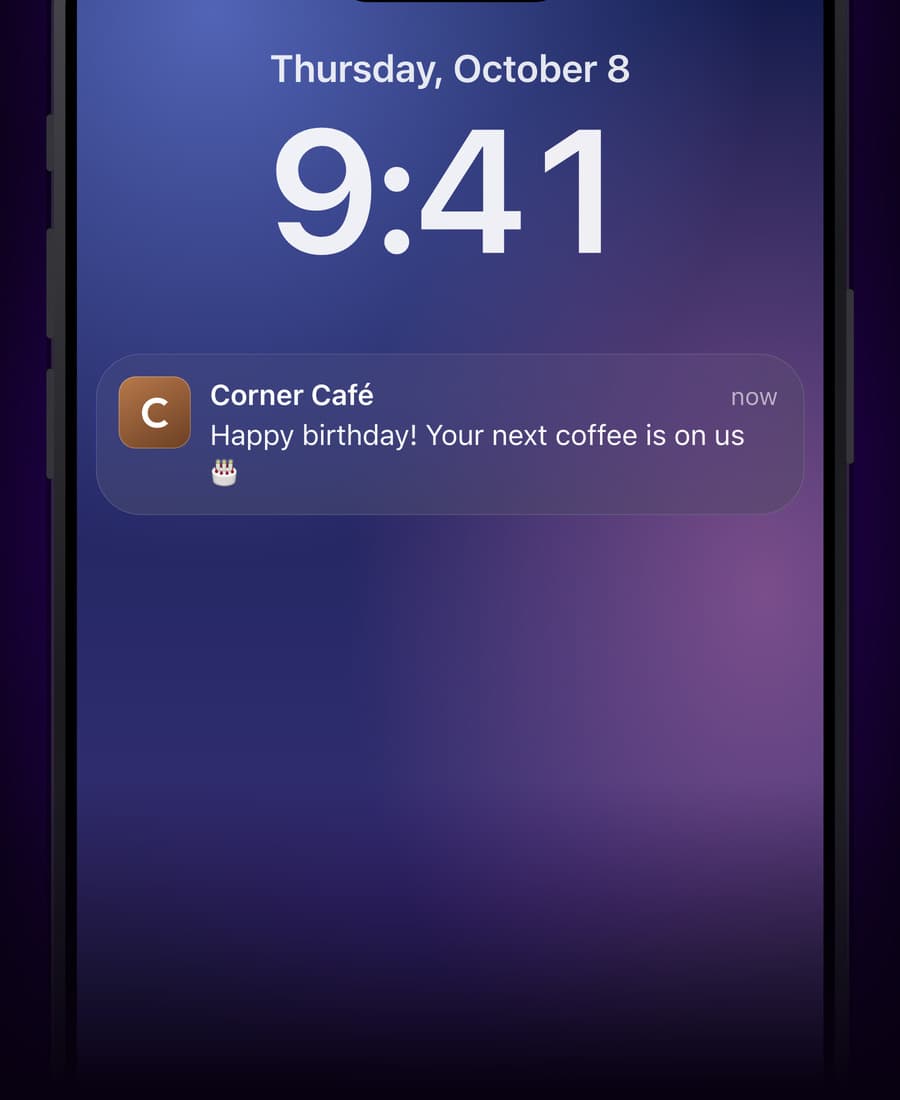
A birthday message, every year, on its own.
Set the message once. It goes out on each customer's birthday.
03 · Near your shop
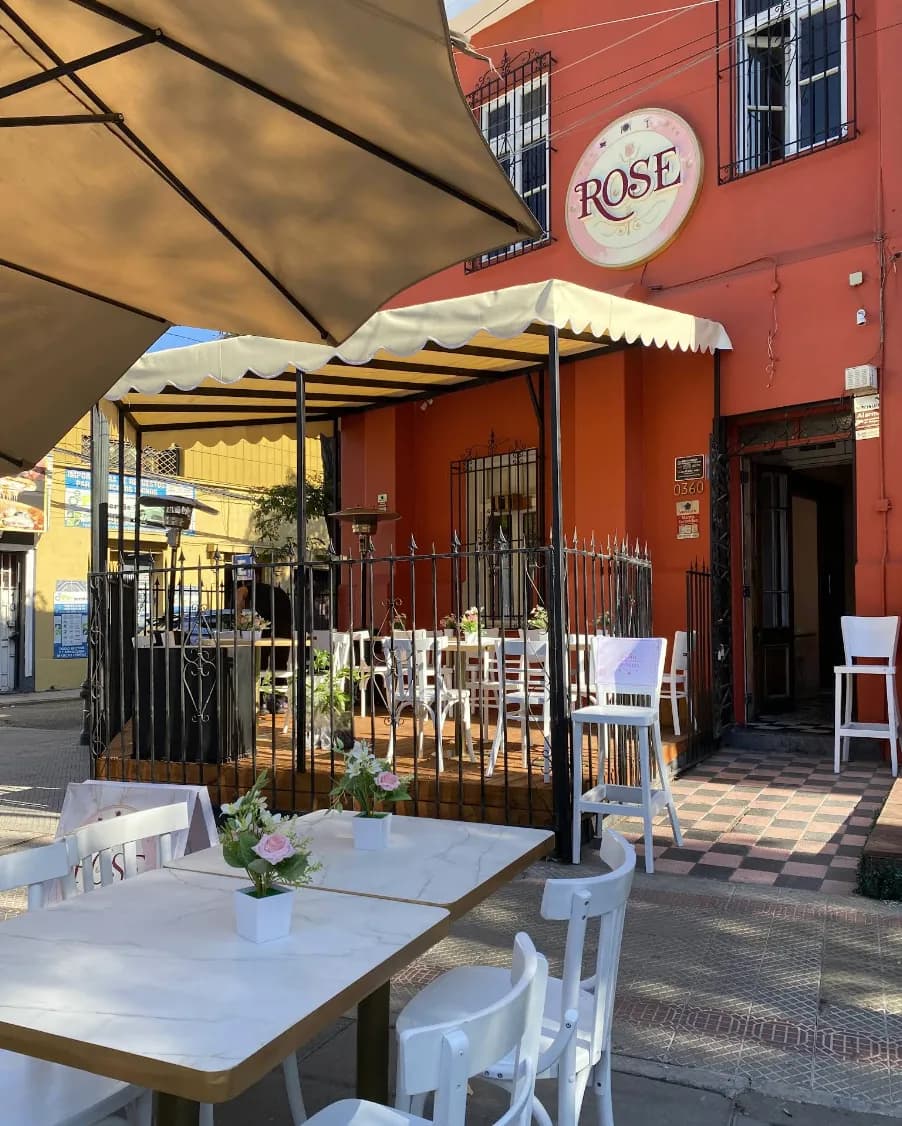
A reminder when they walk by.
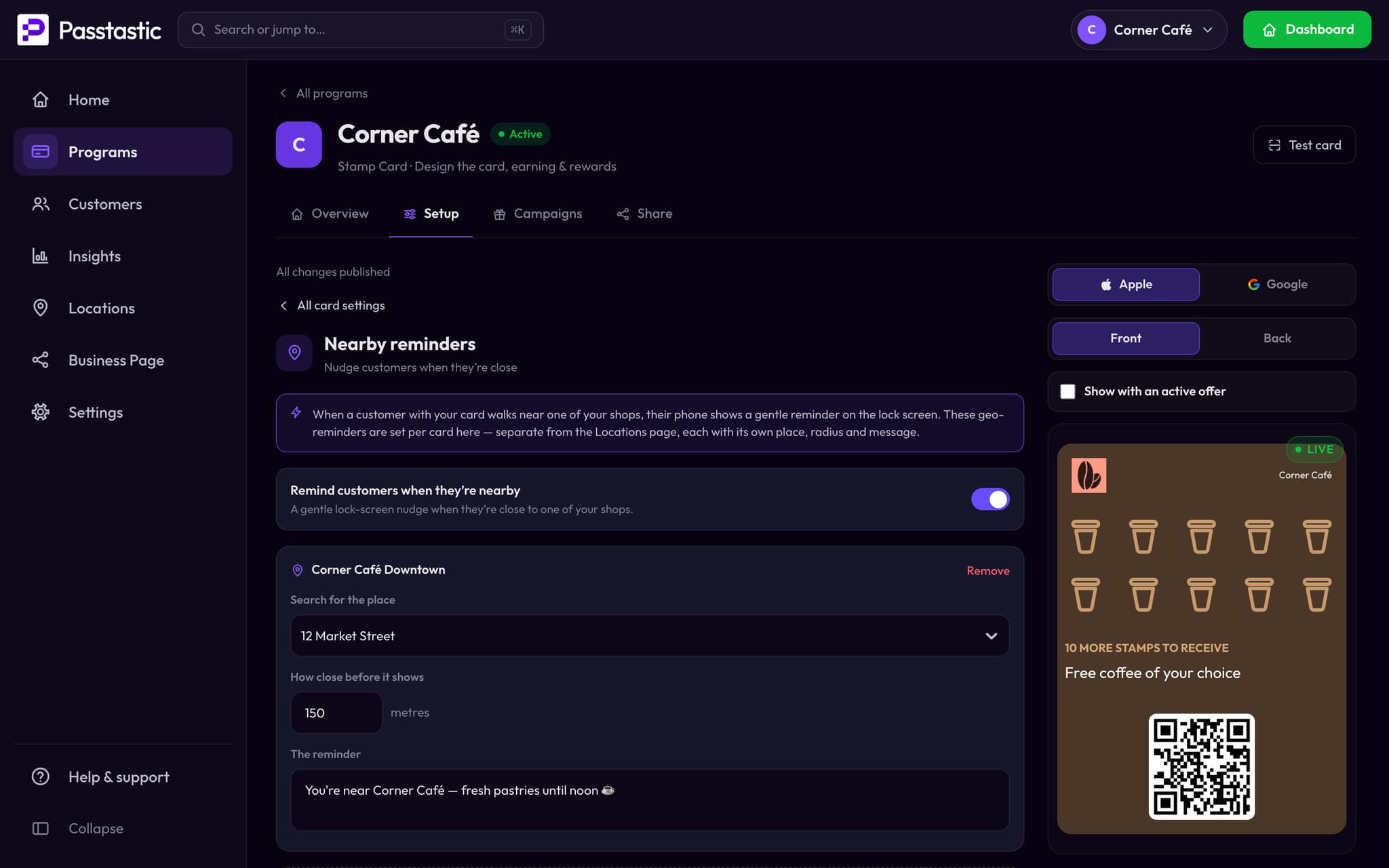
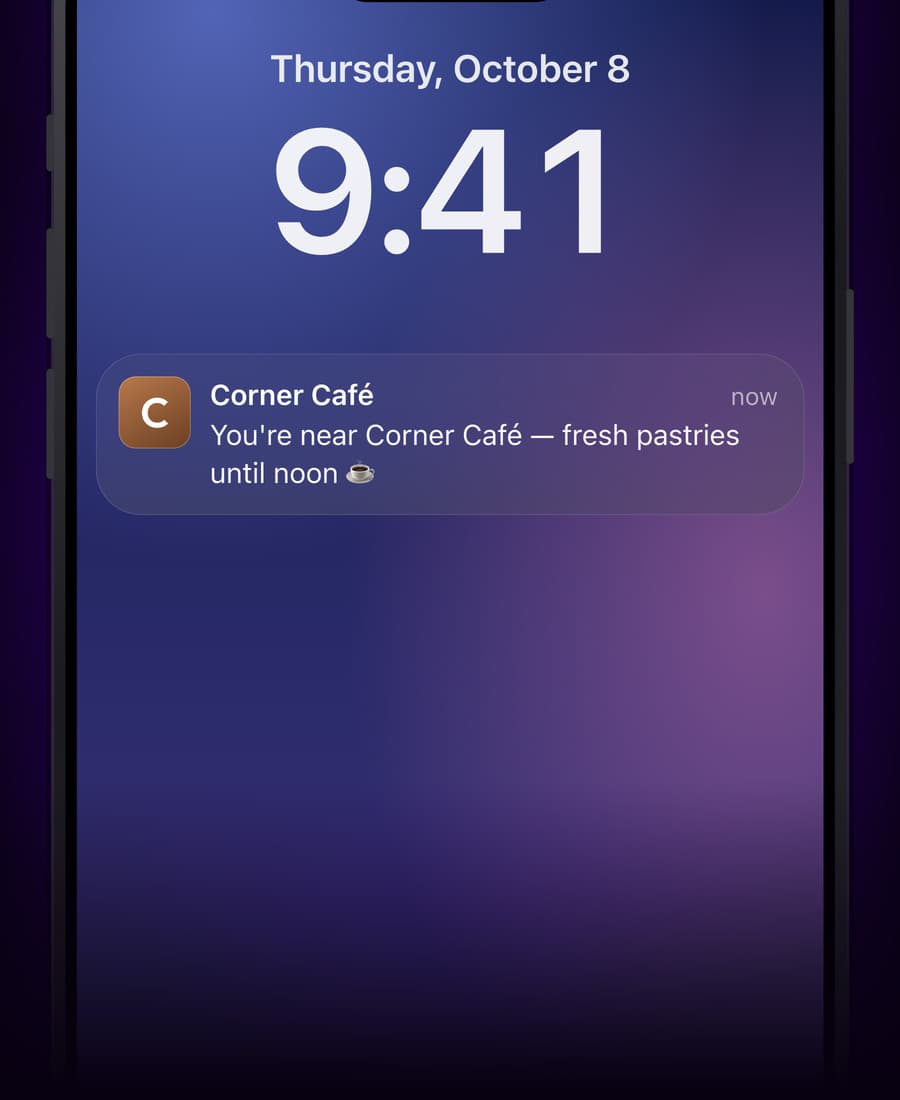
On iPhone, your own message shows on the lock screen when a customer with your card comes close to your shop. On Android, Google Wallet decides when to show a nearby prompt and what it says.
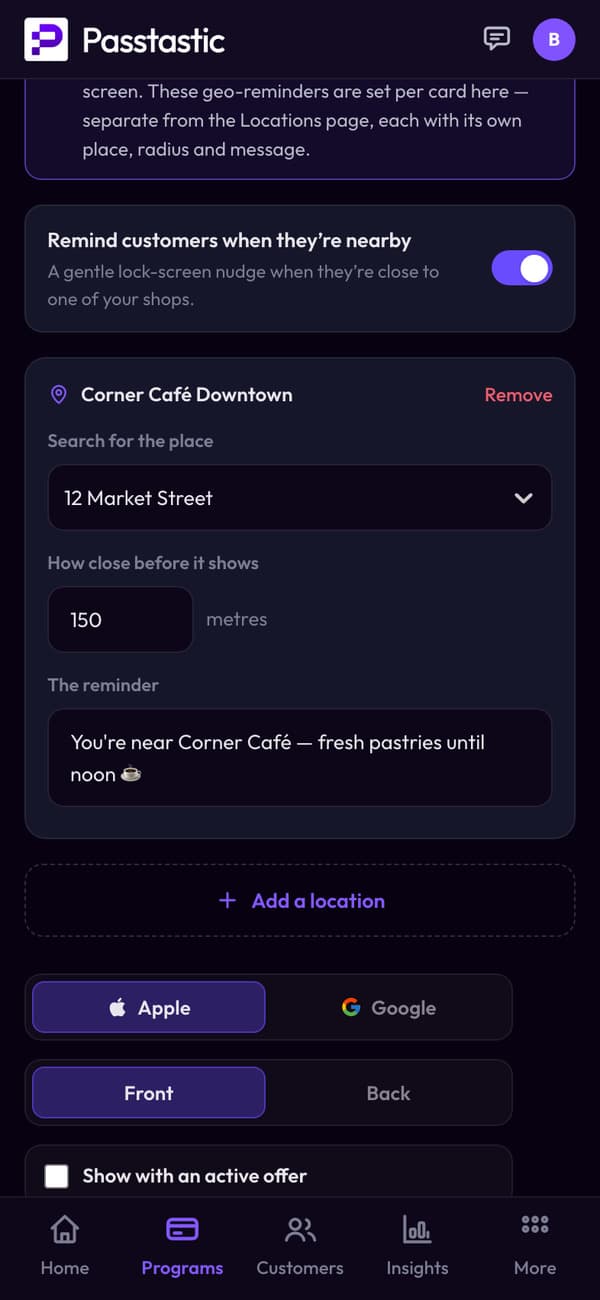
- Turn it on for the card.
- Pick the shop and how close.
- Write the reminder.
04 · In their app
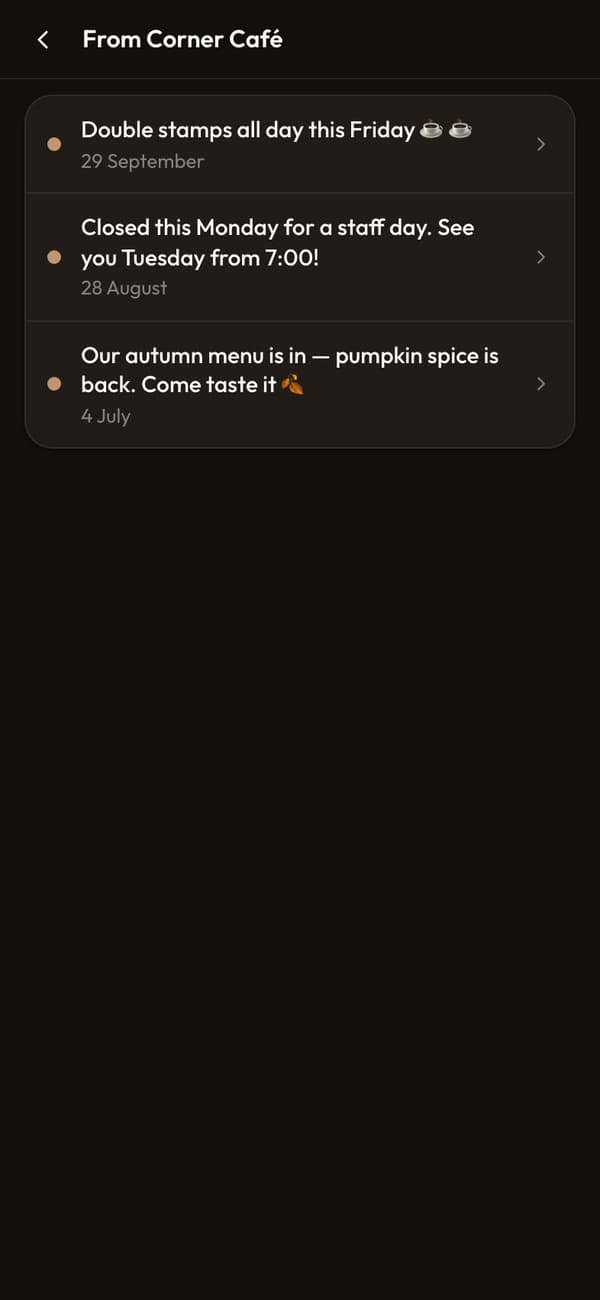
Every message also stays in their app.
Wallet notifications come and go. In their app, your messages stay.
From a bakery using it every day
“It's a great platform for implementing loyalty programs. It has an interesting analytics section, and the ability to send messages on demand or based on proximity to the store is really useful.”
Common questions
Write a message in your Passtastic dashboard and send it to the customers who have your loyalty card — everyone, a group, or one person. It appears on their lock screen, branded with your logo. Apple Wallet and Google Wallet handle the delivery. No app needed on either end.
Related
Ready to reach your customers directly?
Free to start — 14 days, no card needed.