

Loyalty card scanner
Your team scans. Every card updates.
A loyalty card scanner on your staff's own phone or tablet. Scan the customer's card — or look them up by name, email or phone — and stamps, points or a reward update in their wallet straight away.
Free to start · 14 days · no card needed
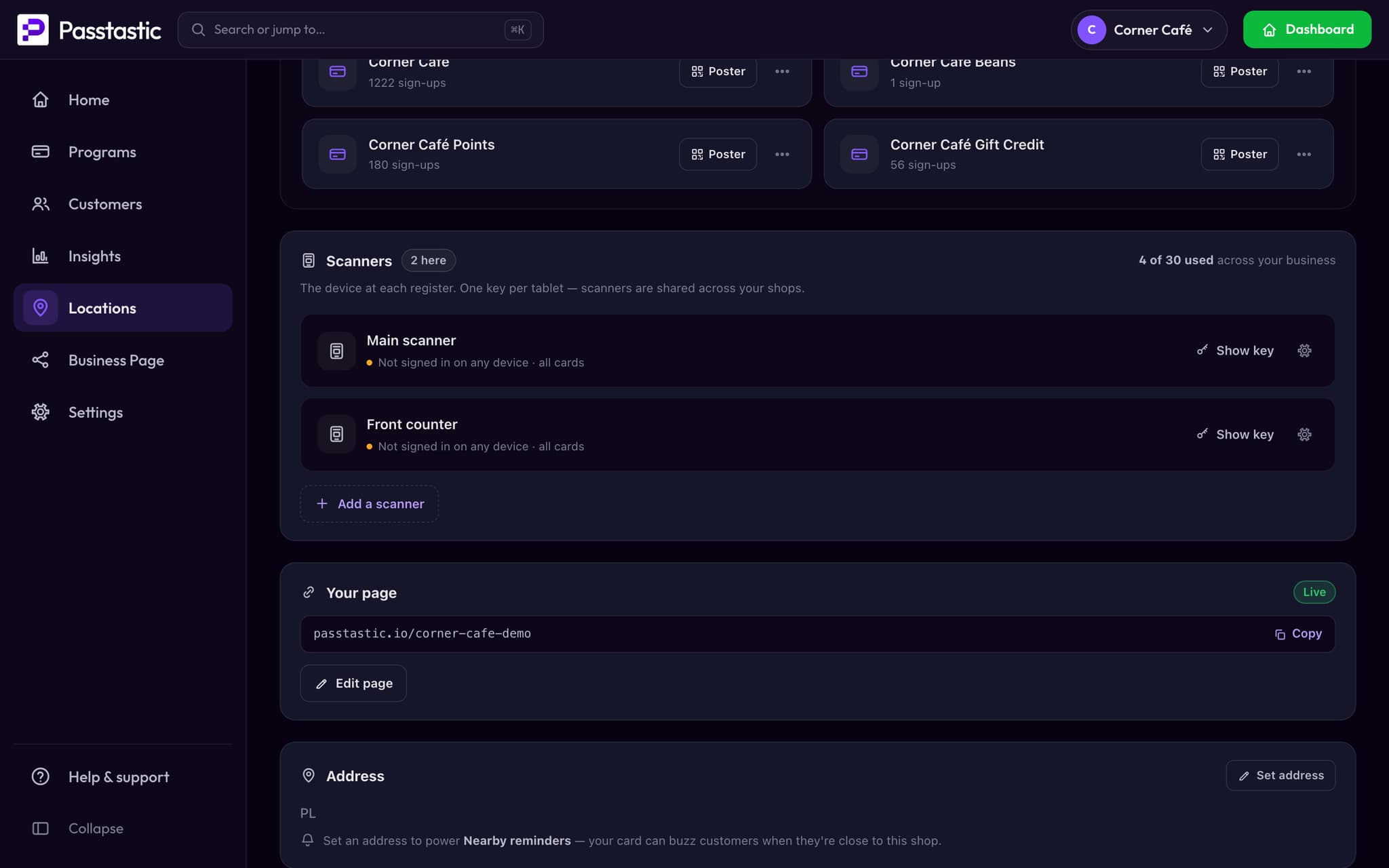
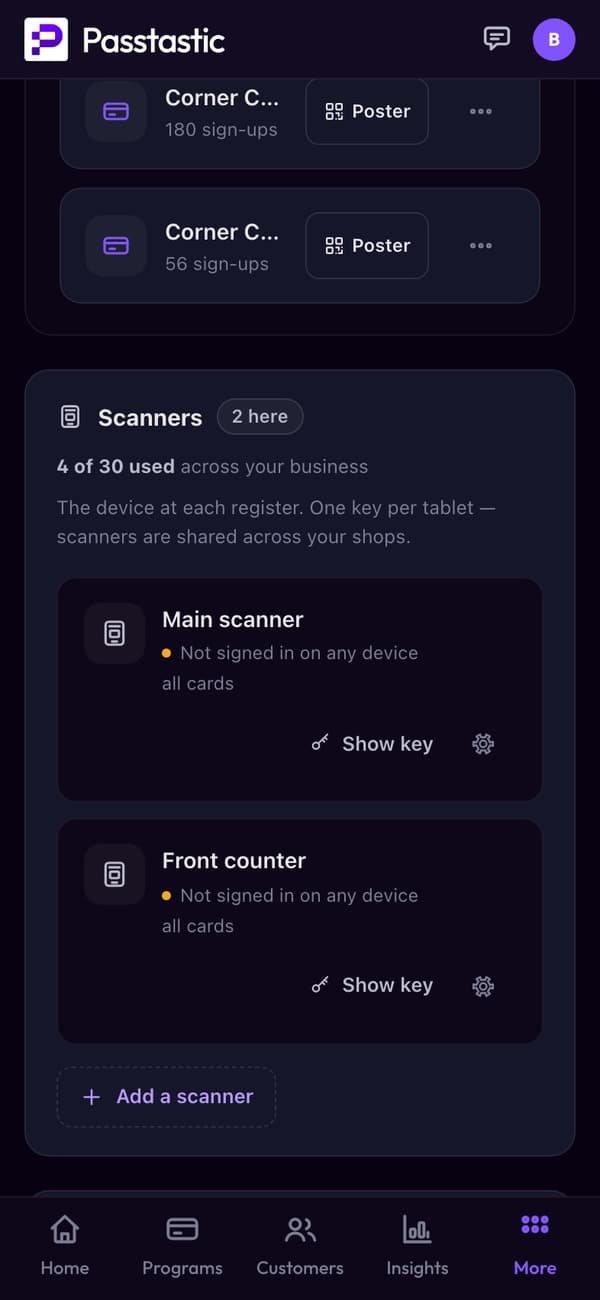







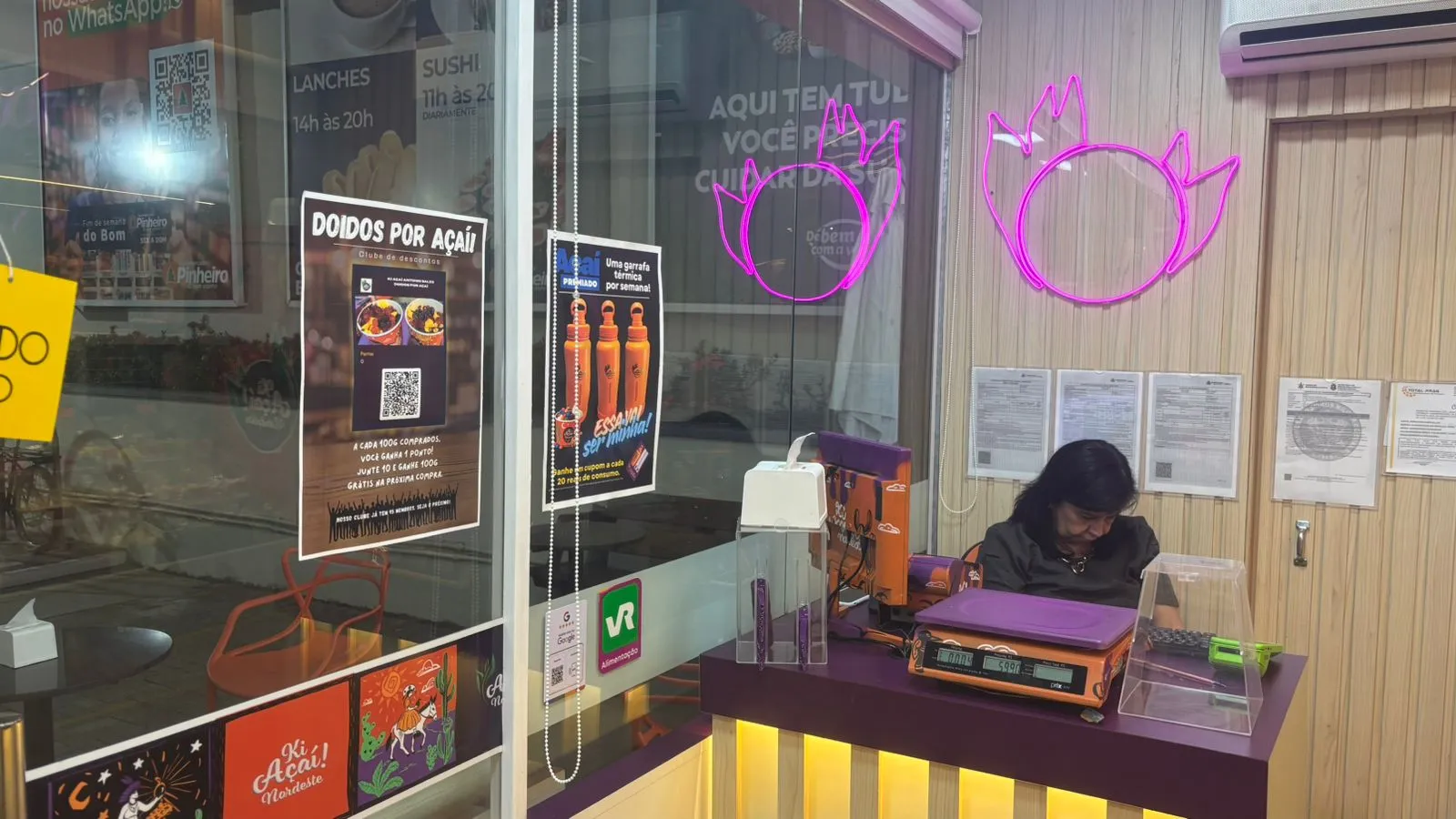









01 · One per register
A scanner for every register.
- Each scanner has its own name and its own login.
- Add one whenever you open a new counter.
02 · Scan loyalty card, done
One scan, and their card updates.
Staff scan the QR code on the card, or look the customer up by name, email or phone. The card in their wallet changes right away.
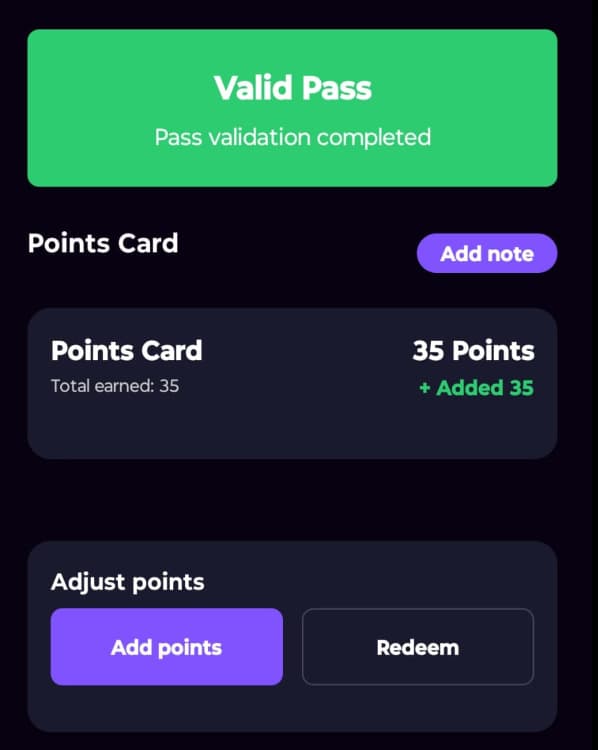


Scan
03 · Every shop, its own numbers
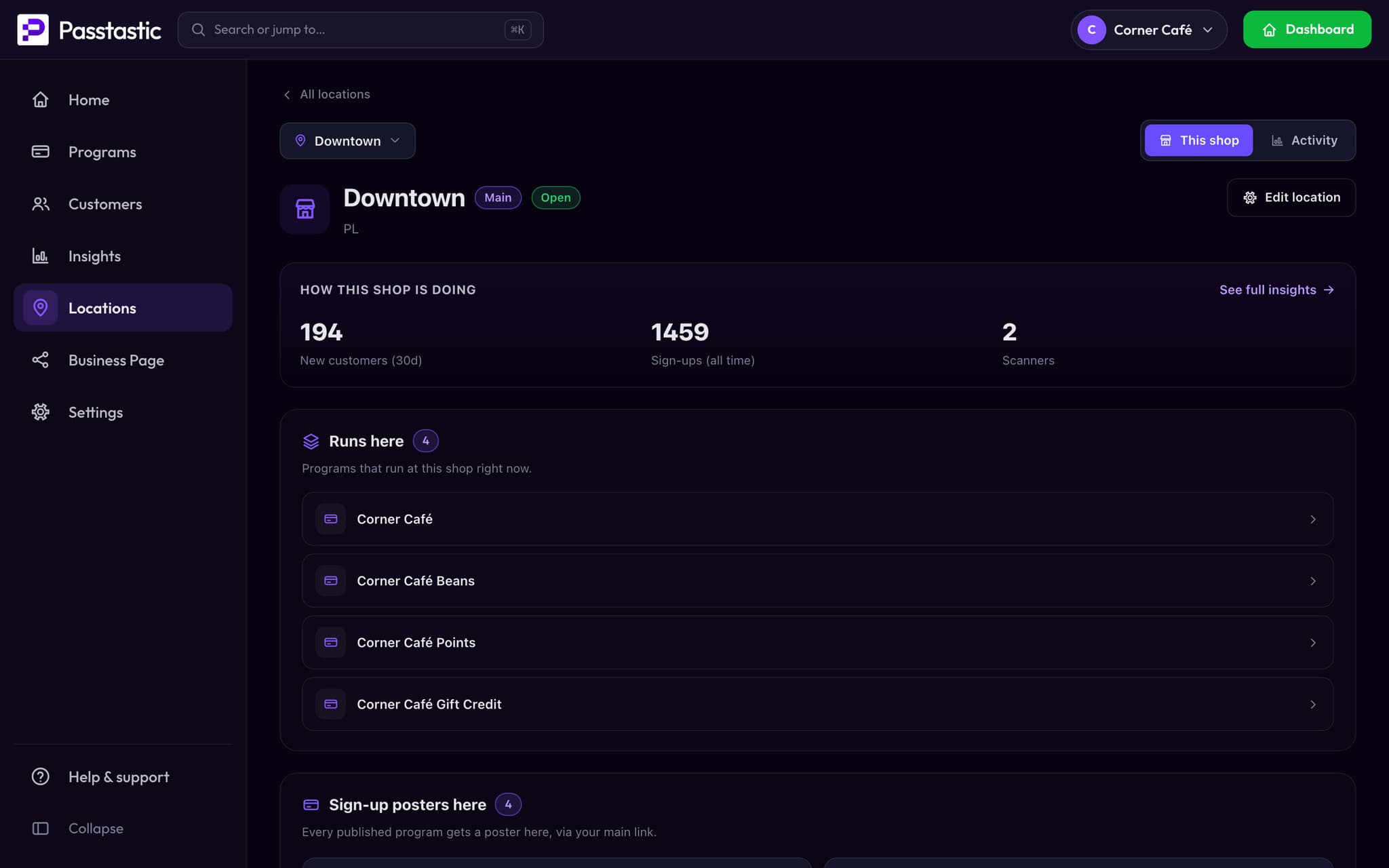
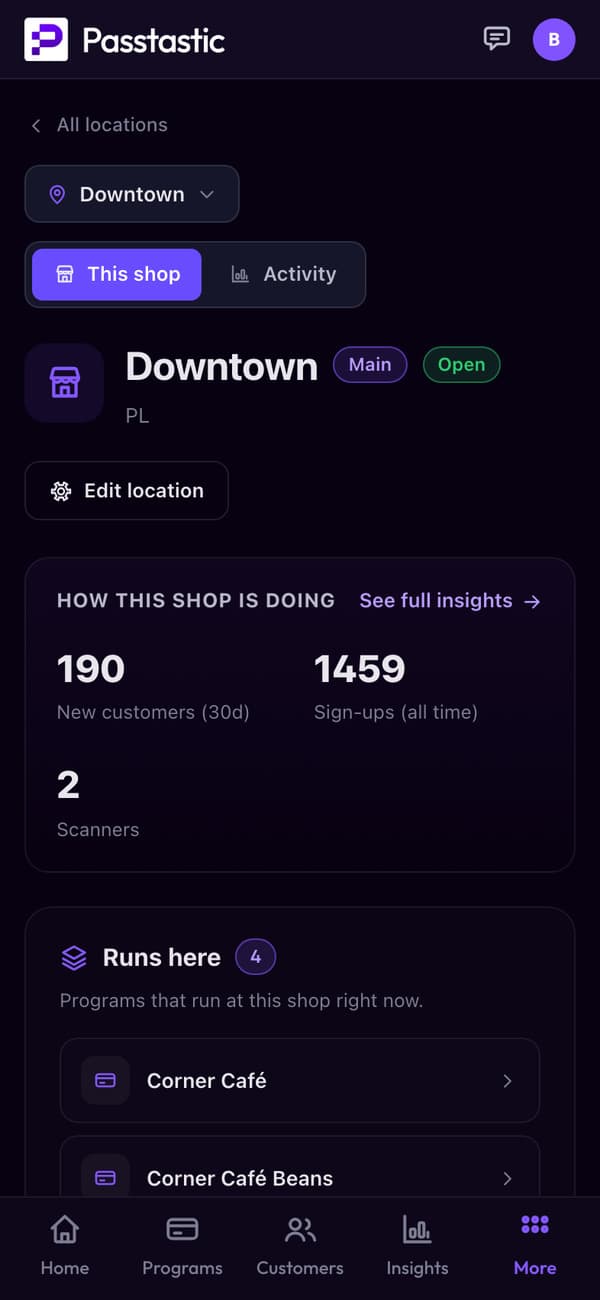
See what each shop is doing.
New customers, sign-ups and scanners for every shop, next to the programs that run there.
04 · Offers at the counter
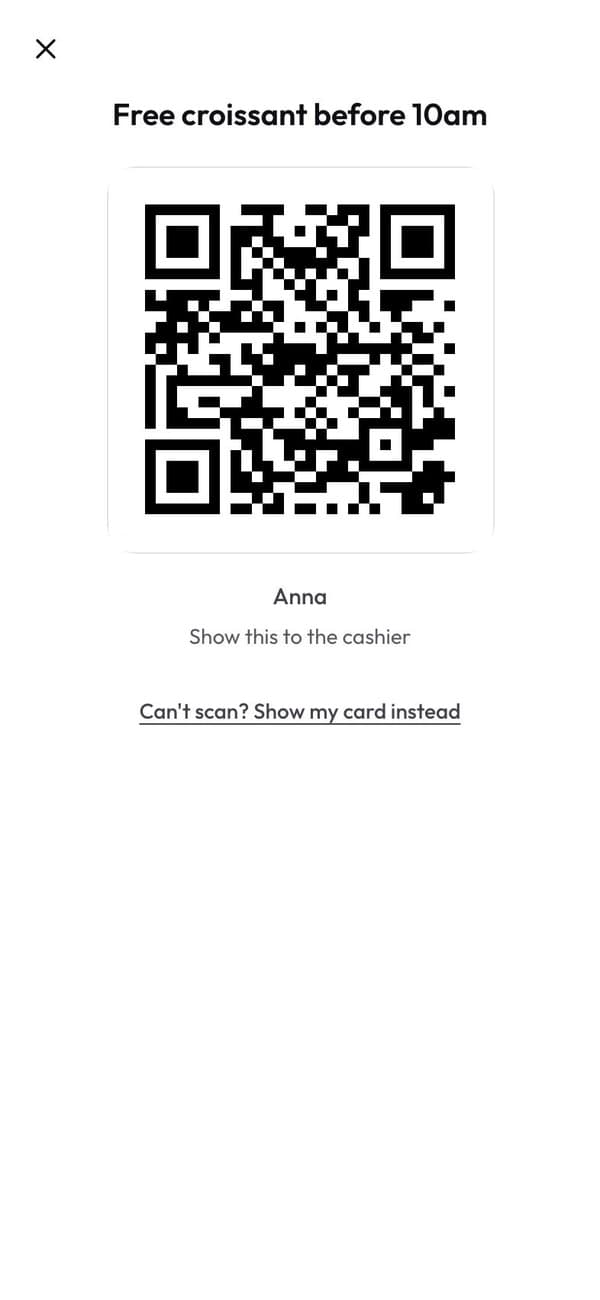
Staff scan the offer's own code and confirm.
The customer taps "Use at the counter", your staff scan the code and confirm. The offer is used.
From a café using it at the counter
“They come in, they order, and while we prepare the coffees, they are already enrolled and stamped and everything is already done.”
Membership card scanner and reward scanner questions
Your staff installs the Passtastic Scanner app on their phone or tablet, logs in with the scanner's own key, and scans the customer’s QR code. The card pops up — stamps, points, level, coupon — and they tap to add a stamp, redeem a reward, or adjust a balance. If scanning isn’t practical, staff can search by name, email, or phone number instead.
Related
Ready to ditch the paper punch cards?
Free to start — 14 days, no card needed.