

How digital loyalty cards work
Pick a loyalty card that fits your shop — stamp cards, points, or memberships in your customers' Apple & Google Wallet. They join with a tap, campaigns bring them back. Five minutes to set up, years of regulars.
Free to start · 14 days · no card needed
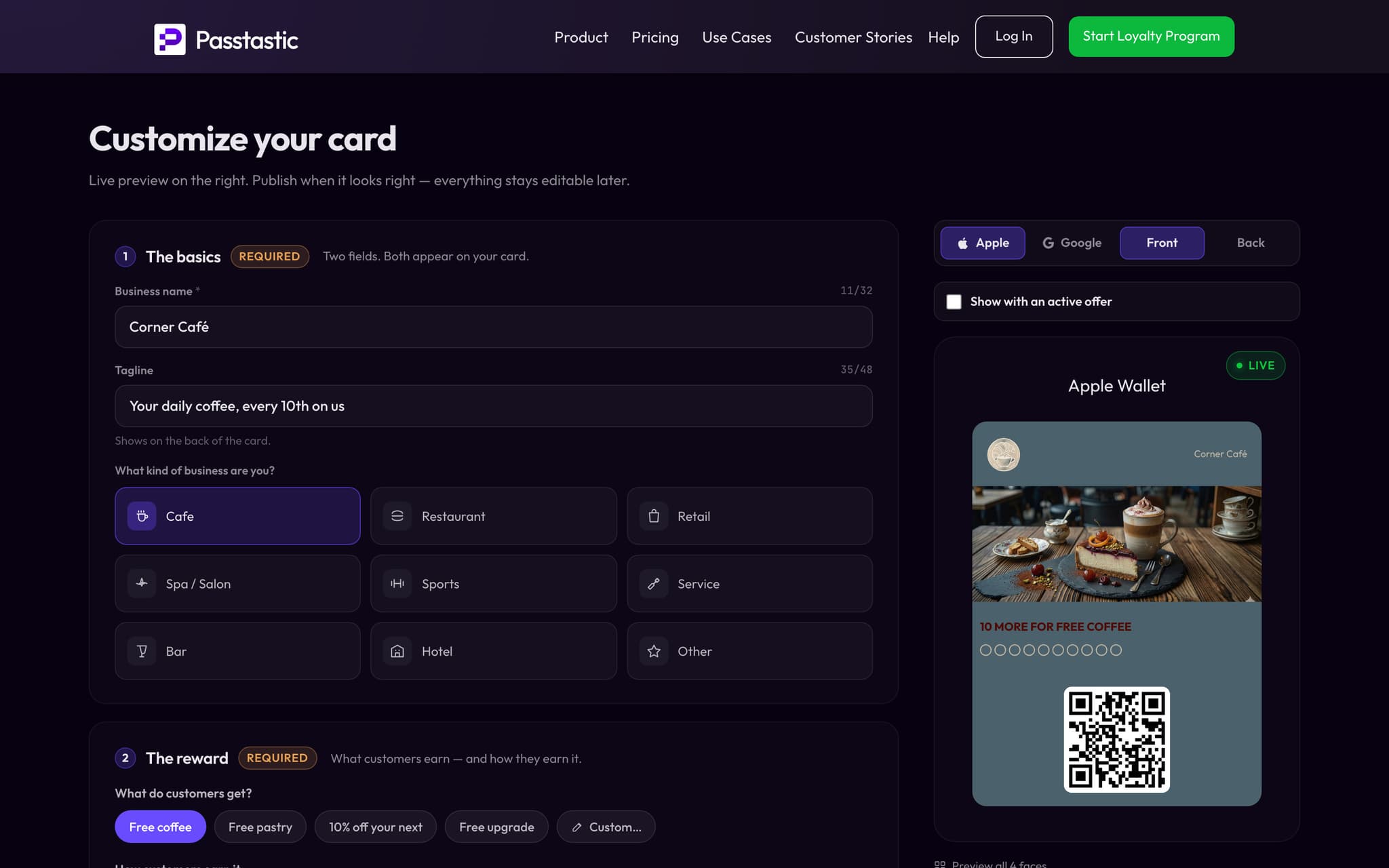
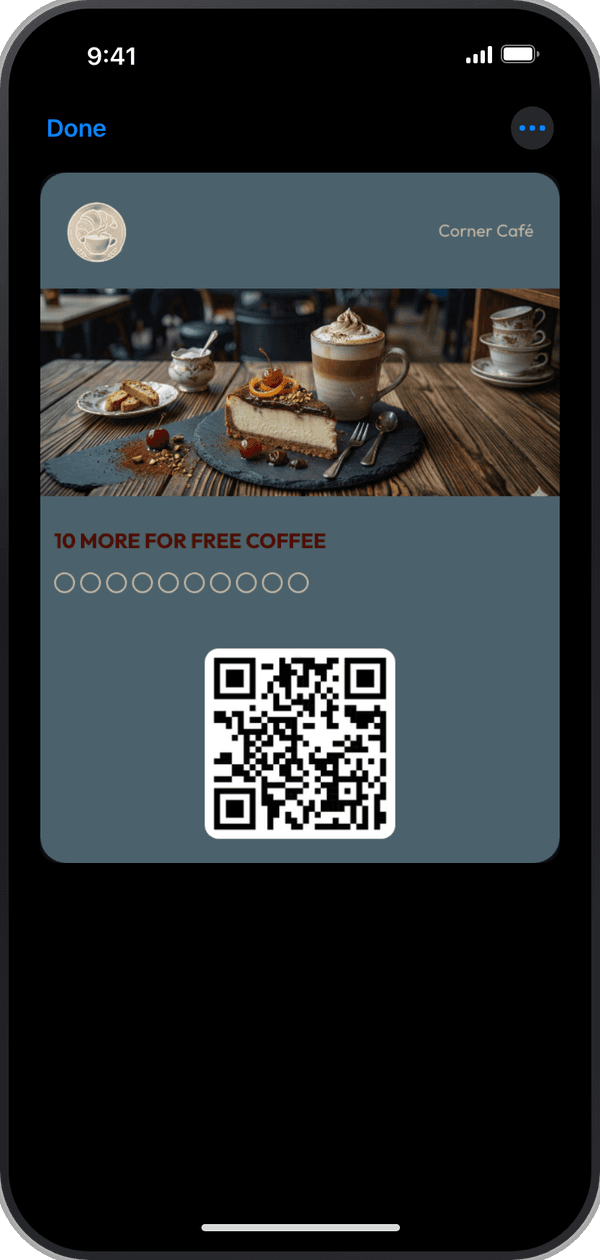
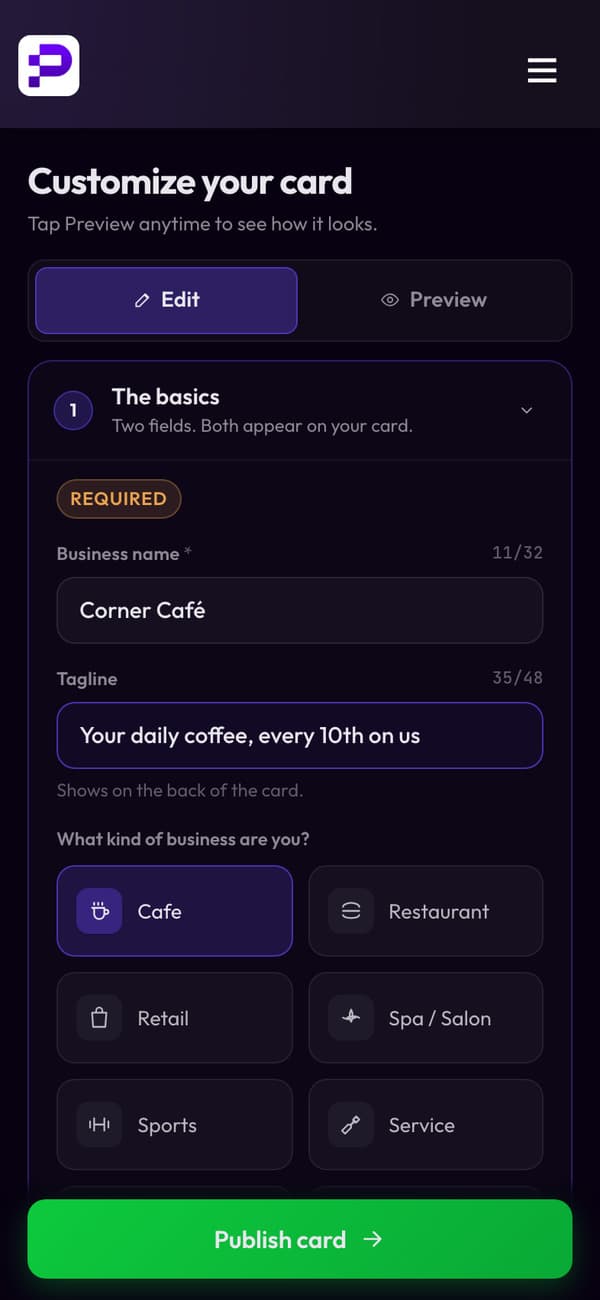















Pick a card and make it yours
Choose a stamp card, points or a membership, add your name and set the reward. The preview shows how the card looks in Apple Wallet and Google Wallet.
- Your business name
- A line that tells customers what they get
- The kind of business you are: the card is designed to match
Share one link or QR code
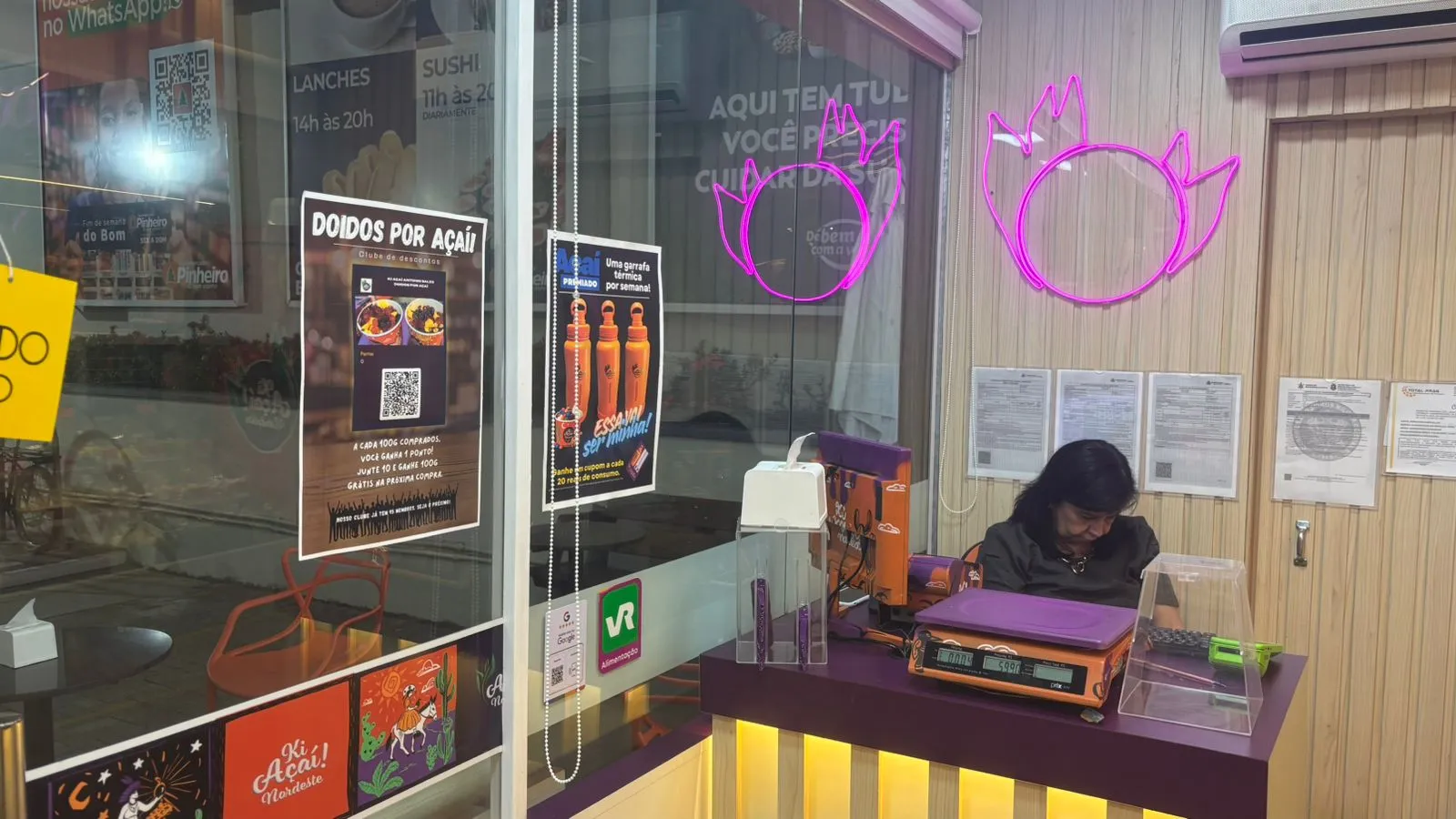
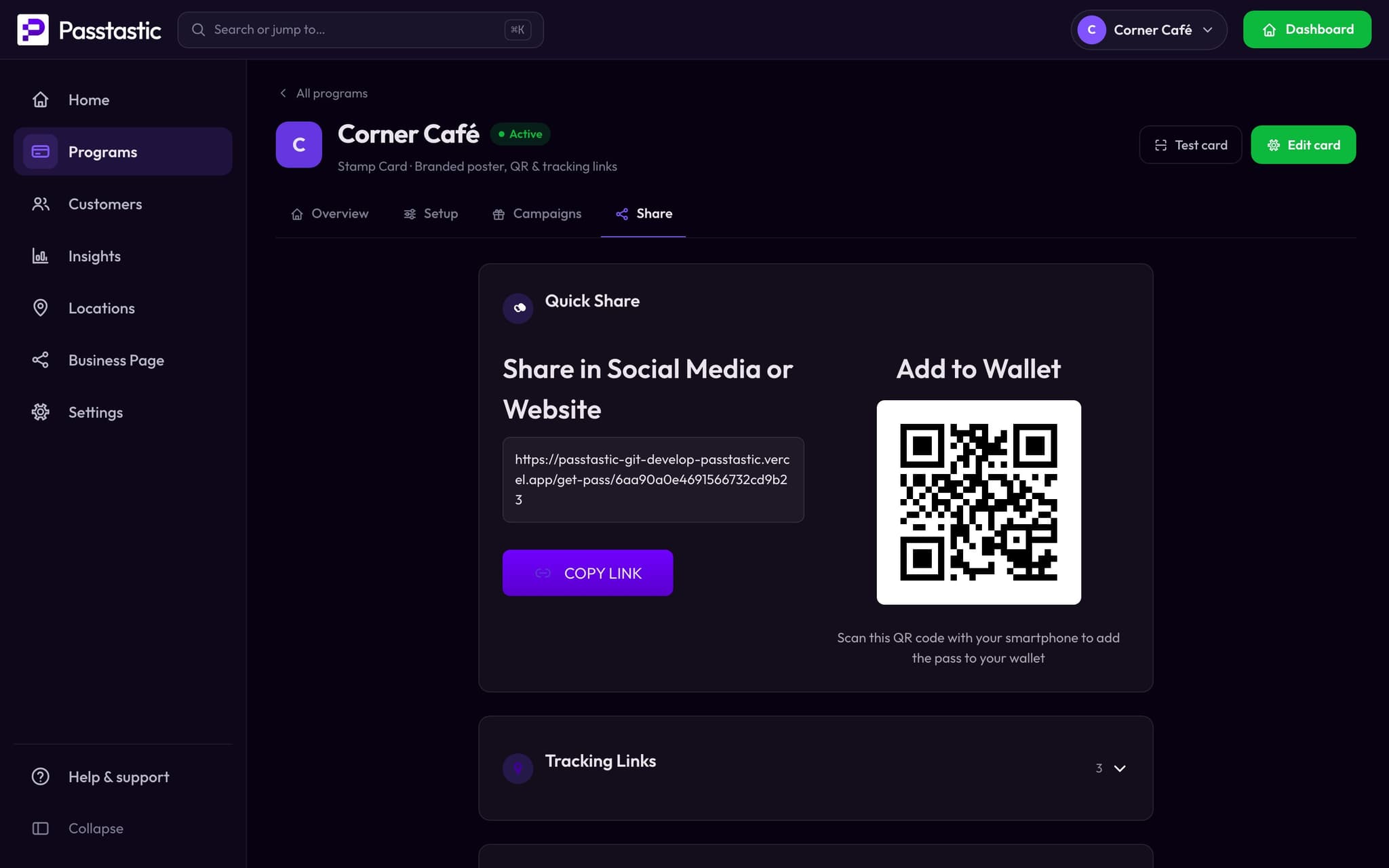
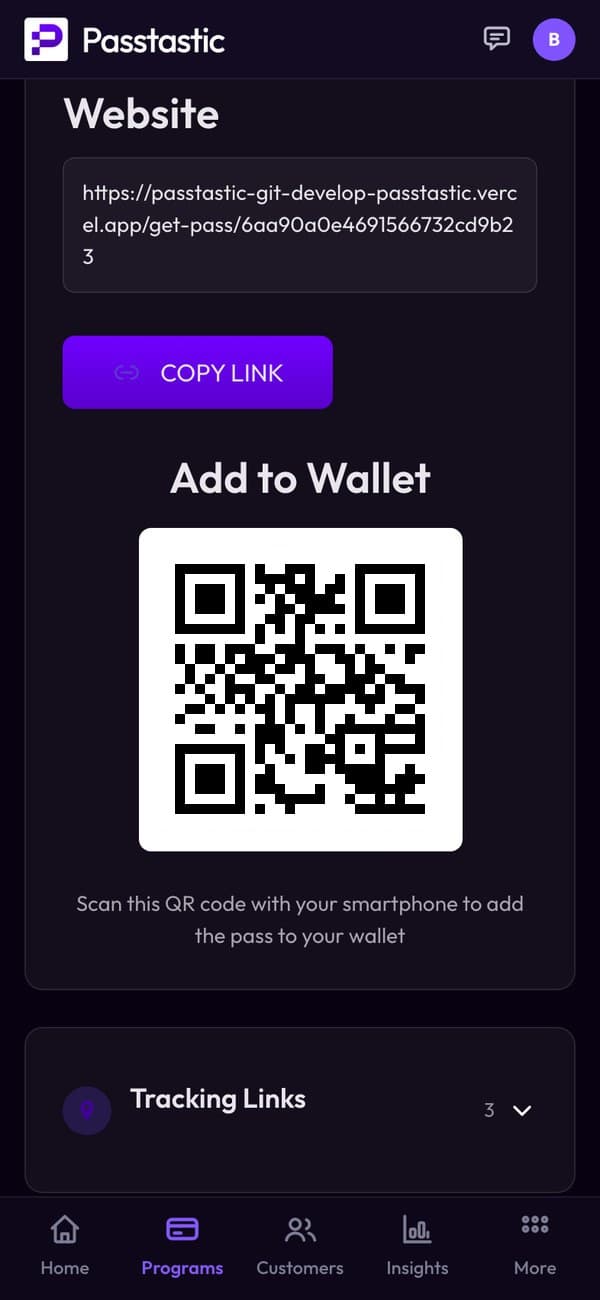
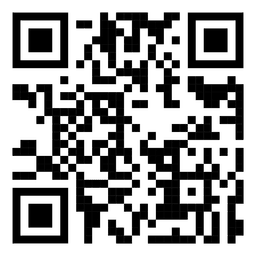
Every card gets its own link and QR code. Put the QR on your counter or tables, or post the link on Instagram: customers tap once and the card is in their wallet. No app to download.
Your app opens from the card.
From the My rewards link on the card in their wallet: their rewards, your offers and your links.
More about the loyalty app →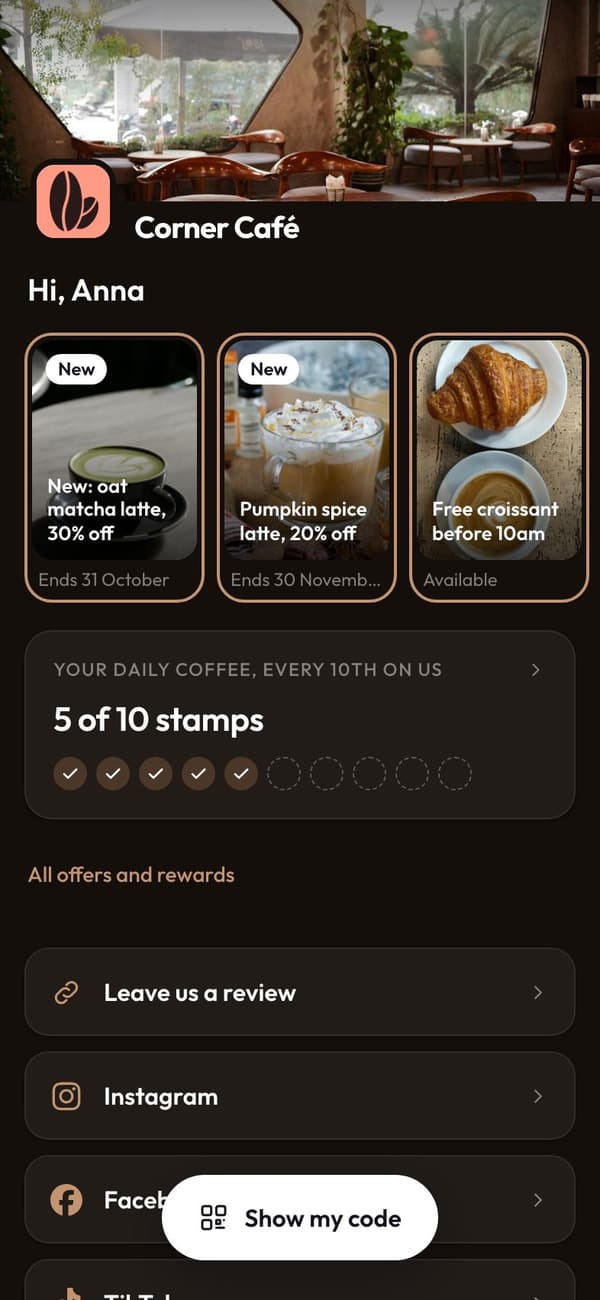
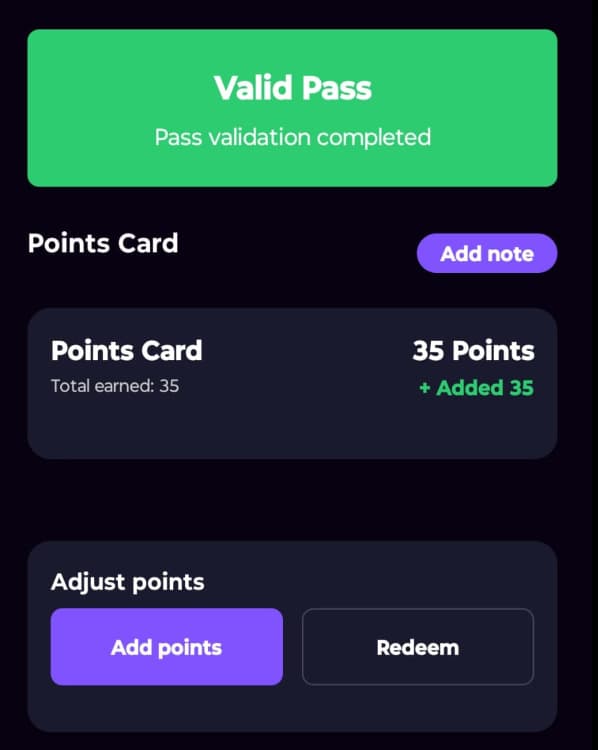
Scan the card, they earn
Staff open the Passtastic Scanner app on a phone or tablet, scan the customer's card and add a stamp or points. The card in their wallet updates straight away.

Campaigns bring them back on their own
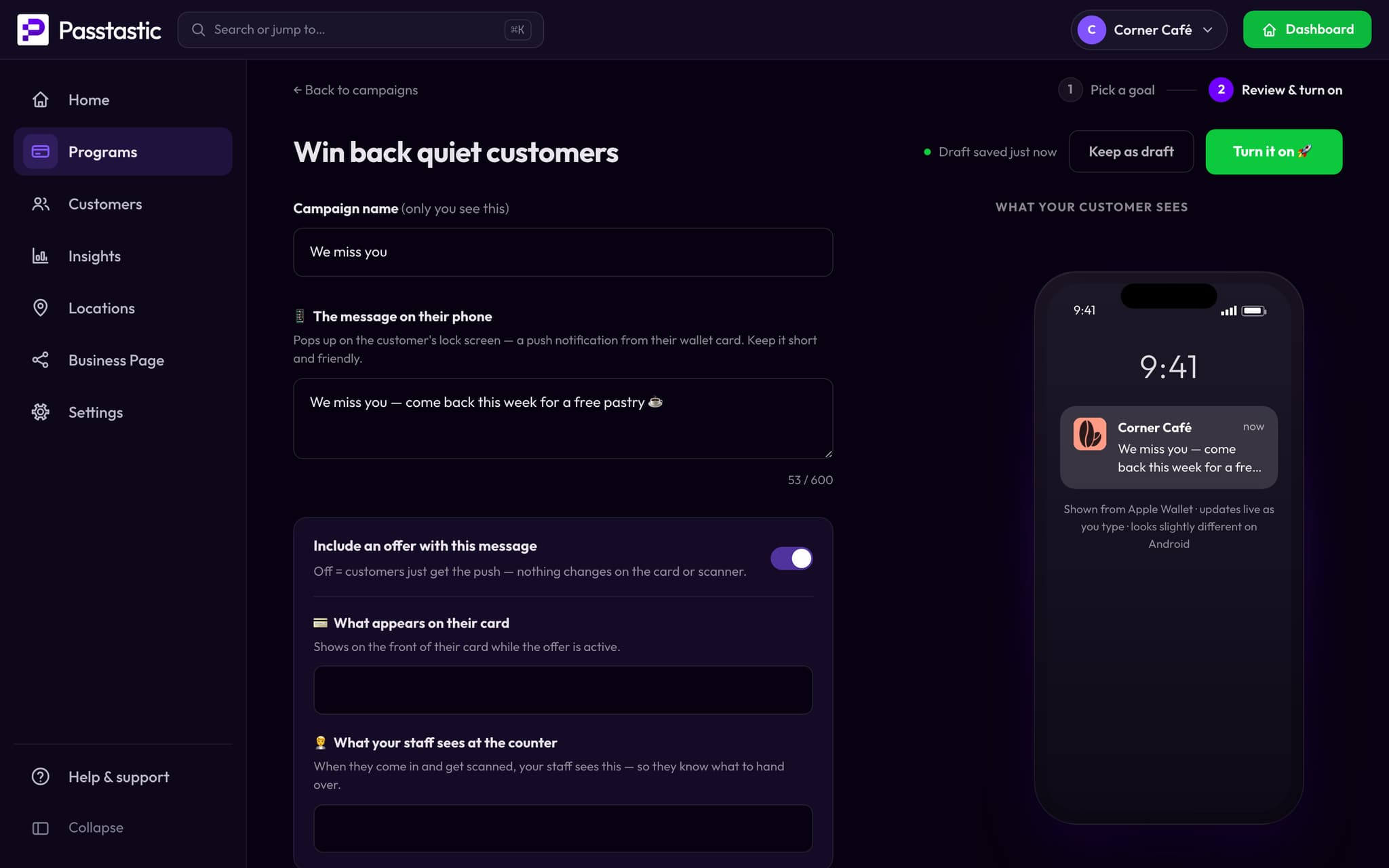
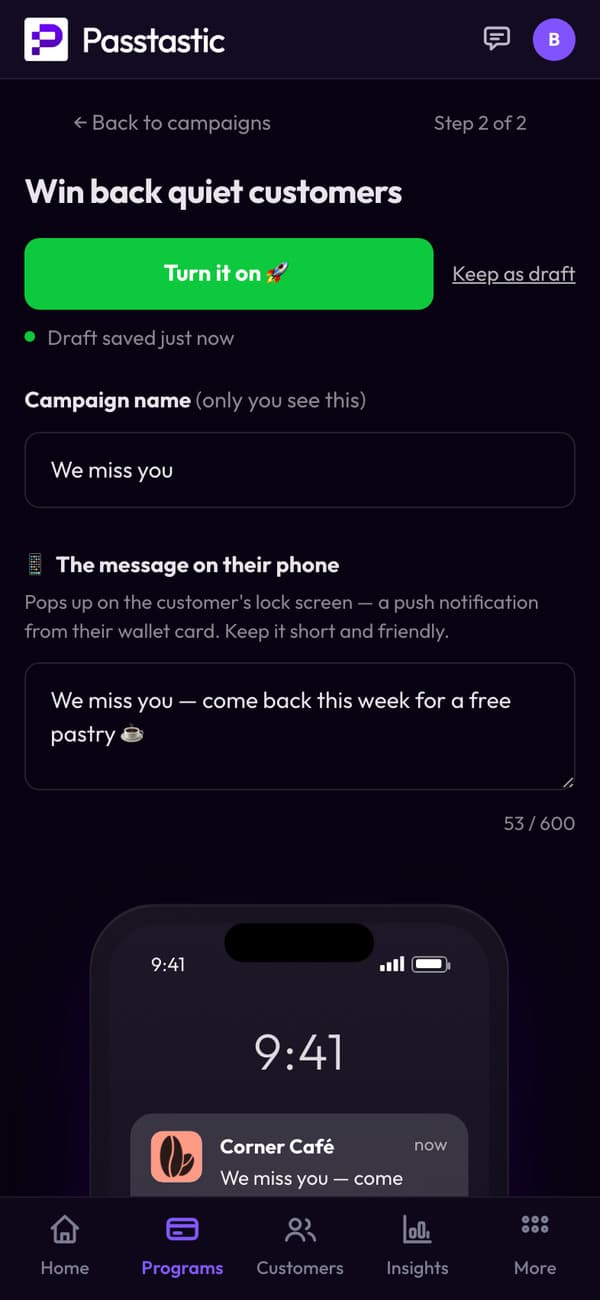
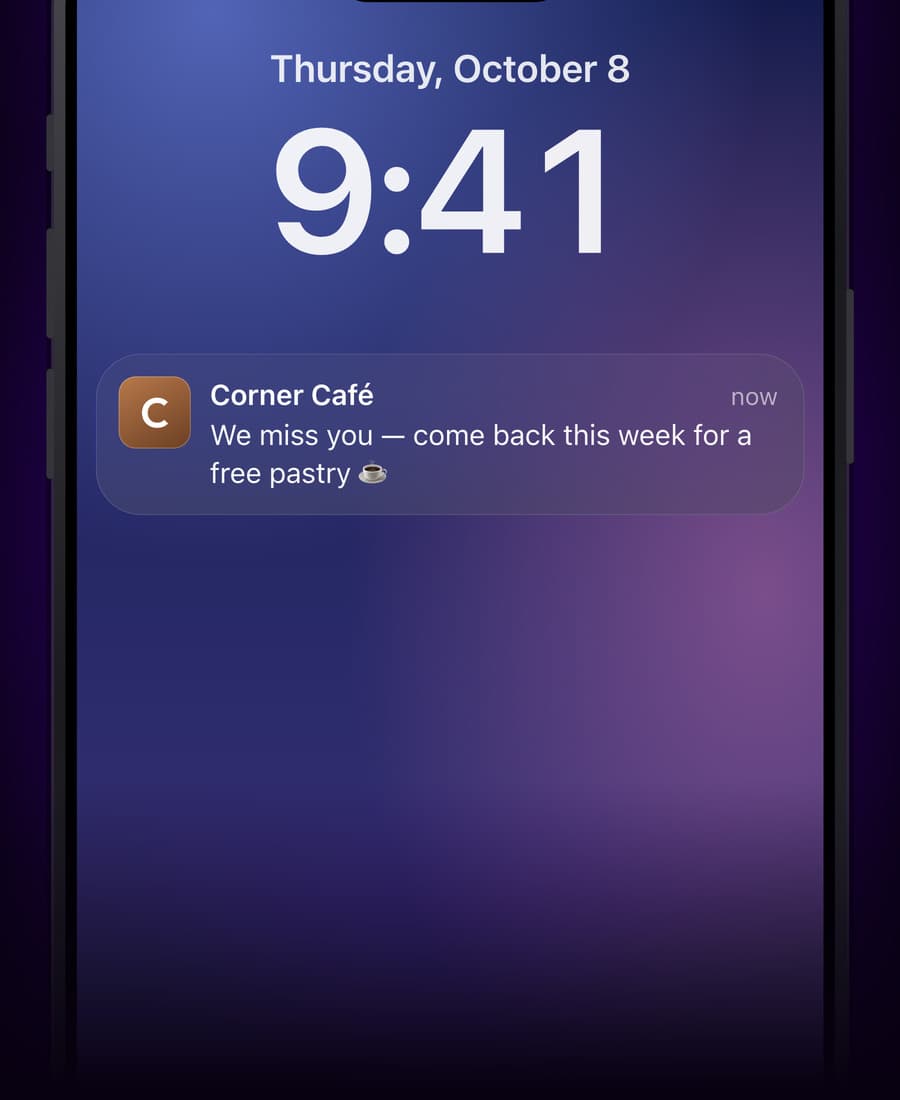
Birthday treats, we-miss-you messages, a thank-you after a number of visits: set a campaign once and it lands on your customers' lock screens when the moment comes.
See who comes back
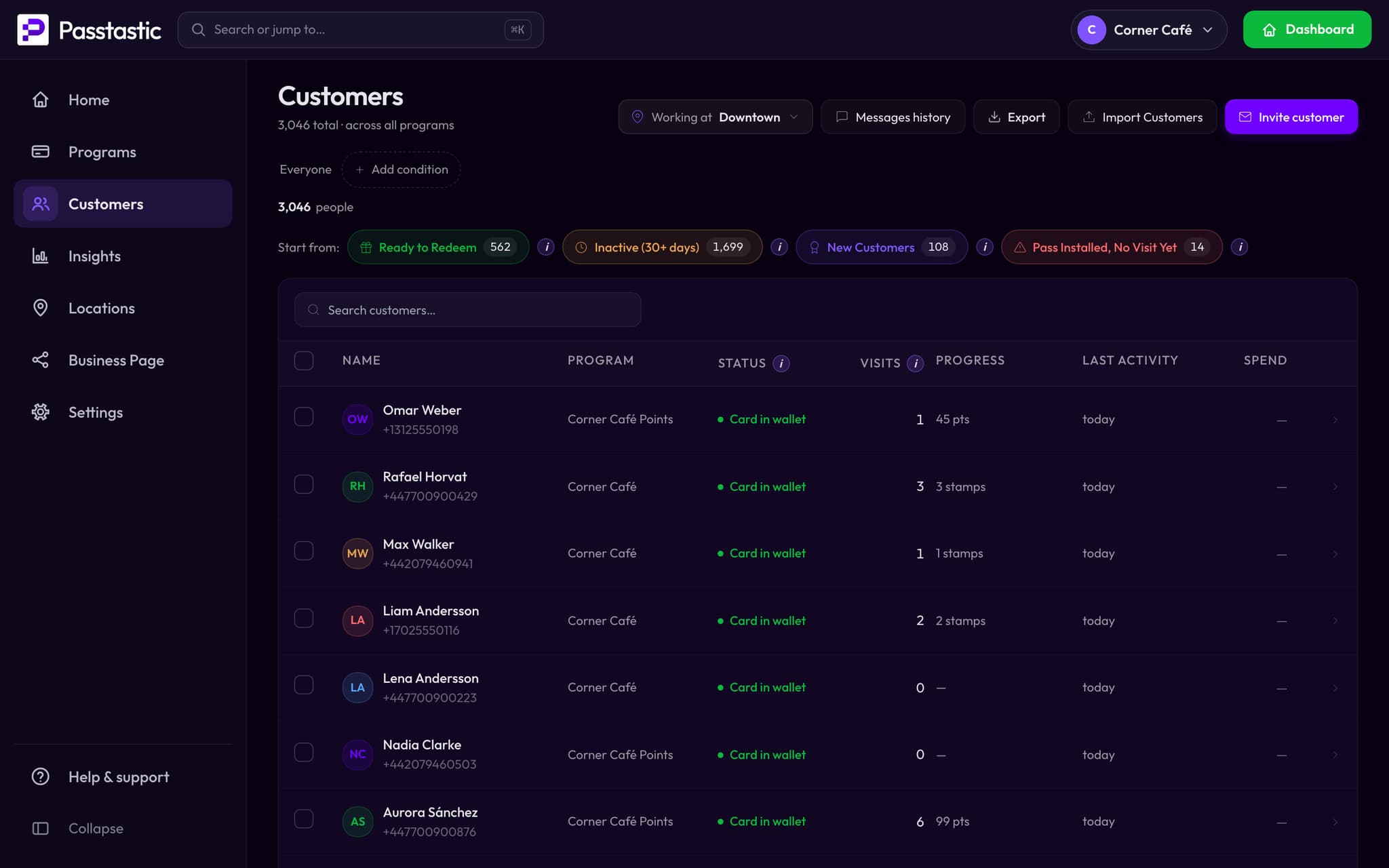
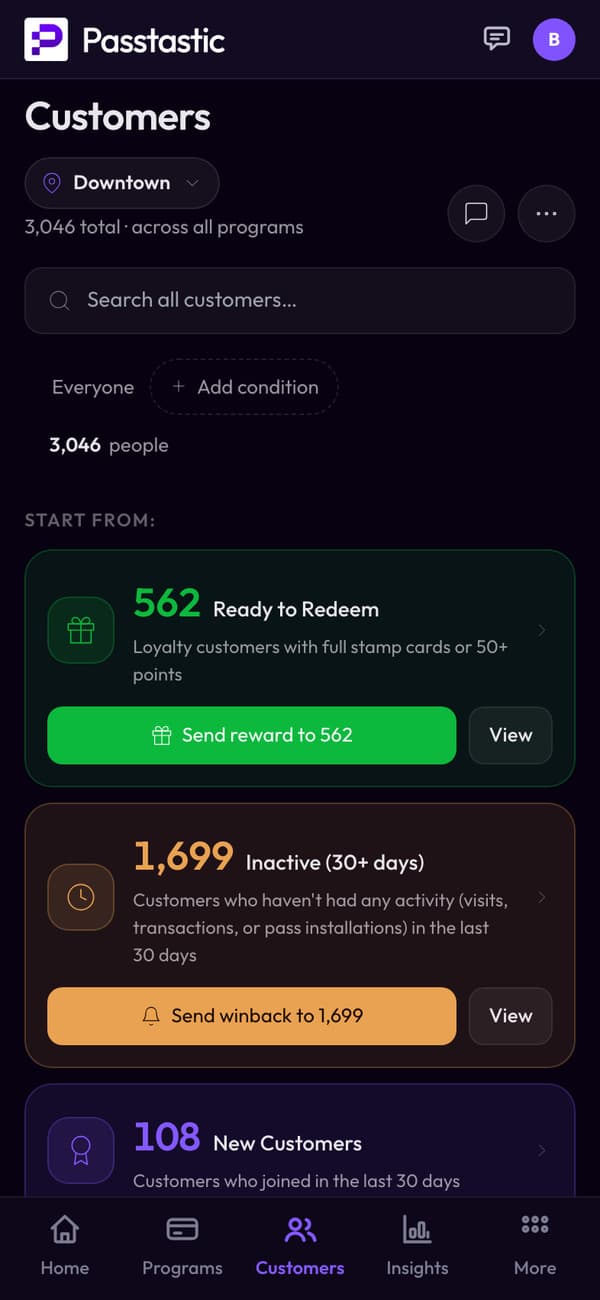
Every customer, their visits and rewards in one list, with groups ready to use: who has a reward waiting, who hasn't been back in 30 days, who joined recently.
STARTER GUIDE
See how to start, in one video
Watch how a loyalty card comes together — from design to your first customers.
From a furniture store with a restaurant
“Customers are coming back more often than they used to before.”
Common questions
Related
Stamp cards
"Buy 8, get 1 free." Your customers collect a stamp with every visit and earn a reward when the card is full. Simple, familiar, effective.
Points & rewards
Customers earn points with every visit or purchase and redeem them for rewards. Great when you want flexible earning rules or tiered rewards.
Membership cards
Give your best customers VIP status with digital membership cards. Track visits, validate access, and make regulars feel special.
Ready to create your first loyalty card?
14-day free trial, no credit card required. Your own loyalty app for your customers, nothing to download, no hardware to buy. Five minutes to set up, first customers the same day.