

A points card that pays back every order.
Customers earn points on what they spend and pick their reward from your list. The card lives in Apple Wallet or Google Wallet, with your own loyalty app behind it.
Free to start · 14 days · no card needed
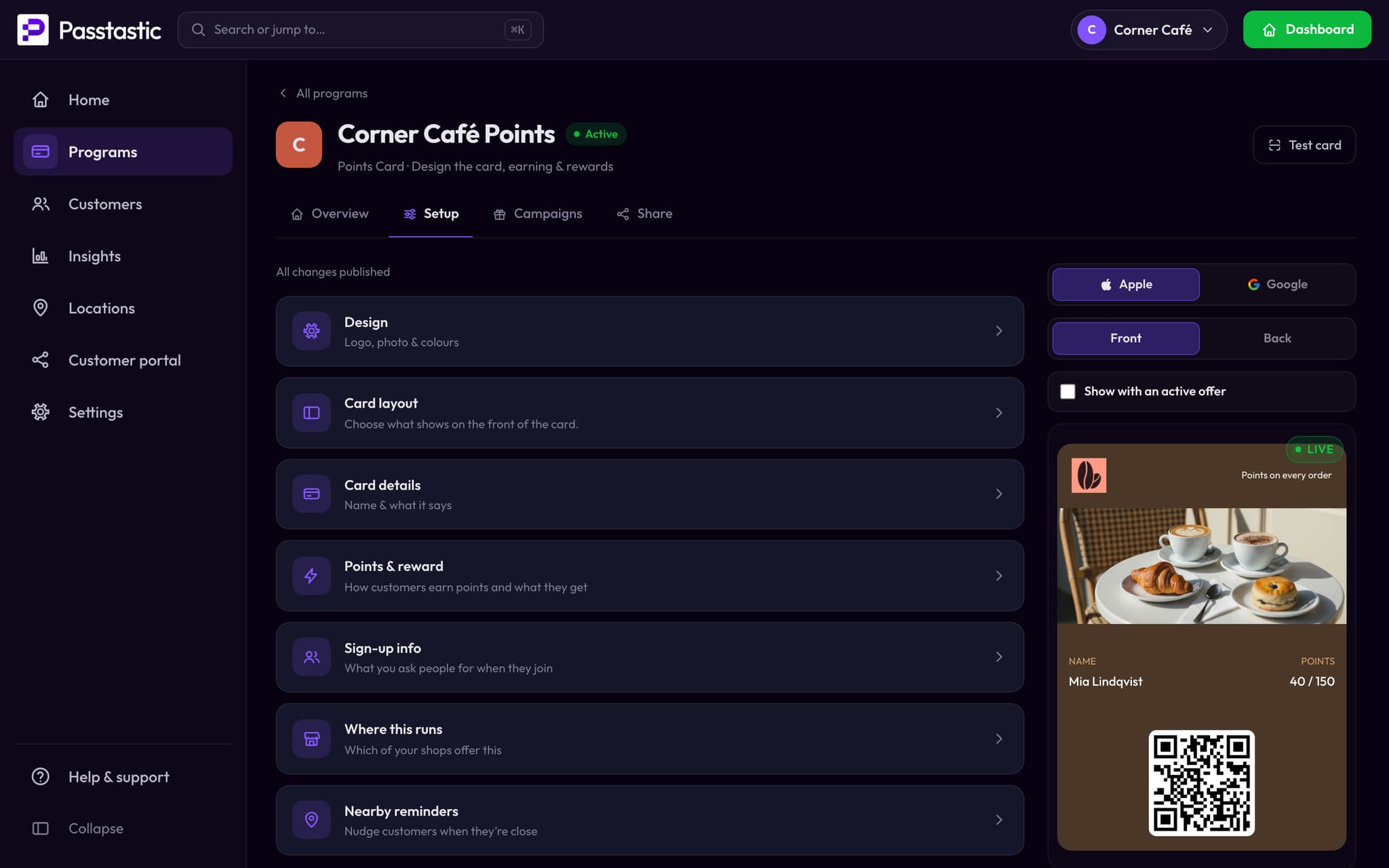
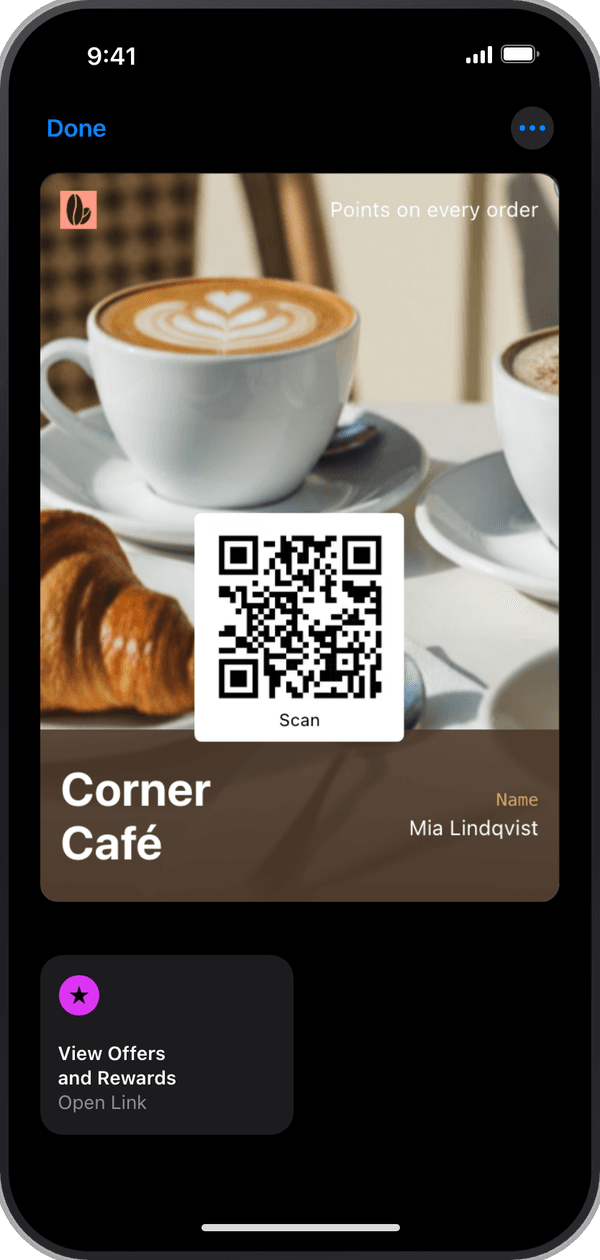
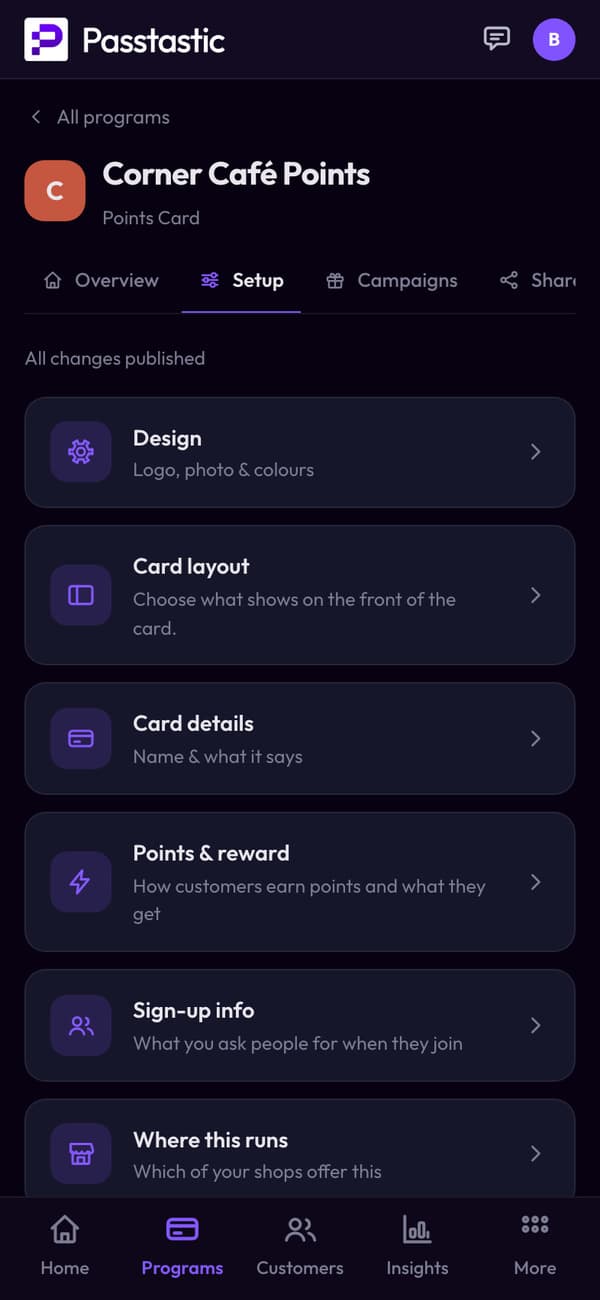














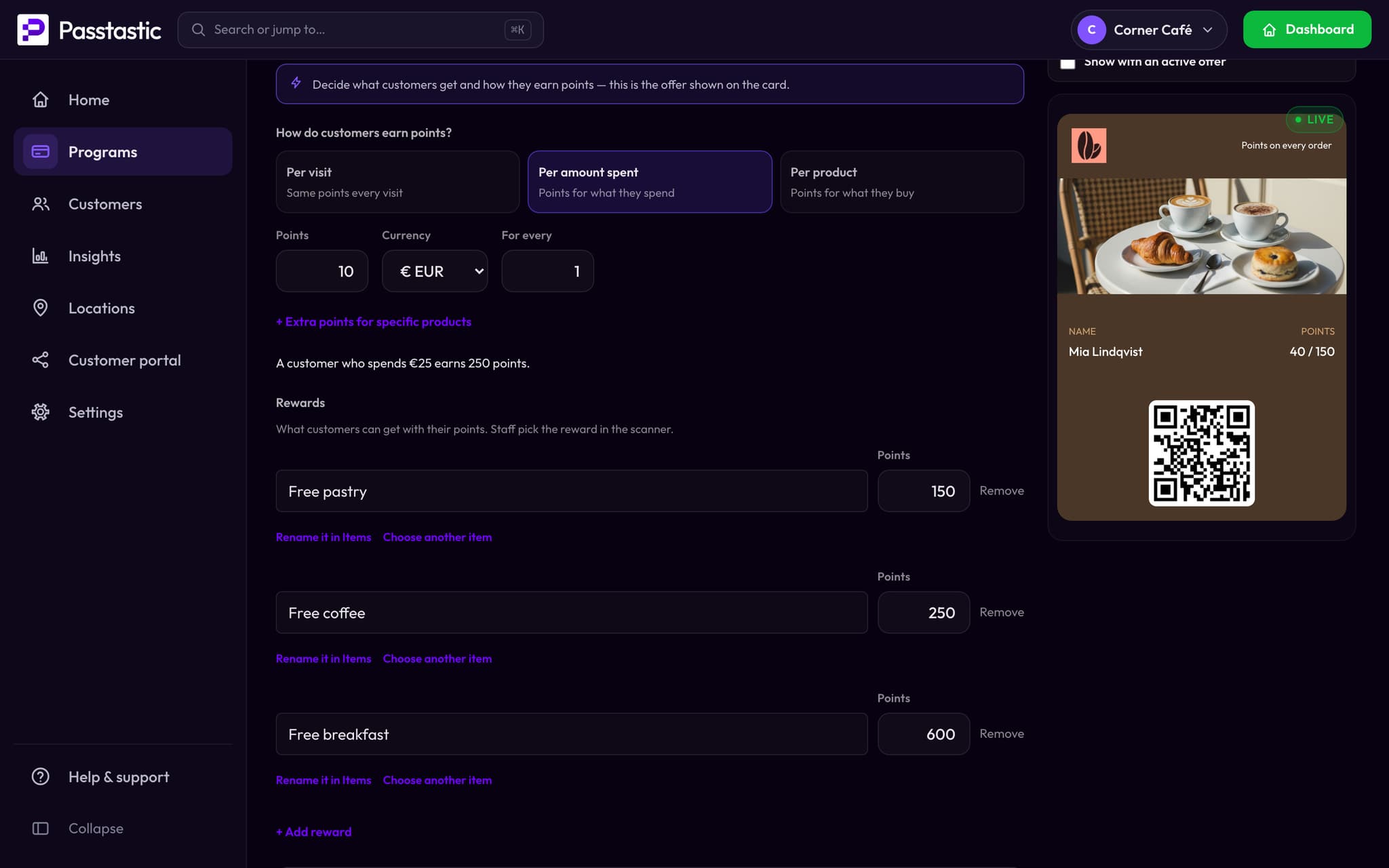
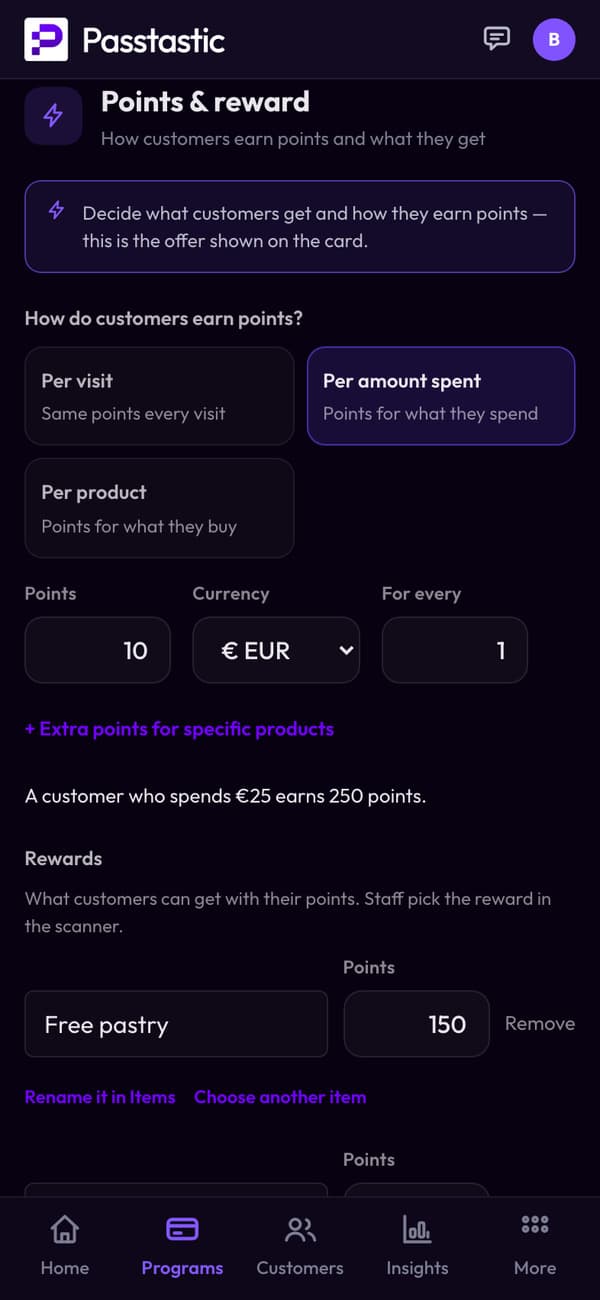
Points per euro, rewards from your list.
Choose how they earn — per visit, per amount spent or per product — and the rewards they can spend their points on.
- A customer who spends €25 earns 250 points.
- Add rewards from your own items: a free pastry, a free coffee, a free breakfast.
One scan at the counter, and it's in their wallet.
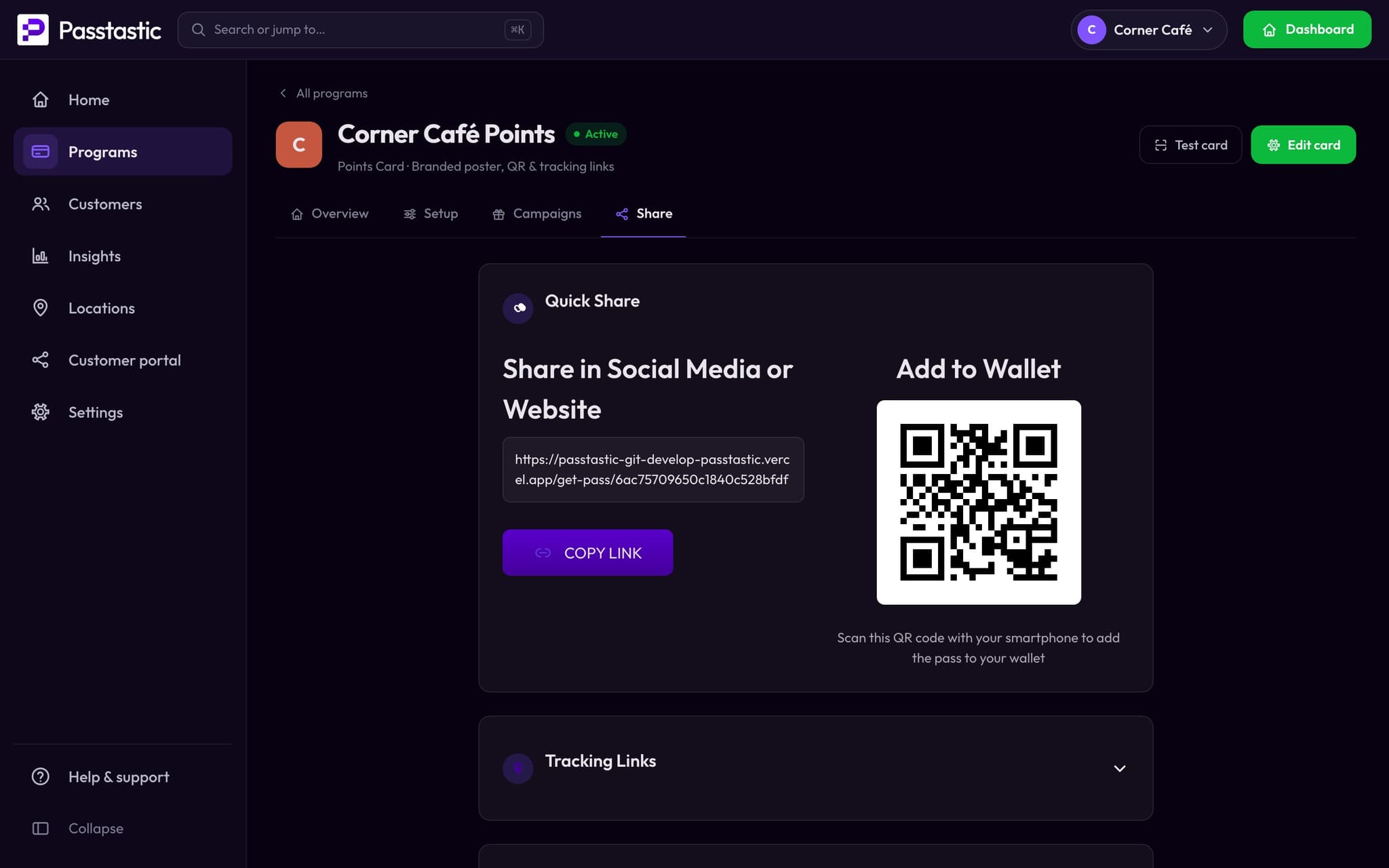
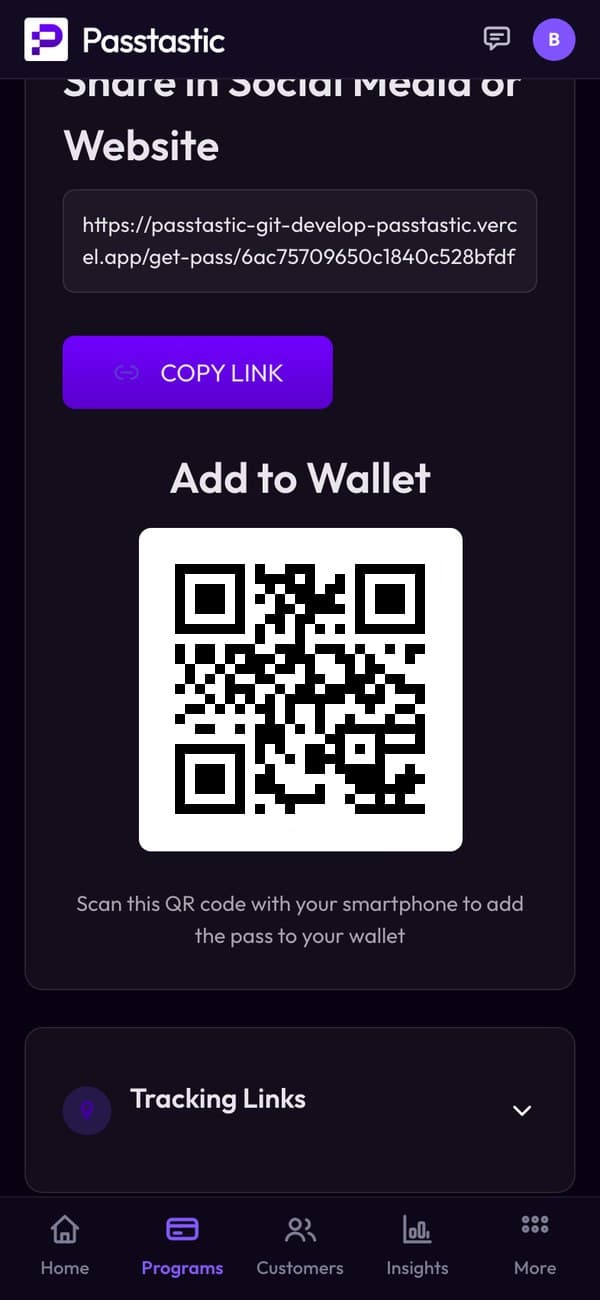
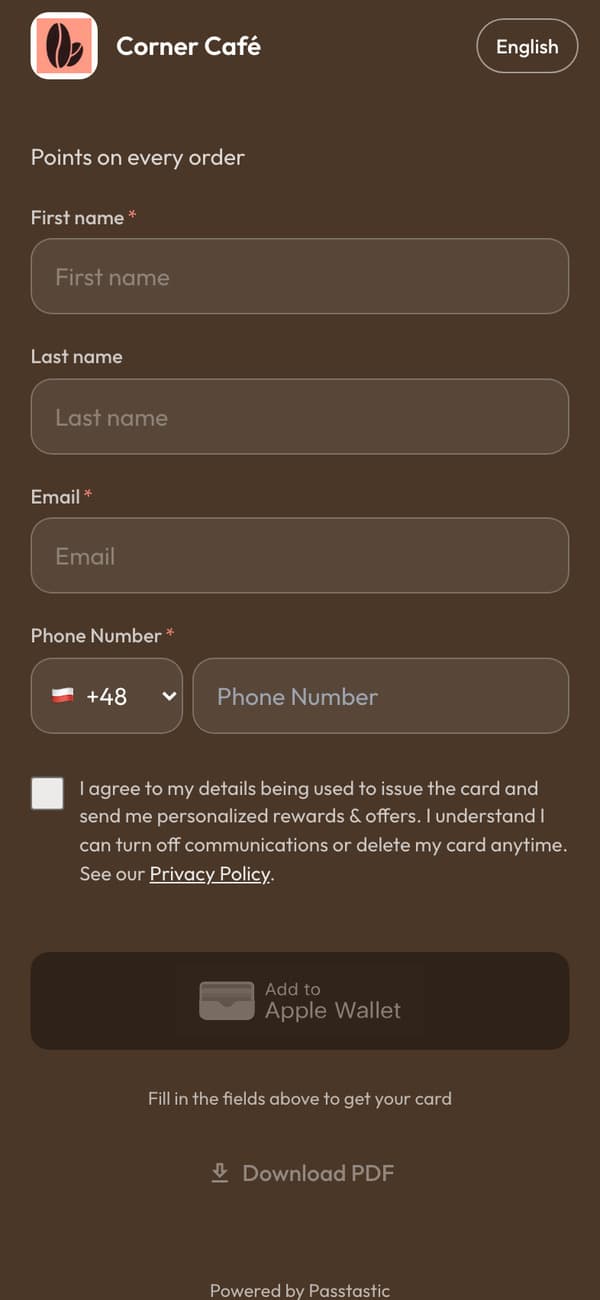
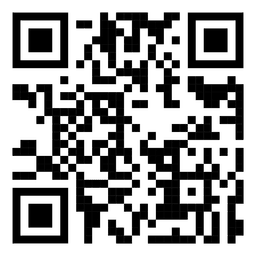
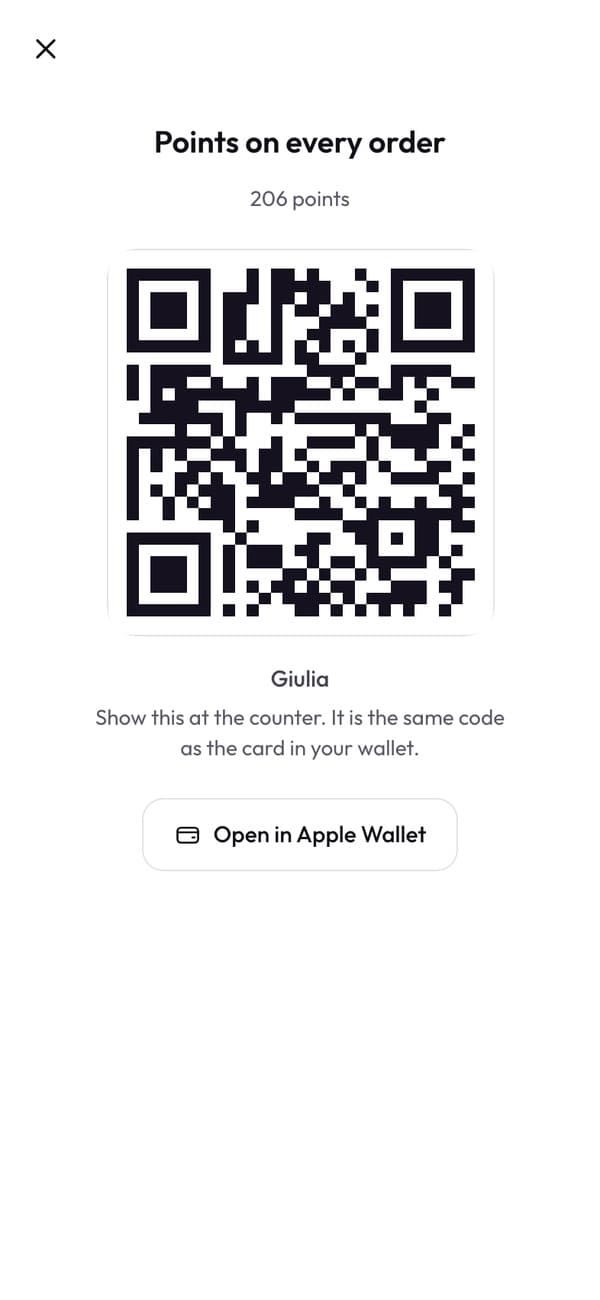
Every card gets its own QR code and link. Customers scan it with their camera, fill in a short form and add the card to Apple Wallet or Google Wallet.
- Put the QR on the counter and the link in your Instagram bio.
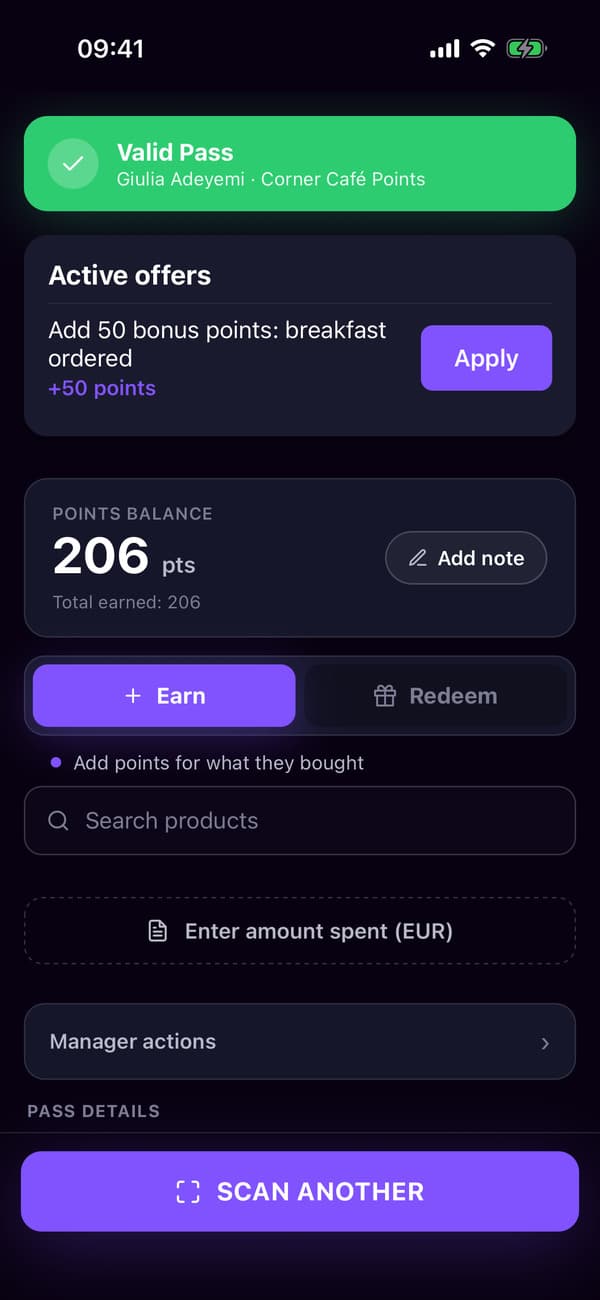
Staff enter the amount, the points add up.
Scan the card, type what they spent, and the points land on the card in their wallet, whether they paid in cash or by card.
- Staff pick the reward in the scanner when a customer spends their points.

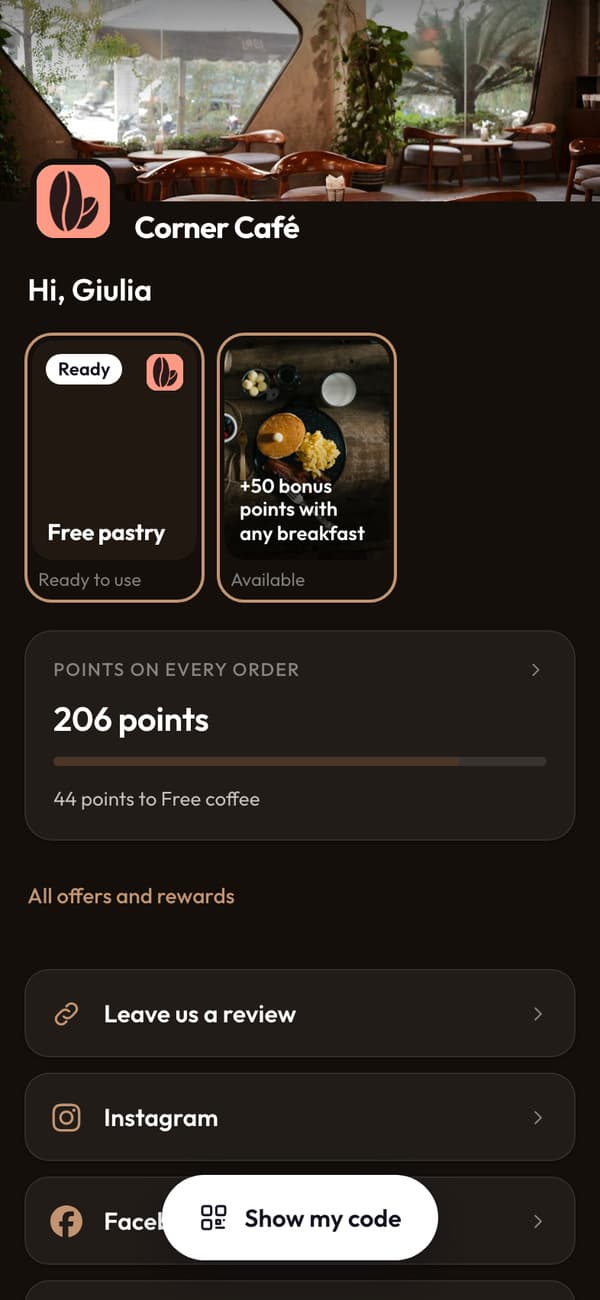
Their balance, and what it buys.
In your own loyalty app they see their points, how close the next reward is and what they can use today. Nothing to download.
- Each reward has its own code that staff scan at the counter.
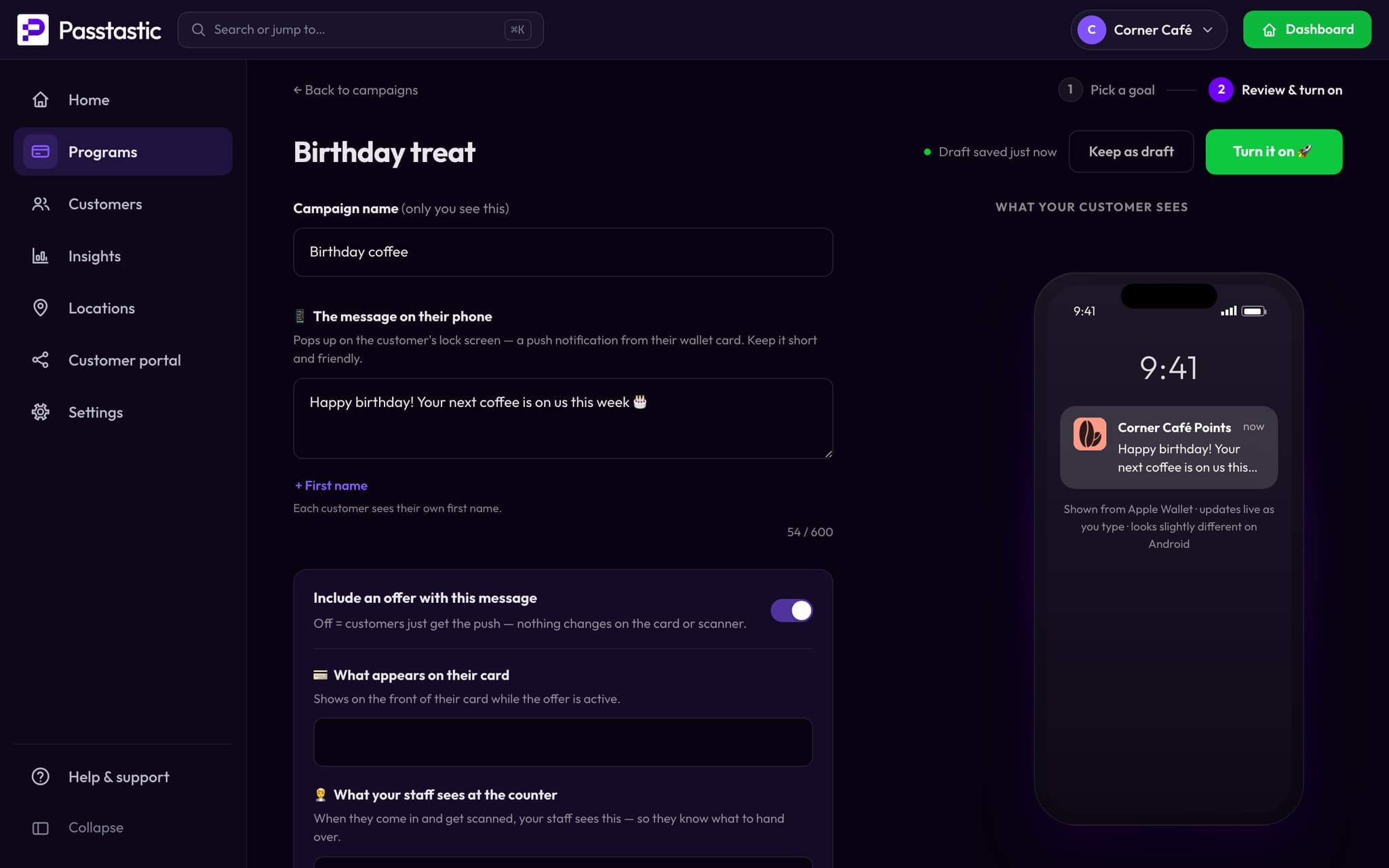
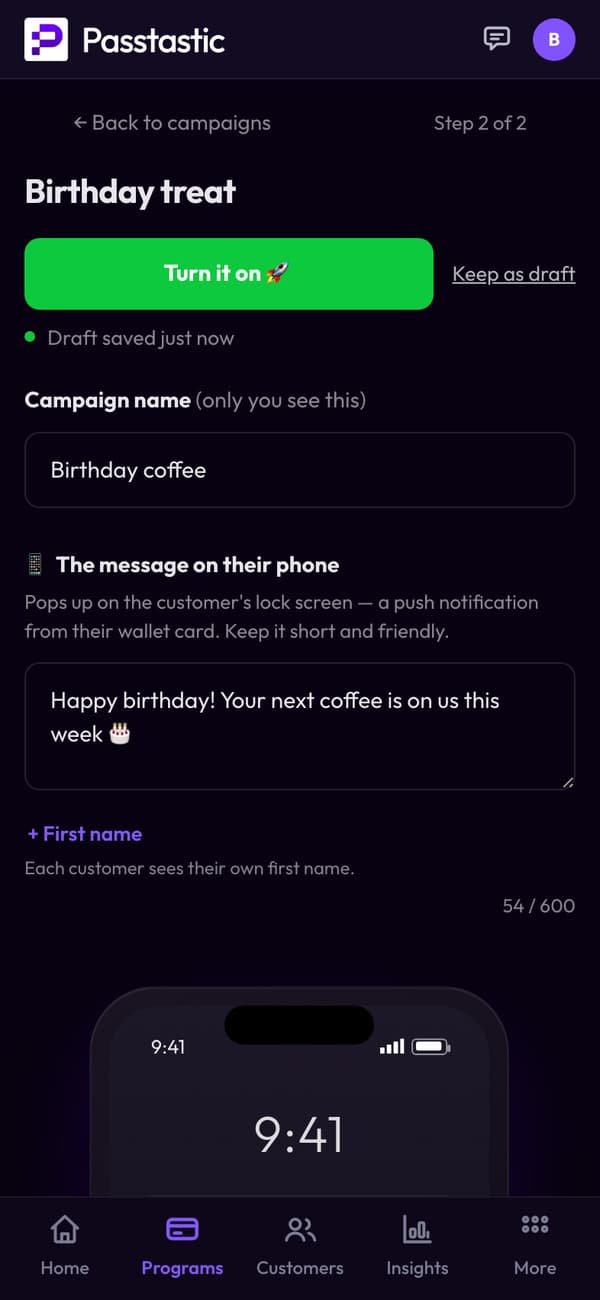
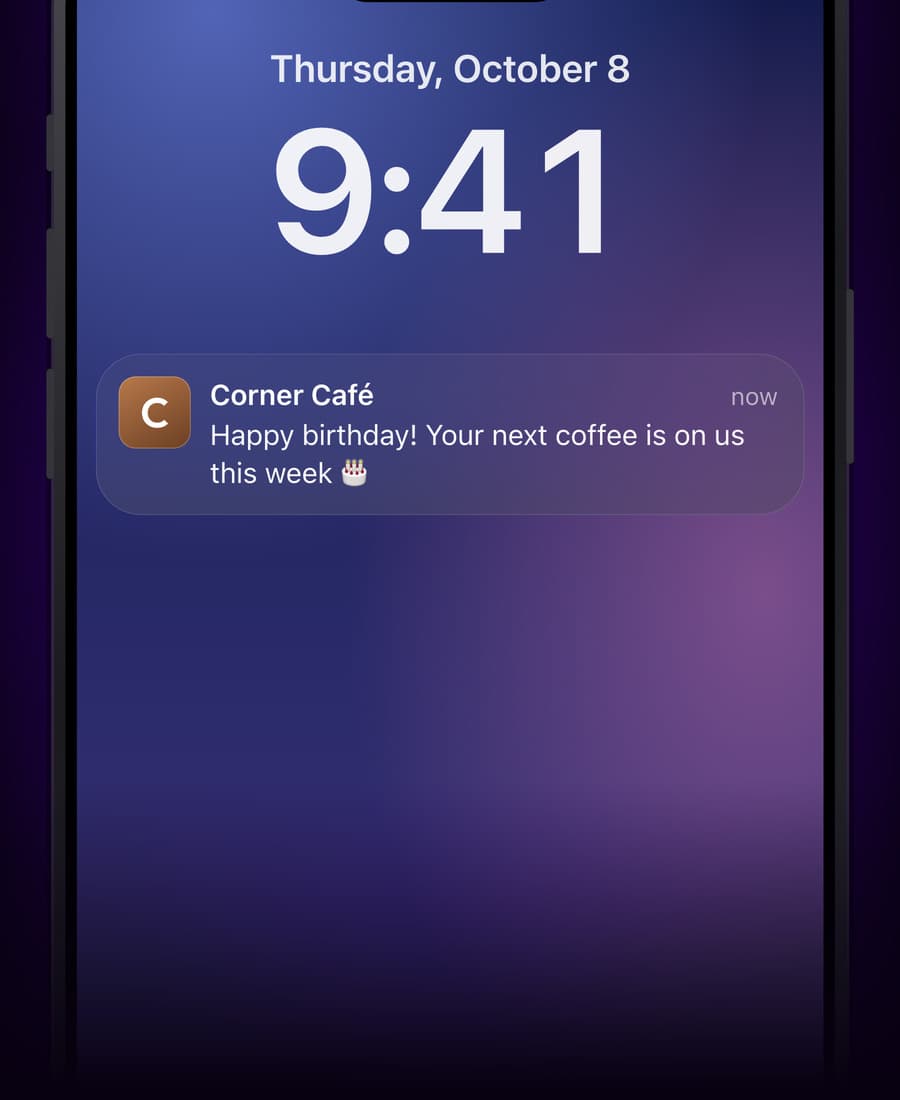
A birthday message, on its own.
Write it once. Each customer gets it on their birthday, on the lock screen of the phone their card is on.
- Birthday campaigns are on every plan.
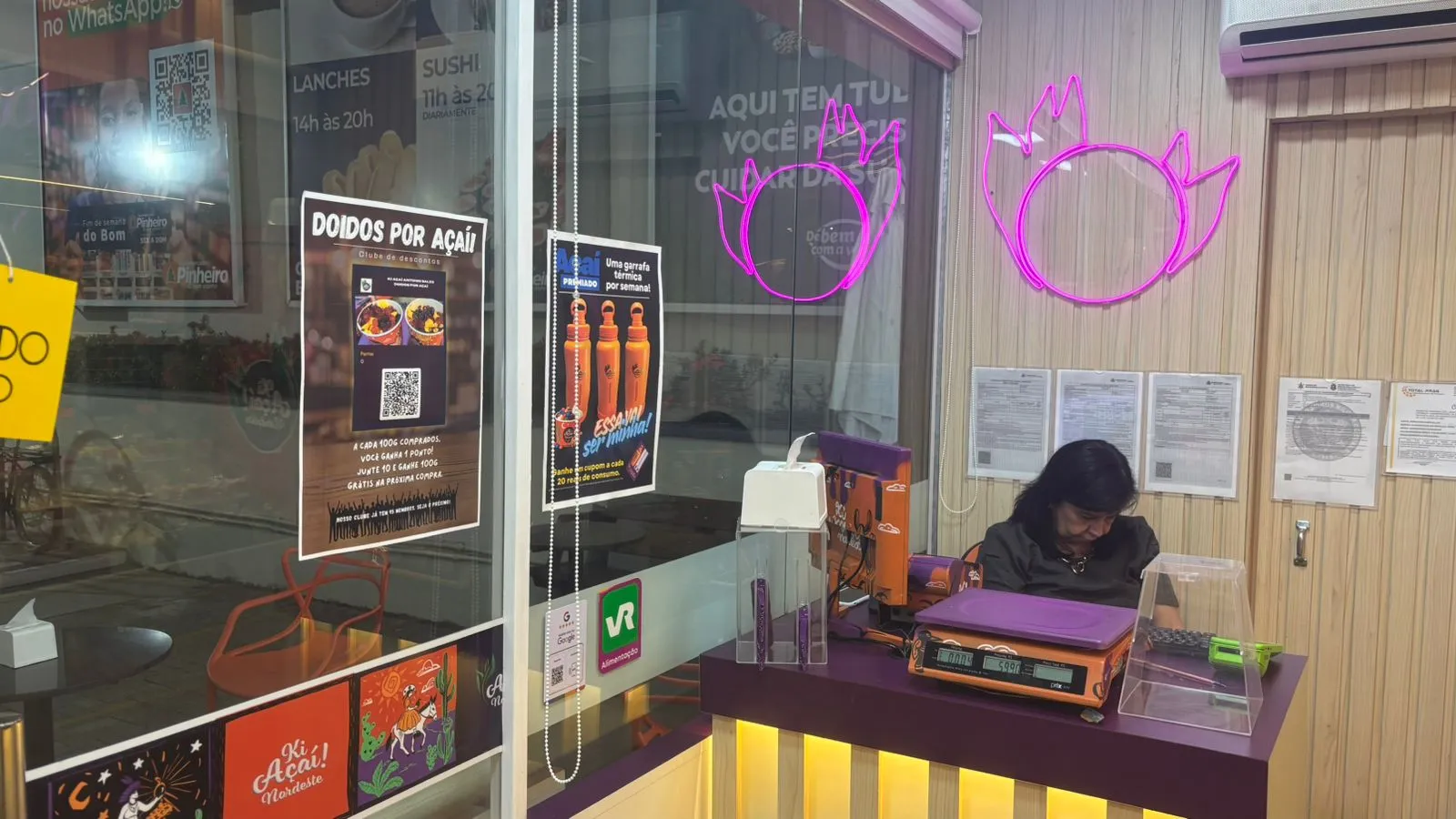
From an açaí bar using points
“It's very easy for them. Every 100 grams you buy, you get one point. When you have 10 points, you can get 100 grams for free.”
Common questions
Other card types
Your points card takes a few minutes.
14-day free trial, no credit card required. Your own loyalty app for your customers, nothing to download, no hardware to buy. Set up in 5 minutes.