

Membership cards with levels: regulars become VIPs.
Customers start as members and move up as they come back. Each level has its own perks, shown on the card in Apple Wallet or Google Wallet and in your own loyalty app.
Free to start · 14 days · no card needed
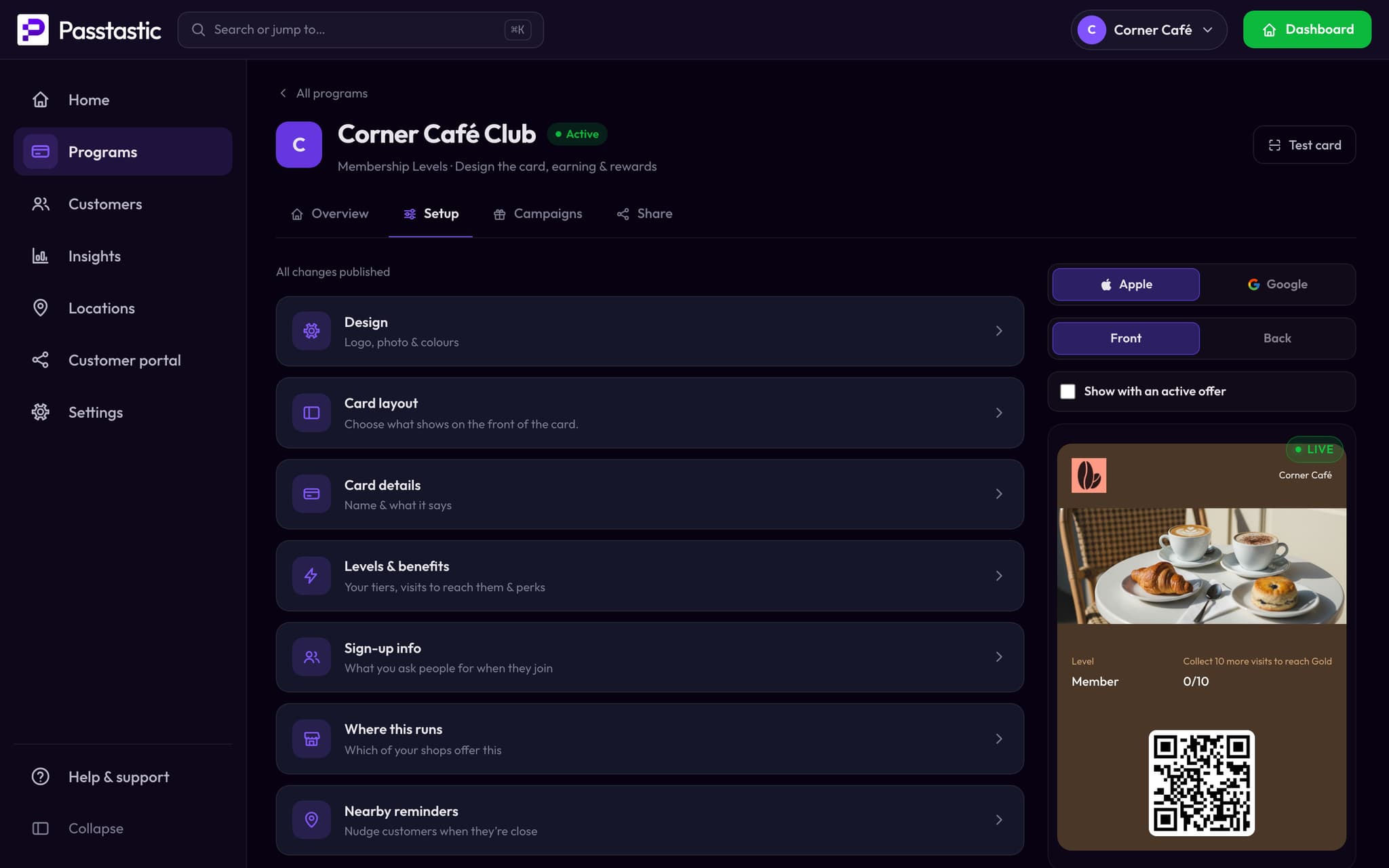
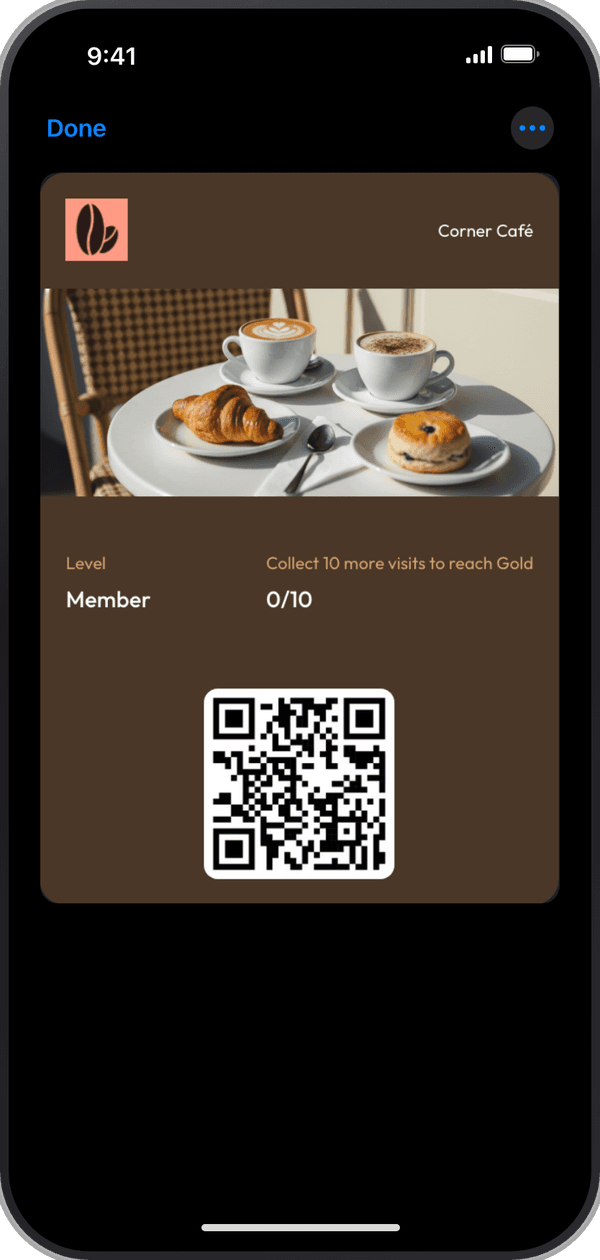
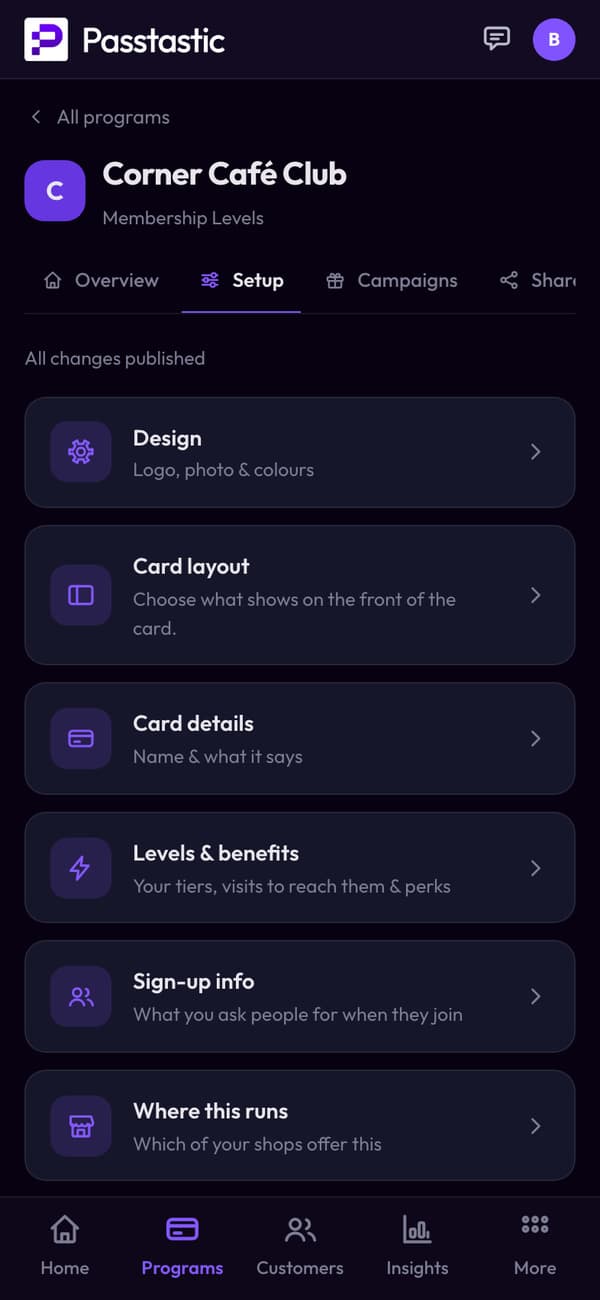
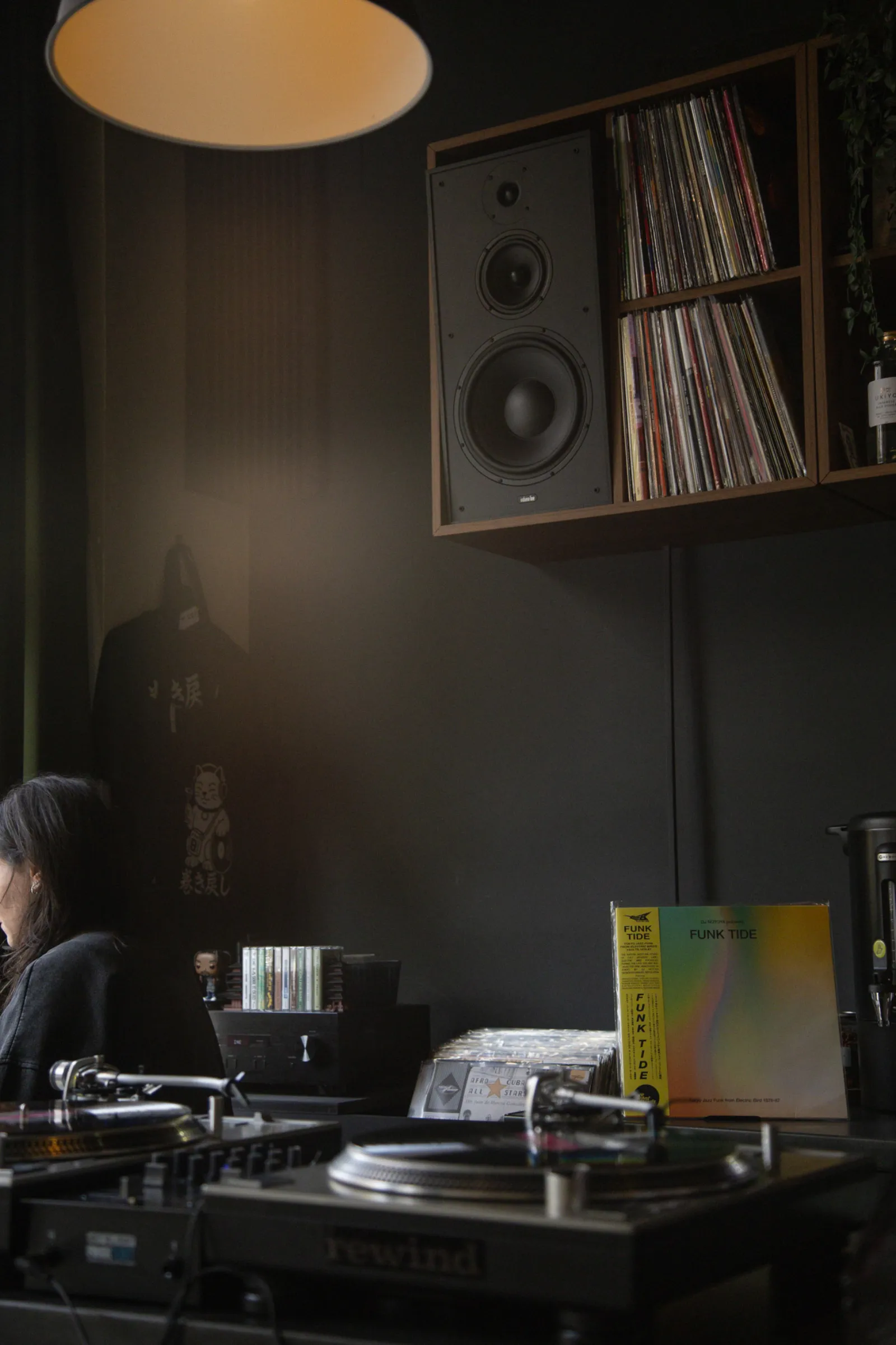
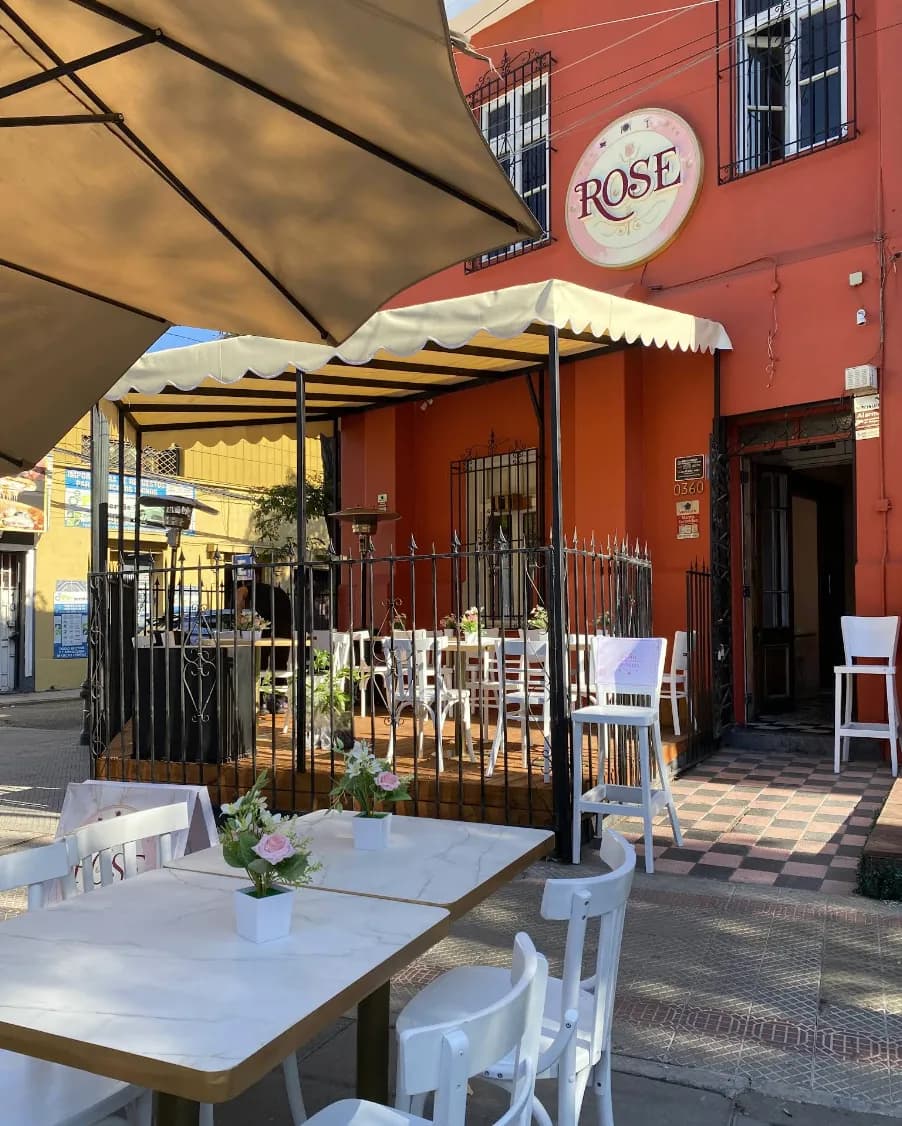
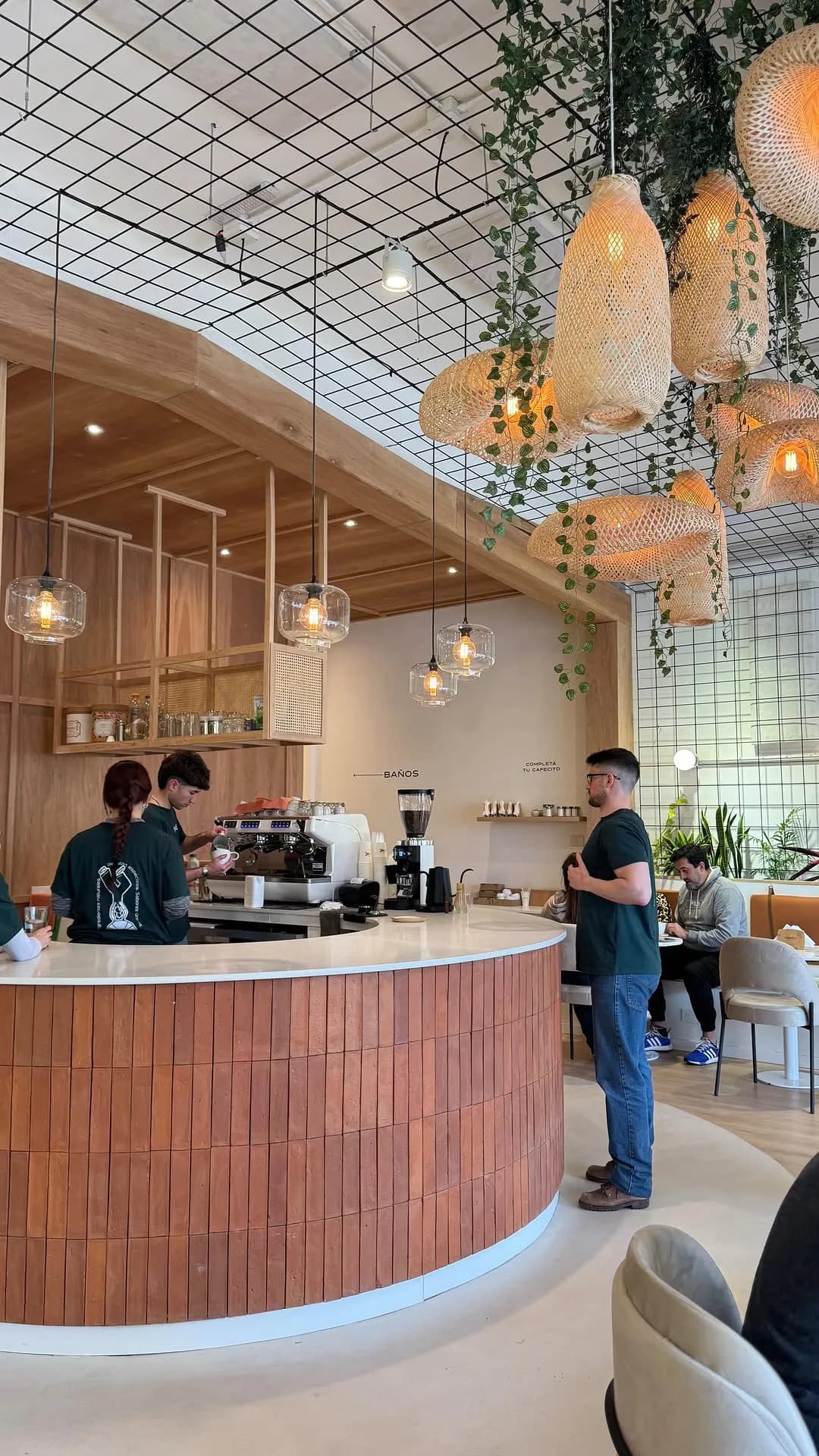

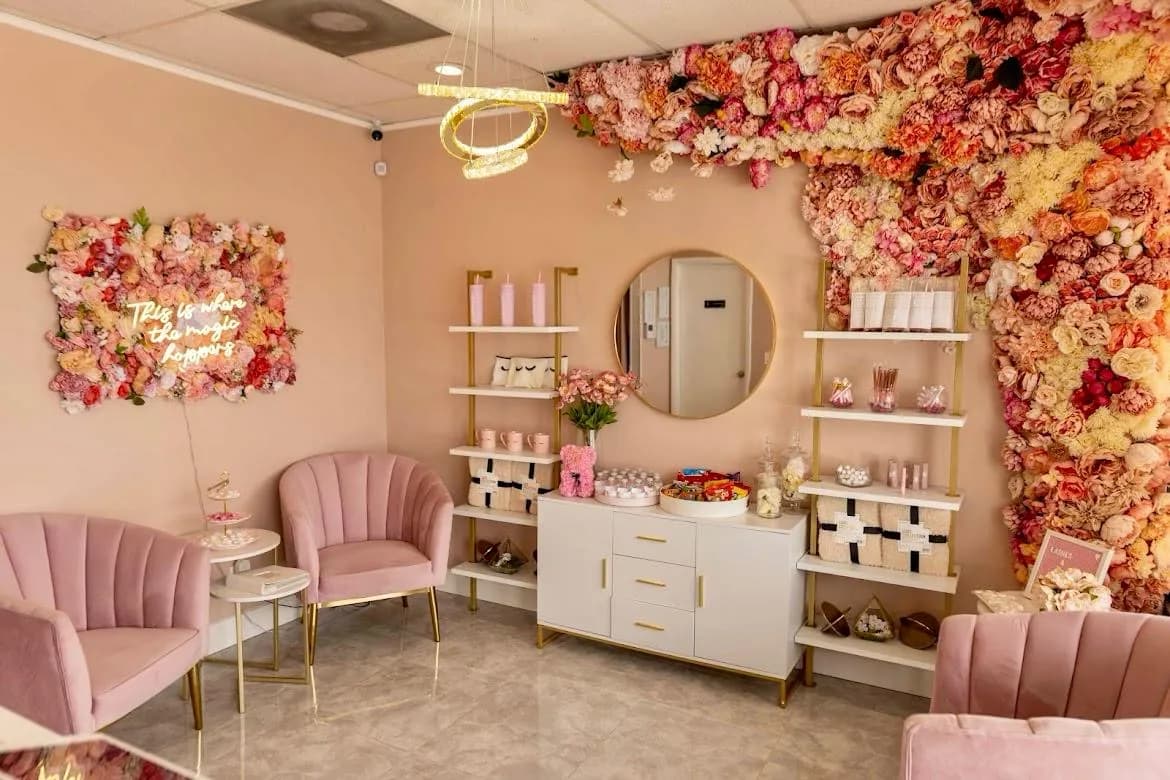





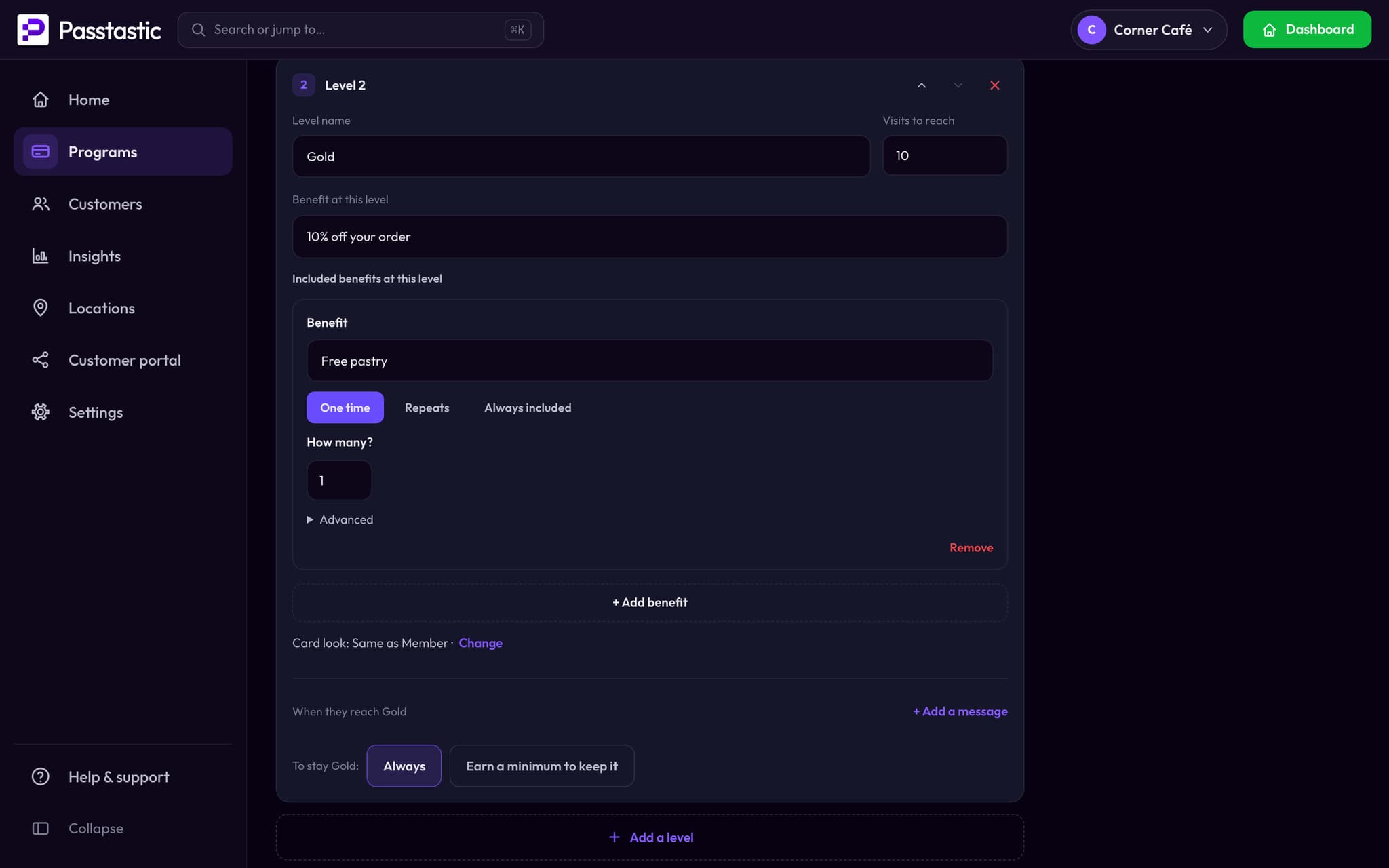
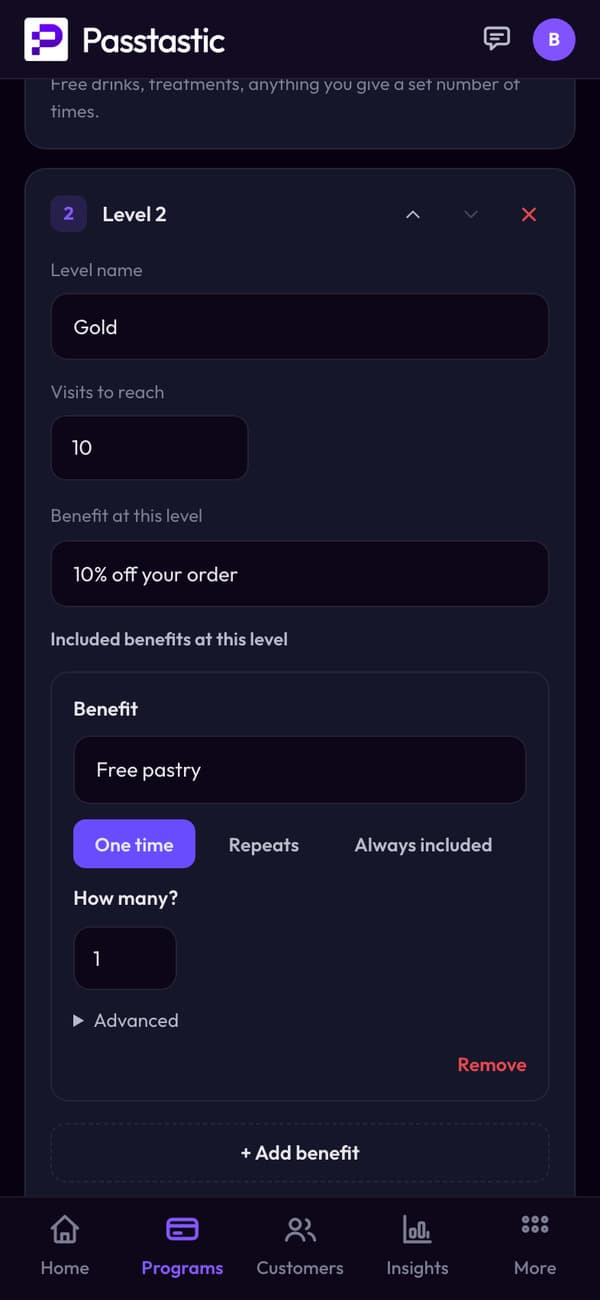
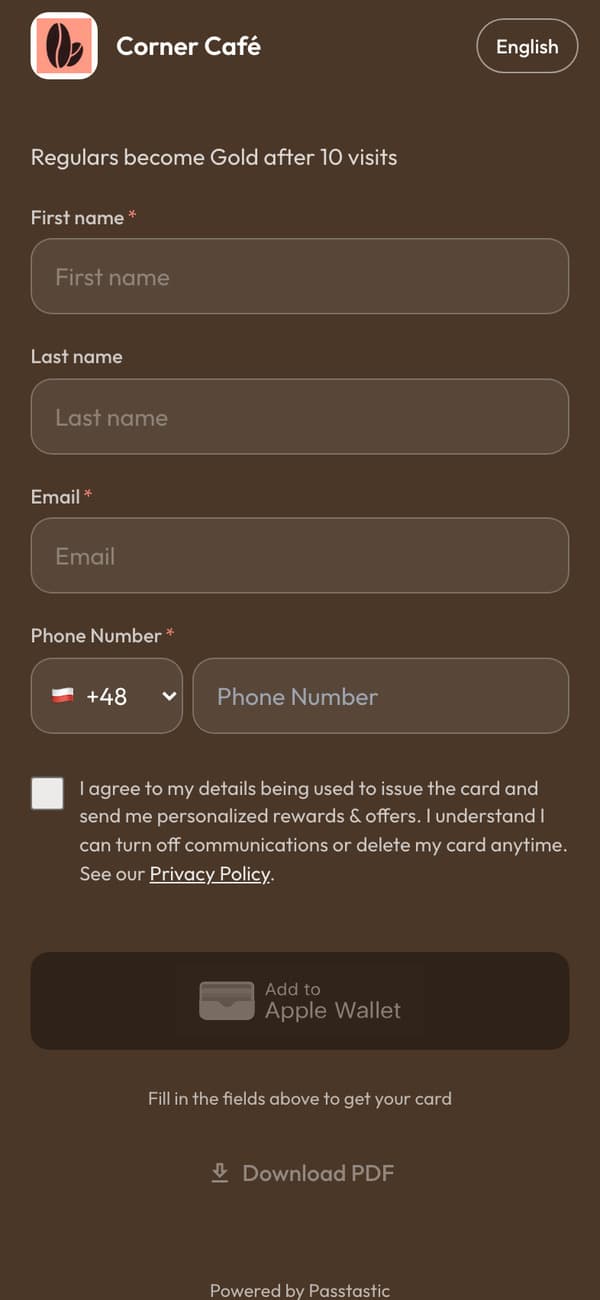
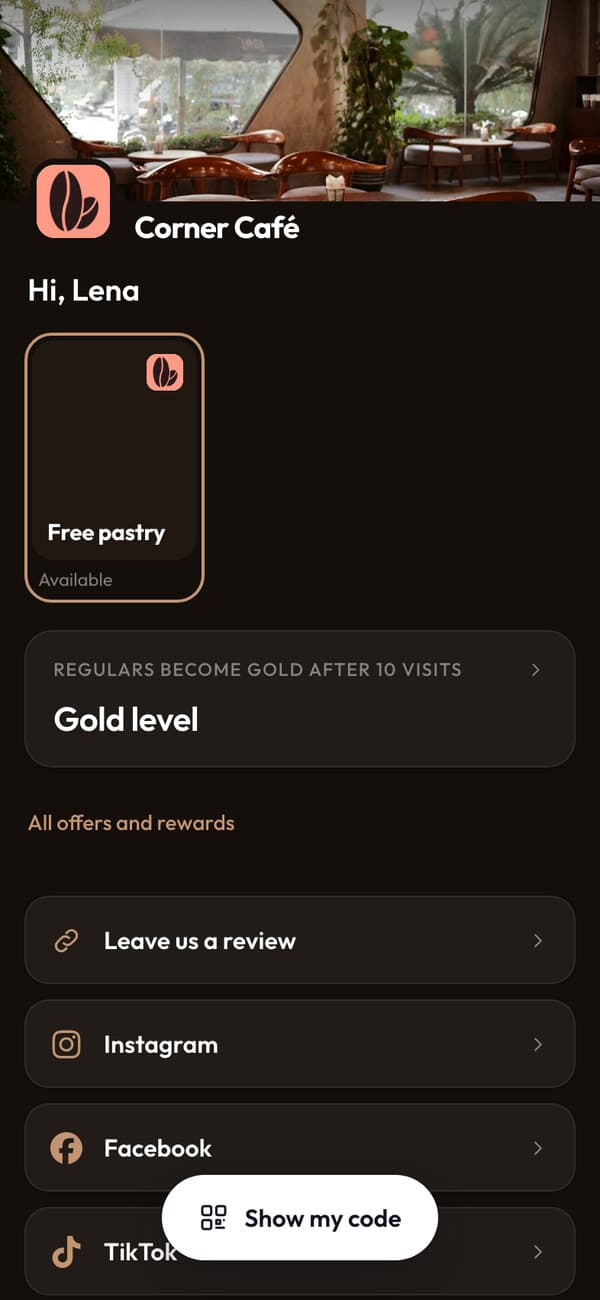
Member first, Gold after 10 visits.
Name your levels, choose the visits (or points) it takes to reach each one, and the perks that come with it.
- Add included benefits, like a free pastry, that staff mark as used at the counter.
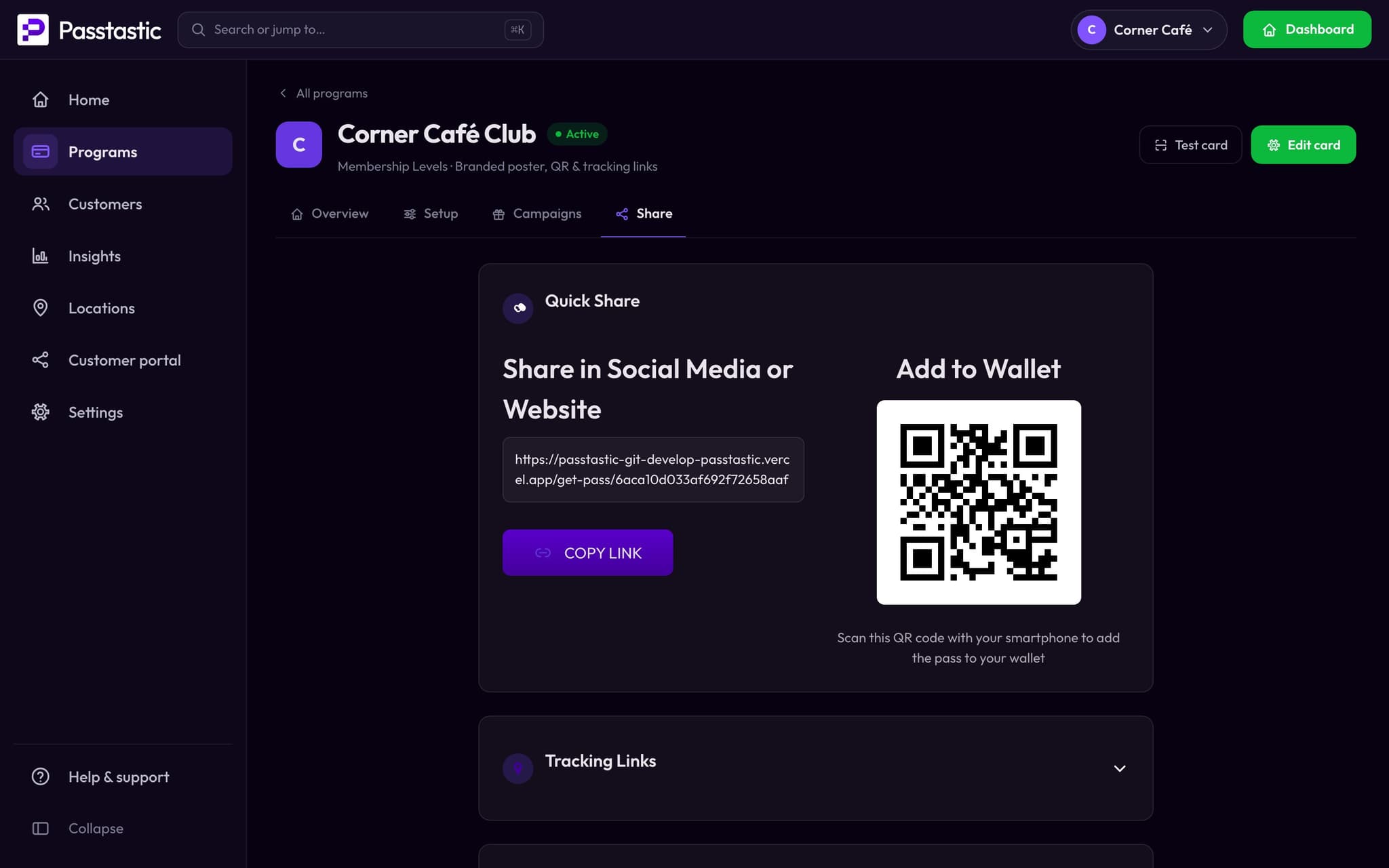
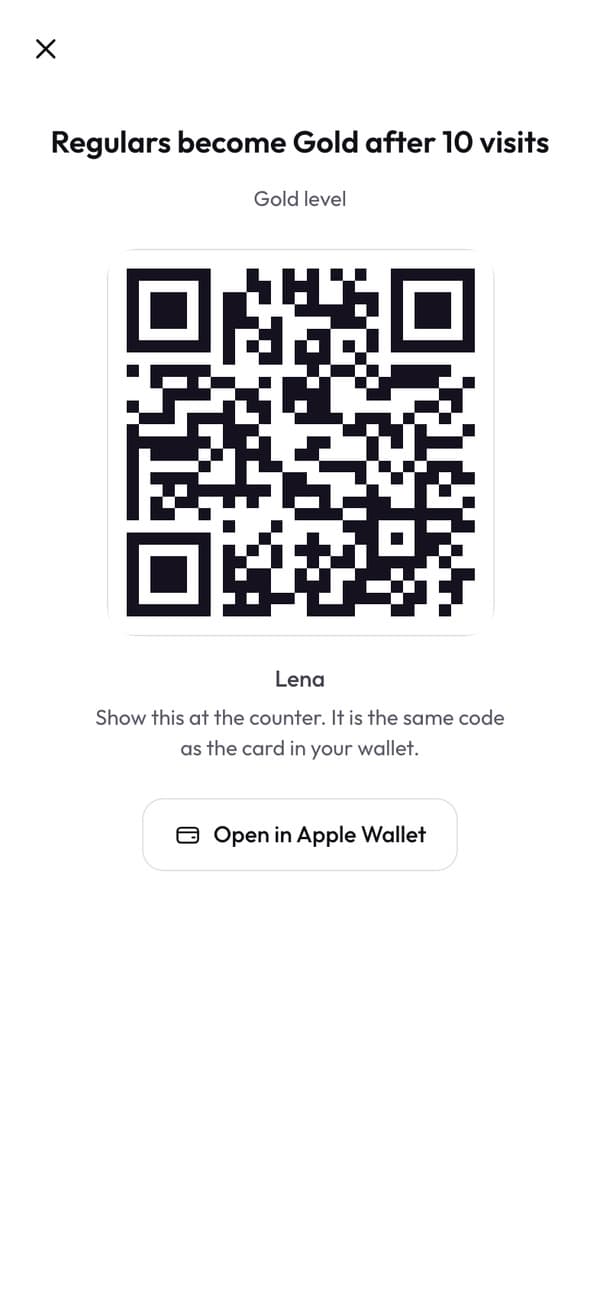
One scan at the counter, and it's in their wallet.
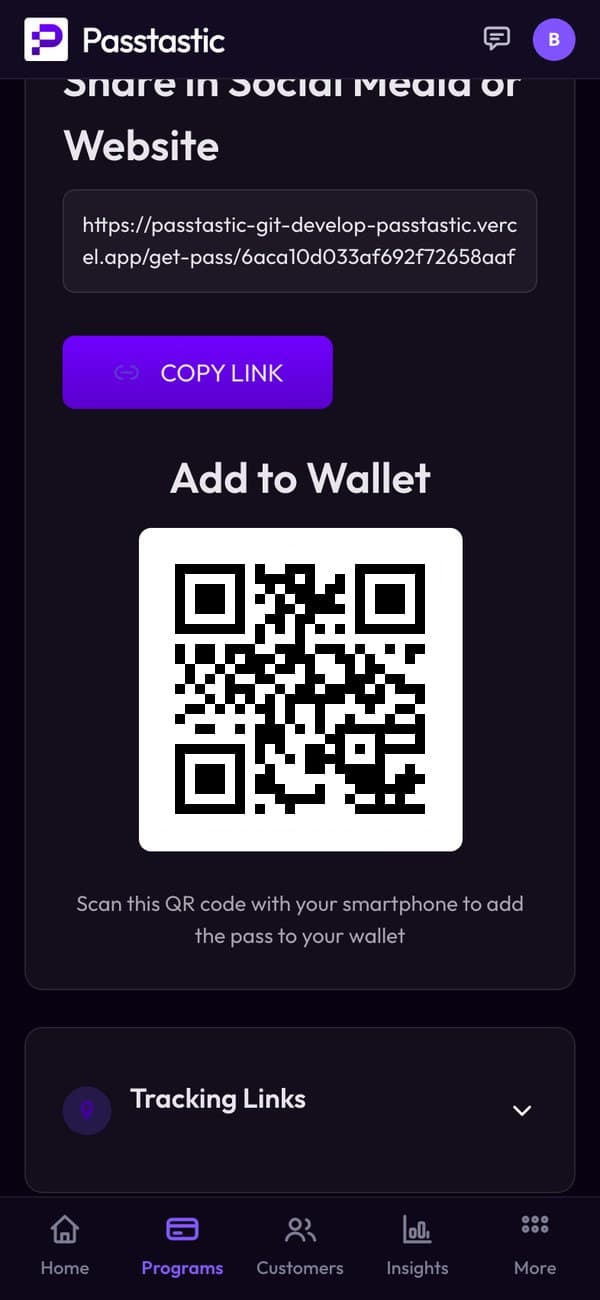
Every card gets its own QR code and link. Customers scan it with their camera, fill in a short form and add the card to Apple Wallet or Google Wallet.
- Put the QR on the counter and the link in your Instagram bio.
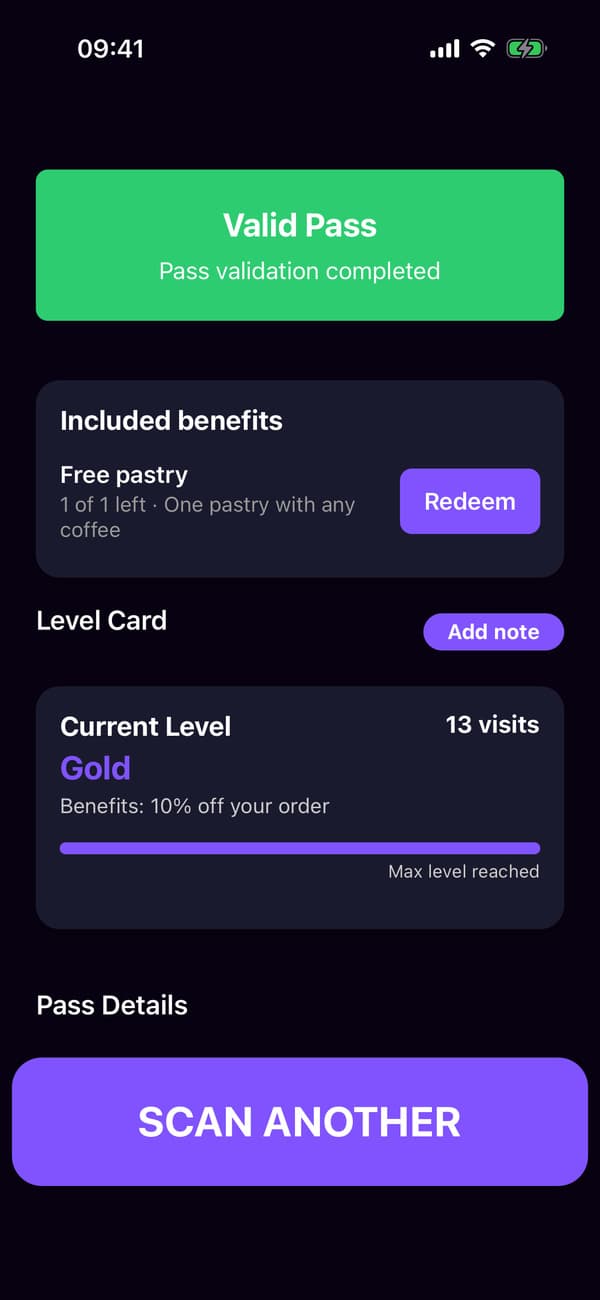
Staff see the level and what's included.
Scan the card and the scanner shows their level and the benefits they can use. Staff tap Redeem when they hand one over.
- A member moves up by themselves as their visits add up.
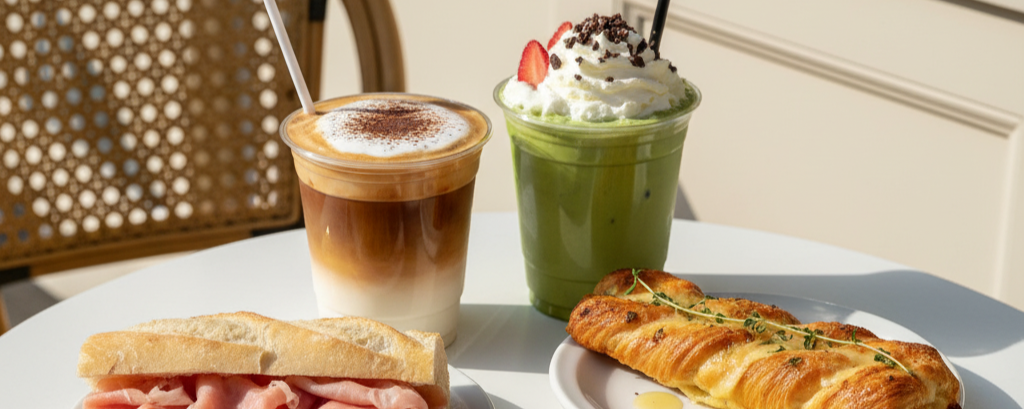

Their level, and their perks.
Your own loyalty app shows their level and the benefits they can use today, each with a code for the counter. Nothing to download.
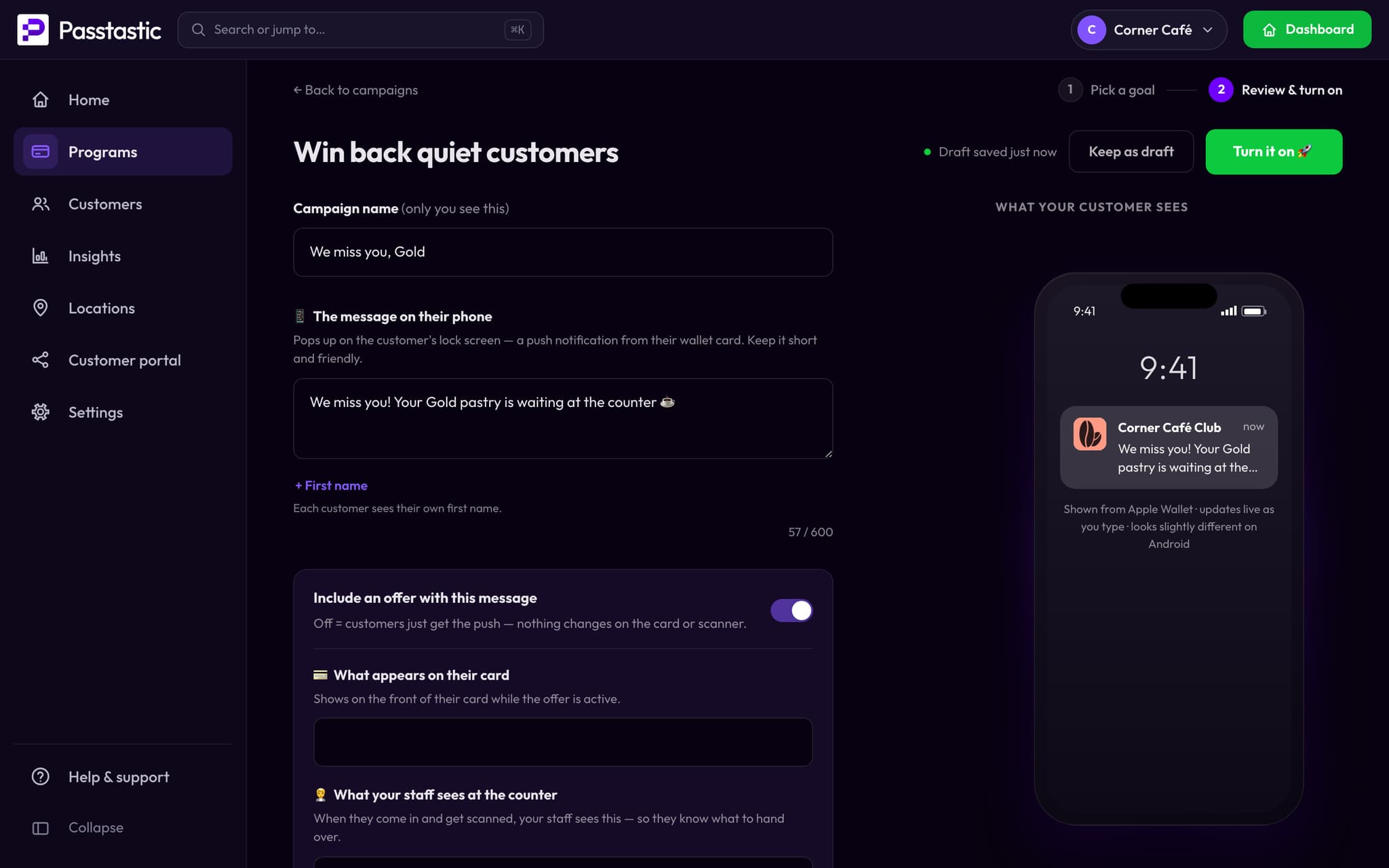
A word for the members who went quiet.
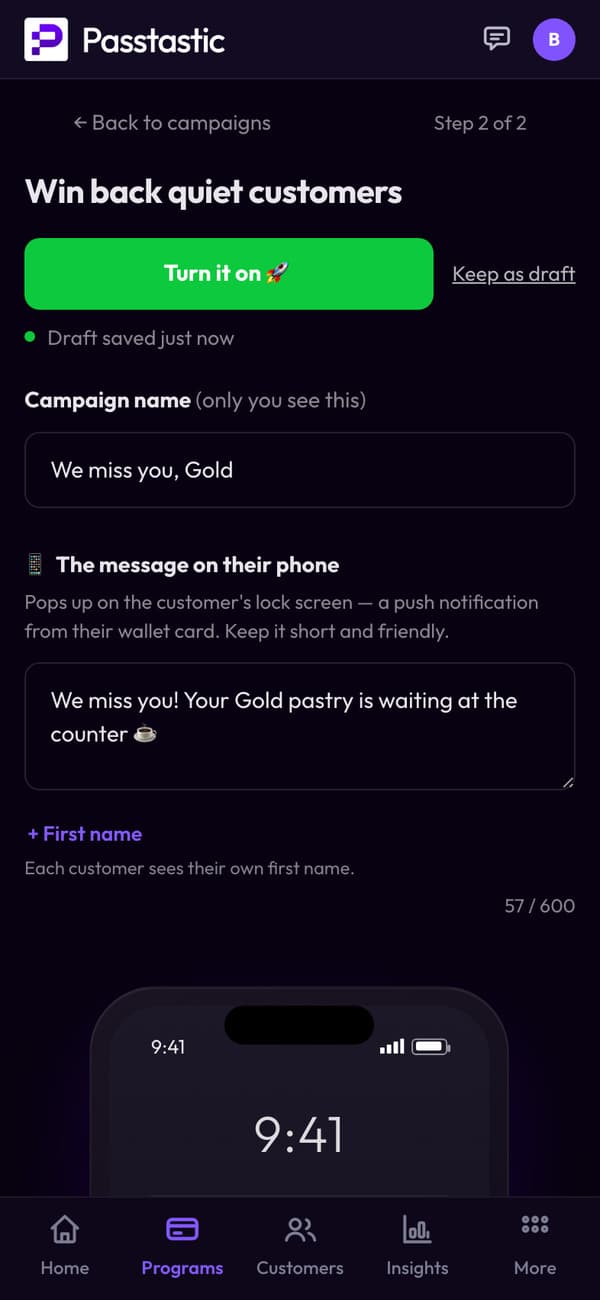
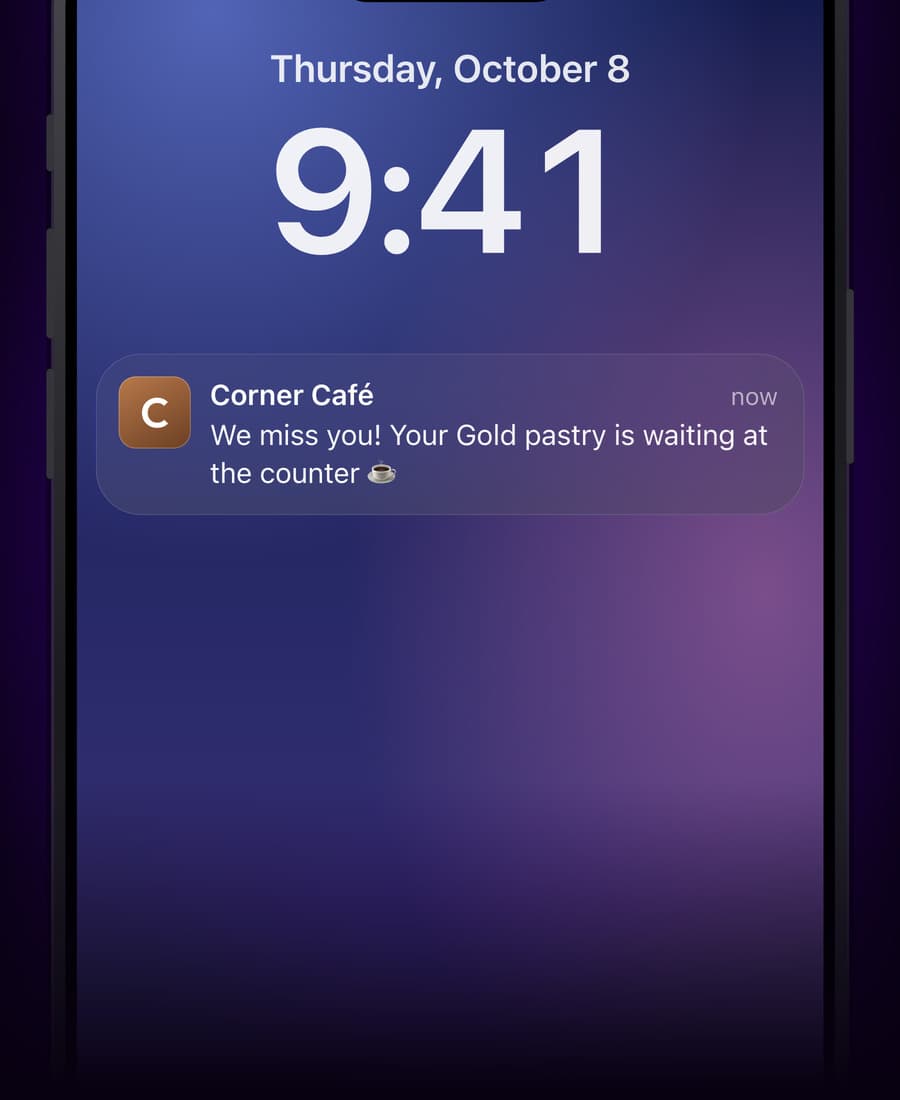
A win-back campaign reaches members who haven't visited in a while, with your message on their lock screen.
- Win-back campaigns come with Multi-Location and Groups & Brands; birthday campaigns are on every plan.
Common questions
Other card types
Sell memberships online
Want members to pay you online? They pay by card and renewals charge themselves.
Stamp cards
Every visit counts toward a free reward.
Points cards
Points on every order, rewards from your list.
Coupons
A first-visit offer that turns into a stamp card.
Membership card templates
Pick a design and make it yours in minutes.
Digital membership cards for restaurants
How restaurants run a VIP club.
Your membership card takes a few minutes.
14-day free trial, no credit card required. Your own loyalty app for your customers, nothing to download, no hardware to buy. Set up in 5 minutes.