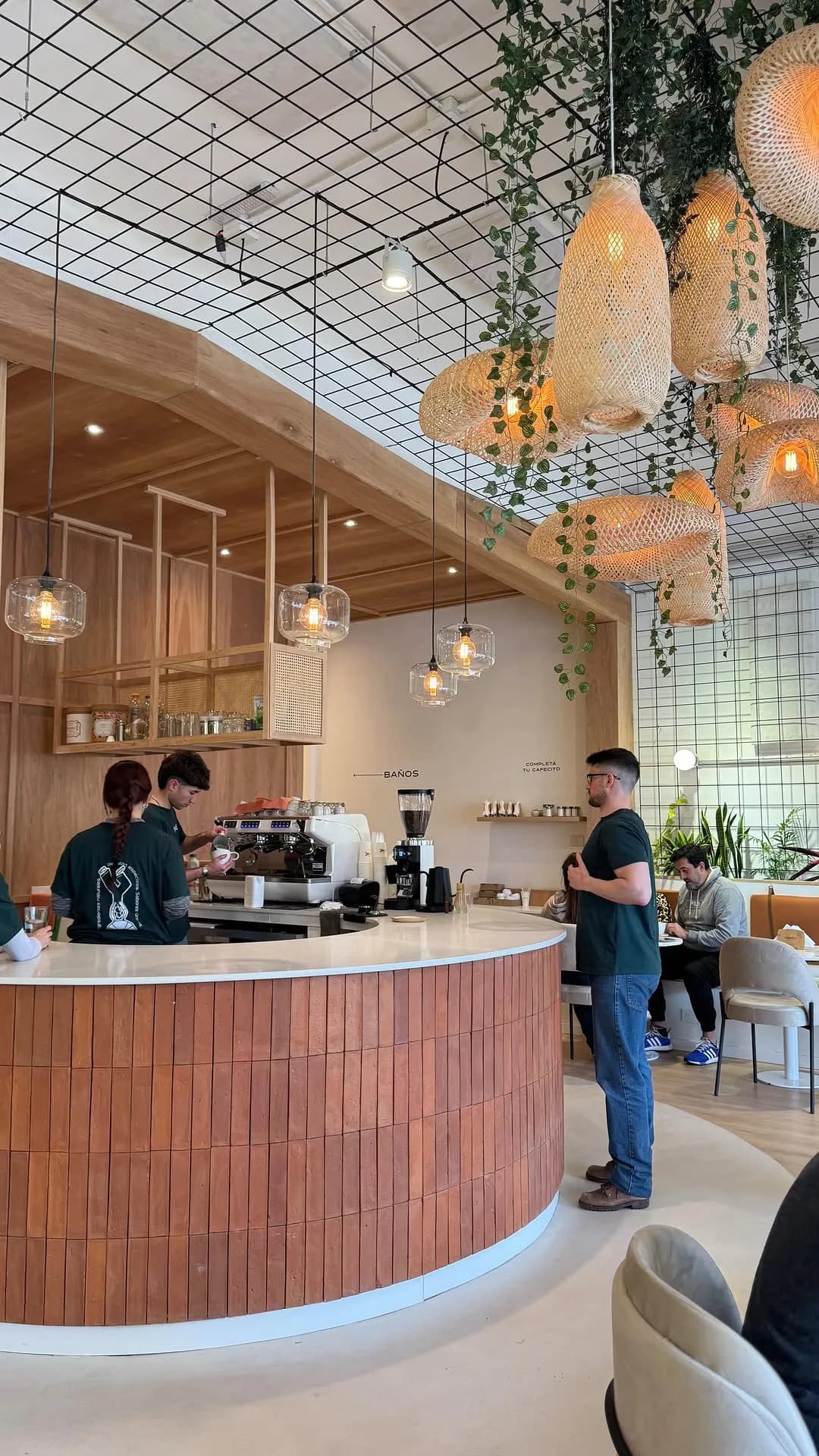
The number of members grew much faster than expected. We have customers who come in for a coffee every day, and they feel valued by having rewards.
Lorien BakehouseArtisan bakery & cafe, Argentina


Your logo, your colors, your links — all on one branded page. Customers find your menu, book a table, grab a loyalty card, or follow you on social media. Share the link or print the QR code. It takes five minutes to set up.
Your Business Page is the public front door — menu, bookings, socials, loyalty cards, all in one link your customers can reach from anywhere.
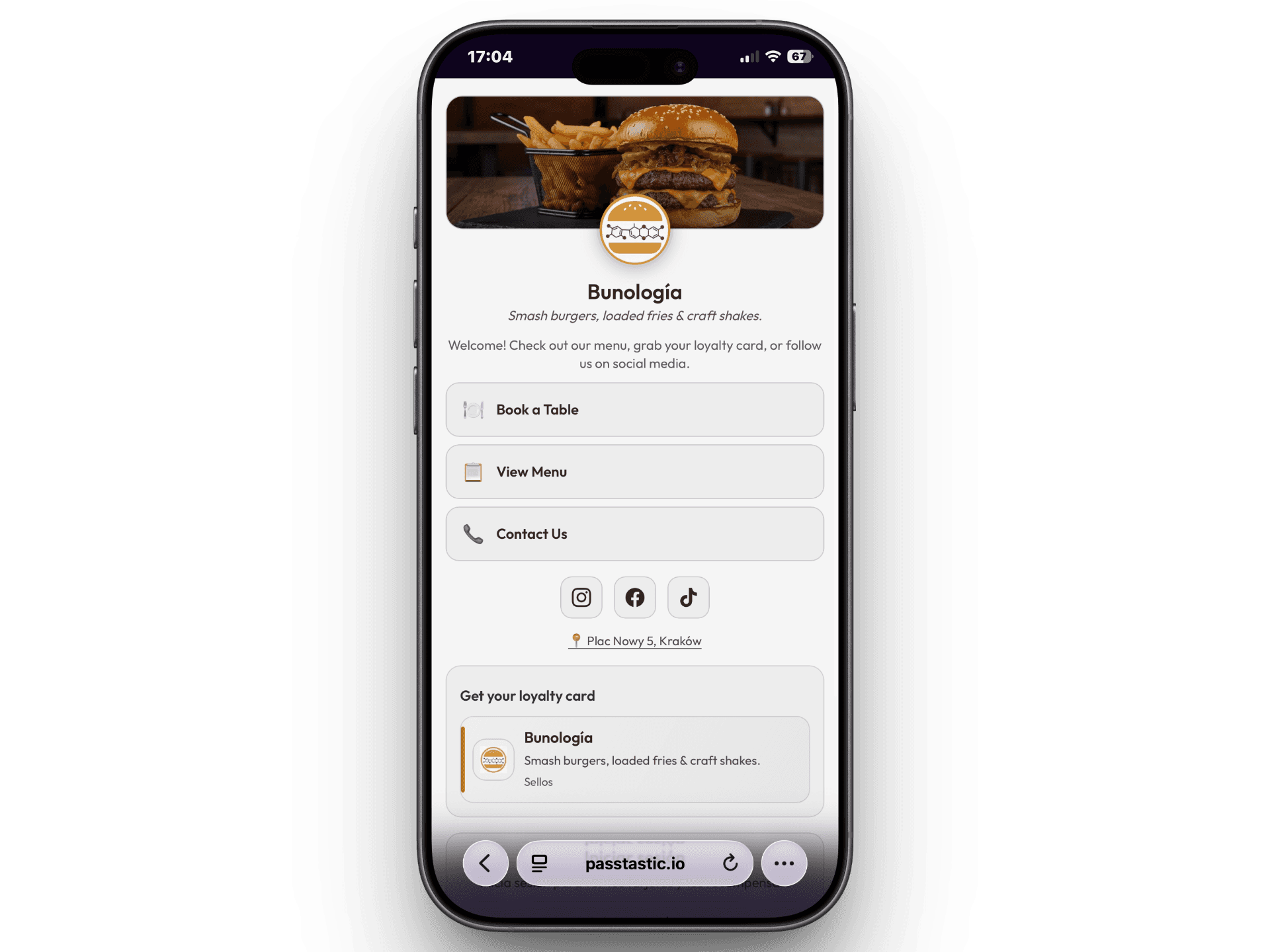




A branded landing page with your logo, colors, links, socials, location, and loyalty cards — live in five minutes.
Your cover photo, your logo, your brand colors. Pick a theme or enter your exact hex code. When a customer opens your page, they see your business — not a generic template. It's pre-filled from your card design, so you're halfway done before you start.
Add up to eight custom links — your menu, booking page, online shop, contact number, whatever you need. Connect your Instagram, Facebook, TikTok, WhatsApp, website, and Google Business profile. Add your address and it shows up with a map pin. Your customers find everything without searching.
Every card you've created shows up on your business page. Customers pick the one they want and add it to Apple or Google Wallet in one tap. If they accidentally delete it, they log in and re-add it — no need to contact you. New customer? They see all your cards and choose.
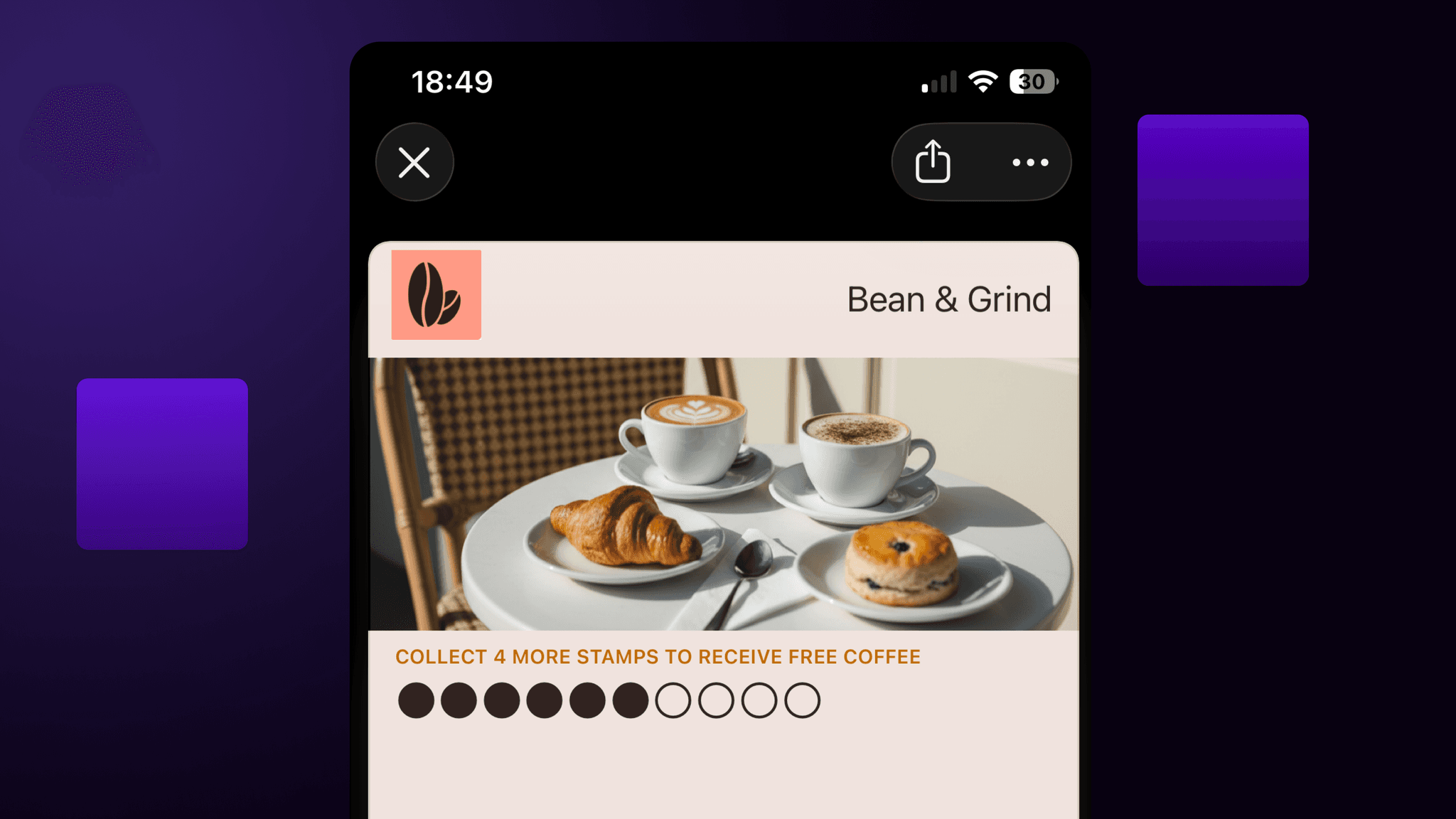
Your name, logo, and colors are already there. Add your links, hit publish, and share.
Go to your dashboard and open Business Page. Your name, logo, and colors are already there from your card — just review and tweak.
Drop in your social profiles, custom links, and address. Use presets for common links like "Book a Table" or "View Menu" — or create your own.
Copy your link, download your QR code, or both. Put the QR on your counter, receipts, or window. Customers scan it and land on your page.
Links, social profiles, loyalty cards, location — your customers find it all in one tap.
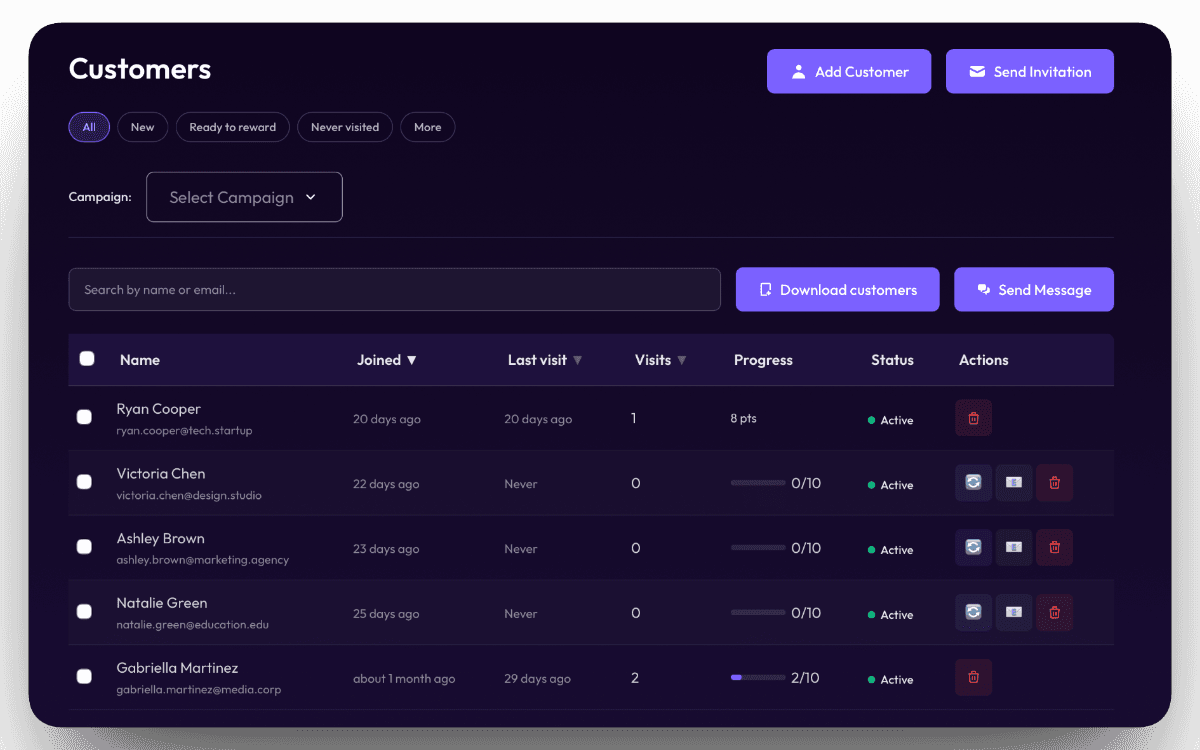
Add up to eight tappable links — your menu, booking page, online shop, phone number, anything. Connect Instagram, Facebook, TikTok, WhatsApp, your website, and Google Business. Drag to reorder, pick an emoji icon for each link.
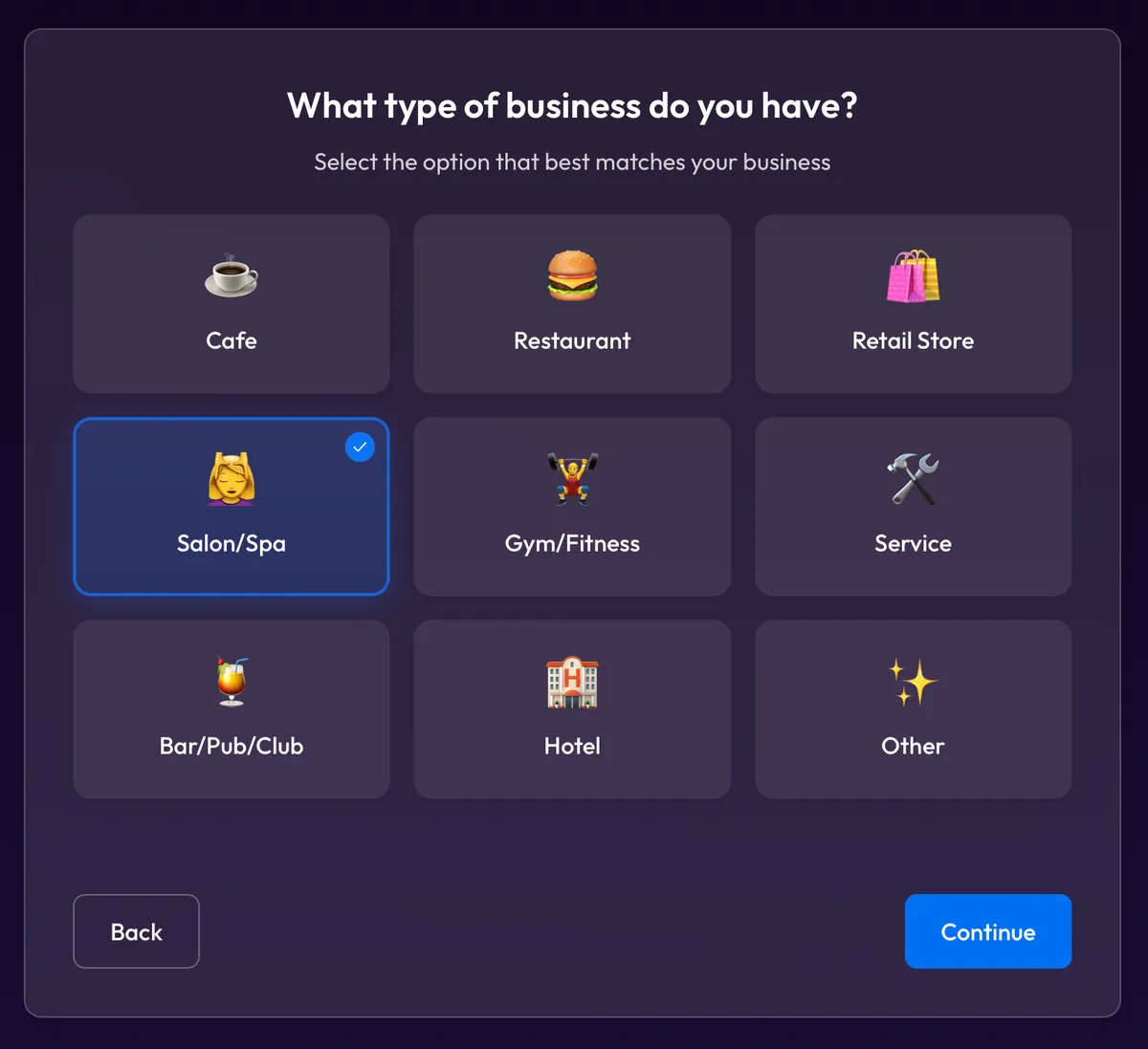
Pick from seven built-in themes — or enter your exact brand color. Your cover photo and logo are pulled from your card automatically. The page looks like your business from the moment you open it.
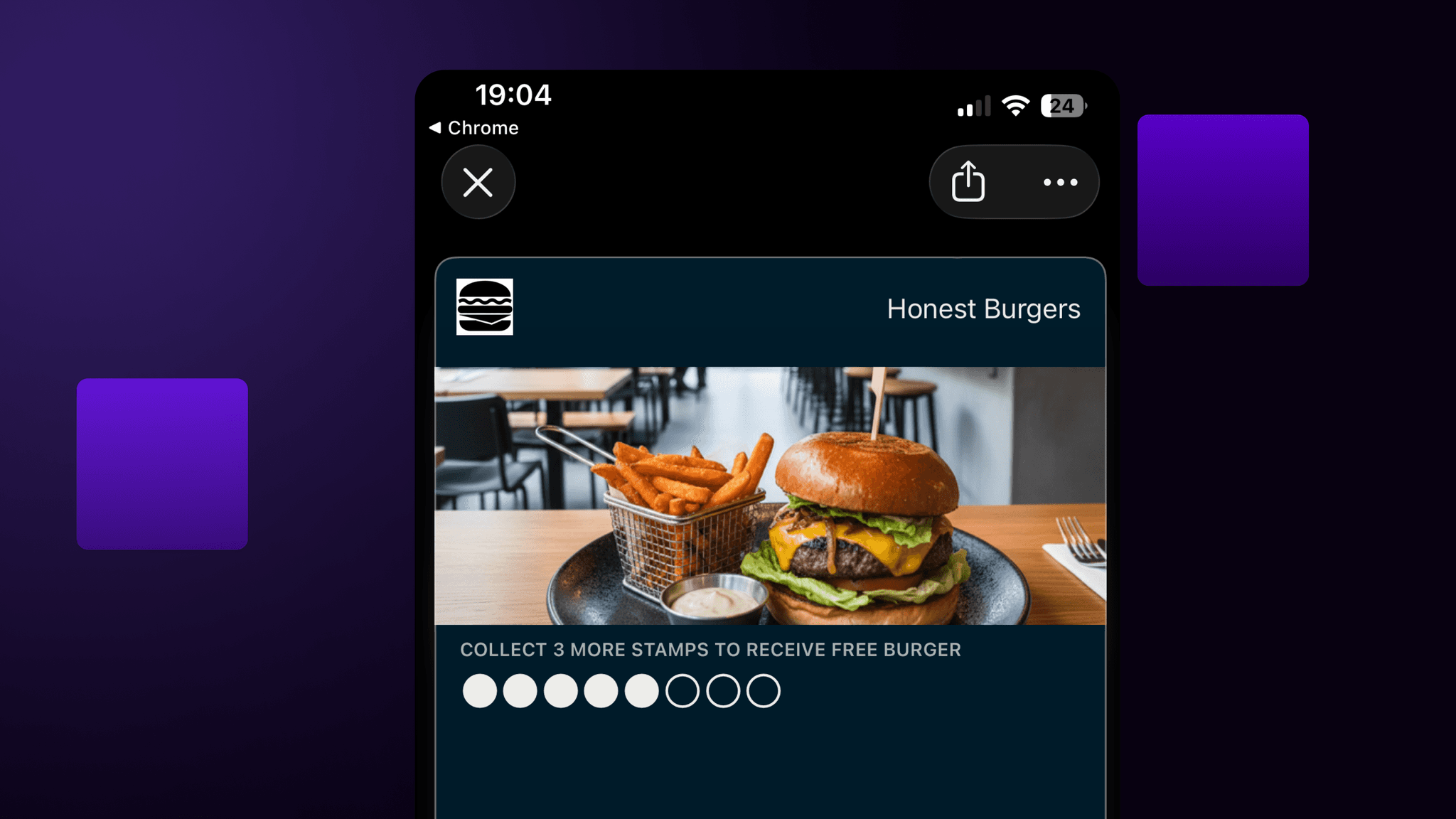
All your cards appear on the page — stamps, points, levels, coupons. Customers pick a card and add it to their wallet. If they log in, they see their balance and can re-add a card they accidentally deleted. No support tickets, no hassle.
The number of members grew much faster than expected. We have customers who come in for a coffee every day, and they feel valued by having rewards.
Push messages with our logo — that elevates the perceived value for the customer. Customers love that it's digital and not a physical card.
The customer dashboard is so helpful. We've been able to target customers specifically for our marketing purposes — it's exactly what we needed.
We can track recurring visitors now — which is really cool to see that it's actually working. Customers are coming back more often than they used to before.
Your business page brings customers in. Notifications bring them back. Send a deal, a birthday greeting, or a location alert — straight to their lock screen. Three out of four customers read it. Run both from the same dashboard.
See notifications →One link, one QR code — your menu, your socials, your loyalty cards, all in one place. Set it up in five minutes.