Cafe Aroma
COLLECT 10 MORE STAMPS TO RECEIVE FREE ITEM


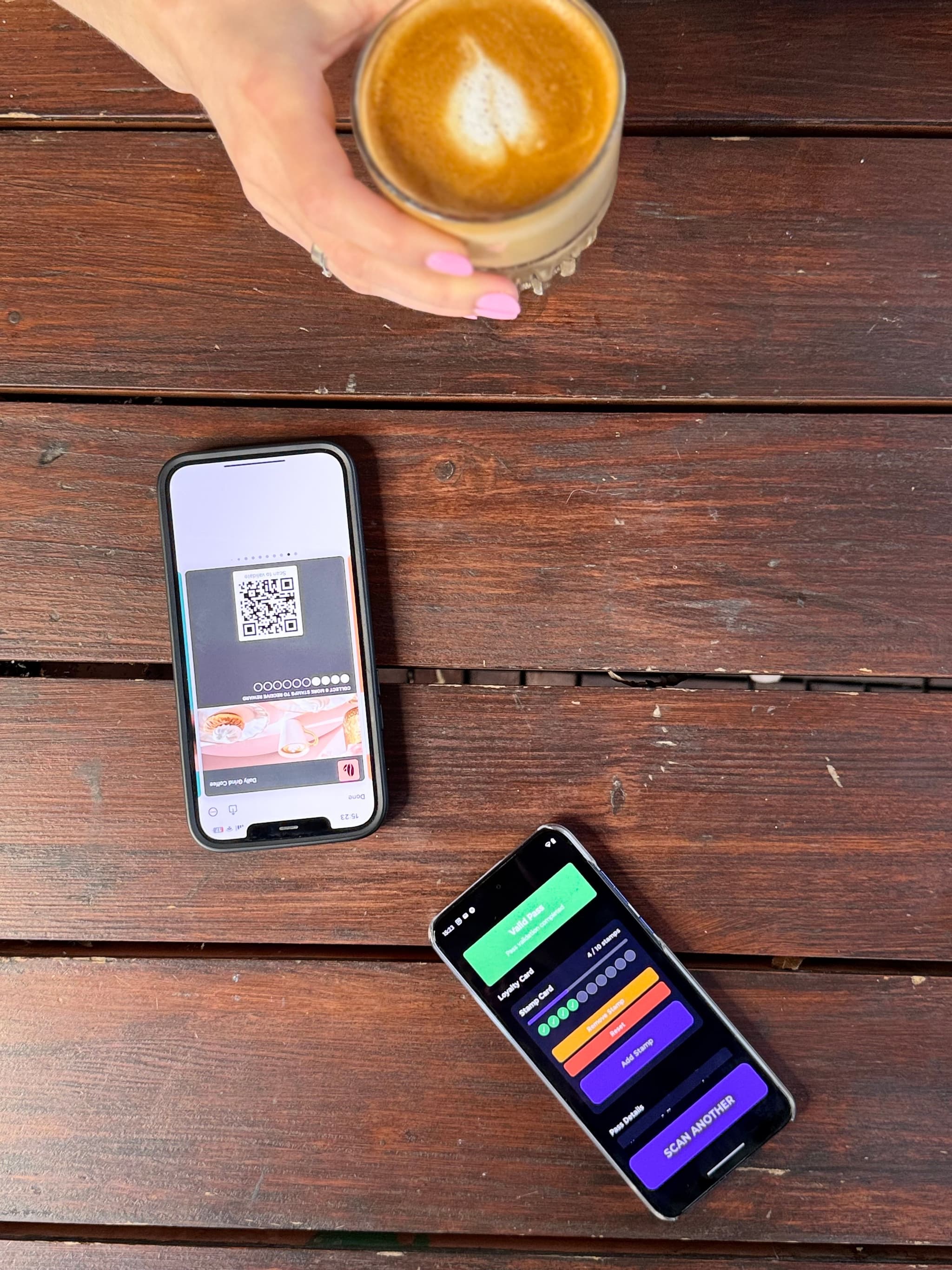
Stamps, points, levels, coupons — one scan and it's done. Put a scanner on every counter, in every location, and your staff is ready in minutes. Scan a QR code or look up any customer by name, email, or phone number.
The Scanner App is how your staff closes the loop — validating rewards and updating programs in real time from their own phone.
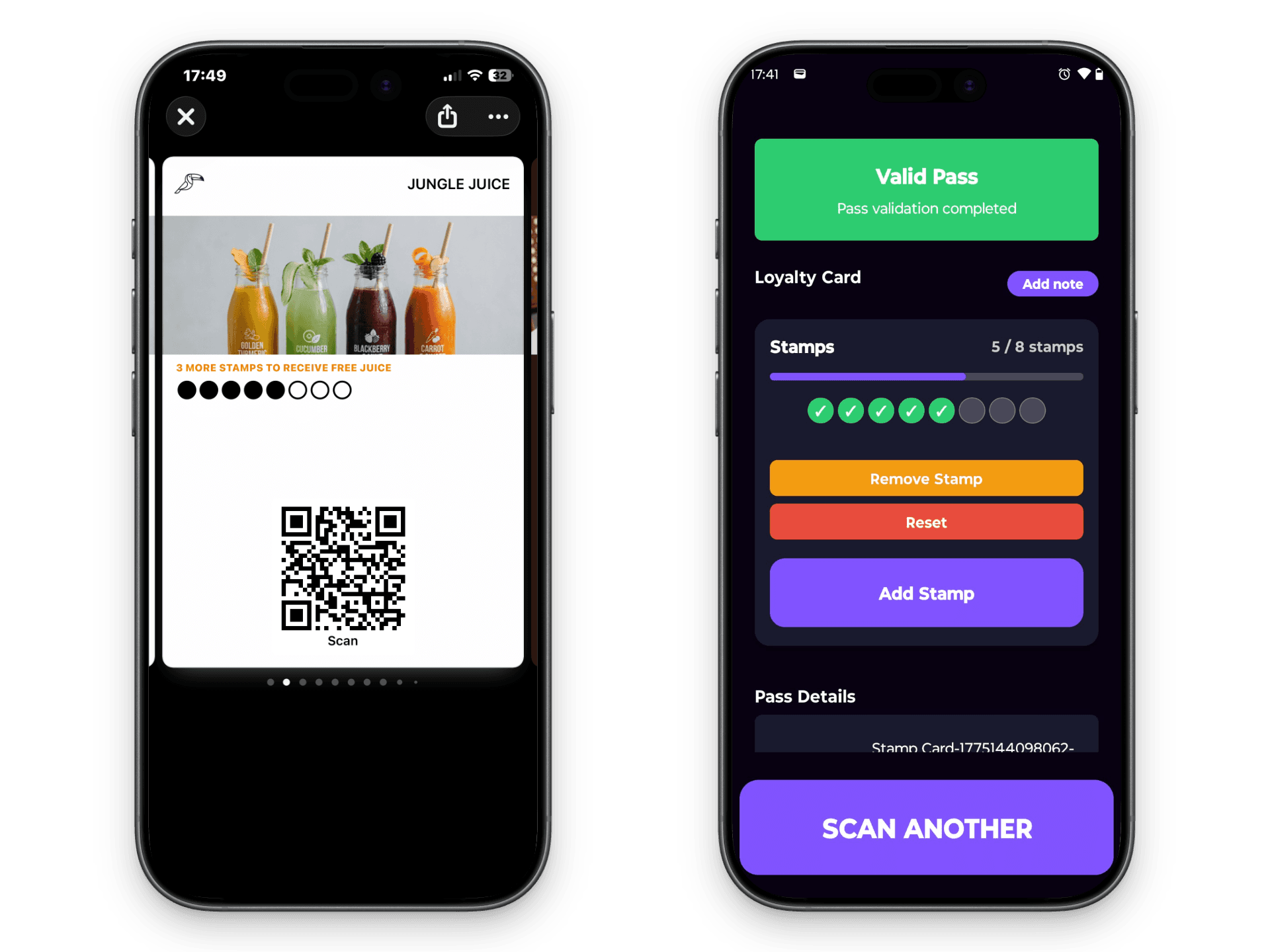










Install the app, assign scanners to locations, and your staff is scanning in minutes. No special hardware — just a phone.
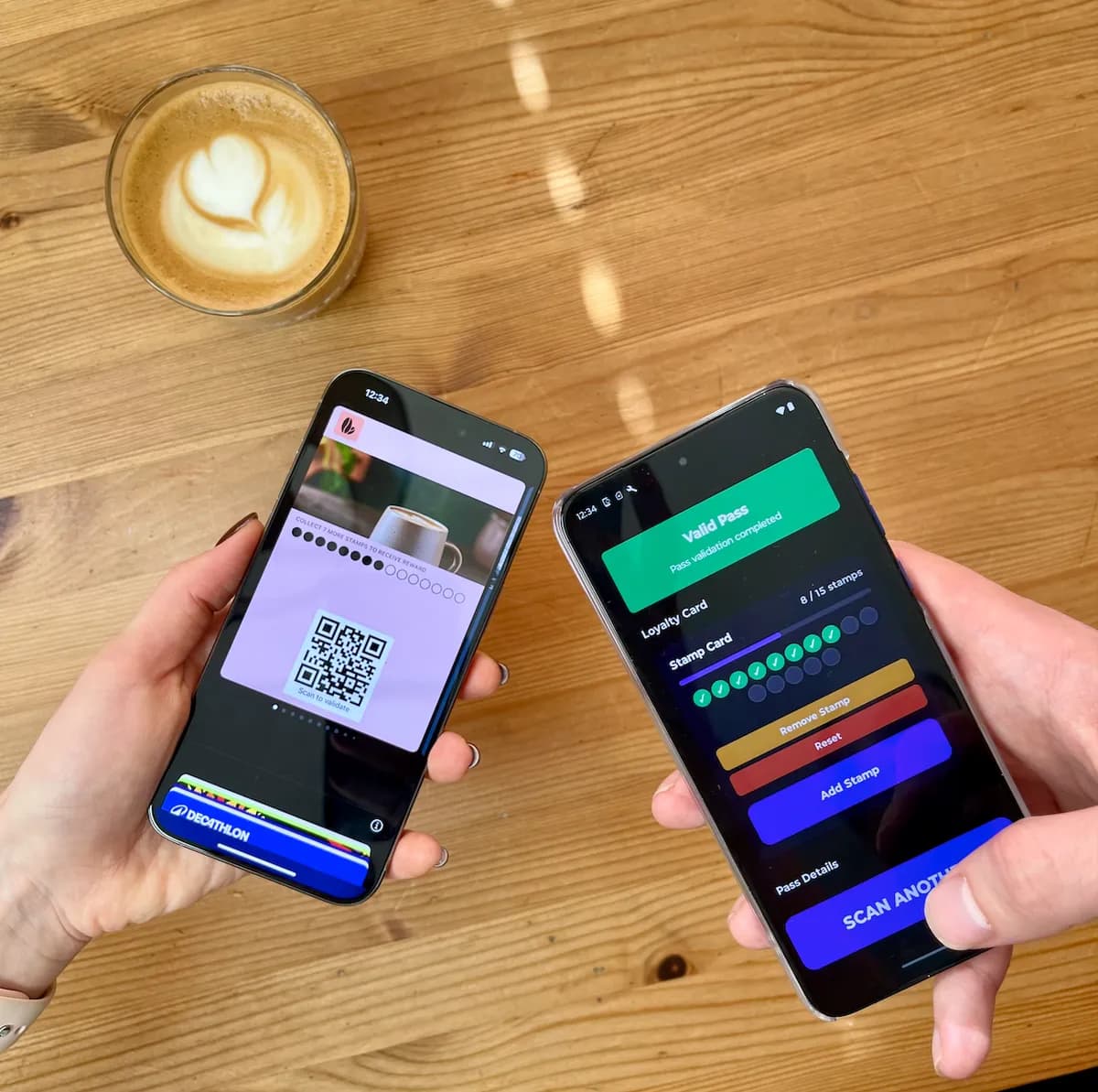
Customer shows their QR code. Your staff scans it. The card pops up instantly — stamps, points, level, whatever it is. One tap to add a stamp, redeem a reward, or adjust a balance. Sometimes it's faster to just search — type a name, email, or phone number and the customer pops up. Left their phone at home? Same thing. No transaction is ever lost.
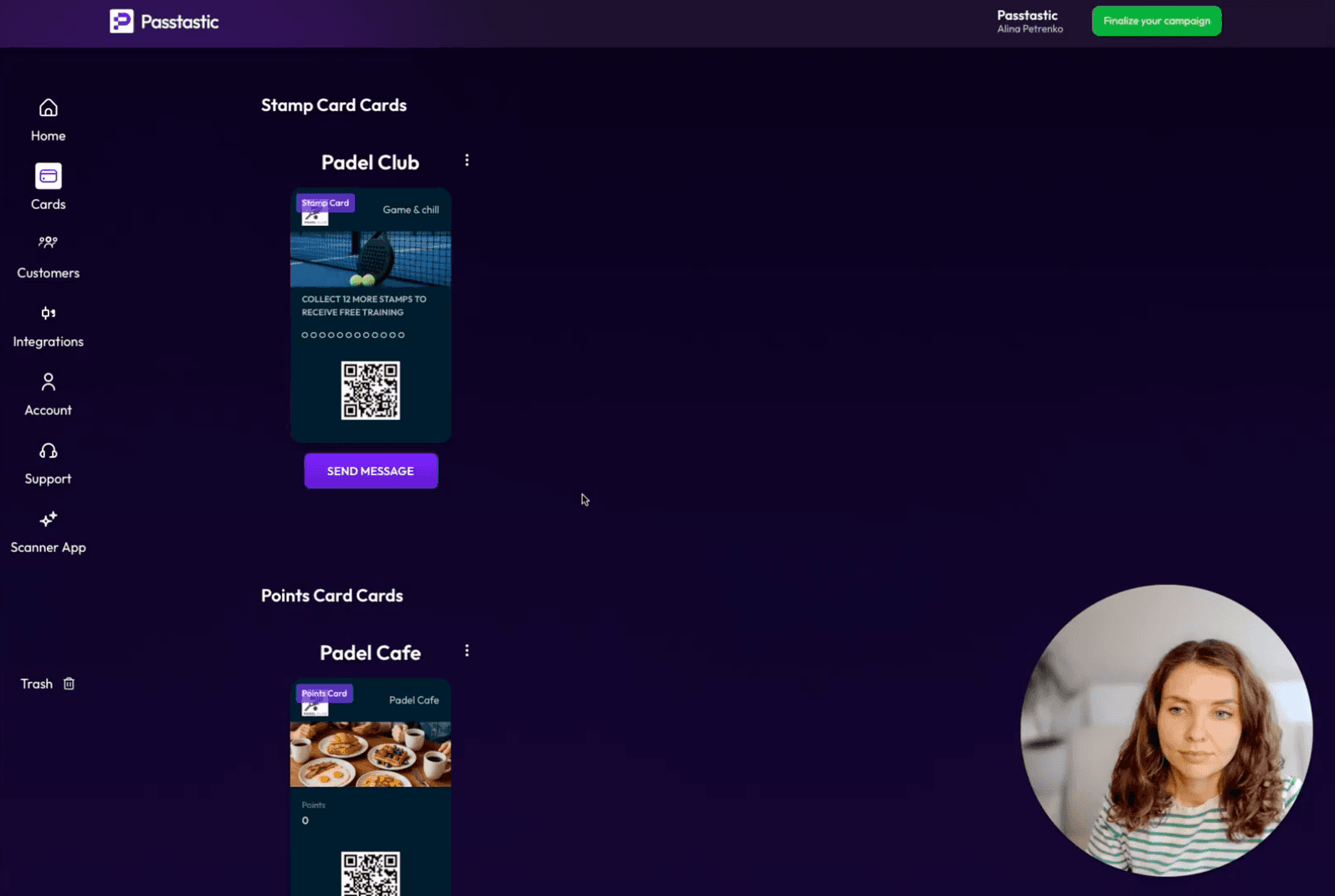
Create as many scanners as you need and assign each one to a location. A busy pizzeria can run five scanners at one branch and six at another — so customers don't wait. Each scanner gets its own dedicated login — your staff never sees your account credentials. You can compare performance across locations and staff, and revoke any scanner instantly.
Every action is logged: who scanned, what they did, which customer, when. Each scanner keeps its own history, so you see exactly what happened at each counter. Set rate limits — say, one stamp per customer every two hours — and the app blocks accidental double scans automatically. No duplicate points, no wasted rewards.
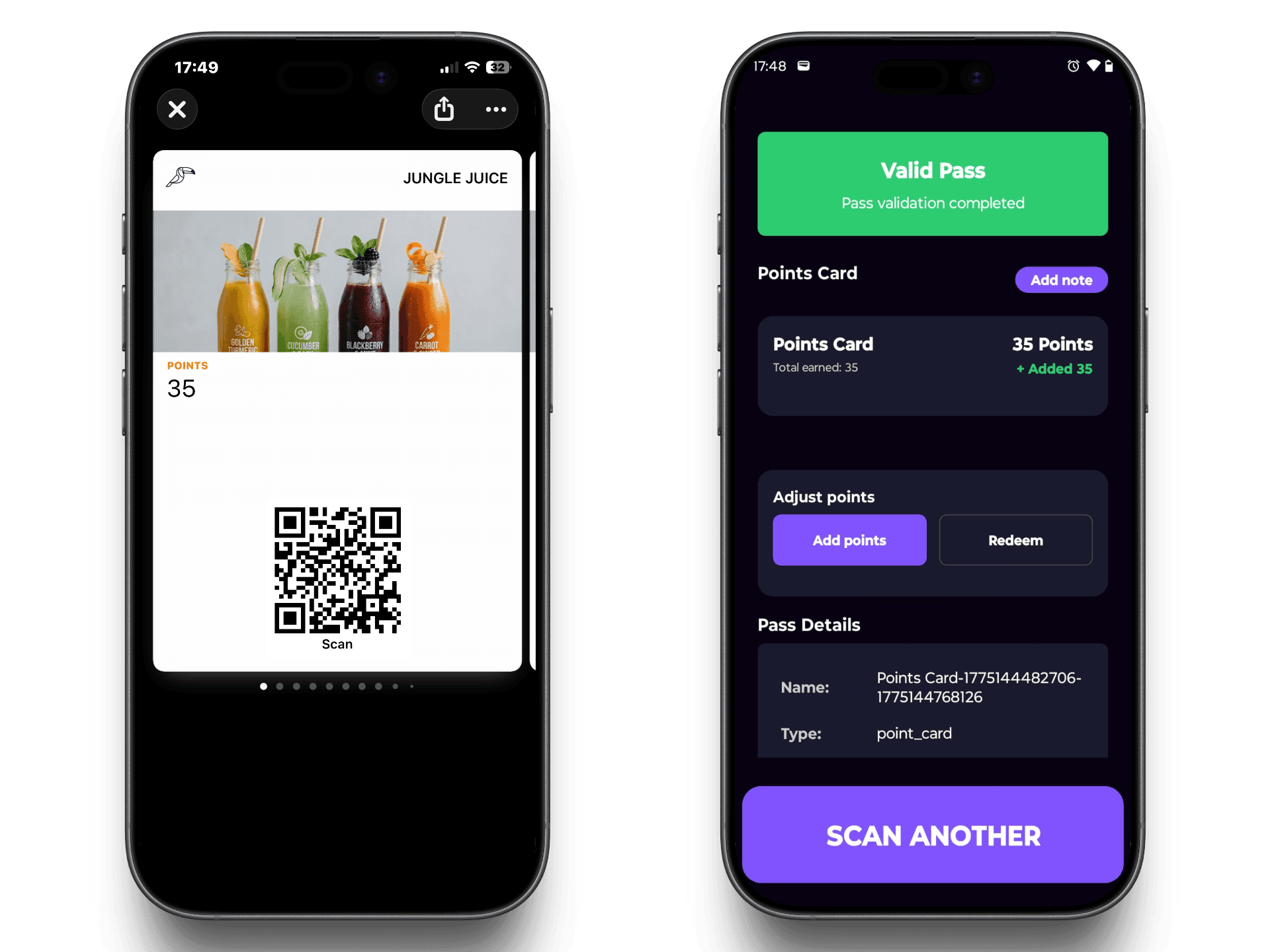
Create scanners in your dashboard, install the app on your staff's phones, and they're scanning customers in minutes.
Open your dashboard, go to Scanners, and create dedicated logins — one per counter or staff member. Your staff never needs your account password. Assign each scanner to a location so you can track performance separately.
Your staff downloads the Passtastic Scanner app on their phone, logs in with the credentials you created, and they're ready to go. Works on iPhone and Android.
Customer shows their QR code — staff scans it and taps the action. Or they search by name, email, or phone number — just as fast. The card updates instantly on both ends.
Scan a QR code or look up any customer by name, email, or phone number. Stamps, points, levels, coupons — one app for everything.
They come in, they order, and while we prepare the coffees, they are already enrolled and stamped and everything is already done.

The number of members grew much faster than expected. We have customers who come in for a coffee every day, and they feel valued by having rewards.

Push messages with our logo — that elevates the perceived value for the customer. Customers love that it's digital and not a physical card.

The customer dashboard is so helpful. We've been able to target customers specifically for our marketing purposes — it's exactly what we needed.

The scanner collects the data. Customer insights tells you what it means. See who's coming back, who stopped visiting, and when your busiest hours are — all from the same dashboard. Every scan your team makes feeds directly into your analytics.
See customer insights →Create scanners for every location, install the app on your staff's phones, and start scanning in minutes. Simple enough for anyone on your team.