

Already running a loyalty program? Bring your customers with you.
Moving is the scary part. You've spent years building that list, and the fear is that changing anything means starting from zero. You don't. Every name comes across, every balance comes across, and your customers pick up exactly where they left off — this time in Apple Wallet and Google Wallet.
Paper cards, a spreadsheet, or another program. Same answer.
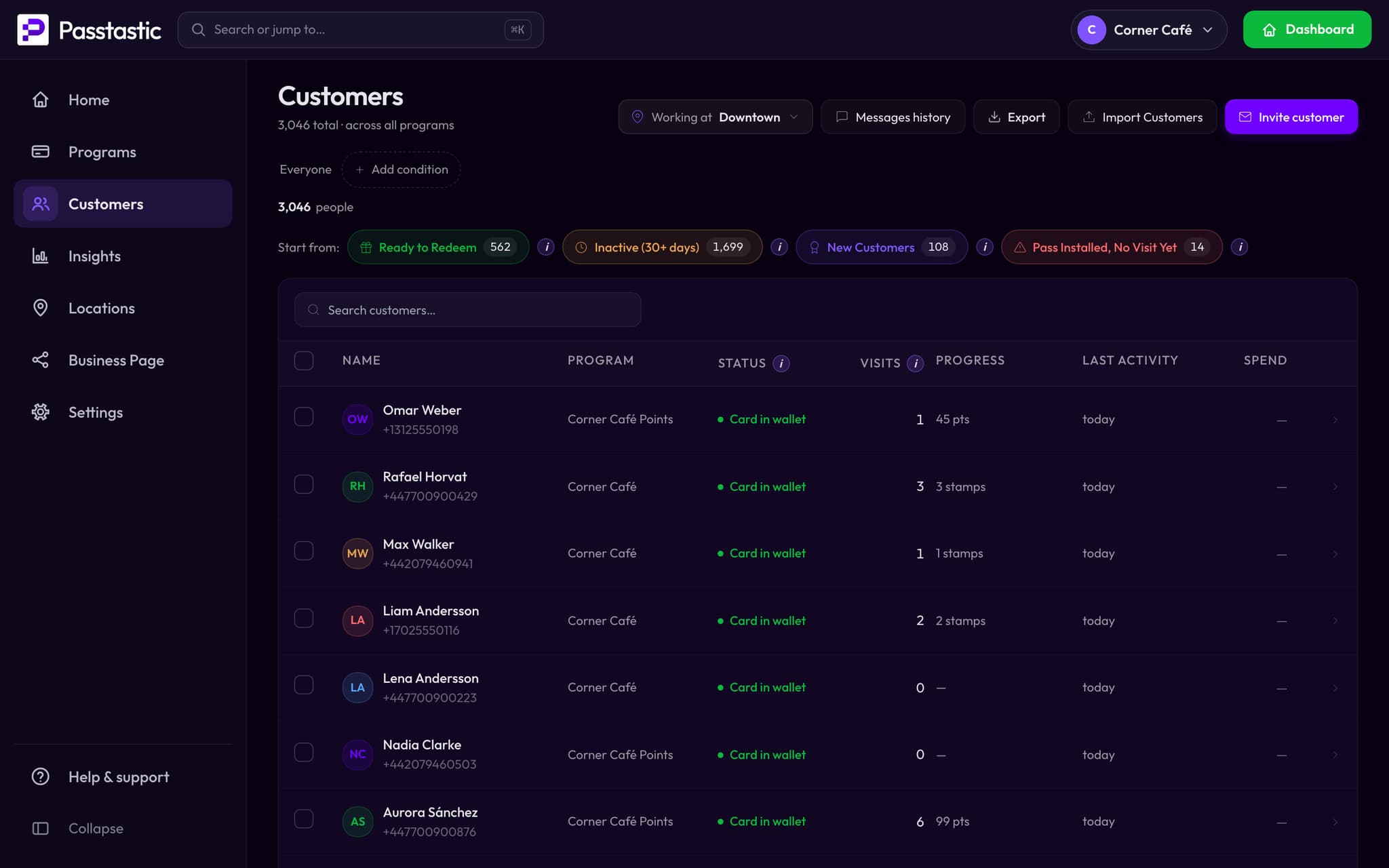
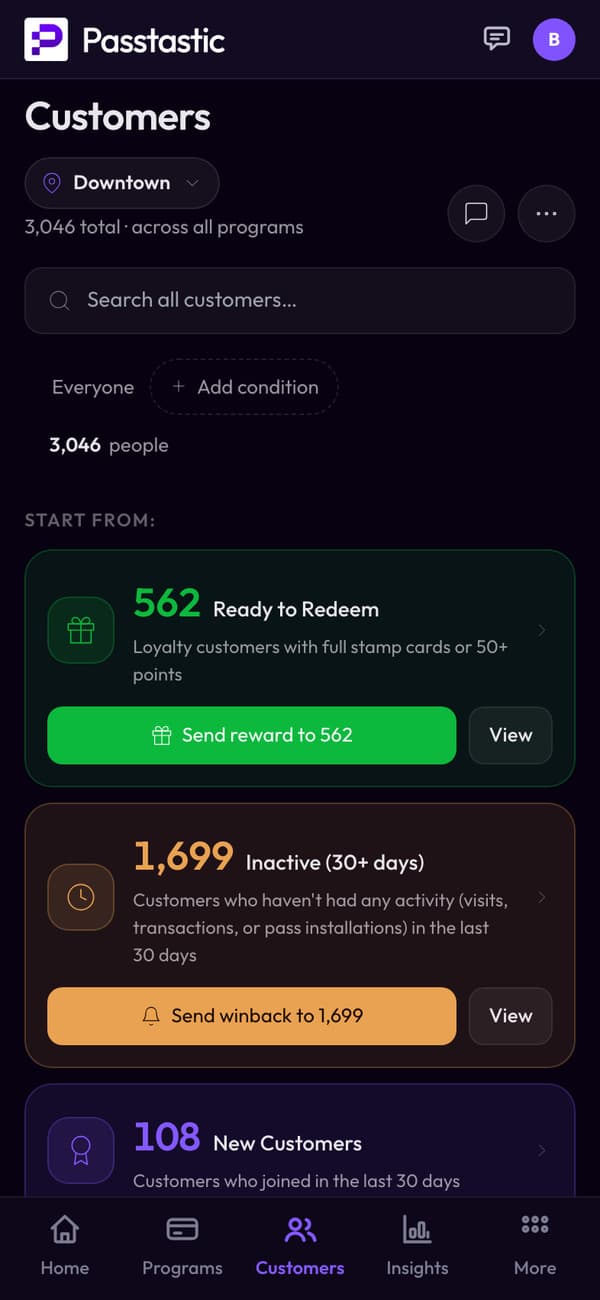
The only question that matters
Everything else about switching is detail. The real question is whether you lose the customers you've already earned. You don't — and here's exactly what happens to them.
What comes across
- Every customer's name
- Their email, their phone number, or both
- Their stamp or point balance, exactly where it was
- Whether they'd agreed to hear from you
What doesn't
- Past visit history and old transactions — the balance carries over, the log behind it doesn't
- Tier positions on a membership or level program — those customers arrive as members, and you set their tier
We'd rather tell you this now than have you find out in week two.
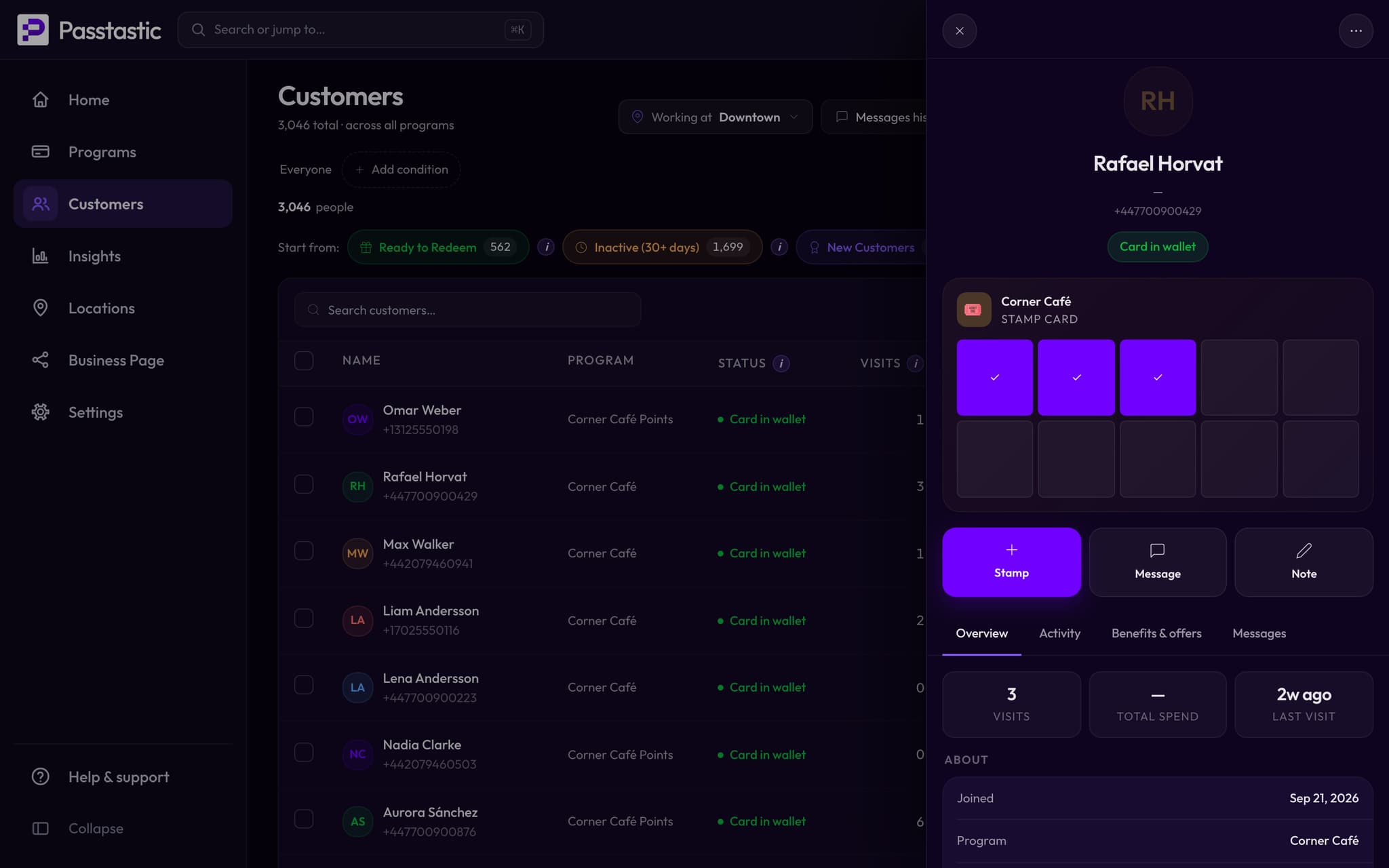
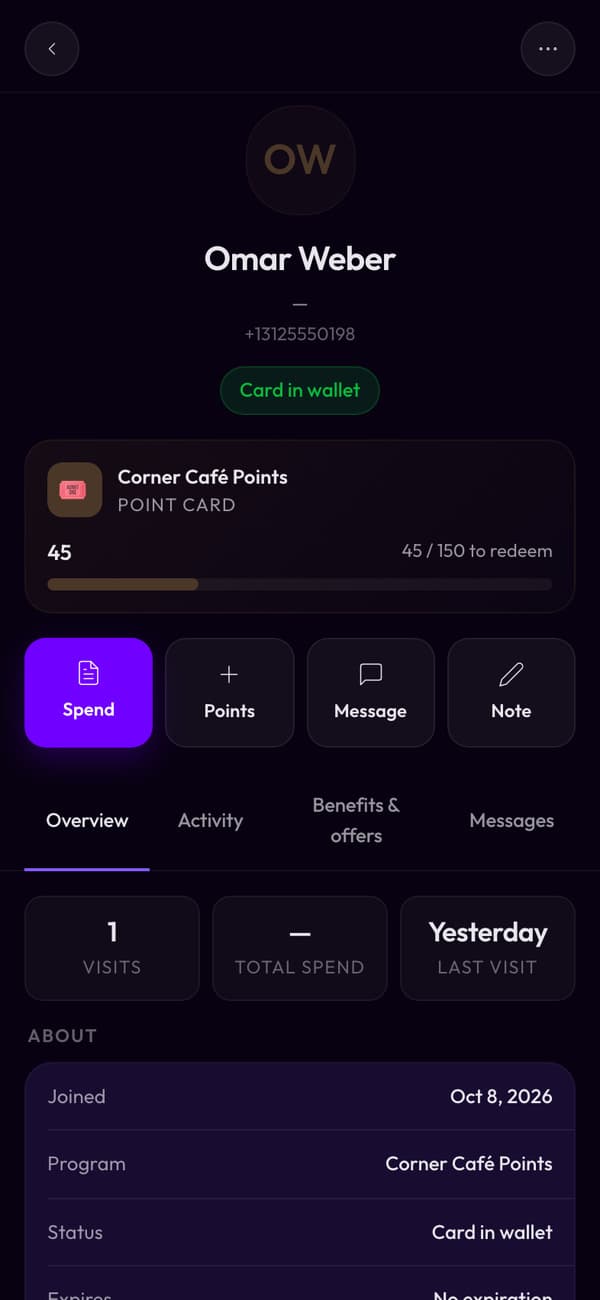
Three steps, and you're not typing anything
Get your list out
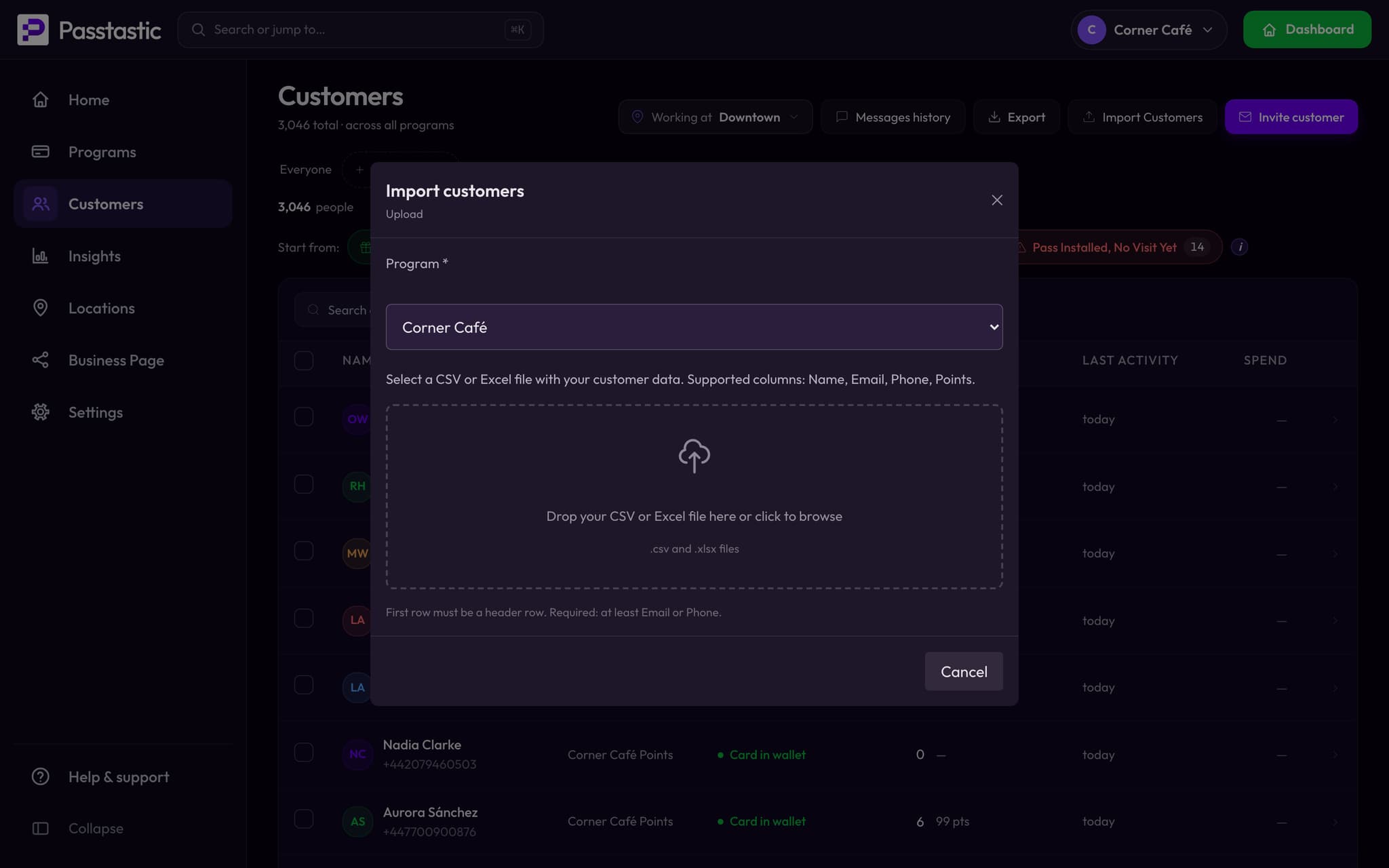
A CSV from your current program, your booking system, or the spreadsheet you've been keeping. Each person needs an email address or a phone number — either one on its own is enough. Add their name and balance if you have them.
Upload it and match the columns
Point each column at what it is — name, email, phone, balance. You'll see exactly what's about to be created before anything is. Up to 10,000 people per file.
Invite them in your own words
Send by text, email, or both, right away or when you're ready. They tap once, the card lands in their wallet, and their balance is already on it.
Nobody gets messaged twice
If you upload a second file later — the stragglers, a new location, a list you forgot about — each row is matched against your existing customers on their email or phone, so they are updated rather than added twice. Invites only go to people who have not been invited yet and have not already joined.
Or send us the file and we'll do it
If the export is messy, or you'd just rather someone else handled it, send us what you've got and we'll load it for you. Tell us where your list lives and what state it's in.
Send us your listQuestions people actually ask
Your customers are yours. Bring them.
14-day free trial. No card needed to start.