
How to Switch from Paper Punch Cards to Digital
Five minutes to set up, no POS, no hardware. Run paper and digital side by side — customers move over naturally. Here's the full playbook, plus what you gain the day you switch.


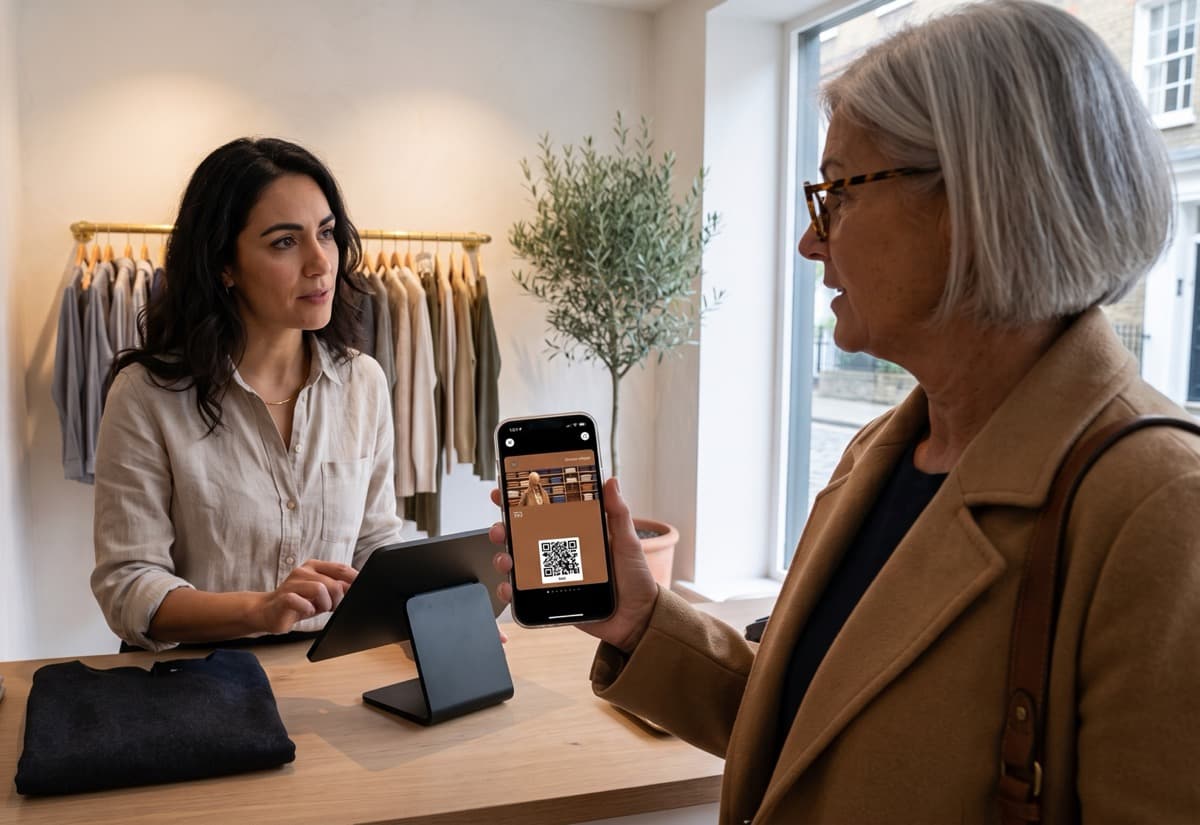
It takes about five minutes. Pick your card type, set the rules, customize the design, and share a QR code at your counter. No POS integration, no hardware, no IT skills. Your staff scans the customer's phone — that's the whole training. You can run paper and digital side by side, and customers will naturally move over.
Why bother switching?
Paper punch cards feel familiar. You've got a stack behind the counter, a rubber stamp, and the system works — or at least, it feels like it does.
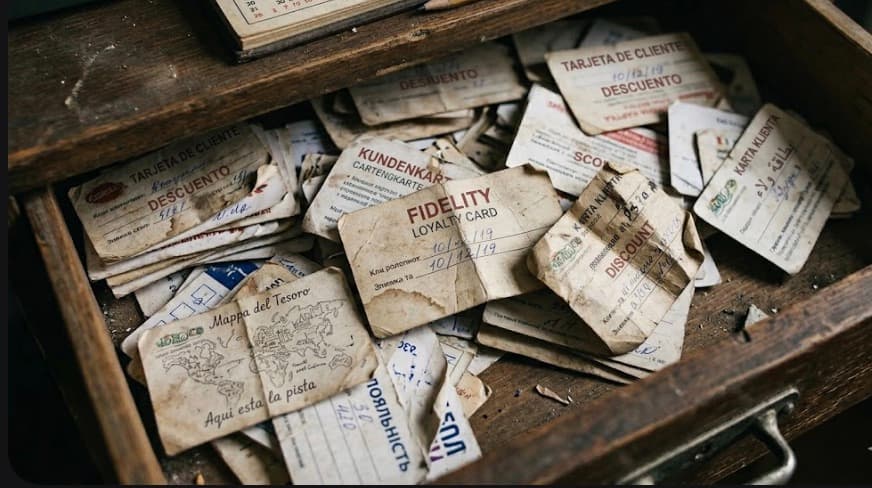
But here's what's actually happening: fewer than one in eight paper cards ever gets completed. Three out of four get lost, washed, or forgotten in a pocket. And every card that disappears takes the customer's motivation with it. They were four stamps in, the card's gone, and they're not starting over.
Paper also gives you nothing to work with. You don't know who's visiting, who stopped, or who's one stamp away from a reward. You can't send a message when a regular goes quiet for three weeks. The stamps happen and vanish.
What do you actually gain?
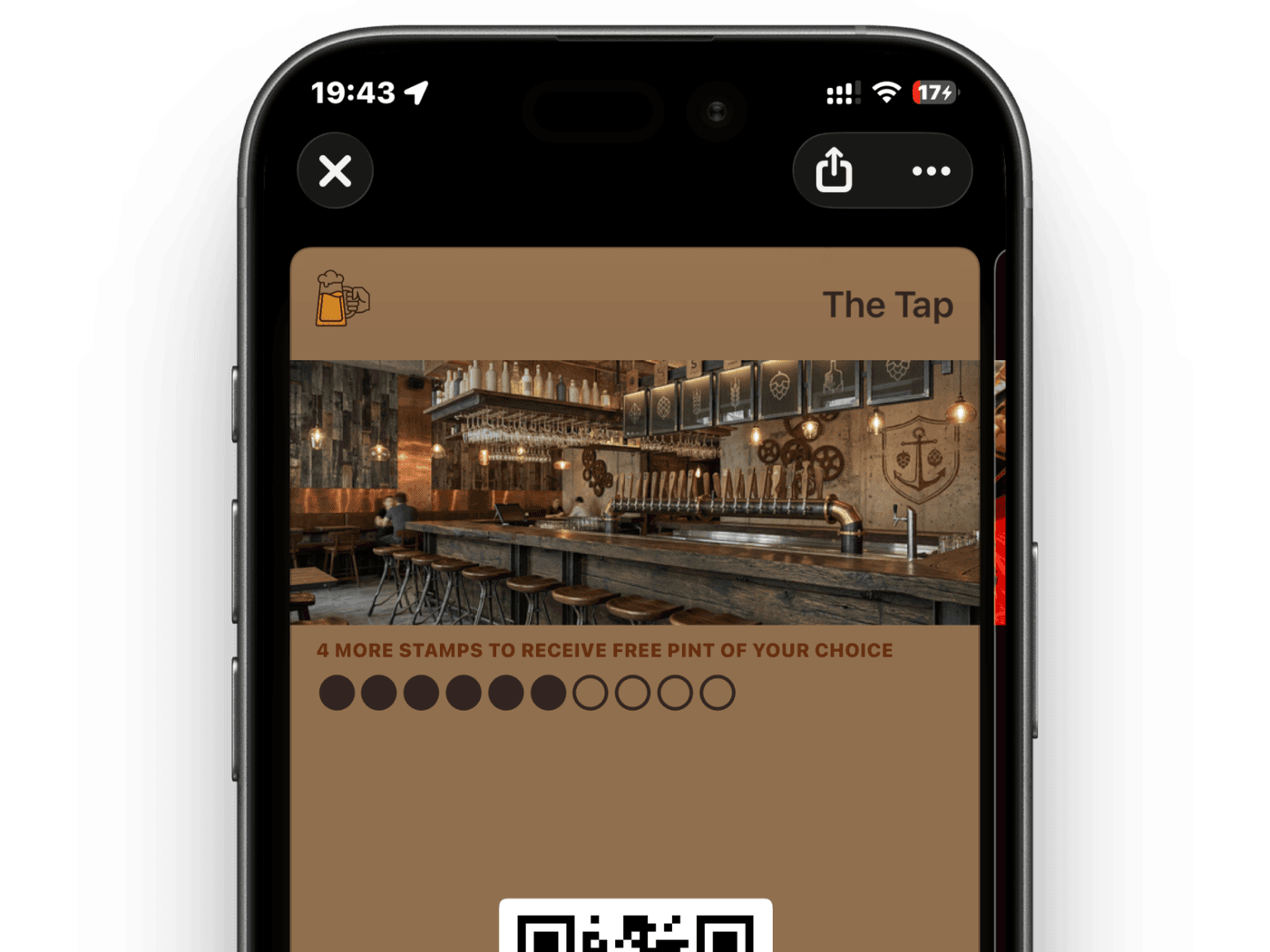
A digital stamp card in your customer's phone wallet can't be lost, washed, or forgotten. But that's just the start. Here's what changes the day you switch:
- You see who's coming back — and who isn't. When a regular hasn't visited in three weeks, you'll know.
- You can reach them — a notification on their lock screen that says "Your stamp card is almost full — come finish it." They actually read these.
- Your customers see their progress — every time they open their wallet to pay for anything, there's your card. Your logo. Their stamp count.
- New staff learn in a minute — log in, scan the phone. No stamp pad, no "which card design is current?", no paper to reorder.
Eight out of ten people who have a loyalty card on their phone actually use it. Paper cards can't say the same. The cost side moves the same way — the real cost of paper vs. digital shows the full math if you want the deep dive.
How to switch — step by step
Step 1: Create your card (5 minutes)
Pick your card type — stamps work best for most cafés and salons. Set the rules: "buy 8, get 1 free" is the sweet spot for most daily-purchase businesses. If you're not sure how many stamps, we break it down in our stamp count guide. Customize the design with your logo and colors. Done.
Step 2: Print a QR code for your counter
Put a small sign next to the register: "Scan to get your loyalty card." Customers scan, tap "Add to Wallet," and they're set. You can also print table cards, stickers for the door, or add it to receipts.
Step 3: Share the link
Post it on Instagram. Text it to your regulars. Drop it in your WhatsApp group. The link works everywhere — anyone who taps it can add the card in one step.
Step 4: Your staff scans
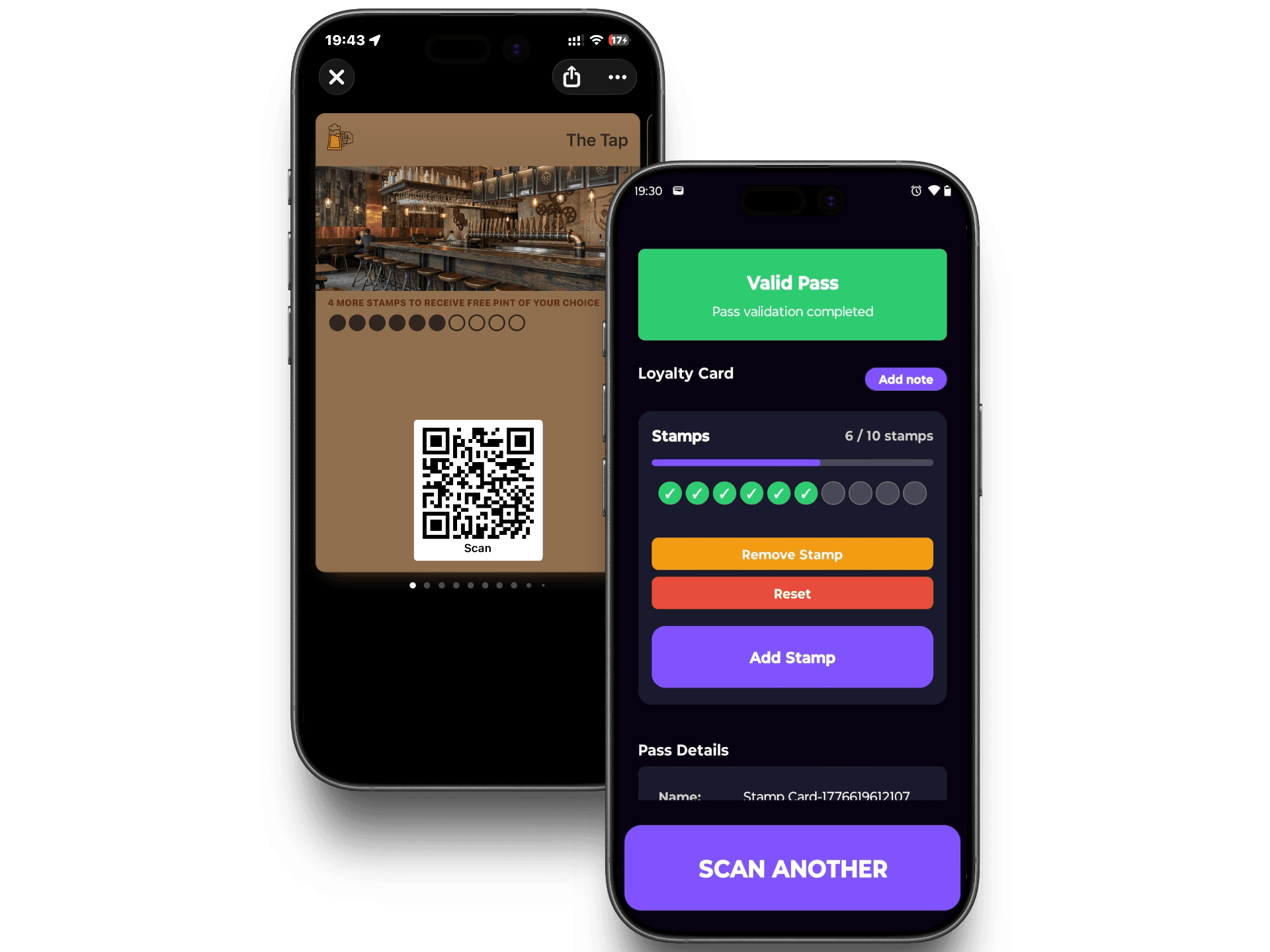
Your team opens the scanner app on their phone. Customer buys a coffee, staff scans, a stamp appears. That's the entire interaction. With staff turnover as high as it is in hospitality, a system that takes one minute to learn isn't a luxury — it's a necessity.
Do I have to stop using paper right away?
No — and you shouldn't. Run both side by side. Keep the paper cards behind the counter for anyone who wants them. Mention the digital card at checkout: "Want to add it to your phone wallet? Same card, just on your phone."
Most customers will try it once and stick with digital. The ones who prefer paper can keep using paper. Over a few weeks, the split shifts on its own. No forced migration, no awkward conversations.
For customers with a half-full paper card: give them a head start on digital. Had four stamps on paper? Start them with four digital stamps. It's a gesture that costs you nothing and gives them a reason to try the new version.
I absolutely would tell them to use this as an option just because of the digital wallet and not having to use a punch card.

Do I need a POS system for this?
No. Your staff's phone is the only hardware you need. The scanner app works on any smartphone — iPhone or Android. It doesn't connect to your POS, your till, or your payment system. It's completely independent.
This means it works for the café with a full POS setup and for the market stall with a cash box. Same card, same scan, same result.
Pick your card type, set the rules, and share your link in five minutes.
Create your digital loyalty card