How to Set Up a Loyalty Card System for Your Small Business
A loyalty card system for a small business doesn't need an app, a developer, or a new POS. Here's how to set one up in minutes, what it costs, and how staff and customers use it.


You can run a loyalty card system for your small business without an app, a developer, or a new POS. Most owners assume loyalty means software to build and tech they don't have time for — which is why 73% of small businesses run no program at all. It doesn't have to be that way. Here's how to set up a loyalty card system in about five minutes, what it costs, and how your staff and customers actually use it.
Do I need an app or a POS to run a loyalty card system?
No to both. This is the part that stops most owners before they start — they picture app development, integrations, and a contract. A modern loyalty card system needs none of it.
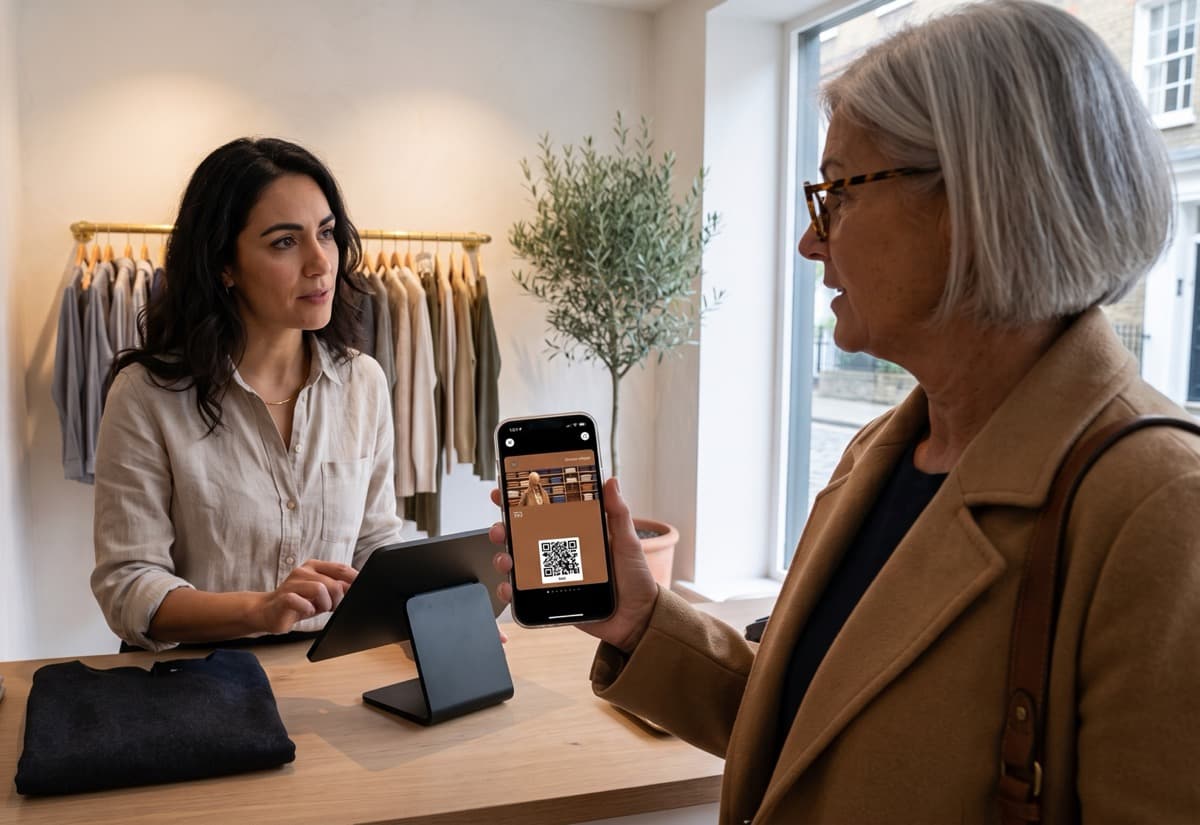
The customer's card lives in their phone's Apple Wallet or Google Wallet — the wallet app already built into nearly every smartphone, so there's nothing for them to download, and the occasional customer without one just keeps their paper card. Your staff use a free scanner app on any phone to add a stamp or point. There's no till to replace and nothing you're required to plug into — though if you're already on Square, you can connect it so a sale adds the stamp automatically, with more POS integrations on the way. If you can send a text message, you can run this.
What does a small business loyalty card system actually need to do?
Four things, and nothing more:
- Let customers join in one tap — scan a QR code, card's in their wallet. No sign-up, no password.
- Let staff add a reward in seconds — scan the phone after payment, done. Important when you have a line and high staff turnover.
- Let you reach customers again — a way to message people who've gone quiet, straight to their phone.
- Keep your data yours — your customer list lives in your dashboard, not locked inside a POS you might leave.
Anything beyond that is complexity you'll pay for and your staff will have to manage. Start simple.

How do I set up a loyalty card system?
About five minutes, start to finish — four steps, no tech skills needed. Here they are in brief; the full step-by-step setup guide walks through each one in detail.
Step 1: Create the card
Pick a card type on the create your loyalty card page — stamps for a simple menu, points if your prices vary.
Step 2: Brand it and set the reward
Add your logo and colours, and choose what customers earn.
Step 3: Share it
Print a QR code for the counter, drop the link in your Instagram bio, text it to your regulars.
Step 4: Train staff in one line
"Open the scanner app, scan the phone after they pay." That's the whole training — which matters when most small businesses replace staff often.
How much does a loyalty card system cost — and is it worth it?
Start with a 14-day free trial — no credit card required. No contract, no hardware to buy, no setup fee, and no developer to pay (because there's no developer).
Is it worth it? A handful of customers returning one extra time a month more than covers it — and unlike a paper system, you can see it working. Fewer than one in eight paper punch cards ever gets completed; a digital one can't be lost, and you can finally tell who's coming back.
Most customers already understand how Apple Wallet works — that makes it really easy.

How do customers and staff actually use it day to day?
For the customer, it's one tap and then nothing to manage — the card sits in their wallet next to their bank cards. That's why eight out of ten people use a loyalty card when it's on their phone, with no app to download and nothing to remember to open.
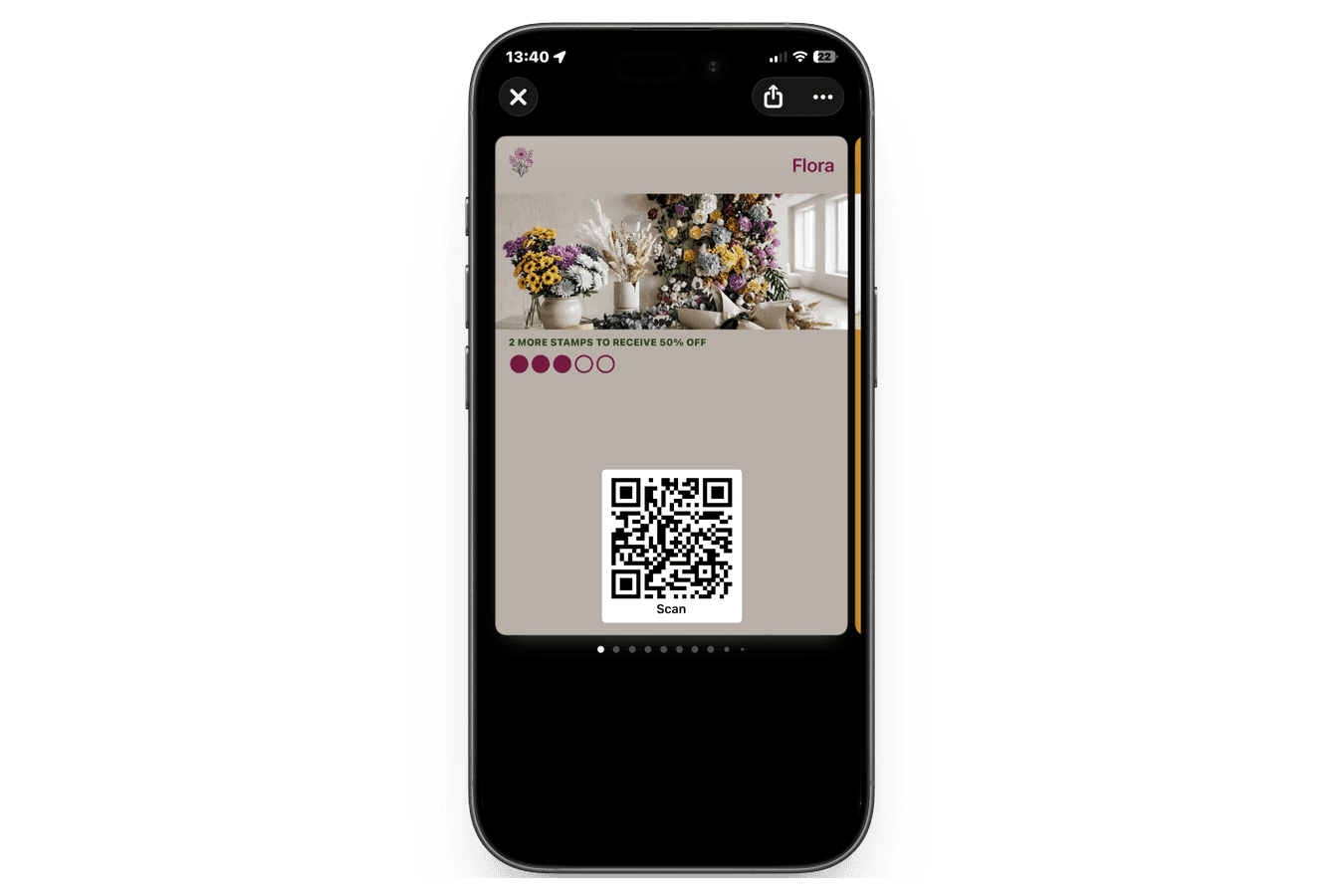
For you, the system runs in the background. Staff scan at checkout. When a regular goes quiet, you send a wallet notification or a text (SMS) — "you're one visit from a free coffee" — straight to their phone. It's the kind of small retail or counter business loop that used to require a marketing team, running on its own.
Set up a loyalty card system for your business in 5 minutes — no app, no developer.
Create your loyalty card