

Every booking becomes a regular.
Guests book a table from your own link in under a minute. Then the booking offers your loyalty card in one tap. From then on they book from the card in their wallet, and you reach them there.
Free to start · 14 days · no card needed
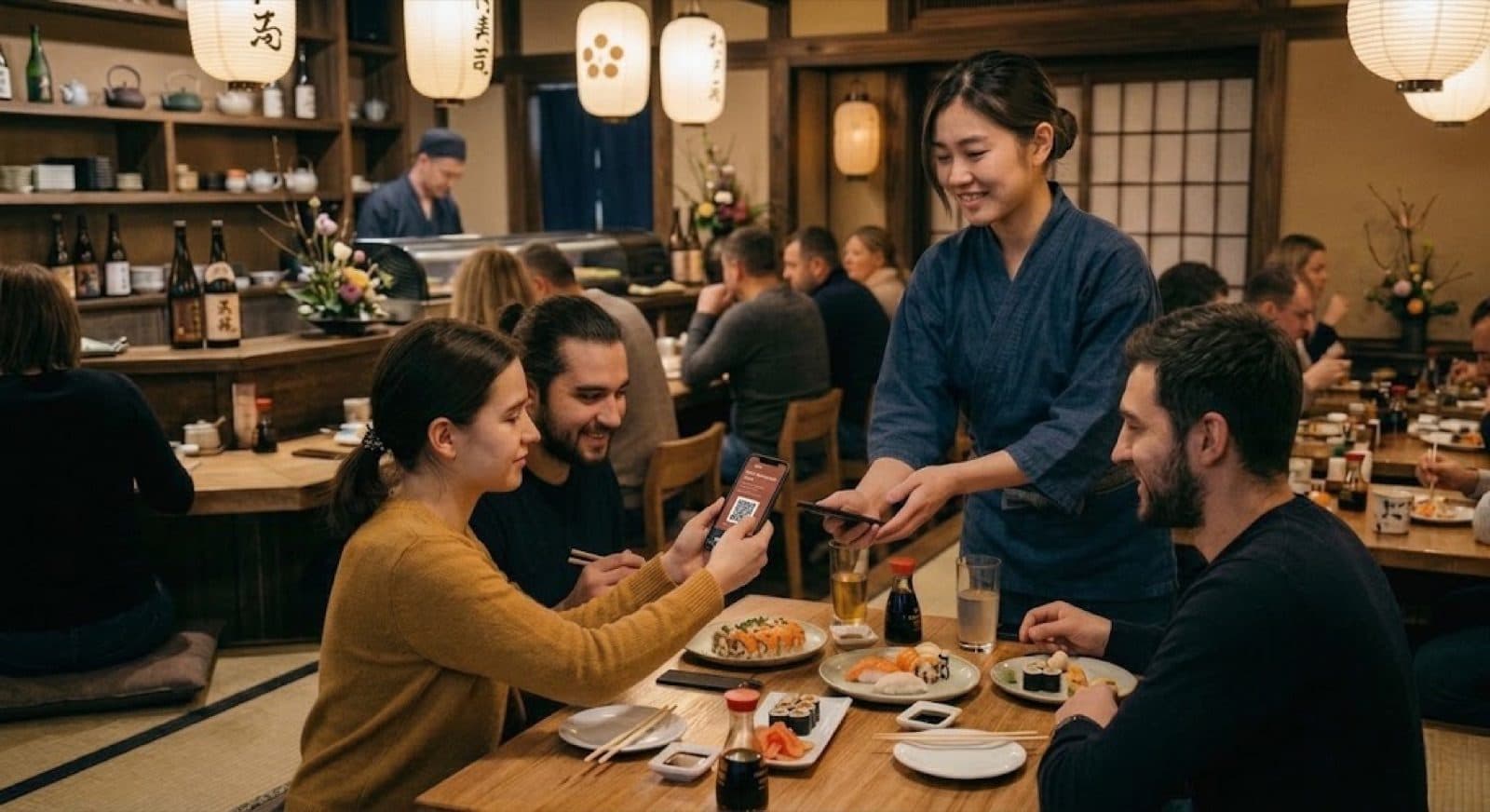
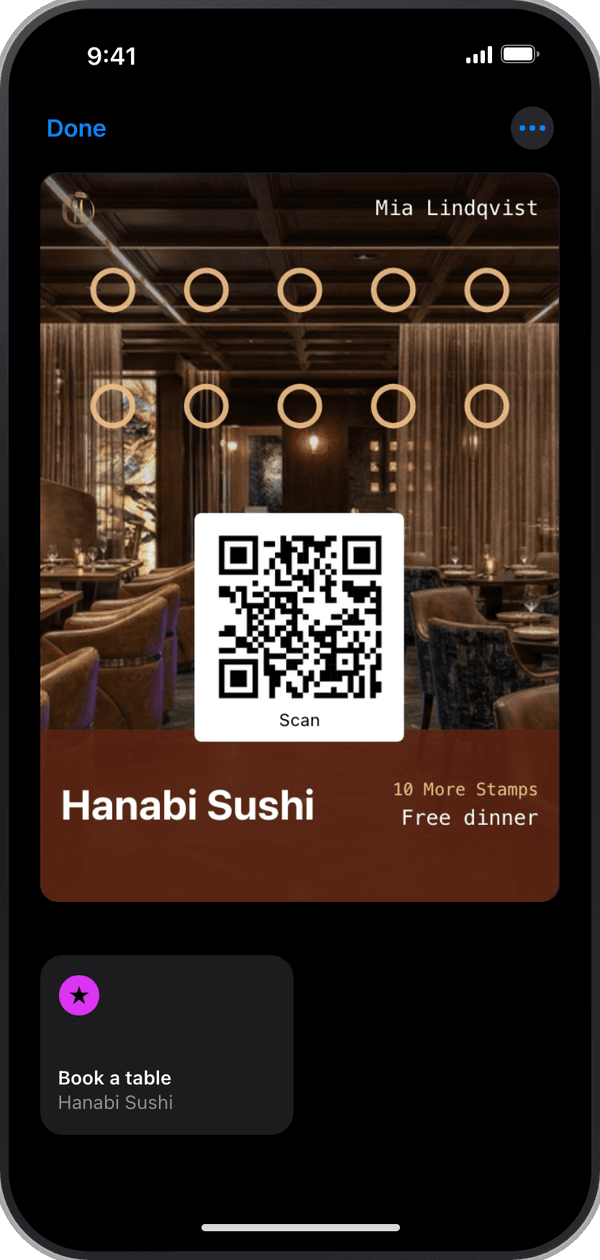
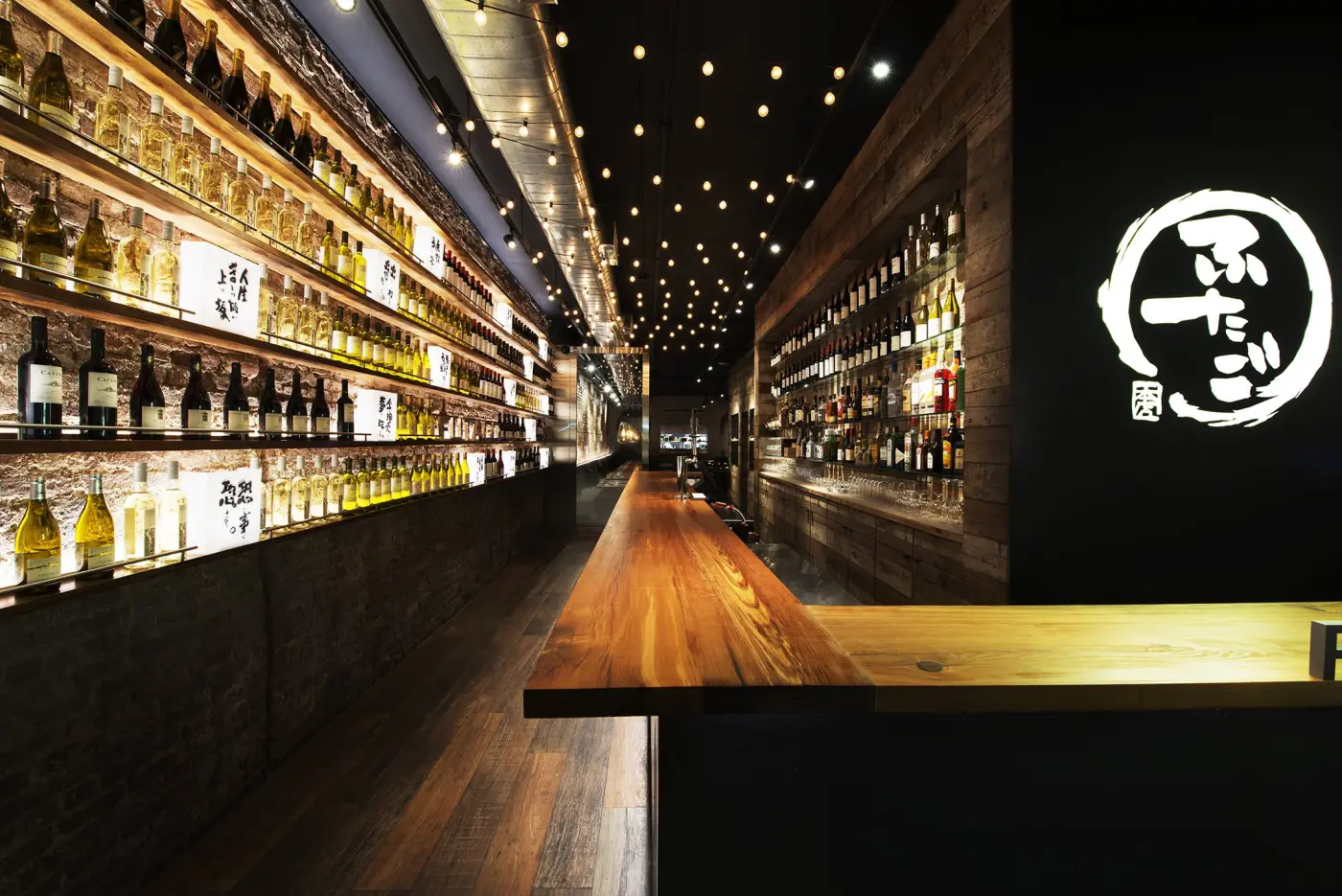
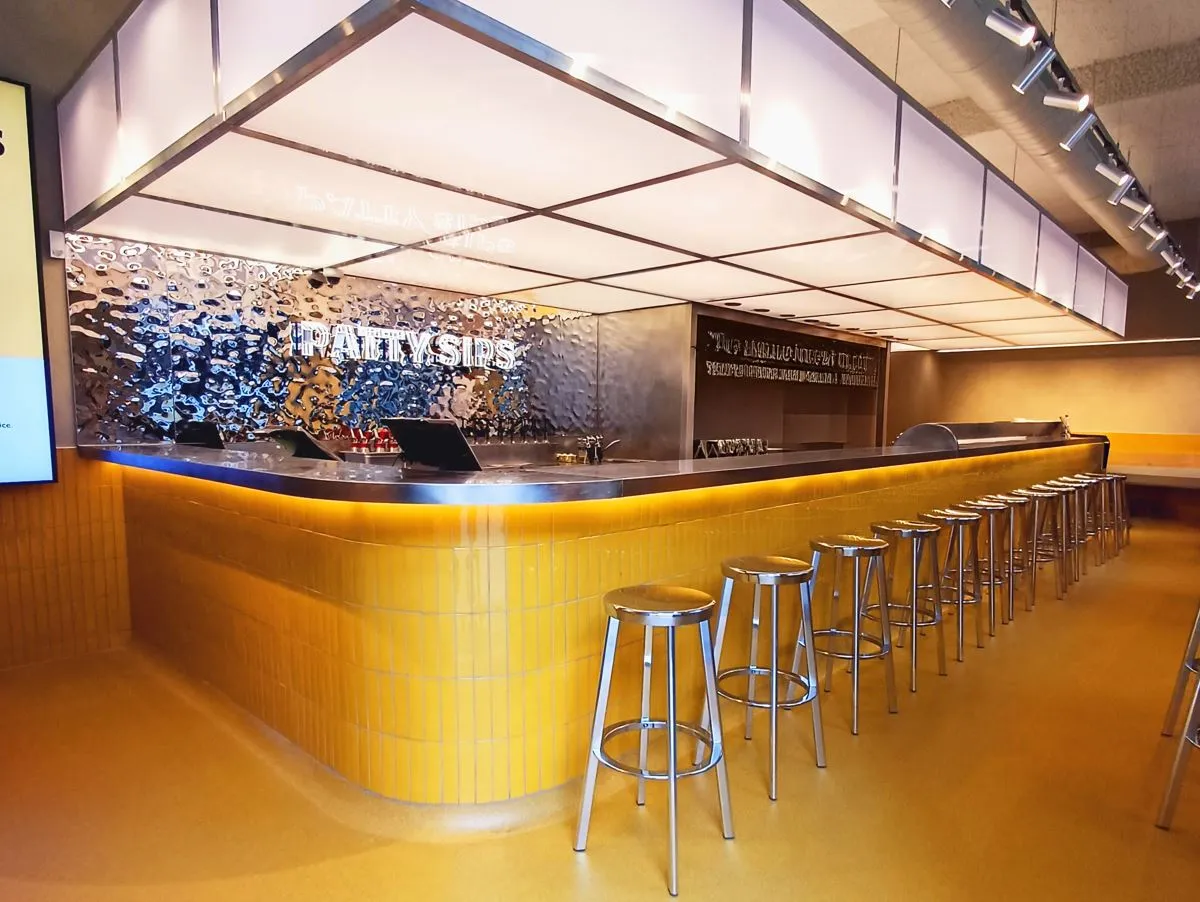

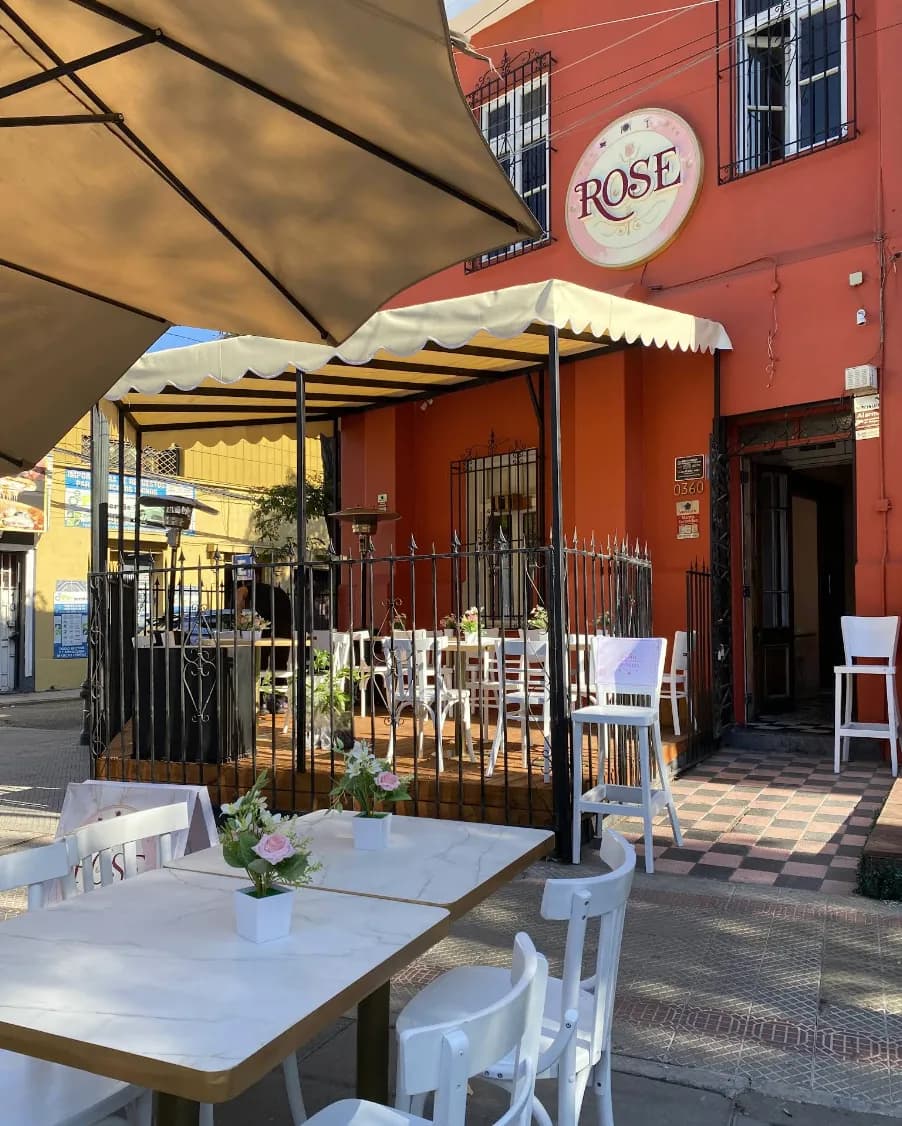
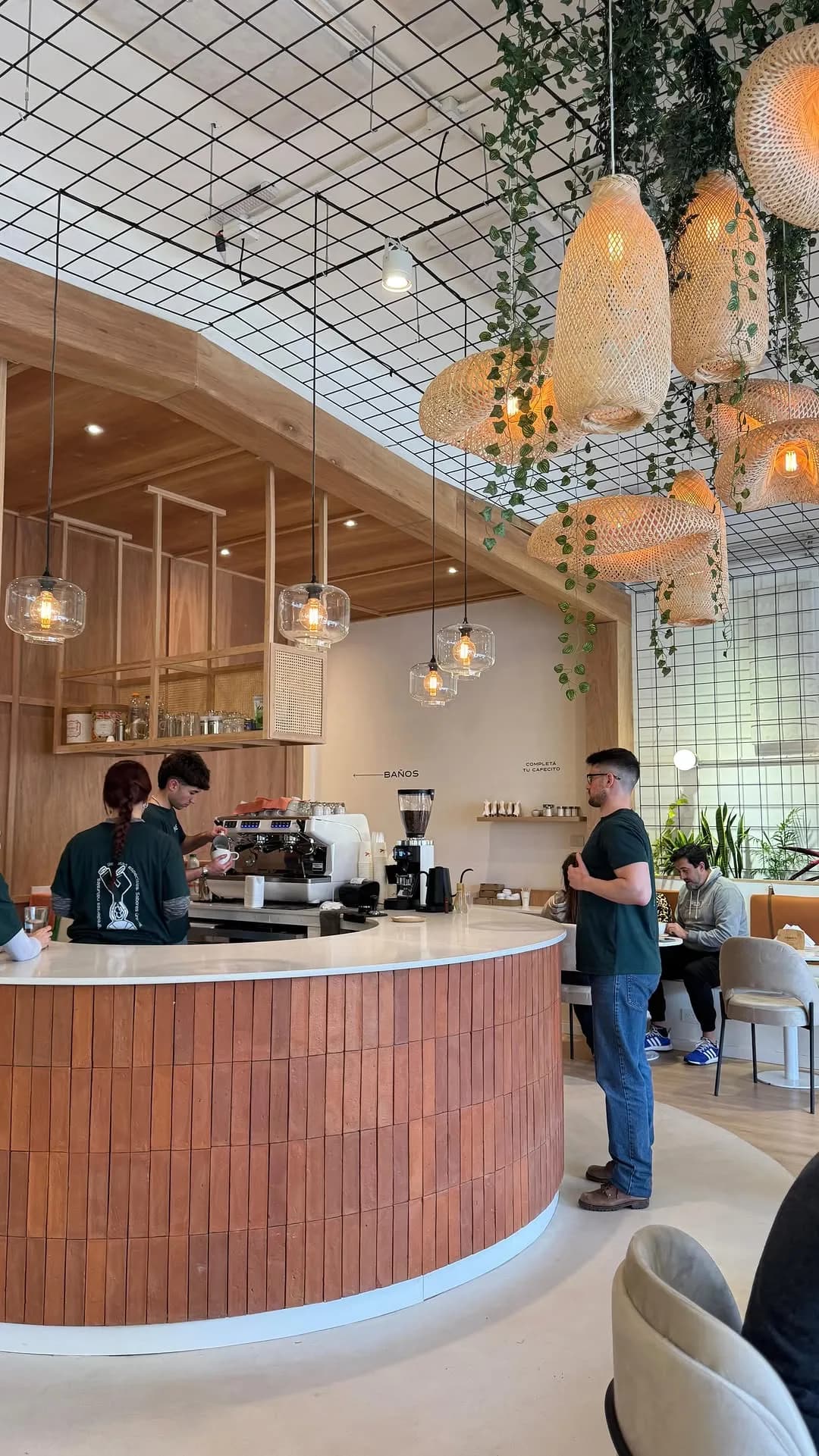



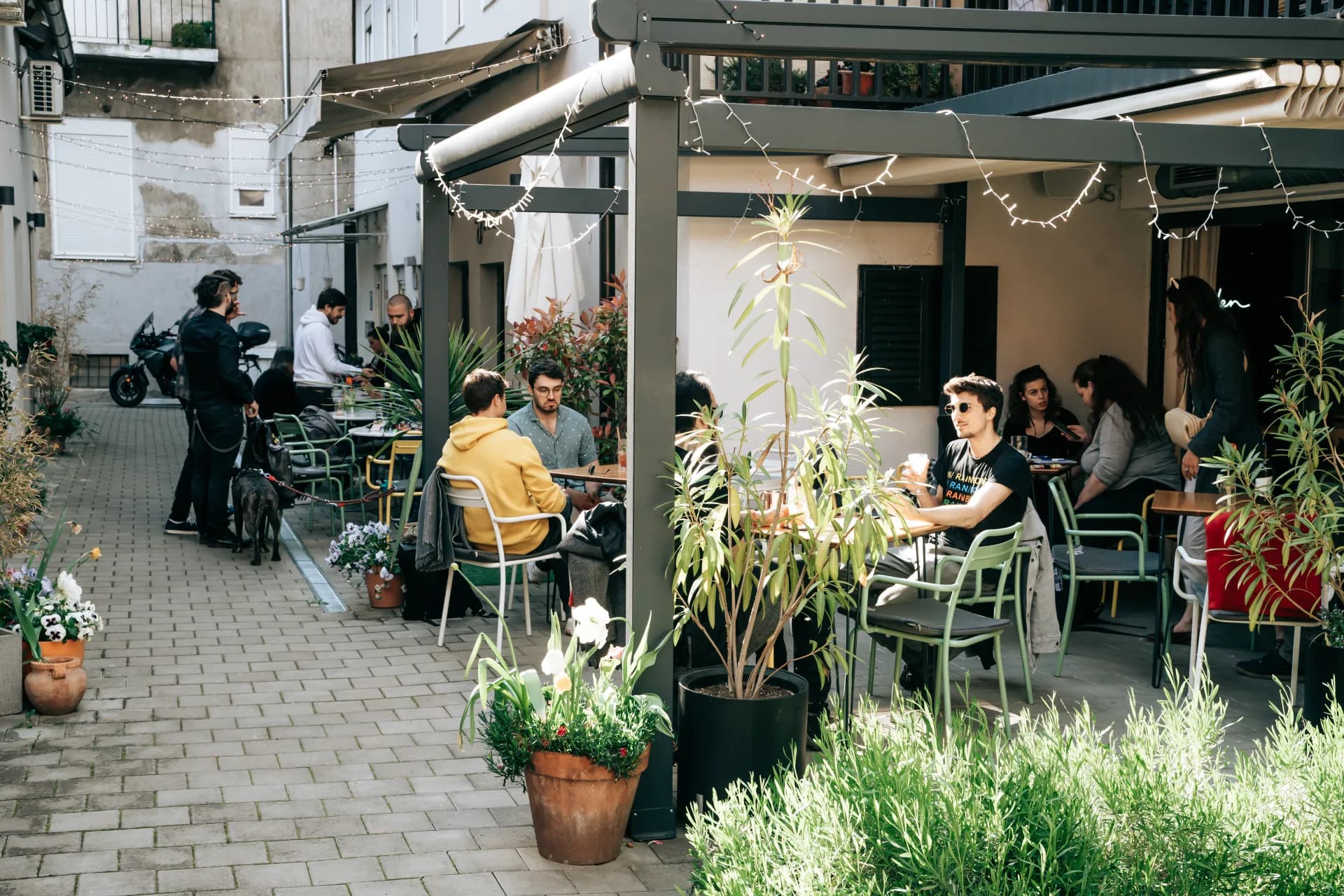






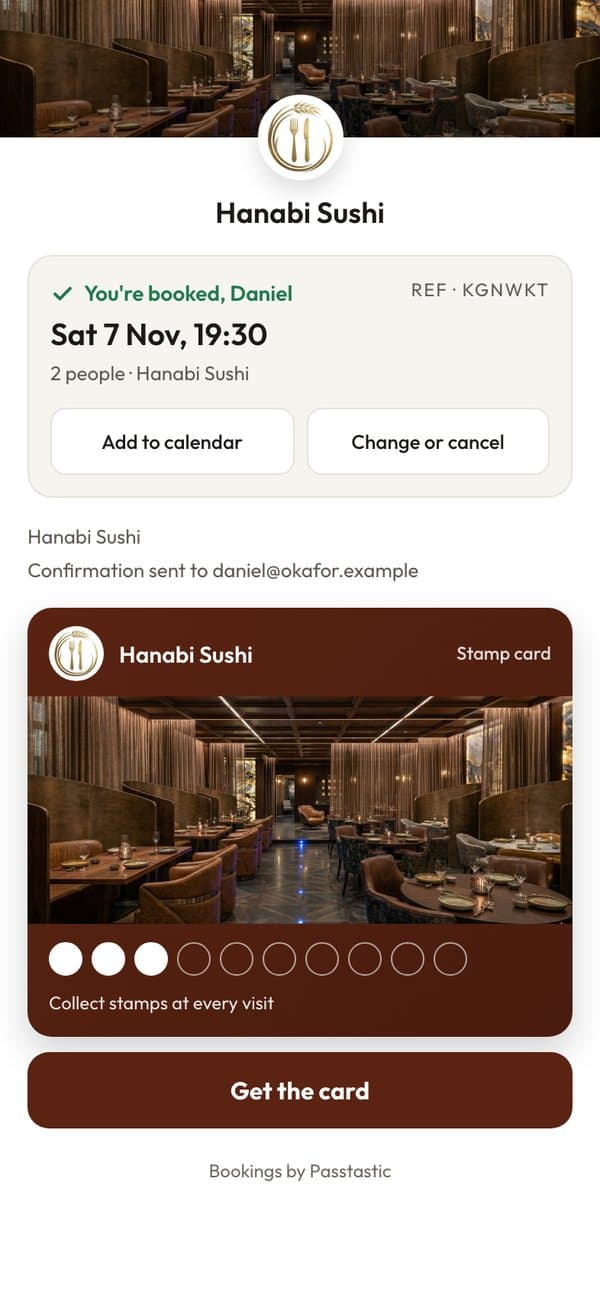
The booking ends with your card in their wallet.
The confirmation offers your loyalty card, and joining takes one tap. A seated booking counts as a visit on the card, and the card carries a Book a table button for next time.
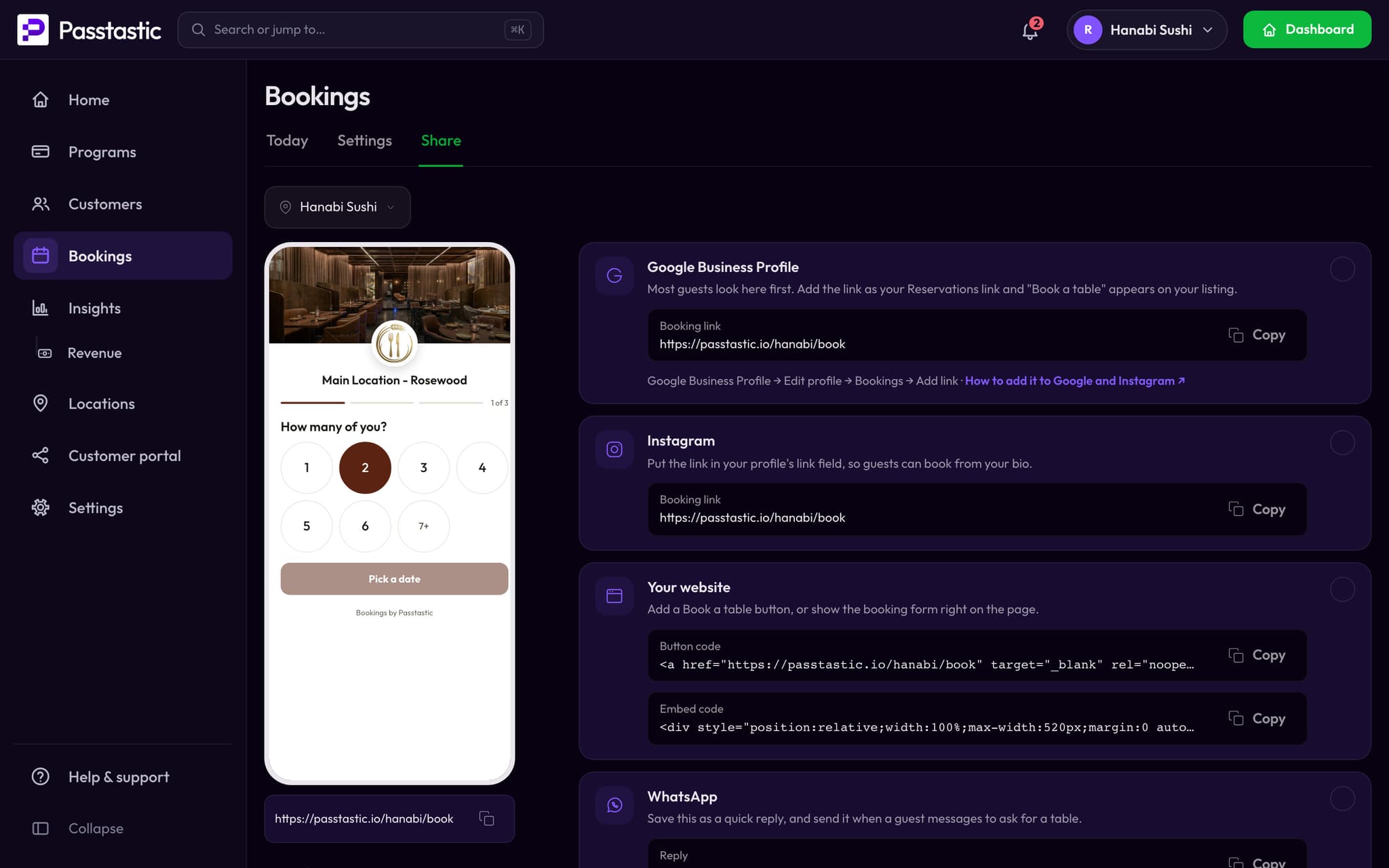
Your regulars book you directly. No fee per guest.
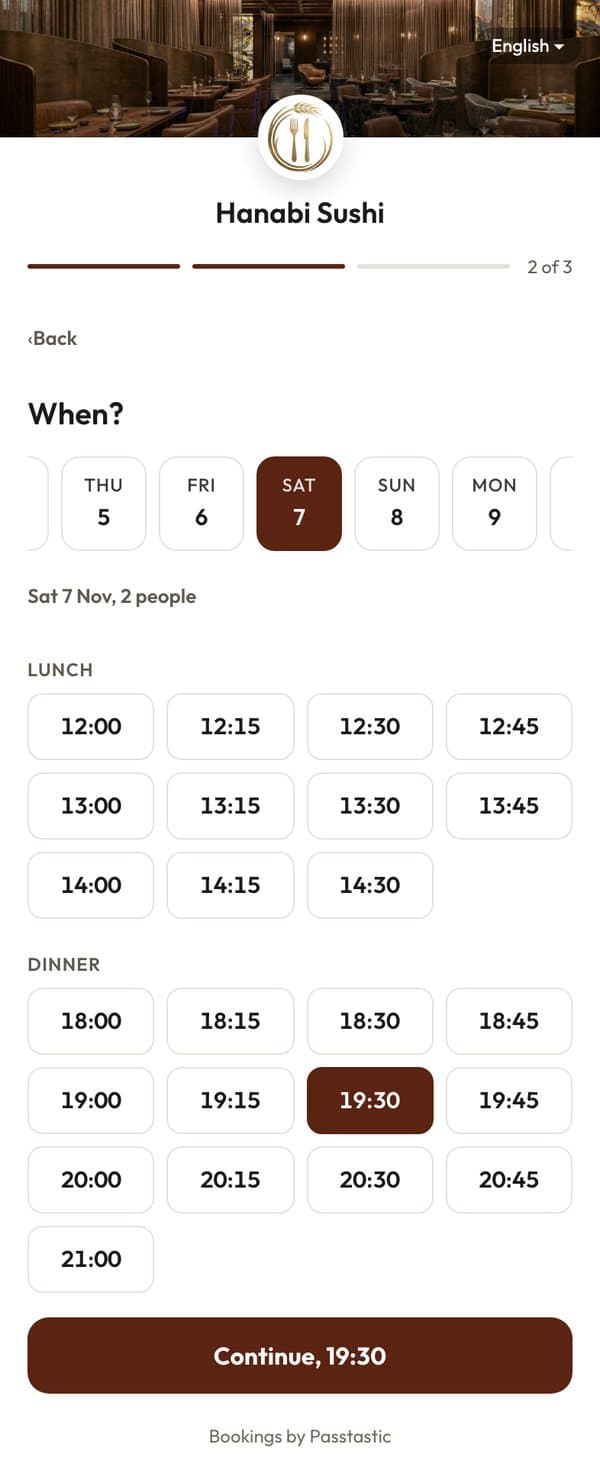
Put one link on your Google profile, your Instagram and your website. Guests pick a day and a time and leave a name and an email. No app to download, no account to make, and nothing to pay per guest, per booking or per cover.
Fewer empty tables.
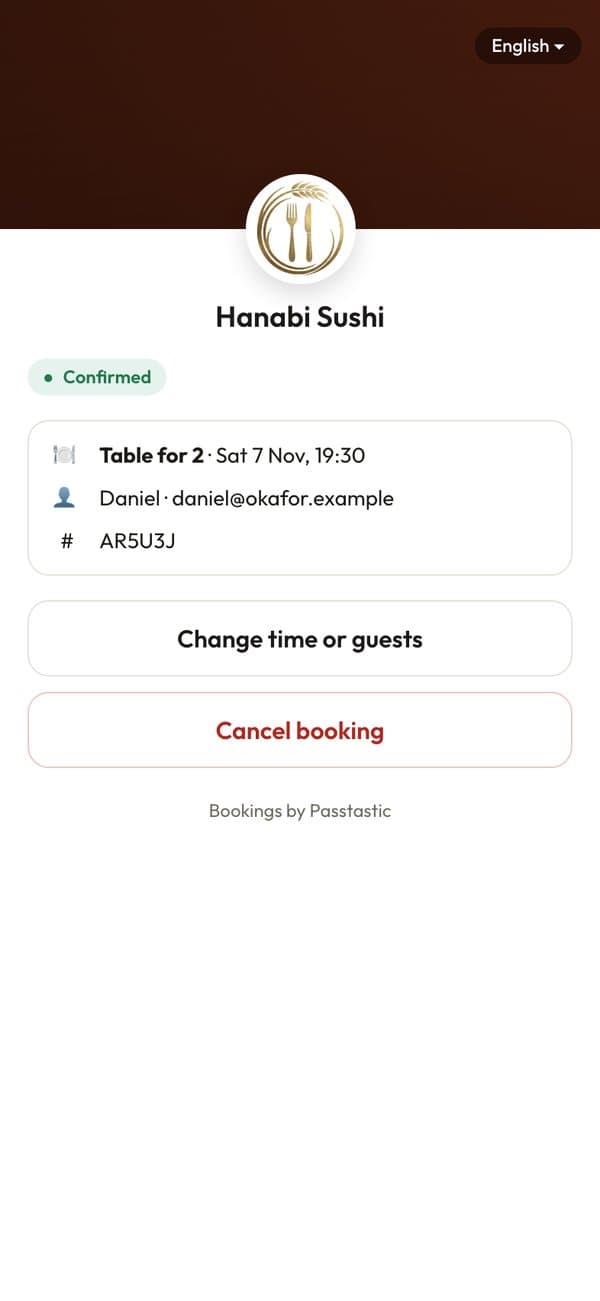
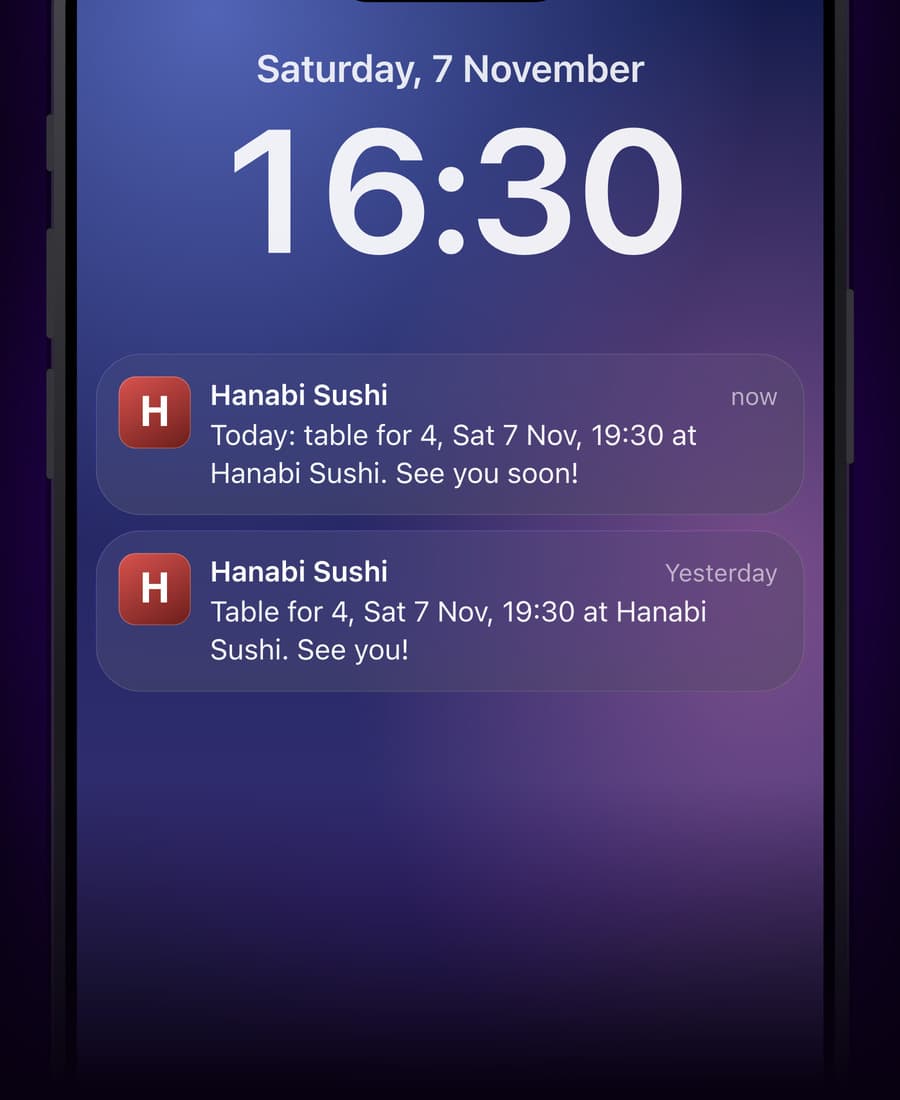
An email the day before and a push to their wallet three hours before. If plans change, one tap moves or cancels the table, so it goes to someone else instead of standing empty.
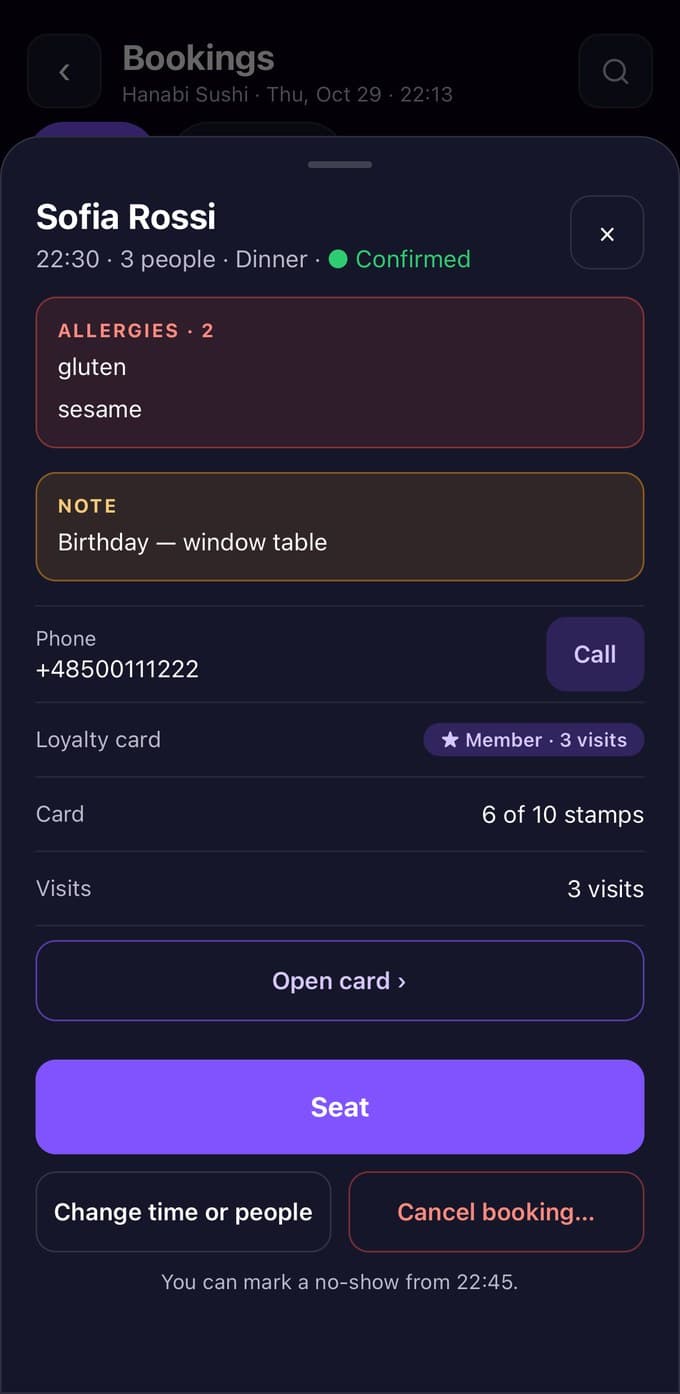
See the guest before they sit down.
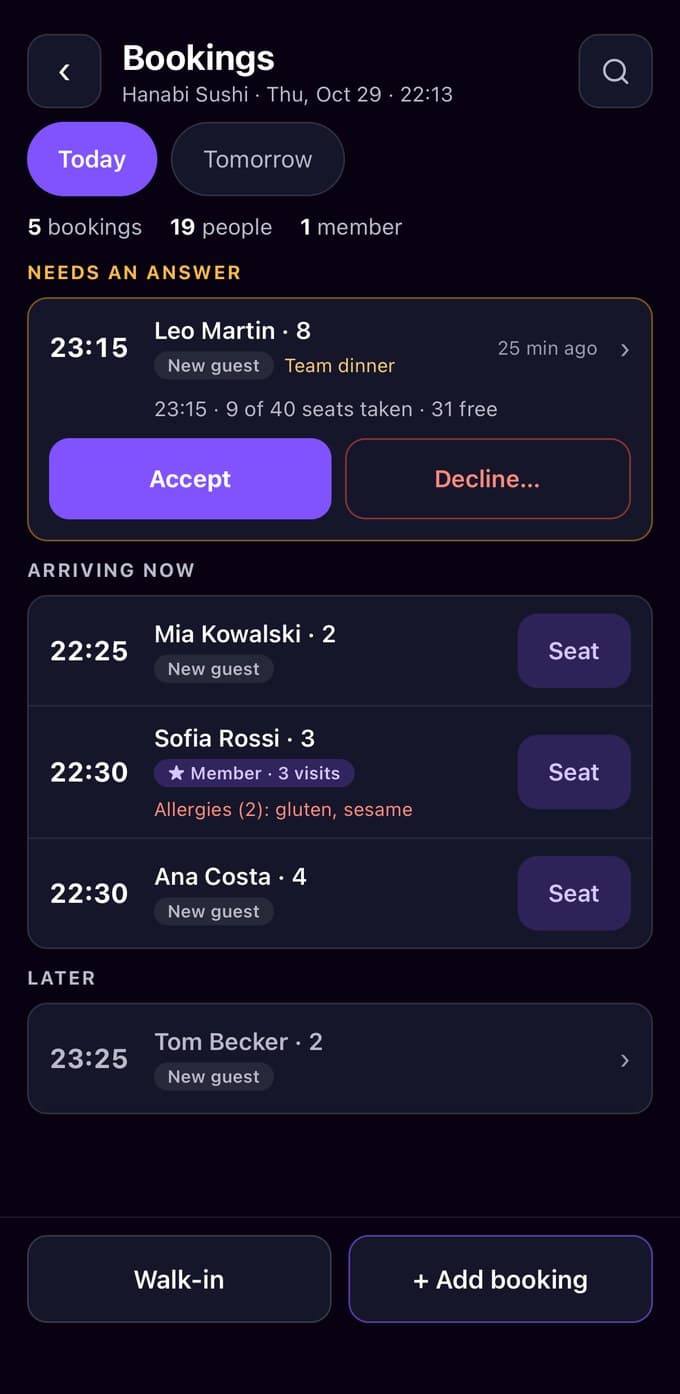
Open a booking and see their card, their visits and their no-shows, the note they left, and how to reach them. Door and bar staff see the allergies, the note and the card in the Passtastic scanner app on their phone. Regulars who book from their card skip the form: their name is already filled in.
Know your night at a glance.
Requests waiting for your yes, guests arriving now and one tap to seat them, with the number of guests per service. Phone bookings and walk-ins go in the same book. On your laptop or on the phone at the door, it's the same night.
How it's set up, step by step →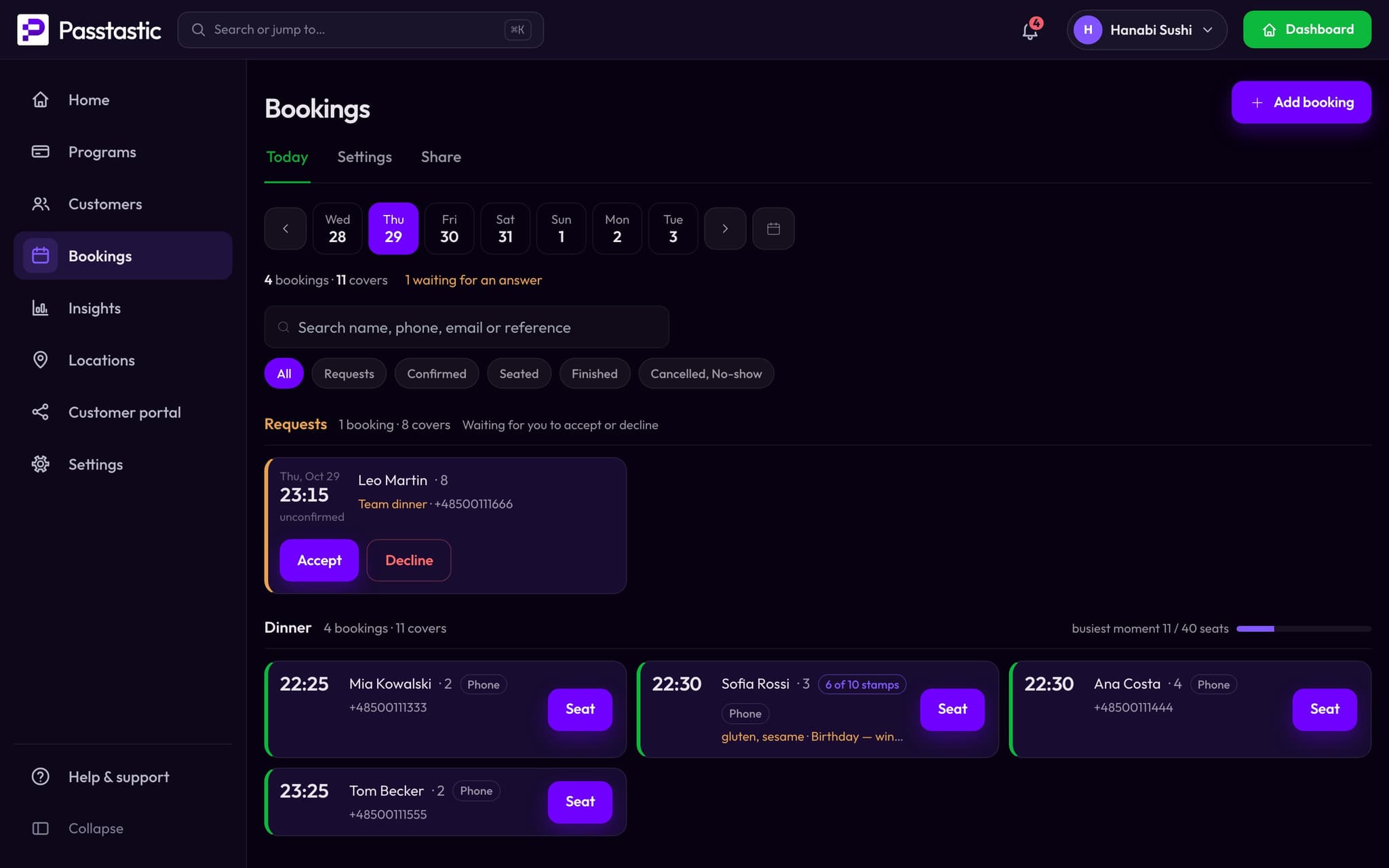
In your plan. No fee per guest.
Table bookings are in your Passtastic plan. Nothing per guest, per booking or per cover, and reminders by email and wallet push cost nothing.
Questions people actually ask
Related
Take bookings from the guests you already have.
14-day free trial. No card needed to start.