

Every appointment becomes a regular.
Clients book a service with one of your team from your own online booking link. Then the booking offers your loyalty card in one tap. From then on the card in their wallet is how they book again, and it reminds them when it's time to come back.
Free to start · 14 days · no card needed

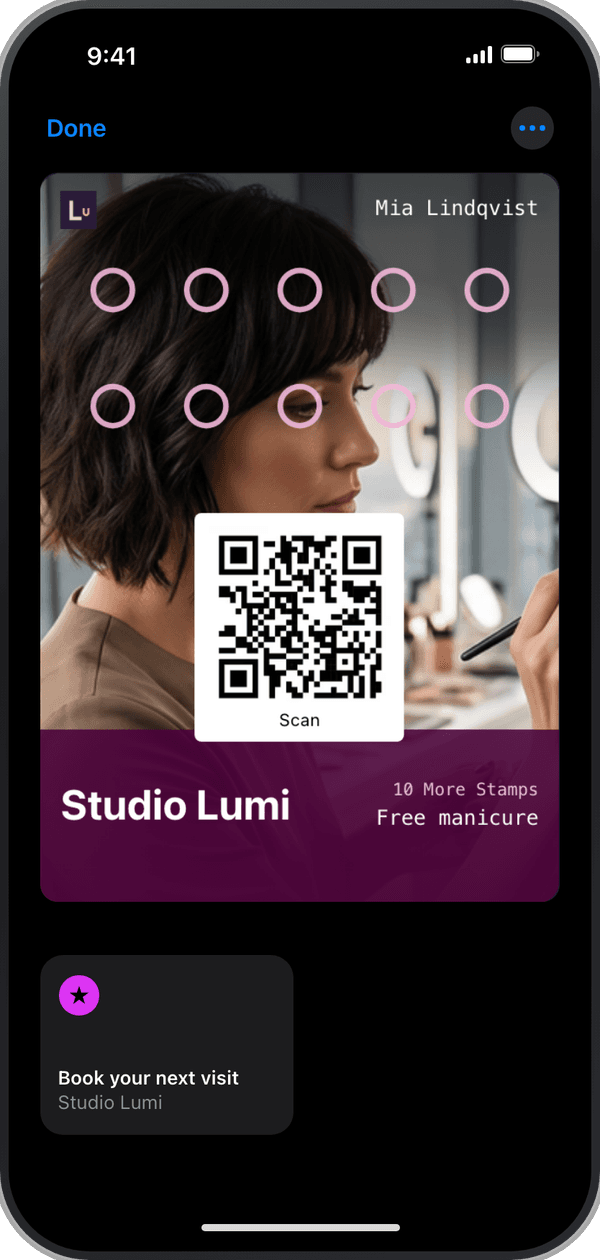

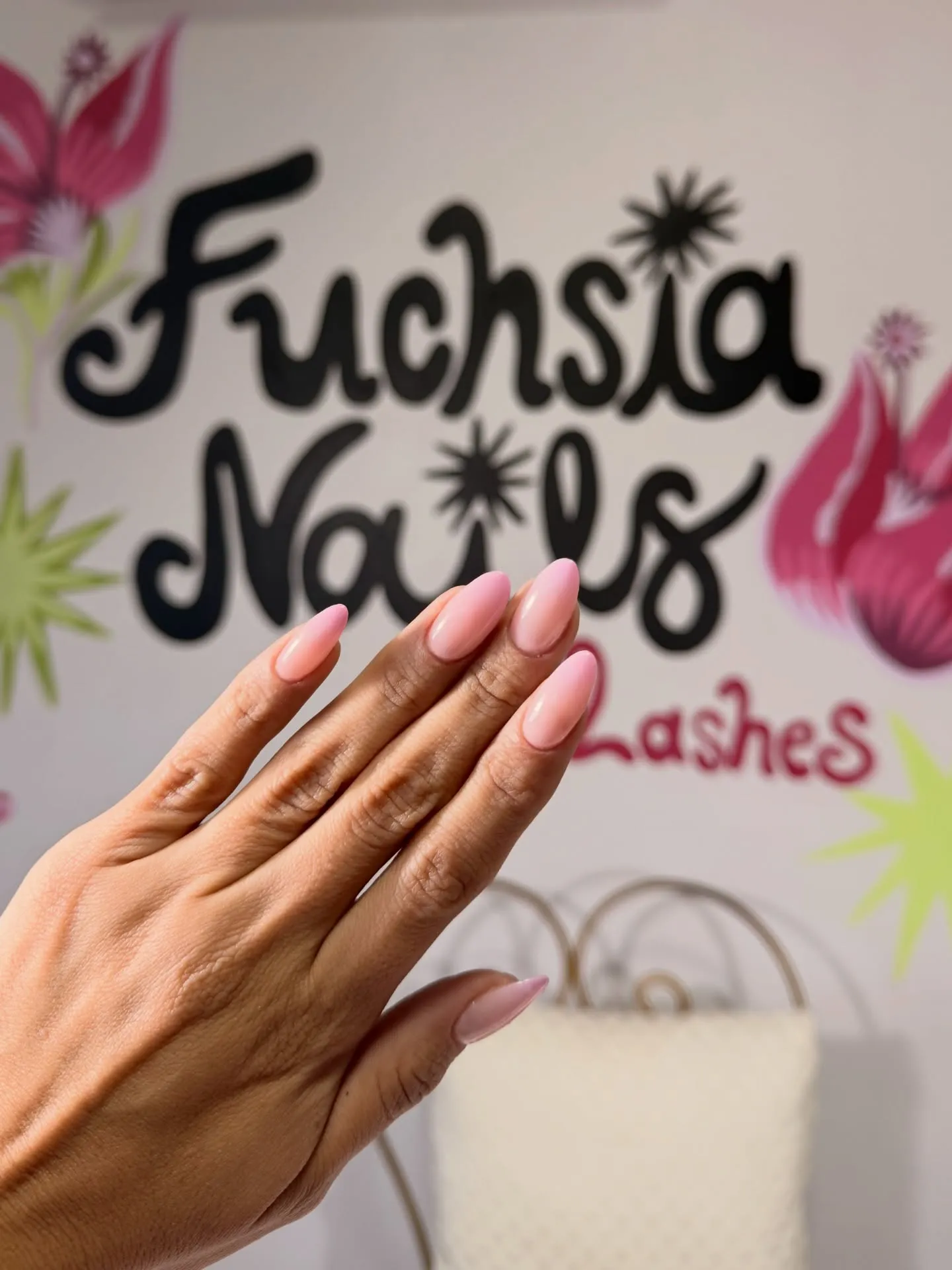

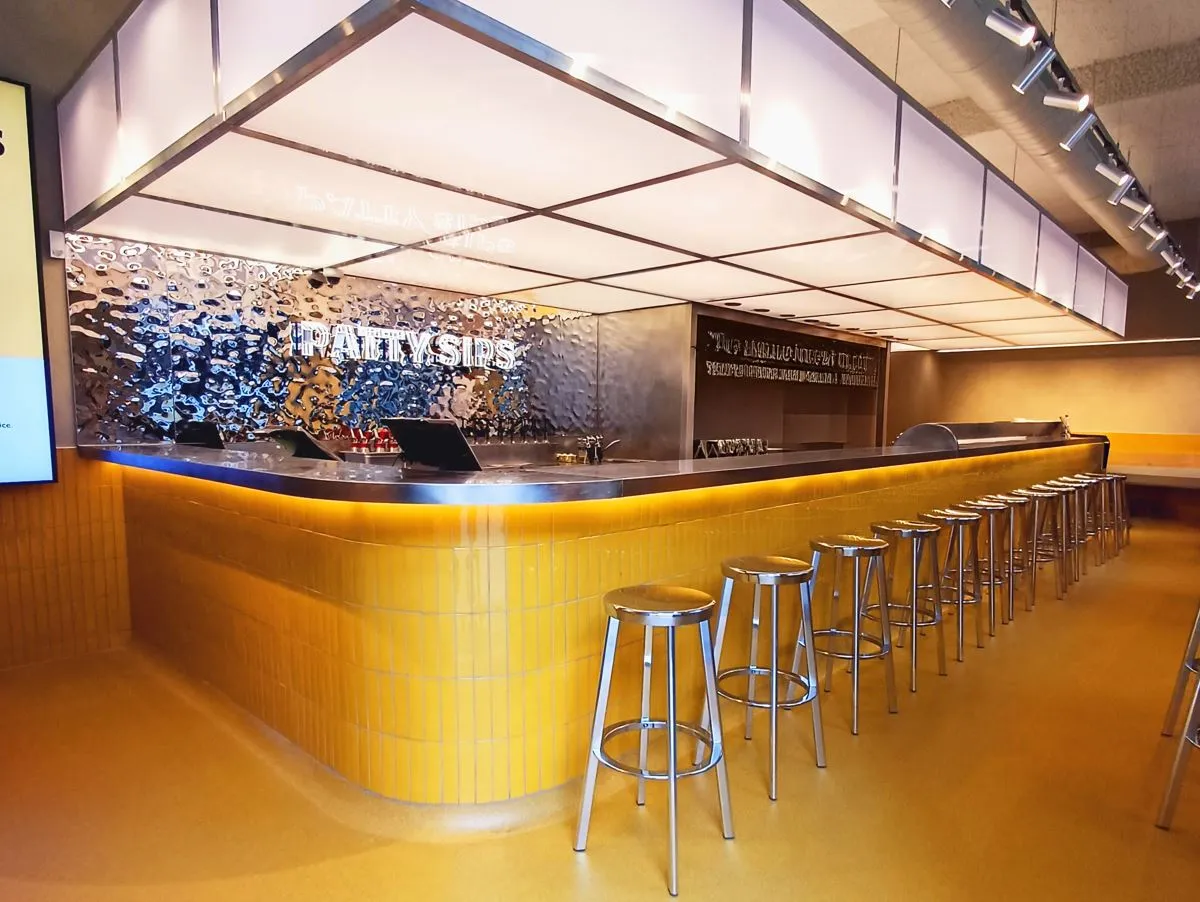


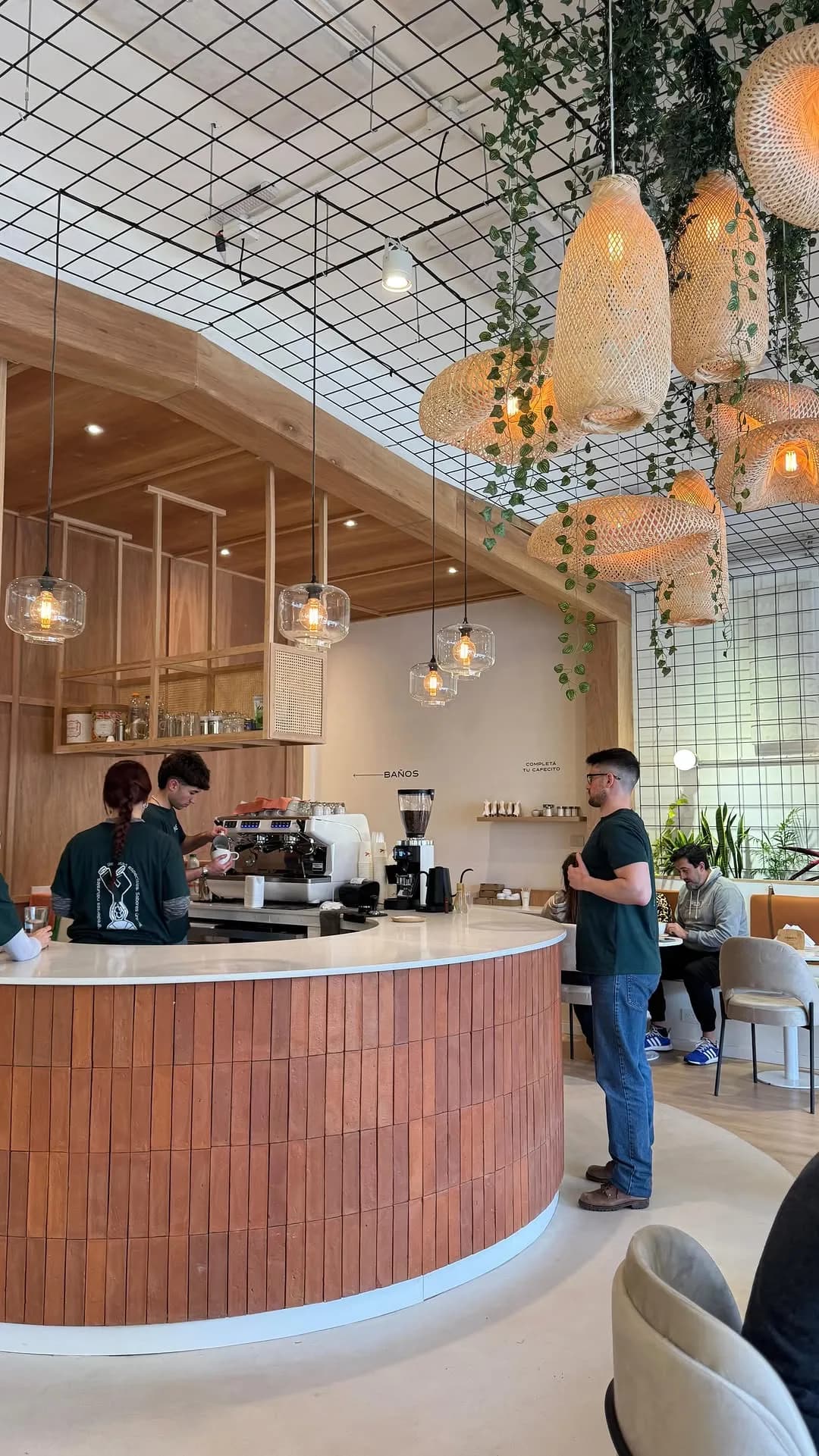










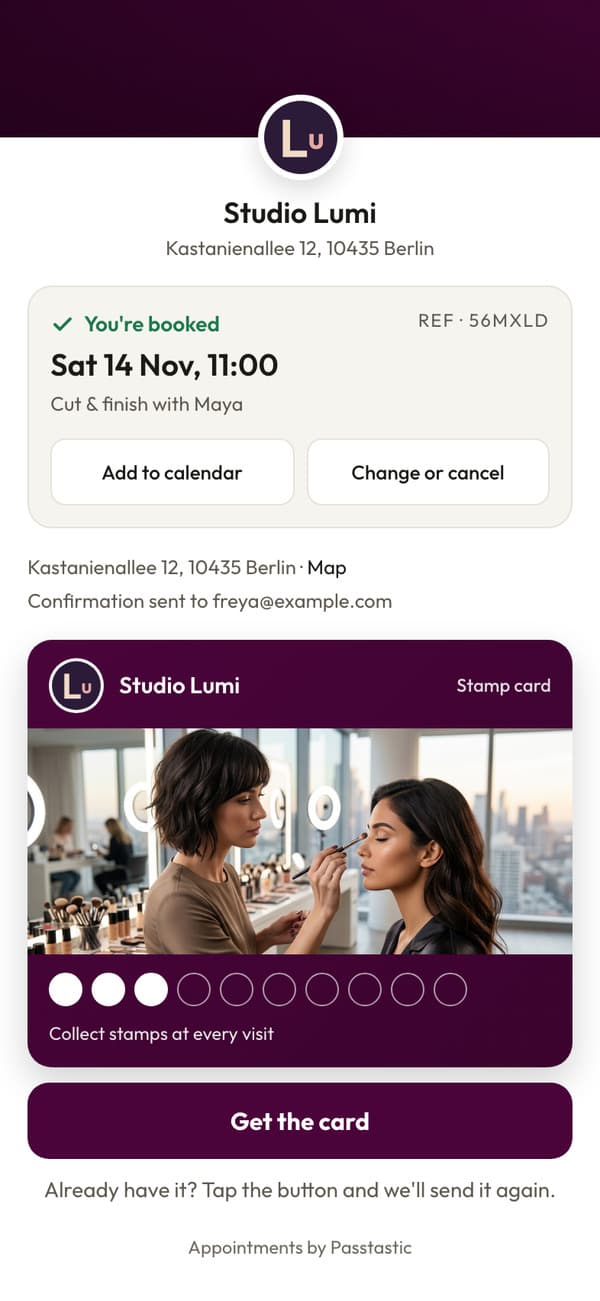
The booking ends with your card in their wallet.
The confirmation offers your loyalty card, and joining takes one tap. The card carries a Book your next visit button for next time.
Your regulars book you directly. No fee per booking.
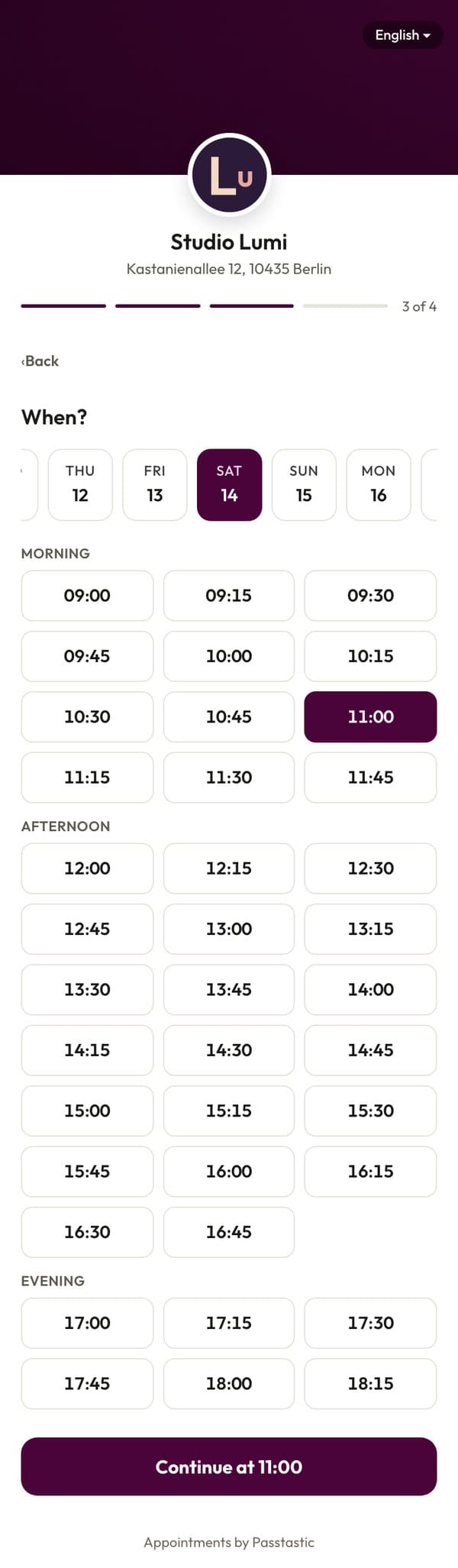
Put one link on your Google profile, your Instagram and your website. Clients pick a service, a person or anyone, and a time, then leave a name and an email. No app to download, no account to make, and nothing to pay per booking, per person or per client.
An example. Your link carries your own business name.
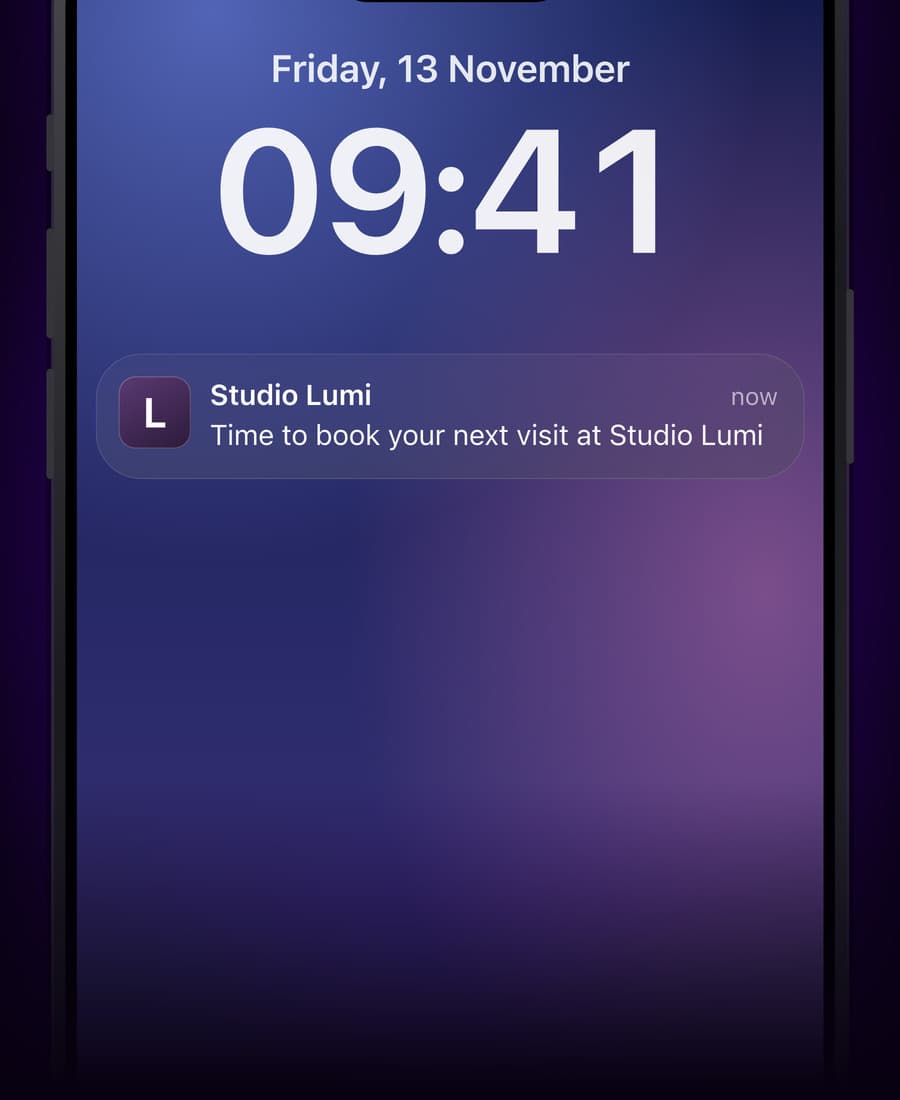
The card reminds them when it's time.
Set Come back after on a service, in days or weeks. When you mark the appointment Done, every client who has your card gets a notification when it's time to book again, and a client who books first is not reminded. The notification never names the service, so nobody reading over their shoulder learns what they had done.
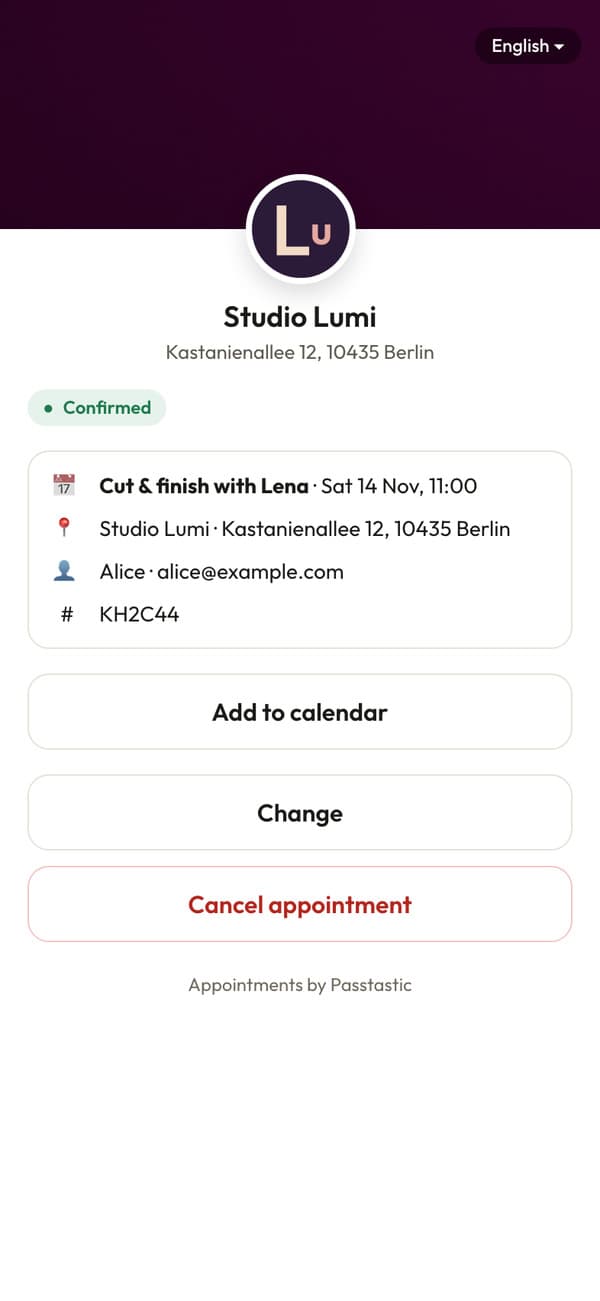
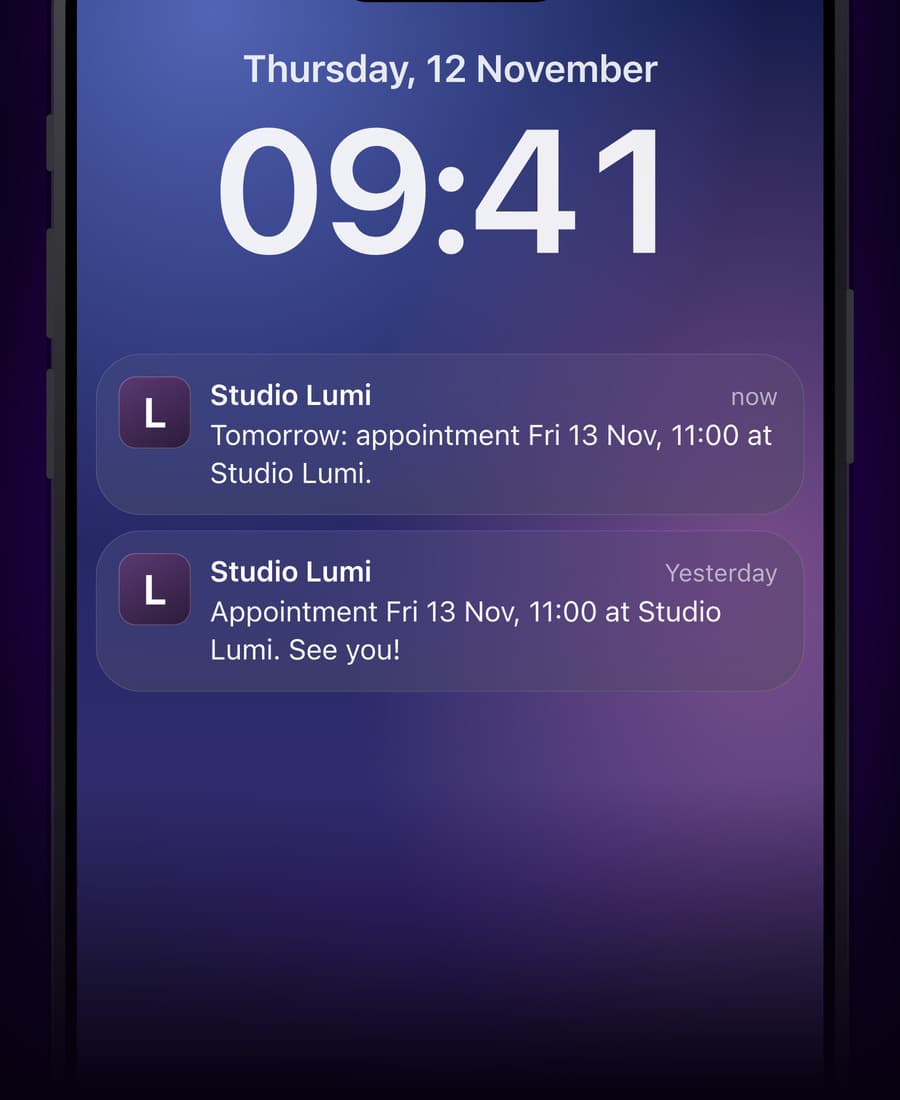
A reminder before, and changes in one tap.
Clients get a confirmation by email, and members a reminder on their wallet before the visit. If plans change, Change and Cancel appointment are one tap away, so the slot goes to someone else instead of standing empty. You mark a no-show in your calendar.
Know your day at a glance.
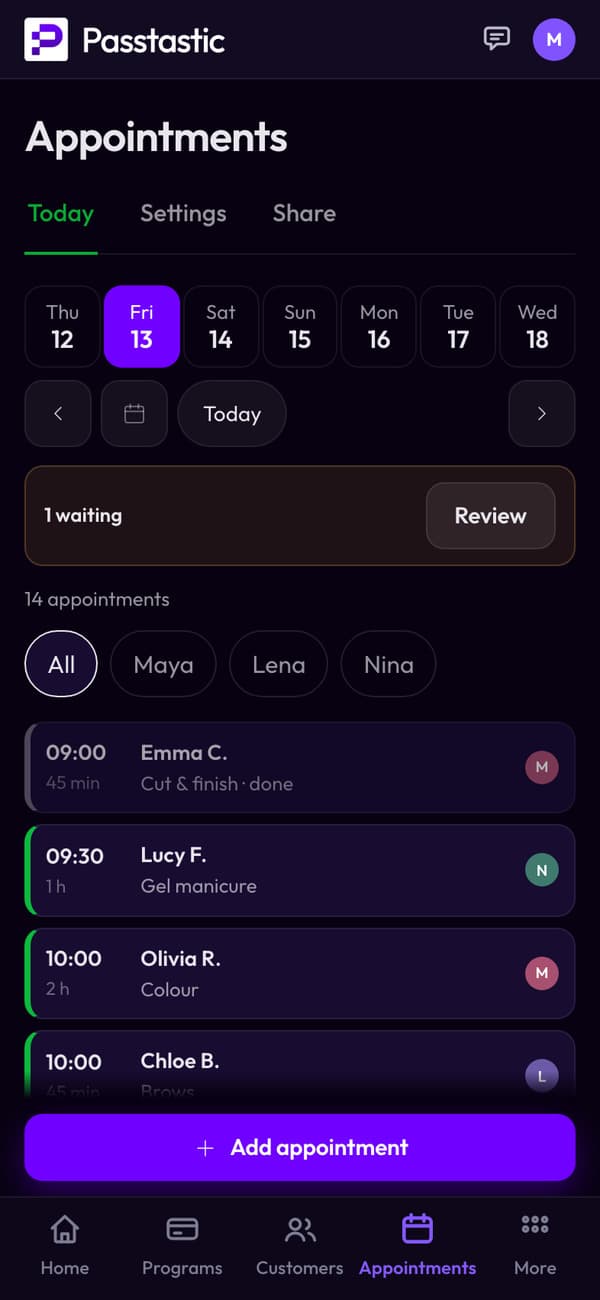
Today shows one column per person, with their breaks and any request waiting for your answer. Tap an appointment to mark it Done or No-show, or to change it. On the phone it shows one person at a time, with All to see everyone.
How it's set up, step by step →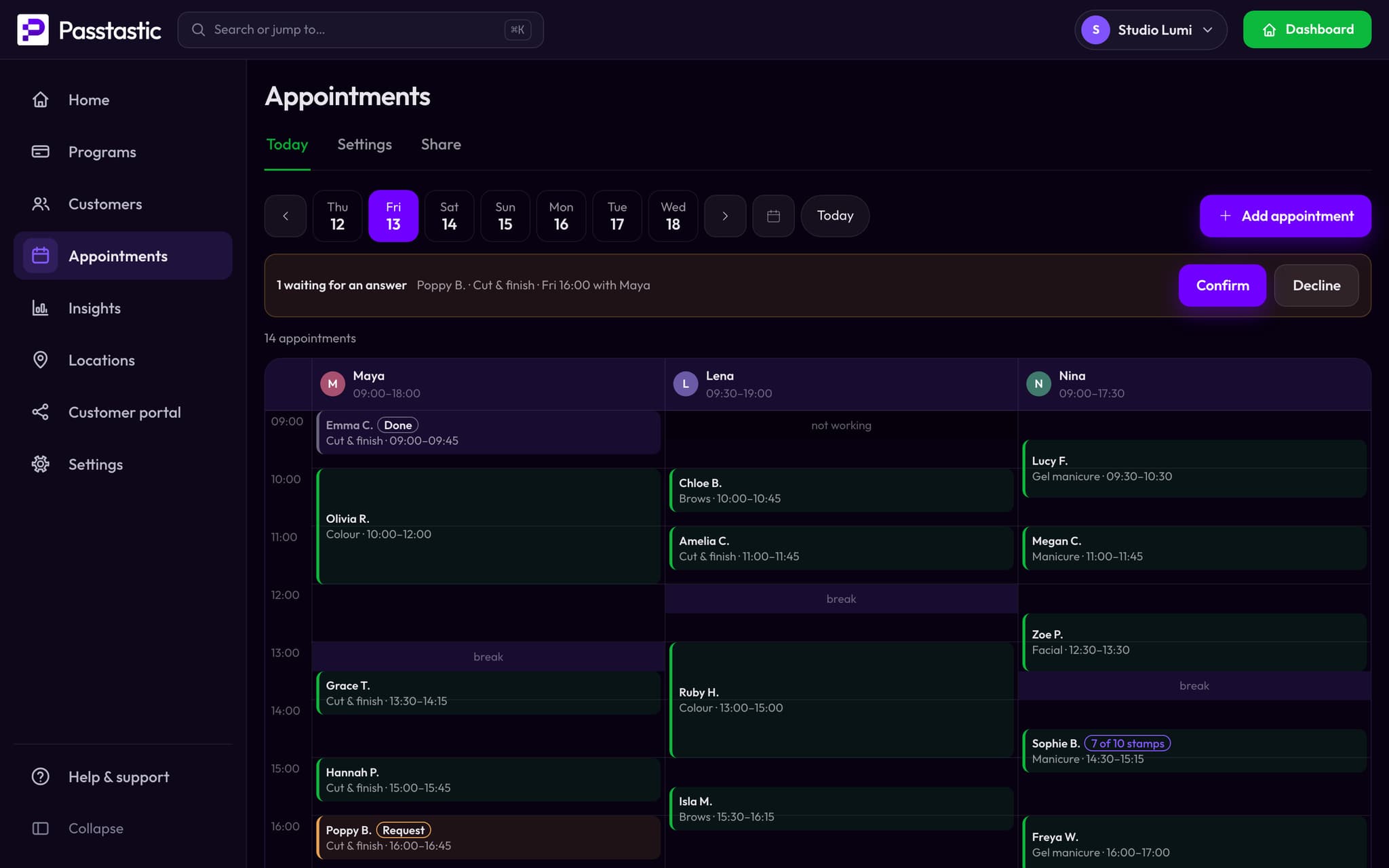
In your plan. No fee per booking.
Appointments are in your Passtastic plan. Nothing per booking, per person or per client, and reminders by email and wallet push cost nothing.
Questions people actually ask
Related
Take appointments from the clients you already have.
14-day free trial. No card needed to start.