
Customers Love Us but Nobody Leaves a Google Review. How to Get More?
They tell you at the counter, then go home and forget. The words to say, where the link goes, and which popular tricks Google bans.

How many people told you this week that they love the place? How many of them know you'd like a review? And could any of them find your review page in under ten seconds, standing outside with a coffee in one hand?
To get more Google reviews, ask every customer soon after a visit, in one short sentence, and give them a direct link or QR code that opens your review page. Ask everyone the same way and offer nothing in return, because Google bans rewards for reviews and bans asking only happy customers. Then reply to the reviews you get.
Why do happy customers never leave a review?
Mostly because nobody asked, and because the moment passes. A customer who says "best haircut in years" has already done the nice thing, out loud. An hour later they're at the supermarket.
So the belief to drop is that good service brings in reviews by itself. It brings in compliments. A review needs a request, a link, and a moment when the customer has a free hand.
It's worth the effort. Google says more reviews and positive ratings can help your local ranking, and that nobody can pay it for a better one.
It also helps to have a way to reach people after they leave. A phone number, an email, or a loyalty card in your customers' phones all work. Customers who never gave you any of these can still be asked at the counter and on the printed card.
Can I give a free coffee or a stamp for a Google review?
No. Google's policy bans payment, discounts, and free goods or services in exchange for a review, for changing one, or for removing a bad one. A loyalty stamp is a reward too, so we'd treat it the same way.
You'll read elsewhere that a reward is fine as long as you don't ask for five stars. In the US, the FTC's review rule doesn't ban that kind of incentive, though hiding it can still break the law. Google does ban it, and your reviews live on Google.
| The trick | What Google says | Do this |
|---|---|---|
| A discount for a review | Banned | Ask, and offer nothing |
| Asking only happy customers | Banned | Ask everyone the same way |
| Asking staff for 10 reviews a week | Banned | Agree one line to say |
| "Please mention Ana by name" | Banned | Let them write what they like |
| Making them post before they leave | Banned | Give the link, let them go |
Buying reviews is out as well. Keep rewards for visits, where they belong.
How do I get more Google reviews, step by step?
Here's the routine we'd set up: a little work once, then a sentence per customer.
Step 1: Fix your Google listing
Your Business Profile is your listing on Google Search and Maps. If you haven't claimed it, do that first, then choose Get verified to show Google the business is yours. Google picks the method (a phone code, an email, a video or a postcard, for example), and its check usually takes up to 5 business days. You can't edit your details or reply to reviews until it's done.
If Google mails you a postcard, the code arrives within 14 days in most cases. While you wait for it, leave your name, address and category alone, or the code won't work.
Once you're verified, check the name, category, hours (holiday hours too) and phone number. Add recent photos of the room, the food or the work.
Step 2: Get your review link and QR code
Open your Business Profile on a computer. Choose Read reviews, then Get more reviews. Copy the link, then right-click the QR code and save it. Google only makes the code in a computer browser, so a phone won't do for this step.
Step 3: Put the link where customers can use their phone
Print the code on receipts, on a small card in the bag, and by the door. Add the link to your website, to thank-you emails and to your email signature. Google itself suggests receipts, emails and a code displayed in the store.
Text for the card:
Enjoyed it, or didn't? Tell others on Google. Scan here. Thank you, from all of us at [your shop].
Step 4: Give your team one line
Say it as you hand over the receipt, to every customer. Say why it matters, then let them go:
"Reviews help people nearby find us. There's a code on your receipt if you ever feel like it."
If someone has just praised you, thank them first, then say the same line. That's an easy moment to ask, and it's fine as long as the next customer hears the line too, including the one who looked unimpressed.
Step 5: Send one message after they've left
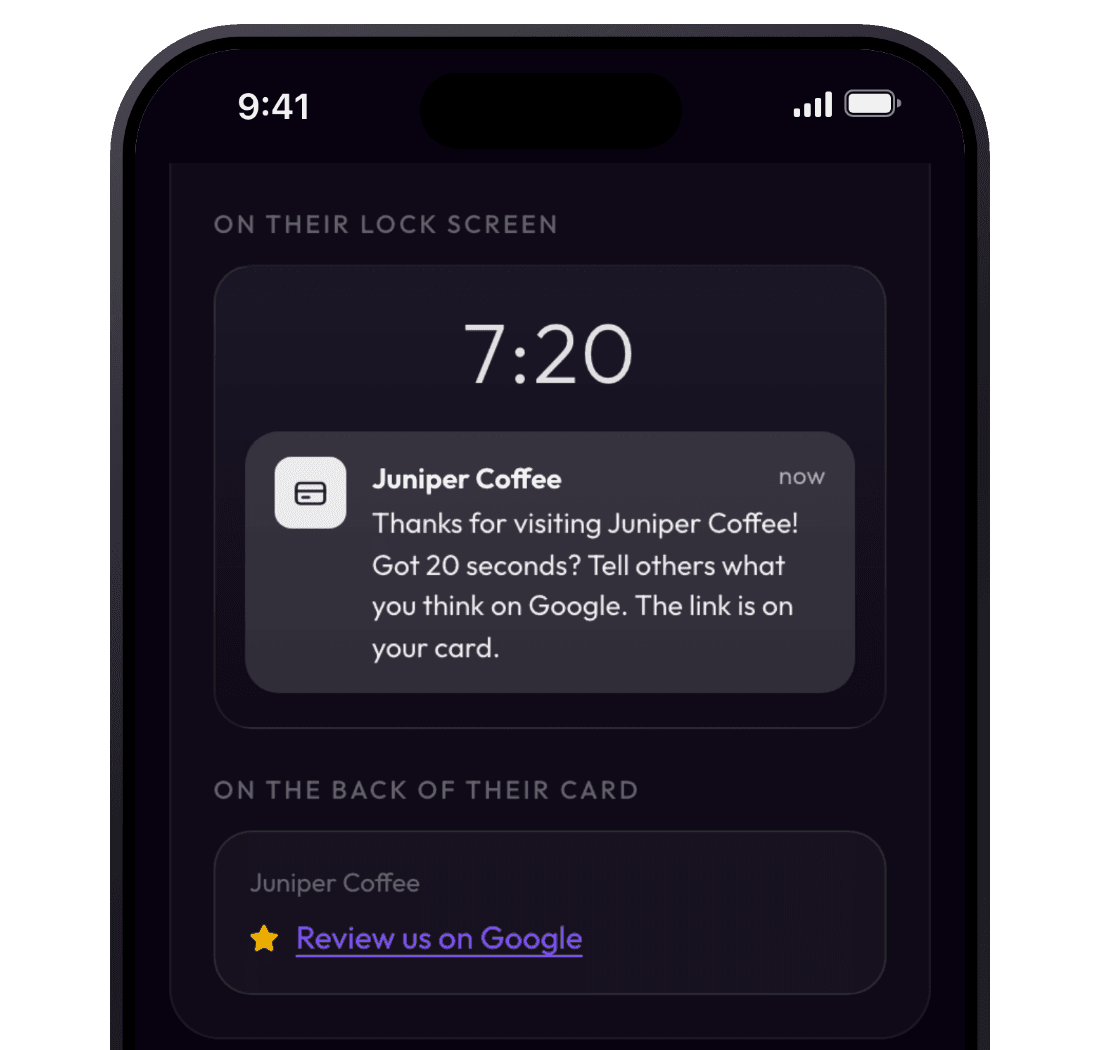
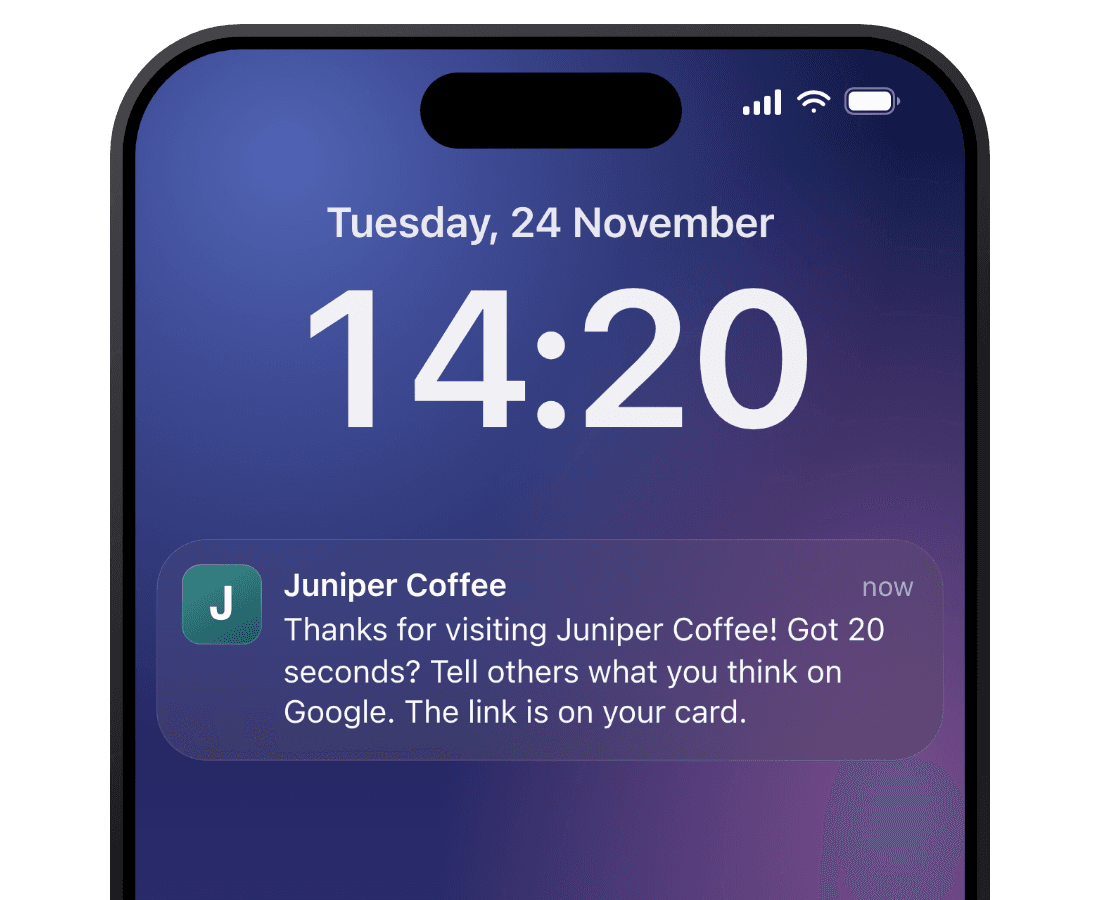
A message a few hours later reaches people with their phone already in their hand. Keep it short and use their name if you have it:
"Hi Maria, thanks for coming in today. If you have a minute, a Google review helps people find us: [your link]"
Send one, and stop there. Doing this by hand gets forgotten in a busy week, so make it automatic where you can. If your booking, register or email tool can send a message after a visit, switch that on, set it to go once per customer, add the link, and let it go to everyone who agreed to hear from you, whether they seemed pleased or not.
Step 6: Reply to every review
In Read reviews, choose Reply next to the review. Your business has to be verified, and Google usually checks a reply within 10 minutes, though it can take up to 30 days.
For a good one: "Thank you, Sam. Glad the corner table was free." For a bad one: "I'm sorry about the wait on Saturday. We've added a second person at the counter from 11. I hope you'll give us another try." Thank them, name the problem, say what changed. Then tell the next customers too, on a sign or a post.
How many reviews can I expect?
Fewer than the compliments, and enough to matter. Take Fern & Kettle, an invented café that signs up 29 people to its loyalty card in the first month. That's the median in our own numbers: across 238 Passtastic businesses with at least 10 members, the median is 29 sign-ups in the first month (12 months to November 2026).
Suppose 20 of those 29 get your message after a visit, and 1 in 5 of them posts a review. That's 4 new reviews. Both the 20 and the 1 in 5 are our guesses, there to show the math. Fewer sign-ups means fewer people to message, so put in your own numbers after a month.
That's the first month. Later months depend on how many new people you ask, because each person should get that message only once. If too few people sign up, start with how to get customers to sign up at the counter.
What if asking brings in a bad review?
It will, sooner or later. A request sent to everyone reaches unhappy people too, and that comes with asking everyone. A fair complaint also tells you what to fix: if three people mention the wait, the wait is real.
A fake one is different. Under Read reviews, choose Report and pick a reason. Google removes only reviews that break its policies, a decision typically takes several days, and you can appeal once. Disliking a review isn't a reason it accepts.
And if an unhappy regular stopped coming altogether, here's how to bring back a customer who went quiet.

What do I do with the good ones?
Use them. Read one out at the team meeting. Put a favorite on your website, in a post, or on a small frame by the register. When new customers see other people's reviews, leaving one feels normal.
A loyalty card on their phone gives you a way to ask for a review after they've left. 14-day free trial, no credit card needed.
Create your loyalty cardPasstastic's Google review requests send the message from Step 5 for you: each customer gets one, on the loyalty card in their phone, a few hours after a visit, once they've come in at least twice, whether they seemed happy or not. They're part of an add-on, the Win new customers pack ($9 a month per location, on top of the $19 plan; 14-day free trial, no credit card).