

Create a Zap in Zapier
Create your Zapier account
1. Go to zapier.com and create an account.
Webhooks require a paid Zapier plan (starts at the Starter tier). If you're new to Zapier, you can use their free trial to test everything first.
Create a new Zap
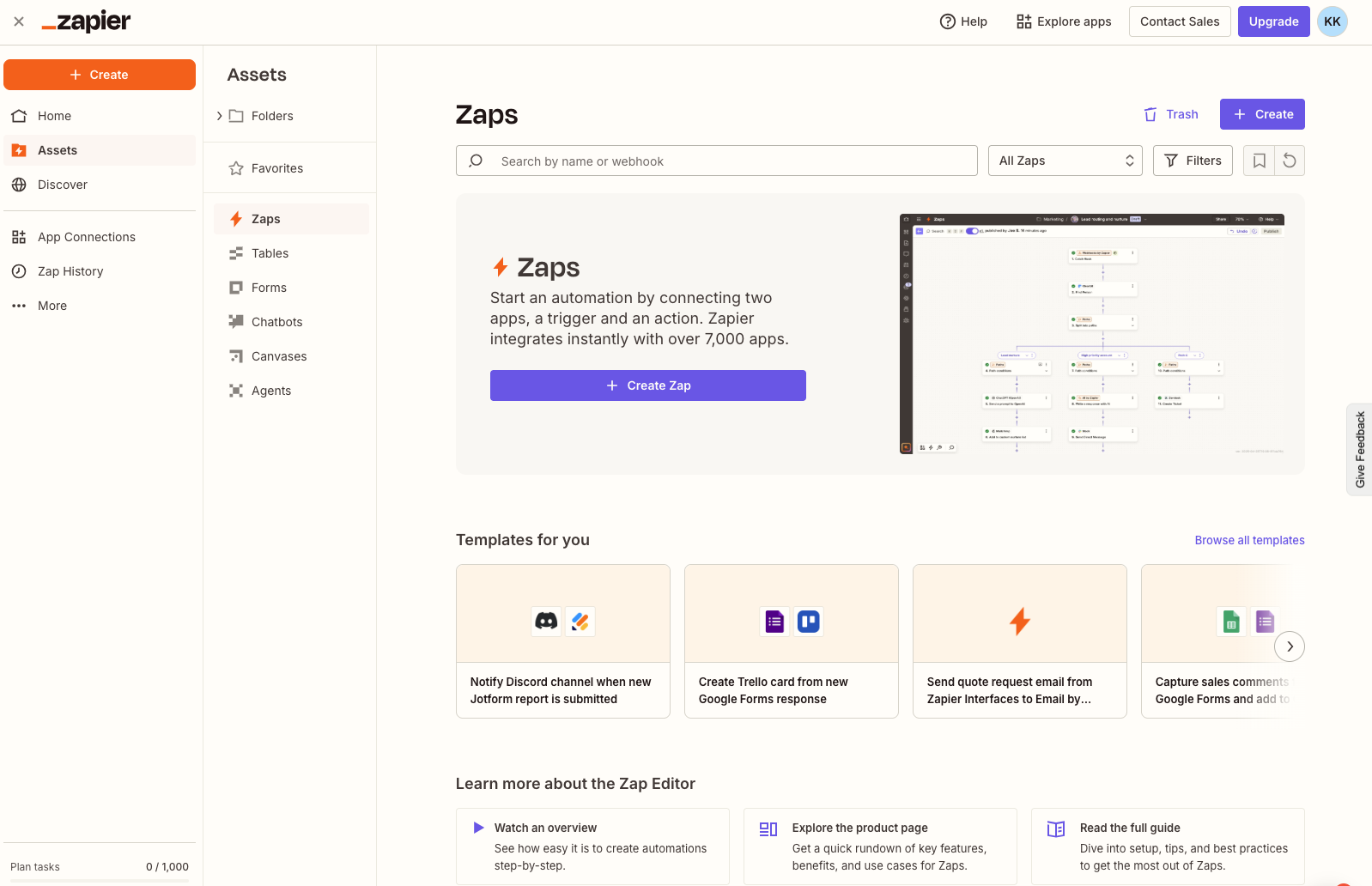
1. Once you're logged in, click Create in the top menu, then click Zaps.
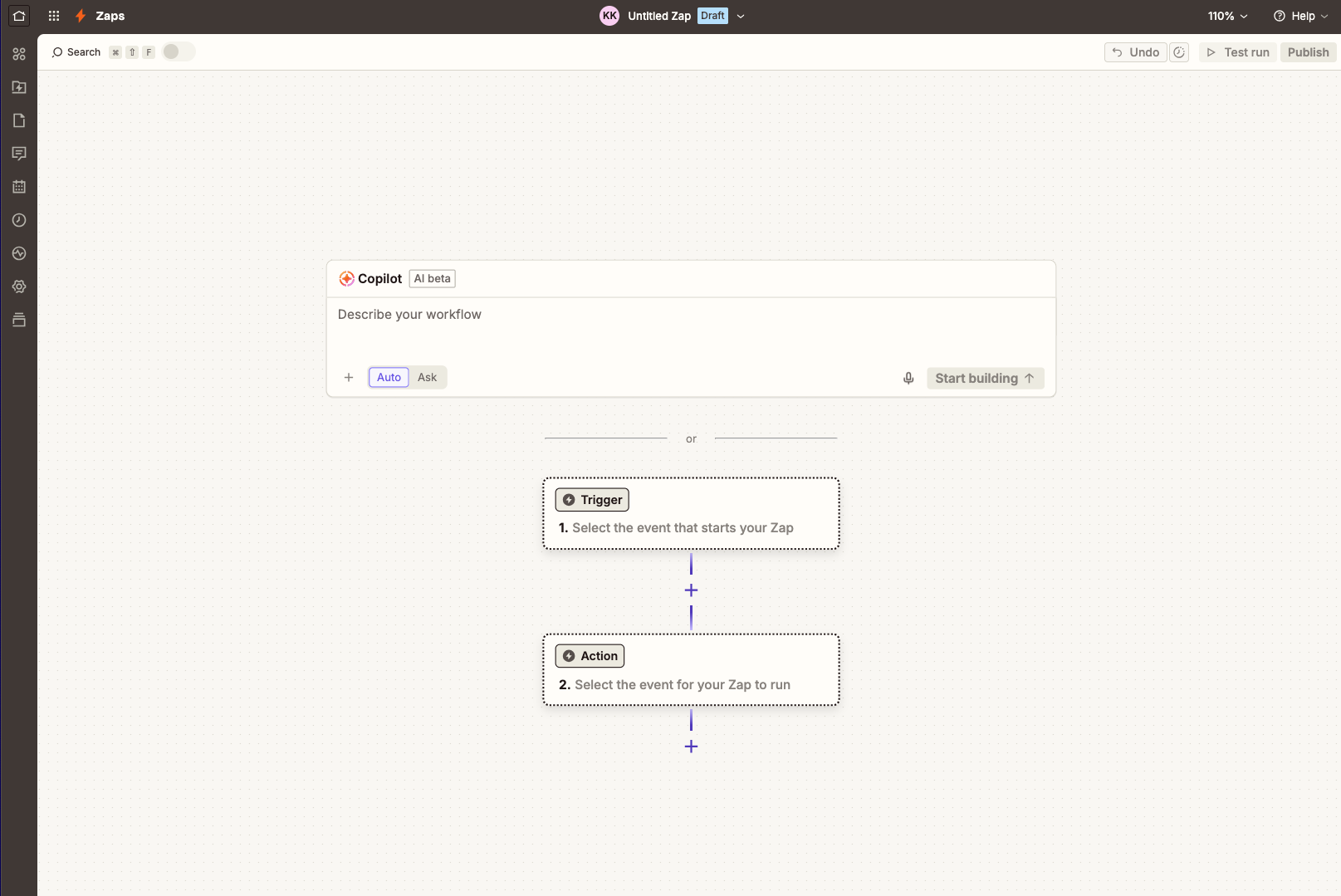
2. You'll see a screen with a Trigger and an Action. The trigger is what starts the automation. The action is what happens next.
Set up the trigger
1. Click the Trigger box.
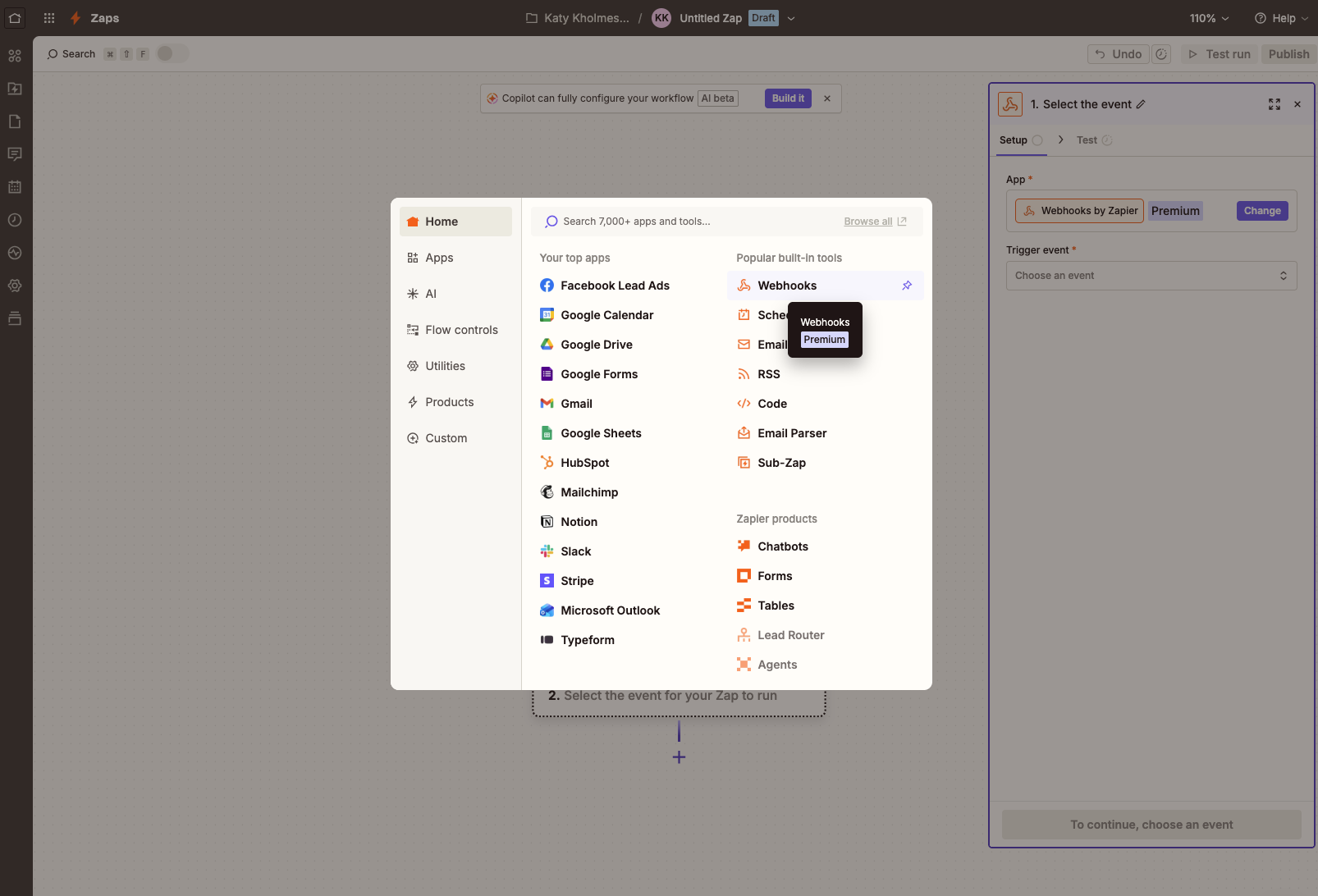
2. Search for "Webhooks by Zapier" and select it.
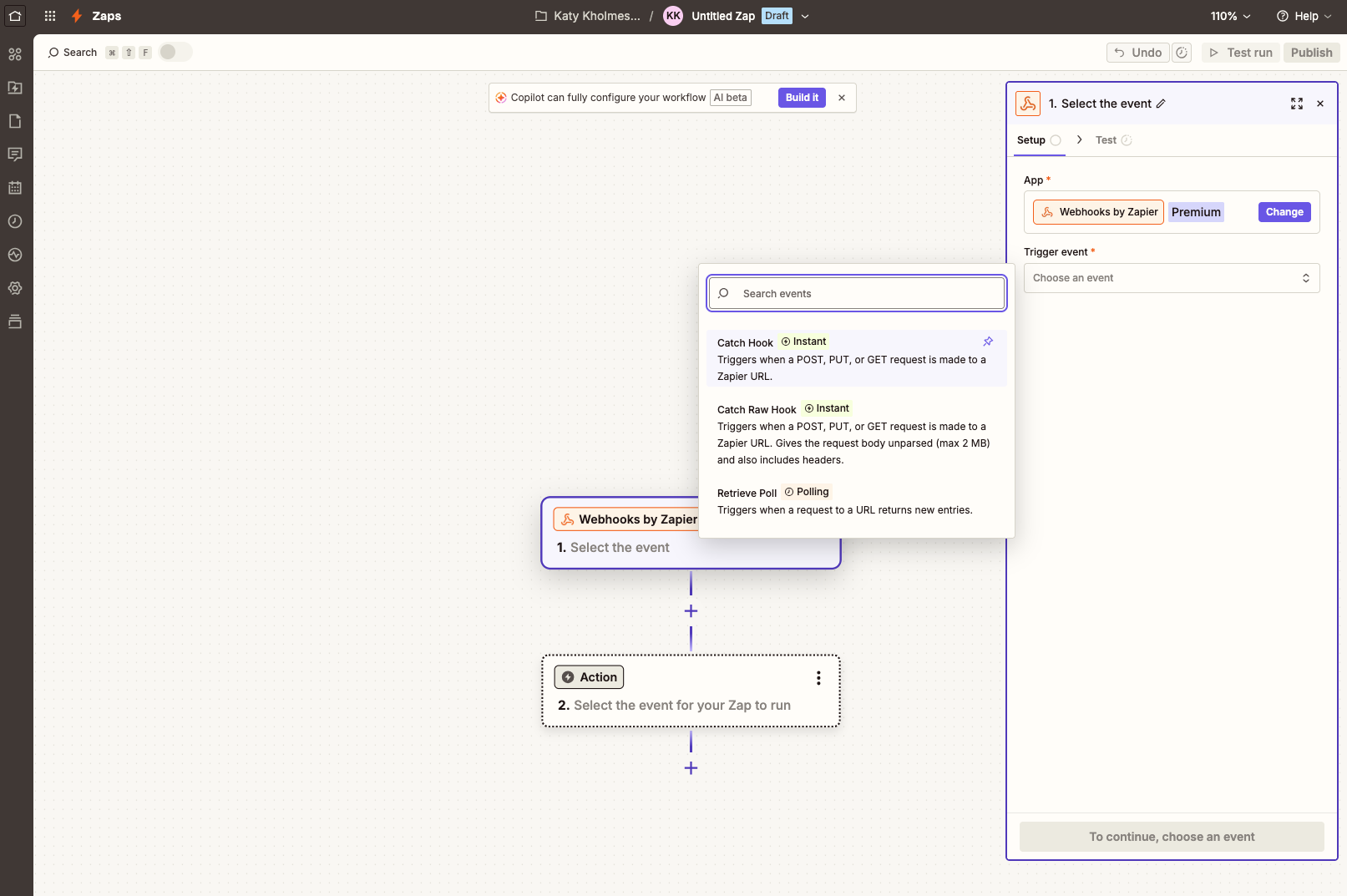
3. Choose "Catch Hook" as the event type.
4. Click Continue. You'll see a "Pick off a Child Key" field — leave it empty and click Continue again.
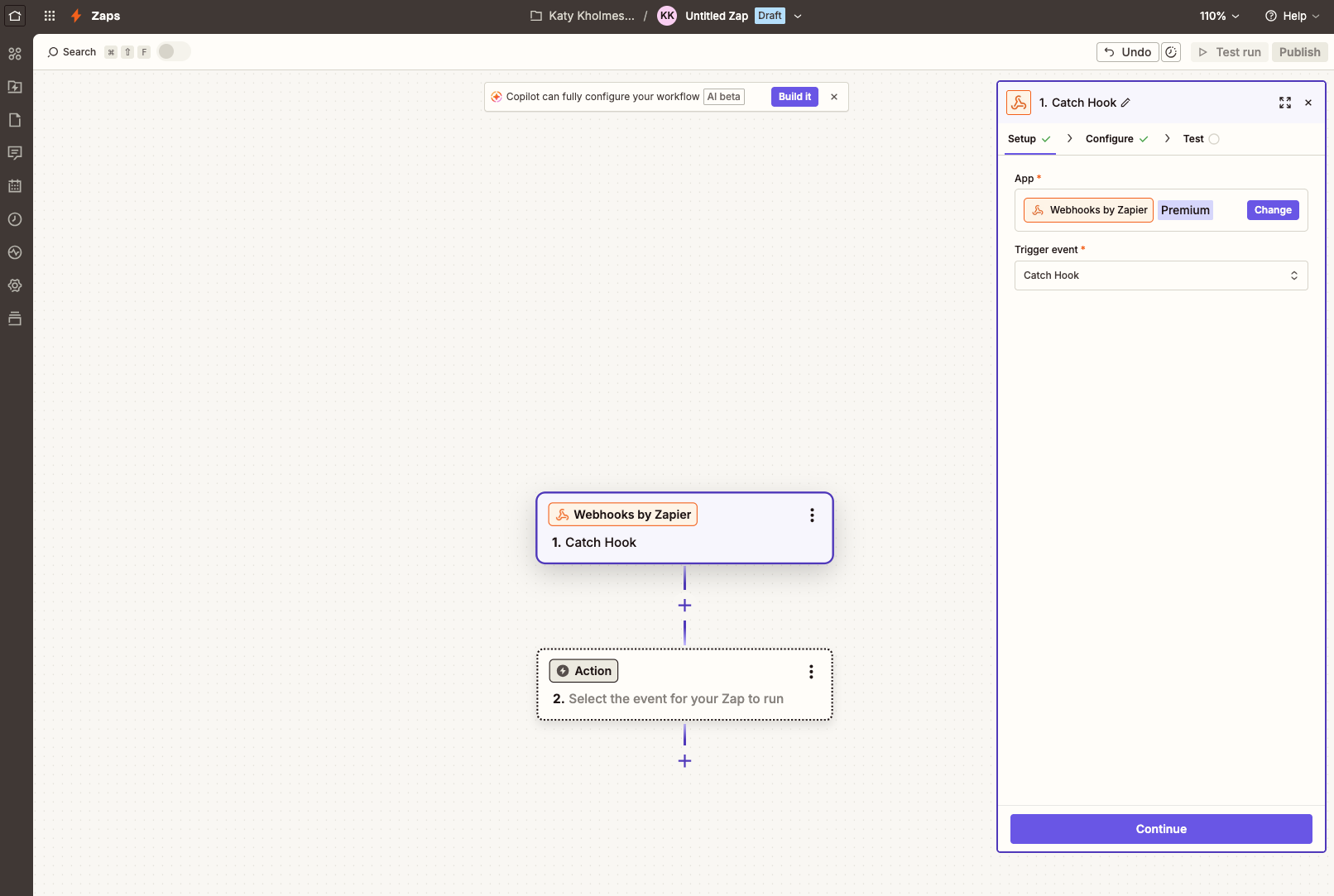
5. Zapier will show you a webhook URL. It looks something like this:
`https://hooks.zapier.com/hooks/catch/123456/abcdef/`
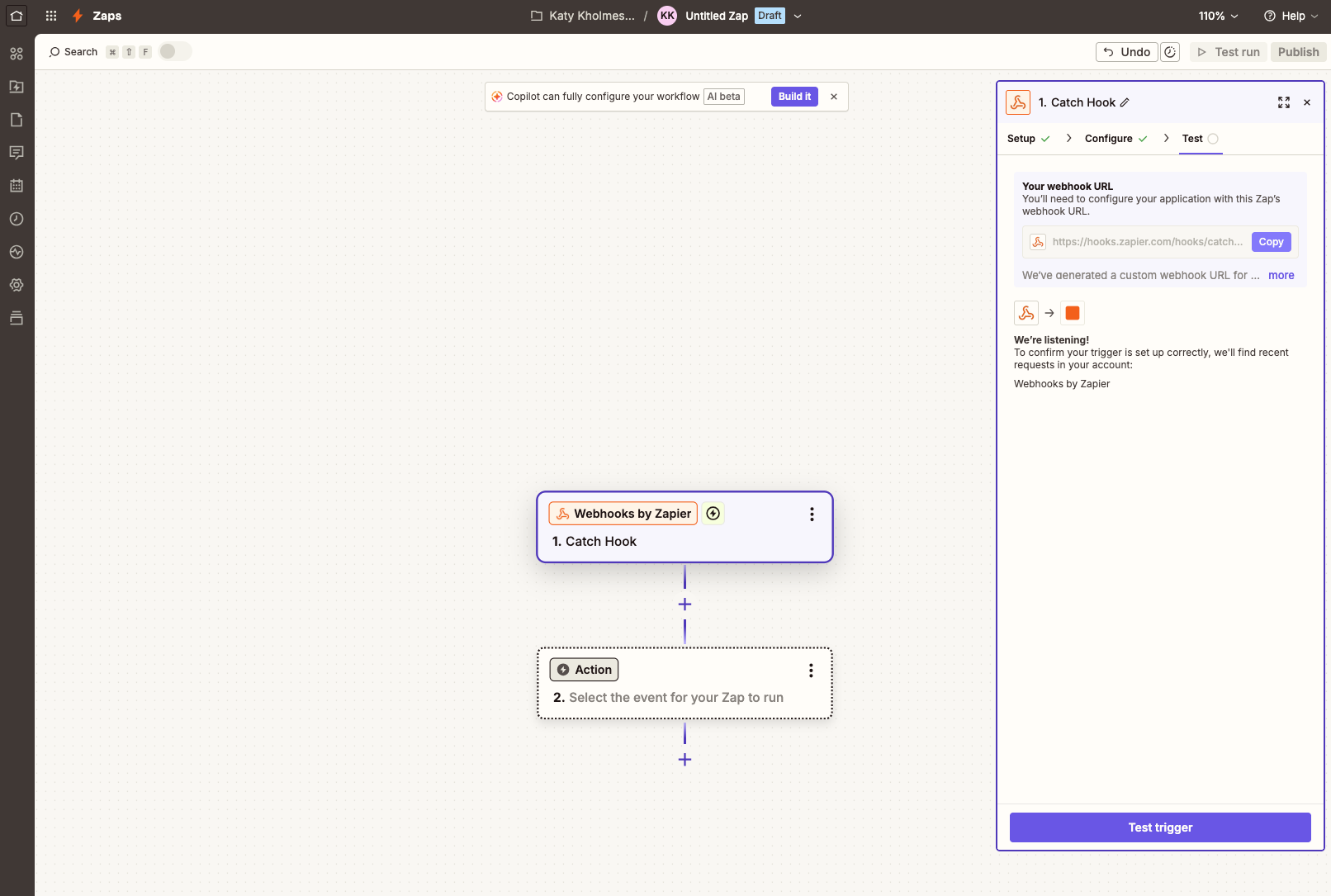
6. Copy this URL. You'll paste it into Passtastic in the next step.
Tip: Keep this Zapier tab open — you'll come back to it after setting up Passtastic.